
Увод
This manual provides detailed instructions for the setup, operation, and maintenance of your FANGOR 15.6" Portable Monitor, model DH112222. Please read this manual thoroughly before using the product to ensure proper functionality and to prevent damage.
The FANGOR DH112222 is a versatile 15.6-inch Full HD 1080P IPS display designed for various applications, including extending laptop screens, gaming, and multimedia consumption. It features USB Type-C and HDMI connectivity, built-in speakers, and a smart cover for portability and protection.
Садржај пакета
Молимо вас да проверите садржај пакета након распакивања. Ако неке ставке недостају или су оштећене, контактирајте корисничку подршку.
- FANGOR 15.6" Portable Monitor (DH112222)
- Smart Cover / Stand
- USB-C to USB-C Cable (for power and video/data)
- HDMI to Mini HDMI Cable (for video)
- USB-A to USB-C Cable (for power)
- Адаптер за напајање (ако је укључен)
- Кориснички приручник (овај документ)
Производ је завршенview
Familiarize yourself with the monitor's components and ports.
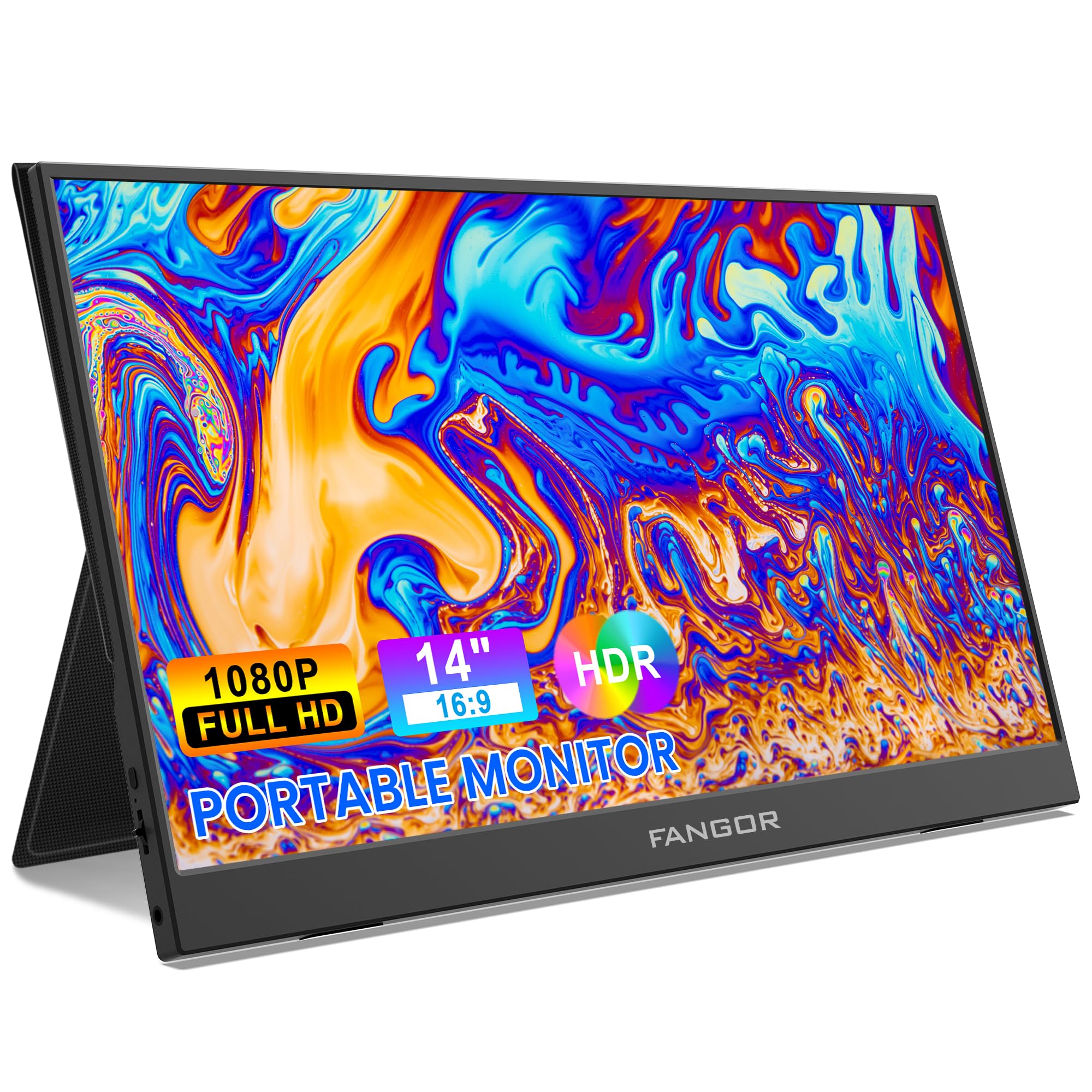
Image: FANGOR 15.6" Portable Monitor DH112222. This image displays the monitor with its smart cover, showcasinг његов танак професионалацfile и екран.
Портови и дугмад:
- USB-C Port (Full-featured): For power, video, and data transmission from compatible devices.
- Мини ХДМИ порт: For video input from devices using an HDMI cable.
- 3.5 мм аудио прикључак: За повезивање екстерних слушалица или звучника.
- Power Button / OSD Menu Button: Press and hold to power on/off. Press to access the On-Screen Display (OSD) menu.
- Volume / Navigation Buttons: Used to adjust volume or navigate through the OSD menu.
- Уграђени звучници: Located on the sides or rear of the monitor.
Note: A visual diagram showing the exact location of each port and button would typically be included here.
Упутства за подешавање
1. Setting up the Smart Cover:
- Unfold the smart cover to form a triangular stand.
- Place the monitor into the grooves of the stand to achieve the desired viewугао уласка.
Note: An illustration demonstrating how to fold the smart cover into a stand would be beneficial here.
2. Connecting to a Power Source:
The monitor requires power to operate. It can be powered via USB-C.
- Connect one end of the USB-C to USB-C cable to the monitor's full-featured USB-C port.
- Connect the other end to a power adapter (5V/3A or higher recommended) or a compatible device's USB-C port that supports power delivery.
- Alternatively, use the USB-A to USB-C cable with a power adapter.
Note: A diagram showing power connection options would be helpful.
Упутство за употребу
Повезивање са уређајима:
The FANGOR DH112222 supports various devices via USB-C and HDMI.
1. Connecting to a Laptop/PC (USB-C):
For laptops/PCs with a full-featured USB-C port (supporting DisplayPort Alternate Mode and Power Delivery):
- Connect one end of the USB-C to USB-C cable to the monitor's full-featured USB-C port.
- Connect the other end to the laptop's full-featured USB-C port.
- The monitor should automatically detect the signal and display the screen. If not, ensure the laptop's display settings are configured for an external monitor (e.g., Extend, Duplicate).
Note: Some laptops may require an external power source for the monitor if their USB-C port does not provide sufficient power.
2. Connecting to a Laptop/PC (HDMI):
For laptops/PCs with an HDMI port:
- Connect one end of the HDMI to Mini HDMI cable to the monitor's Mini HDMI port.
- Connect the other end (HDMI) to the laptop's HDMI port.
- Ensure the monitor is powered via its USB-C port (using a USB-A to USB-C cable connected to a power adapter or a USB-C to USB-C cable connected to a power source).
- The monitor should automatically detect the signal. Adjust display settings on your PC if necessary.
3. Connecting to Gaming Consoles (PS4, Xbox, Switch):
Use the HDMI to Mini HDMI cable for video and a USB-C cable for power.
- Connect the monitor to a power source via USB-C.
- Connect the HDMI to Mini HDMI cable from the console's HDMI output to the monitor's Mini HDMI input.
- Power on the console and the monitor.
4. Connecting to Smartphones (USB-C):
For smartphones with a full-featured USB-C port (supporting DisplayPort Alternate Mode and Power Delivery):
- Connect one end of the USB-C to USB-C cable to the monitor's full-featured USB-C port.
- Connect the other end to the smartphone's USB-C port.
- The monitor will display the phone's screen. Some phones may offer a desktop mode.
Note: Not all smartphones support video output via USB-C. Check your phone's specifications.
Он-Сцреен Дисплаи (ОСД) мени:
OSD мени вам омогућава да подесите разне поставке екрана.
- Press the Power/OSD button to open the OSD menu.
- Use the Volume/Navigation buttons to move up/down or left/right through the menu options.
- Press the Power/OSD button again to select an option or confirm a setting.
- To exit the OSD menu, navigate to the 'Exit' option or wait for the menu to time out.
Common OSD Menu Options: Brightness, Contrast, Color Temperature, Aspect Ratio, Input Source, Volume.
Одржавање
- Чишћење екрана: Користите меку крпу која не оставља длачицеampводом или неабразивним средством за чишћење екрана. Не прскајте течност директно на екран.
- Чишћење Цasing: Use a soft, dry cloth. Avoid harsh chemicals or abrasive materials.
- Складиштење: When not in use, store the monitor in its smart cover to protect the screen from scratches and dust. Avoid extreme temperatures and humidity.
- Руковање: Монитор увек држите за ивице. Избегавајте притискање екрана.
Решавање проблема
| Проблем | Могуће решење |
|---|---|
| Нема сигнала / Црни екран |
|
| Нема звука из звучника |
|
| Треперење екрана или нестабилна слика |
|
| Монитор се не укључује |
|
Спецификације
| Феатуре | Детаљ |
|---|---|
| Број модела | ДХ112222 |
| Величина екрана | 15.6 инча |
| Резолуција | FHD 1080p (1920 x 1080) |
| Дисплаи Типе | ЛЦД, ИПС |
| Аспецт Ратио | 16:9 |
| Рефресх Рате | 60 Хз |
| Однос контраста | 1000:1 |
| Viewинг Англе | 160 степени |
| Screen Finish | Глосси |
| Повезивање | HDMI, USB-C (full-featured), Mini HDMI |
| Аудио | Built-In Speakers, 3.5mm Audio Jack |
| Димензије производа | 38 к 28.5 к 45 цм |
| Тежина артикла | 612.35 г (1.35 фунти) |
| Компатибилни уређаји | Laptop, PC, Smartphone, XBOX, Switch, PS4 |
Безбедносне информације
- Не излажите монитор киши или влази како бисте спречили опасност од пожара или струјног удара.
- Не отварајте монитор цasinг. Сва сервисирања препустите квалификованом сервисном особљу.
- Избегавајте постављање монитора у близини извора топлоте или на директној сунчевој светлости.
- Користите само адаптер за напајање и каблове које је обезбедио или препоручио произвођач.
- Држите монитор даље од јаких магнетних поља.
Гаранција и подршка
For warranty information and technical support, please refer to the warranty card included with your product or visit the official FANGOR webсајт. Сачувајте рачун као доказ о куповини за потребе гаранције.
For further assistance, contact FANGOR customer support through their official channels.