
Увод
This manual provides comprehensive instructions for the Attoe Bluetooth Wireless Mouse, Model XYH20. This device offers versatile connectivity options, customizable RGB lighting, and an ergonomic design for extended use. Please read this manual thoroughly to ensure proper setup and operation of your new mouse.
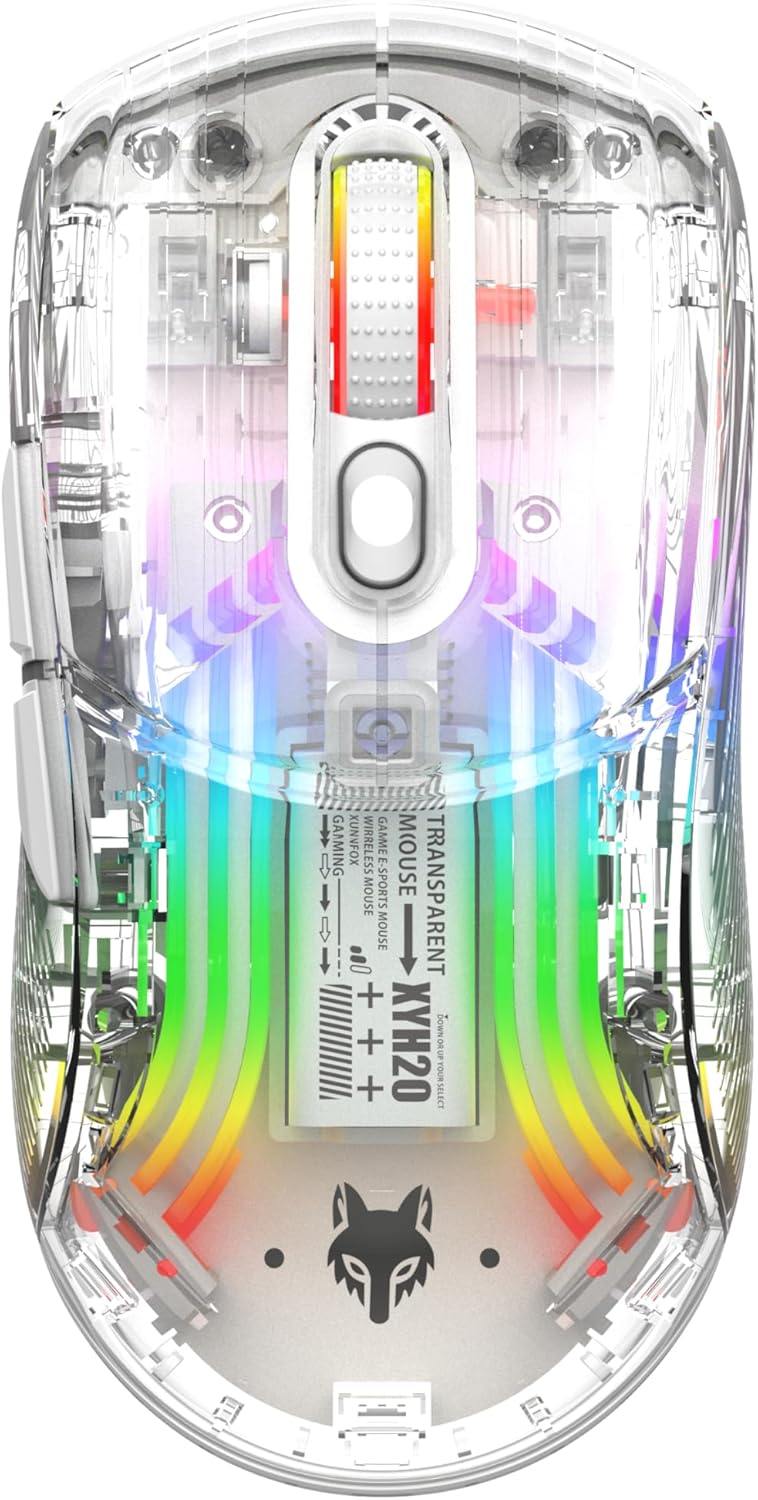
Слика: Врх view of the Attoe Bluetooth Wireless Mouse, showcasinг његово провидно цasing and vibrant internal RGB lighting.
Карактеристике производа
- Транспарентни дизајн шкољке: Unique transparent casing with internal components visible.
- Двоструки режим повезивања: Supports 2.4GHz wireless via USB receiver and Bluetooth connection.
- RGB позадинско осветљење: Multiple adjustable RGB lighting effects.
- Ергономски дизајн: Shaped for comfortable grip during prolonged use.
- Quiet Click Buttons: Designed for silent operation.
- Подесиви ДПИ: 5-speed DPI settings (800-1200-1600-2000-2400) for precise control.
- Пуњива батерија: Built-in 500mAh large capacity rechargeable battery with Type-C charging.
- Широка компатибилност: Compatible with Windows 7/8/10/XP, Vista 7/8, Linux, and Mac OS. (Note: Two left side buttons are not available in Mac OS).
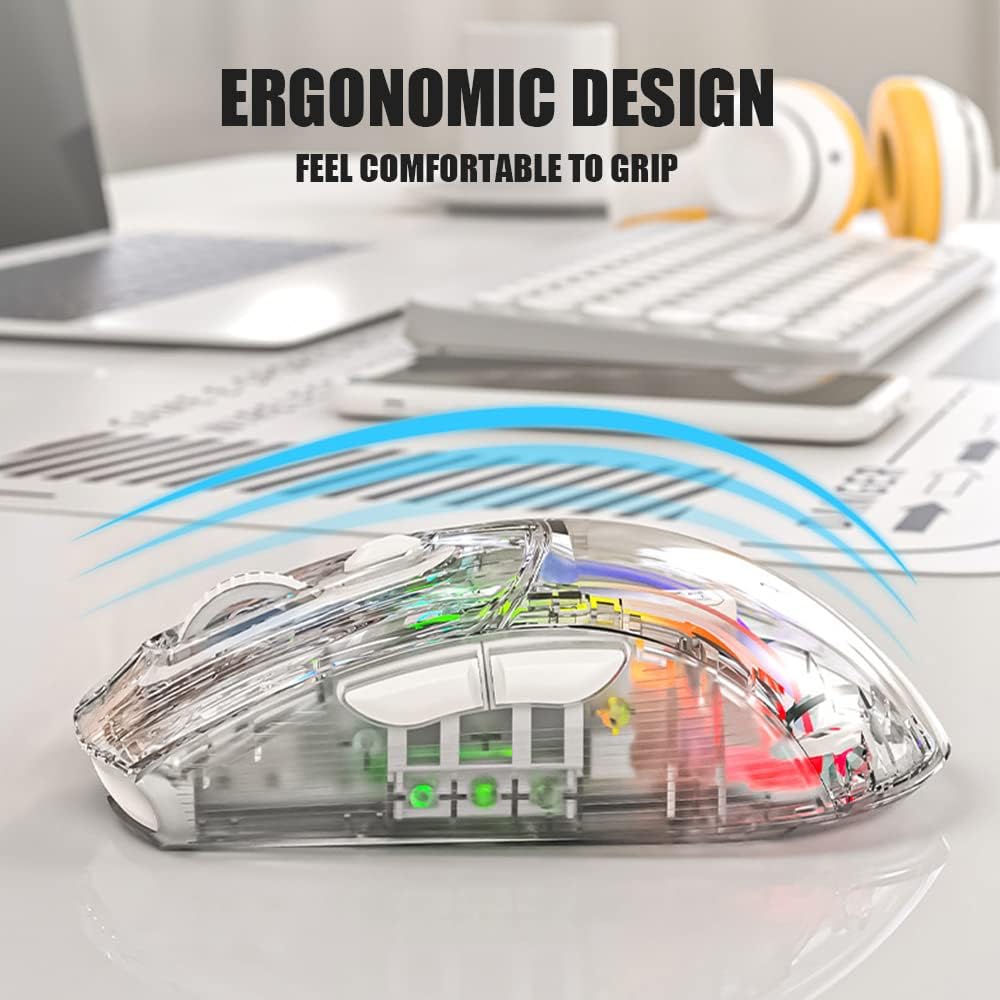
Слика: Са стране view of the Attoe Bluetooth Wireless Mouse, illustrating its ergonomic contour for comfortable handling.
Шта је у кутији
- Attoe Bluetooth Wireless Gaming Mouse
- УСБ кабл за пуњење типа Ц
- Кориснички приручник (овај документ)
Сетуп
The Attoe Bluetooth Wireless Mouse offers three connection modes: 2.4GHz wireless, Bluetooth, and wired via USB-C cable.
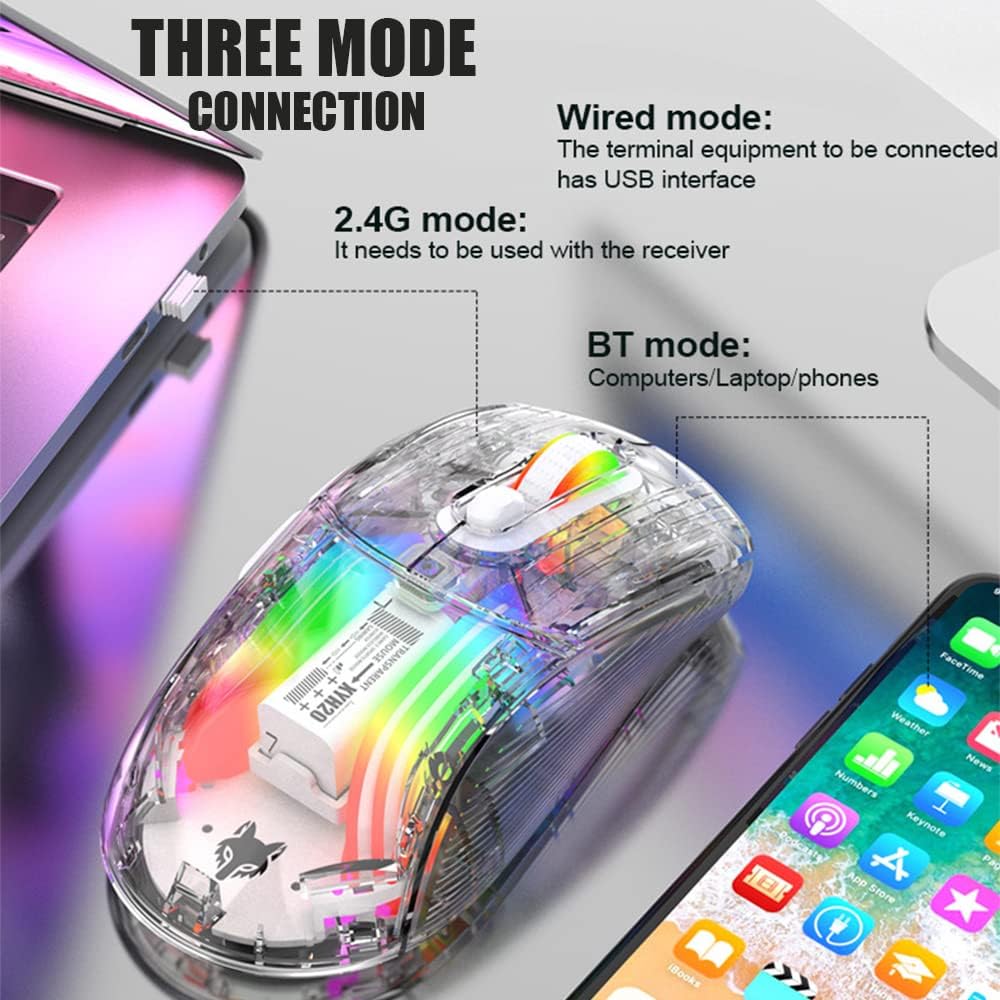
Image: Diagram illustrating the three connection modes: 2.4G wireless, Bluetooth, and wired USB, with exampлес уређаја.
Бежична веза од 2.4 ГХз
- Пронађите УСБ пријемник који се налази у доњем одељку миша.
- Укључите УСБ пријемник у слободан УСБ порт на рачунару.
- Set the mode switch on the bottom of the mouse to the 2.4G position.
- Миш би требало да се аутоматски повеже.
Блуетоотх веза
- Set the mode switch on the bottom of the mouse to the Bluetooth position.
- Long press the Left, Middle (scroll wheel), and Right buttons simultaneously for 4 seconds to enter pairing mode. The mouse's indicator light will flash.
- На рачунару или уређају отворите подешавања за Bluetooth и потражите нове уређаје.
- Select "Attoe Mouse" (or similar name) from the list of available devices to pair.
- Једном када се упаре, индикаторска лампица ће престати да трепери.
Жичана веза
You can also use the mouse in wired mode while charging or as an alternative connection. Simply connect the provided USB Type-C cable from the mouse to a USB port on your computer.
Упутство за употребу

Image: Detailed diagram of the Attoe mouse, labeling its buttons, receiver storage, charging port, and switches.
Функције дугмета
- Left Button (1): Стандардна функција левог клика.
- Right Button (2): Стандардна функција десног клика.
- Scroll Button (3): Scroll wheel for vertical navigation; also functions as a middle-click button.
- Дугме ДПИ (4): Кружи кроз подешавања DPI-ја.
- Forward Button (5): Навигација напред у web претраживачи или file истраживачи.
- Back Button (6): Навигација уназад web претраживачи или file истраживачи.
ДПИ Адјустмент
The mouse features 5 adjustable DPI (Dots Per Inch) settings to control cursor sensitivity and speed. Press the DPI Button (4) located below the scroll wheel to cycle through the following settings:
- 800 ДПИ
- 1200 ДПИ
- 1600 ДПИ
- 2000 ДПИ
- 2400 ДПИ

Image: The Attoe mouse highlighting the DPI button and its 5-speed adjustment range from 800 to 2400.
РГБ контрола осветљења
The mouse features various RGB lighting effects. To adjust or turn off the lighting, use the Light Switch (10) налази се на дну миша.

Image: The Attoe mouse displaying its vibrant RGB lighting effects, with an inset showing the location of the light switch on the shell bottom.
Quiet Click Feature
The mouse is designed with mute buttons, providing a quiet clicking experience suitable for environments where noise reduction is desired.

Image: The Attoe mouse with an overlay indicating its quiet click functionality, designed not to disturb others.
Пуњење и батерија
The Attoe Bluetooth Wireless Mouse is equipped with a 500mAh rechargeable battery. Use the provided USB Type-C cable to charge the mouse.
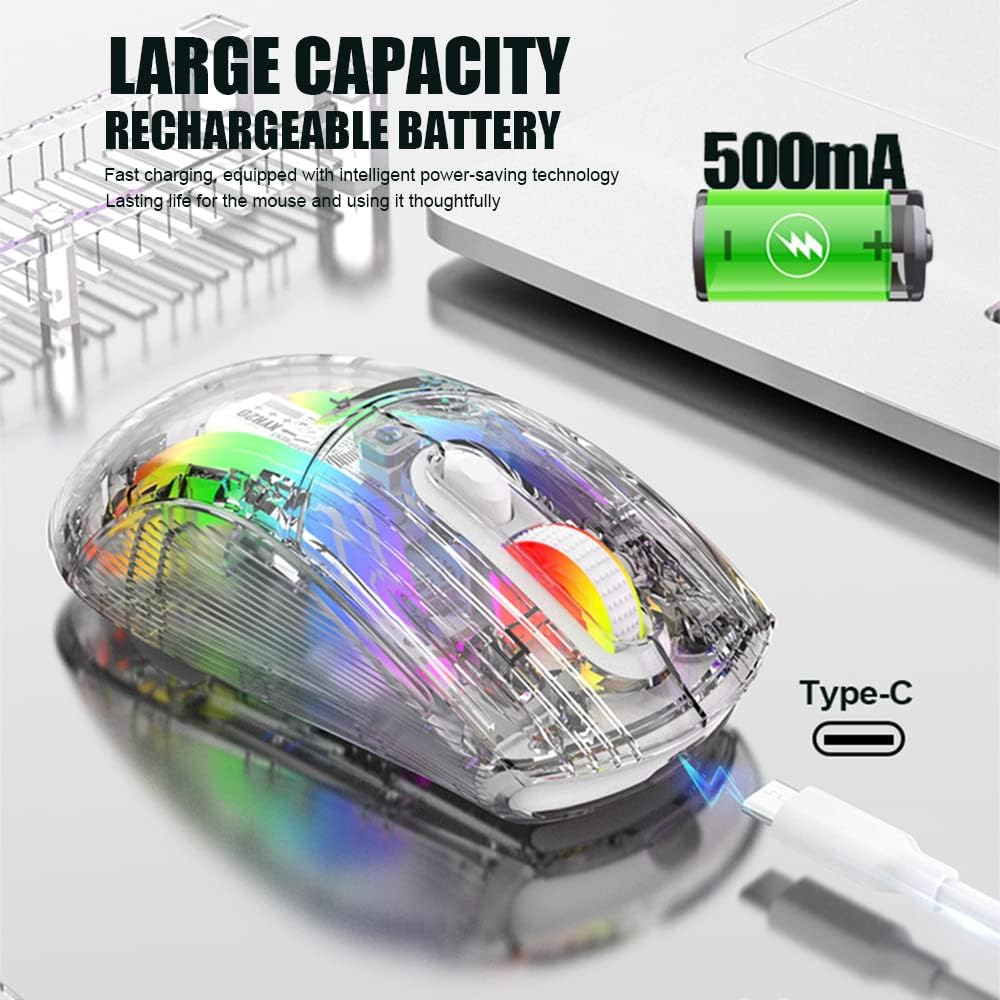
Image: The Attoe mouse connected via a Type-C cable for charging, with an icon indicating its 500mAh rechargeable battery capacity.
- Connect the Type-C end of the charging cable to the Charging Port (11) on the front of the mouse.
- Connect the USB-A end of the charging cable to a USB power source (e.g., computer USB port, USB wall adapter).
- The mouse can be used while charging in wired mode.
Одржавање
To ensure the longevity and optimal performance of your Attoe Bluetooth Wireless Mouse, follow these maintenance guidelines:
- Чишћење: Користите меку, суву крпу да обришете површину миша. За тврдокорну прљавштину, благо обришитеampОбришите крпу водом или благим раствором за чишћење. Избегавајте јаке хемикалије или абразивне материјале.
- Брига о сензорима: Одржавајте оптички сензор на дну миша чистим и без прашине или прљавштине како бисте осигурали прецизно праћење.
- Складиштење: Када се миш не користи дуже време, чувајте га на хладном и сувом месту.
- Одржавање батерије: Avoid fully discharging the battery frequently. Charge the mouse when the battery level is low.
Решавање проблема
| Проблем | Могући узрок | Решење |
|---|---|---|
| Mouse not connecting (2.4GHz) | USB receiver not properly inserted; mouse not in 2.4G mode; low battery. | Ensure receiver is fully inserted. Set mode switch to 2.4G. Charge the mouse. Try a different USB port. |
| Mouse not connecting (Bluetooth) | Mouse not in pairing mode; Bluetooth disabled on device; low battery; device incompatibility. | Set mode switch to Bluetooth. Long press Left/Middle/Right buttons for 4s to enter pairing. Ensure device Bluetooth is on. Charge the mouse. Check device compatibility (Mac OS side buttons not supported). |
| РГБ светла не раде | Светла су искључена; батерија је празна. | Press the Light Switch on the bottom of the mouse to cycle through modes or turn on. Charge the mouse. |
| Cursor movement is erratic or unresponsive | Прљав оптички сензор; неодговарајућа површина; празна батерија. | Clean the optical sensor. Use a mouse pad or a smooth, non-reflective surface. Charge the mouse. |
| Side buttons not working on Mac OS | Operating system limitation. | This is a known limitation; the two left side buttons are not available in Mac OS. |
Спецификације
| Феатуре | Детаљ |
|---|---|
| Модел | XYH20 |
| Димензије производа | 4.8 к 2.8 к 0.04 инча (12.6 к 6.2 к 3.85 цм) |
| Тежина артикла | 3.52 унце (110 г) |
| Технологија повезивања | Bluetooth, 2.4GHz Wireless, Wired (USB Type-C) |
| Технологија детекције покрета | Оптицал |
| ДПИ подешавања | 800, 1200, 1600, 2000, 2400 |
| Посебне карактеристике | Ergonomic Design, LED Lights (RGB), Portable, Rechargeable, Soundless (Quiet Click), Wireless |
| Капацитет батерије | 500мАх |
| Порт за пуњење | УСБ Типе-Ц |
| Компатибилност | Windows 7/8/10/XP, Vista 7/8, Linux, Mac OS (Note: Left side buttons not available in Mac OS) |
Гаранција и подршка
Attoe products are designed for reliability and performance. For any issues or questions regarding your Attoe Bluetooth Wireless Mouse, please contact our customer support. We are committed to providing assistance and ensuring your satisfaction.
Please refer to your purchase documentation for specific warranty details. If you encounter problems, you can contact us at any time; we provide 24-hour after-sales service.