
1. Увод
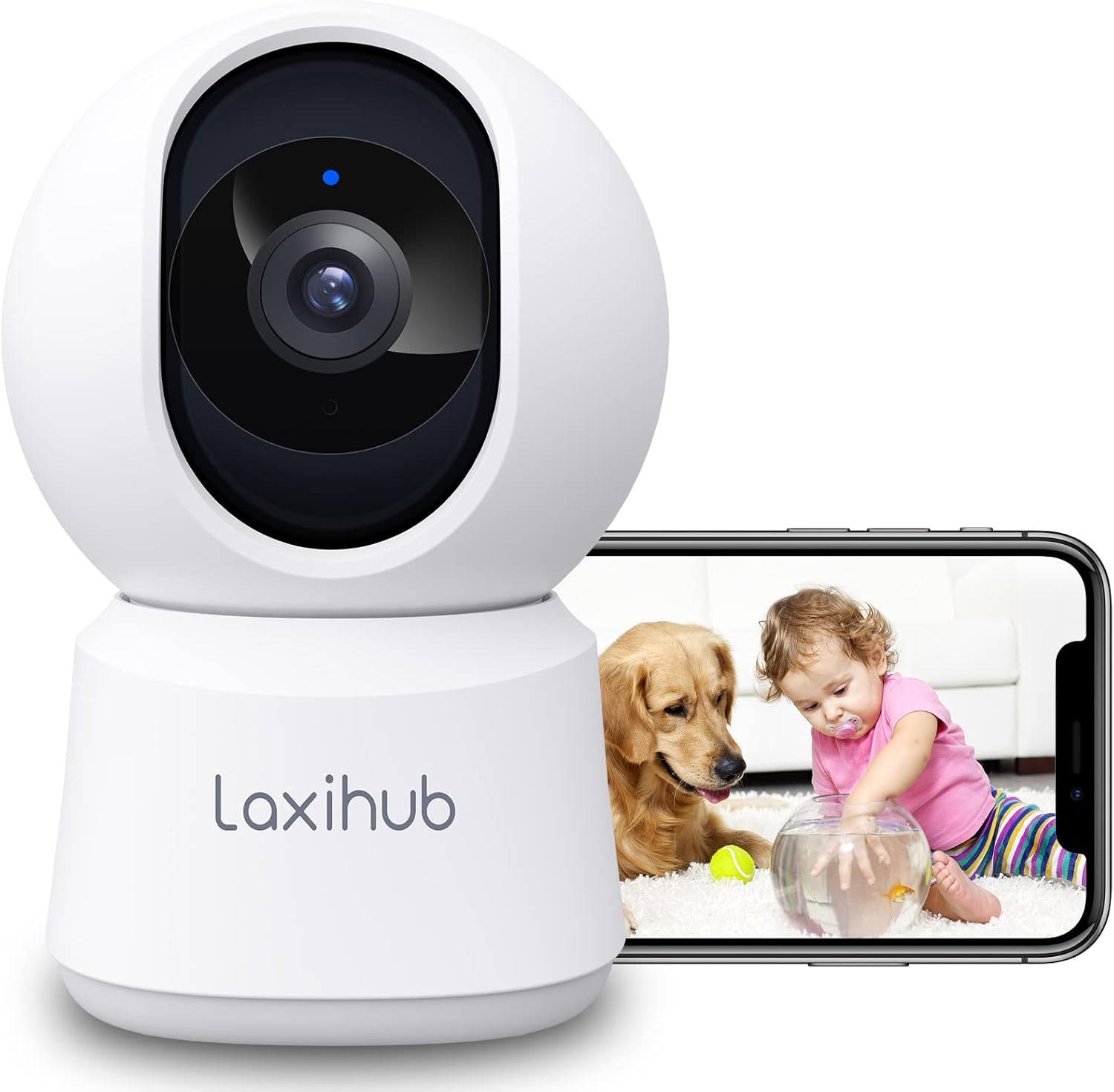
Thank you for choosing the LAXIHUB P2 2K/3MP Indoor Wi-Fi Security Camera. This manual provides essential information for setting up, operating, and maintaining your device. The P2 camera offers advanced features such as 2K/3MP video resolution, 360-degree pan and tilt functionality, enhanced night vision, two-way audio communication, and intelligent motion and sound detection. It is designed to help you monitor your home, pets, or children with ease and peace of mind.

LAXIHUB P2 Indoor Security Camera showing a golden retriever and a baby, with a smartphone displaying the live feed.
2. Феатурес Оверview
The LAXIHUB P2 camera is equipped with a range of features to enhance your home monitoring experience:
- 2K/3MP Video Resolution: Пружа јасан и детаљан видео записtage.
- 360° панорамирање и нагињање: Нуди широк viewing angle with 355° horizontal and 93° vertical rotation.
- Побољшани ноћни вид: Clear visibility up to 33 feet (10 meters) in complete darkness.
- Двосмерни аудио: Уграђени микрофон и звучник за комуникацију у реалном времену.
- Детекција покрета и звука: Sends instant alerts to your smartphone upon detecting activity.
- Customizable Activity Zones: Define specific areas for motion detection.
- Флексибилне опције складиштења: Supports local SD card storage (up to 256GB, not included) and cloud storage.
- Режим приватности: Turn off the camera with one click via the app.
- Контрола гласом: Компатибилан са Амазон Алека и Гоогле Ассистант-ом.

Infographic detailing LAXIHUB P2 camera features: 2K 3MP view, customizable privacy mode, flexible 256GB storage, sharing, night vision, real-time alerts, and Alexa compatibility.
3. Садржај пакета
Молимо вас да проверите пакет за следеће ставке:
- LAXIHUB P2 Camera (1)
- Напајање (1)
- Mounting Accessories (Screws, Wall Plugs, Mounting Plate)
- Упутство за употребу (овај документ)
4. Водич за подешавање
4.1 Преузимање апликације и креирање налога
- Download the Arenti App from the App Store (iOS) or Google Play Store (Android).
- Отворите апликацију и креирајте нови налог или се пријавите ако га већ имате.
4.2 Укључивање камере
- Connect the power supply to the camera's power port.
- Укључите адаптер за напајање у зидну утичницу.
- The camera will power on, and the indicator light will flash, indicating it's ready for pairing.
4.3 Упаривање уређаја (Wi-Fi веза)
- In the Arenti App, tap the "+" icon to add a new device.
- Select your LAXIHUB P2 camera model from the list.
- Follow the on-screen instructions to connect the camera to your 2.4GHz Wi-Fi network. Ensure your phone is connected to the same Wi-Fi network.
- Scan the QR code displayed on your phone screen with the camera lens. Hold the phone approximately 15-20 cm (6-8 inches) from the camera.
- Once connected, the camera's indicator light will turn solid blue, and you will hear a confirmation sound.
4.4 Постављање и монтажа
The LAXIHUB P2 camera can be placed on a flat surface or mounted on a wall or ceiling.
- Положај стола: Simply place the camera on a stable surface with a clear view области коју желите да надгледате.
- Монтажа на зид/плафон:
- Attach the mounting plate to the desired location using the provided screws and wall plugs.
- Securely attach the camera to the mounting plate by twisting it into place.
- Adjust the camera angle in the app if necessary to ensure proper orientation.
5. Упутство за употребу
5.1 Уживо View и контрола панорамирања/нагиба
Access the live video feed from your camera through the Arenti App. Use the on-screen controls to remotely adjust the camera's viewугао уласка.
- Пан: Ротирајте камеру хоризонтално до 355 степени.
- Нагиб: Adjust the camera vertically up to 93 degrees.

LAXIHUB P2 camera demonstrating 355-degree horizontal and 93-degree vertical rotation, controlled via a smartphone app.
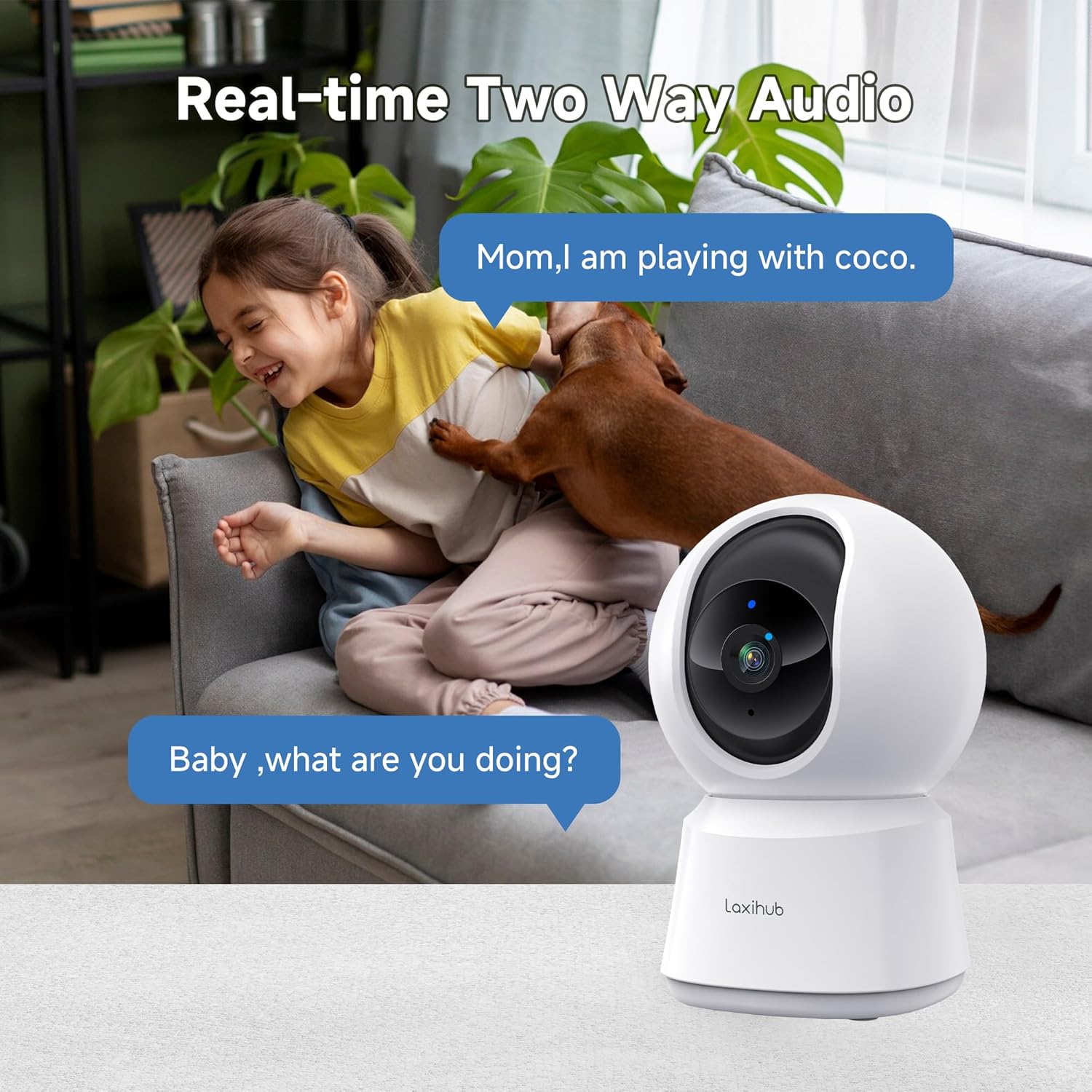
5.2 Двосмерни аудио
The camera features a built-in microphone and speaker, allowing you to listen to your environment and speak through the camera.
- Tap the microphone icon in the app to speak. Your voice will be transmitted through the camera's speaker.
- Ensure the speaker icon is enabled to hear audio from the camera's location.

A child and a dog interacting in a living room, with the LAXIHUB P2 camera in the foreground, depicting two-way audio communication.
5.3 Детекција покрета и звука
The camera can detect motion and sound, sending instant alerts to your smartphone.
- Праћење кретања: When motion is detected, the camera can automatically track the subject to keep it in view.
- Подесива осетљивост: Customize the sensitivity levels for both motion and sound detection in the app to minimize false alarms.
- Зоне активности: Set specific areas within the camera's view за детекцију покрета, игноришући небитне области.
LAXIHUB P2 camera tracking multiple cats in a living room, illustrating its smart motion tracking feature.

A cat on a sofa with a phone displaying a 'P2T Sound detected...' alert message, illustrating the camera's noise detection feature.
5.4 Ноћни вид
The camera automatically switches to enhanced infrared night vision in low-light conditions, providing clear black and white video up to 33 feet (10 meters).

A sleeping baby in a crib, viewed through the LAXIHUB P2 camera's enhanced night vision, showing the LED IR sensor and automatic activation up to 33ft in darkness.
5.5 Видео складиште
Your video recordings can be stored in two ways:
- Мицро СД картица: Insert a Micro SD card (up to 256GB, not included) into the camera's slot for local storage. Recordings can be exported from the SD card.
- Цлоуд Стораге: LAXIHUB offers a free 3-month cloud storage trial. Your data is securely stored on AWS servers.

LAXIHUB P2 camera with an inset showing an SD card being inserted, and icons for SD card and cloud storage options.
5.6 Режим приватности
Activate Privacy Mode via the Arenti App to temporarily turn off the camera and stop recording, ensuring your privacy when needed.
5.7 Интеграција гласовног асистента
The LAXIHUB P2 camera is compatible with Amazon Alexa and Google Assistant. You can use voice commands to view the live feed on compatible smart displays.
- Follow the instructions in your Alexa or Google Home app to link your Arenti account.
- Example command: "Alexa, show me the living room camera."
6. Одржавање
6.1 Чишћење
To ensure optimal performance, keep the camera lens clean.
- Gently wipe the lens with a soft, dry, lint-free cloth.
- Избегавајте употребу јаких хемикалија или абразивних средстава за чишћење.
6.2 Ажурирања фирмвера
Periodically check the Arenti App for available firmware updates. Keeping your camera's firmware up-to-date ensures you have the latest features and security enhancements.
- Идите до подешавања камере у апликацији.
- Select "Firmware Update" and follow the prompts.
КСНУМКС. Решавање проблема
| Проблем | Могући узрок | Решење |
|---|---|---|
| Камера ван мреже | No power; Wi-Fi disconnected; Weak Wi-Fi signal | Проверите везу за напајање; Рестартујте камеру и рутер; Уверите се да је камера у домету Wi-Fi мреже. |
| Повезивање на Ви-Фи није могуће | Incorrect Wi-Fi password; Not 2.4GHz network; Too far from router | Verify password; Ensure you are connecting to a 2.4GHz network; Move camera closer to router. |
| Motion/Sound alerts not received | Notifications disabled; Sensitivity too low; App not running in background | Enable app notifications; Adjust sensitivity settings; Ensure app is allowed to run in background. |
| Лош квалитет видеа | Слаб Wi-Fi сигнал; Прљаво сочиво | Improve Wi-Fi signal strength; Clean the camera lens. |
| Проблеми са двосмерним звуком | Microphone/speaker muted; Network latency | Check audio settings in app; Ensure stable internet connection. |
8. Спецификације
| Феатуре | Детаљ |
|---|---|
| Број модела | P2 |
| Димензије (Д к Ш к В) | 7.6 к 7.3 к 11.7 цм |
| Тежина | 190 грама |
| Видео Ресолутион | 2K/3MP (2560 x 1080 pixels) |
| Фраме Рате | 25 кадрова у секунди |
| Пан Англе | 355 степени хоризонтално |
| Угао нагиба | 93 degrees vertical |
| Ноћни вид | До 33 стопе (10 метара) |
| ИР ЛЕДс | 2 |
| Повезивање | Wi-Fi (2.4GHz only), Wired |
| Извор напајања | Electric Cable, 5V, 4.5W |
| Опције складиштења | Micro SD card (up to 256GB), Cloud Storage |
| Контролни метод | Arenti App |
| Компатибилност гласовног асистента | Амазон Алека, Гоогле помоћник |
| Усаге Енвиронмент | Индоор |
| ИП Ратинг | IP65 (Note: While rated IP65, this camera is recommended for indoor use.) |
Comparison image showing the difference between 1080P and LAXIHUB P2's 2K/3MP video resolution.
9. Гаранција и подршка
9.1 Информације о гаранцији
LAXIHUB products typically come with a limited warranty. Please refer to the warranty card included in your product packaging or visit the official LAXIHUB webсајт за детаљне услове гаранције специфичне за ваш регион.
9.2 Корисничка подршка
If you encounter any issues or have questions regarding your LAXIHUB P2 camera, please contact our customer support team:
- Емаил: Check the LAXIHUB official webсајт за најновију адресу е-поште за подршку.
- Онлине ресурси: Visit the LAXIHUB support page for FAQs, video tutorials, and additional resources.