
Увод
Thank you for choosing the Konix FFF Wired Controller. This controller is designed to enhance your gaming experience on Nintendo Switch, Switch 2, and PC, offering an ergonomic design, vibration feedback, and a convenient screenshot button. Please read this manual carefully before use to ensure proper setup and operation.

Figure 1: Konix FFF Wired Controller (White)
Кључне карактеристике
- Ергономски рукохват: Crafted with quality materials and anti-slip grips for comfortable extended gaming sessions, reducing hand fatigue.
- Жична веза: Features a 3-meter cable, providing ample length for flexible gameplay without battery concerns.
- Функција вибрације: Enhances immersion during gameplay with responsive vibration feedback.
- Дугме за снимање екрана: Capture and share your in-game moments with a dedicated screenshot button, similar to official Nintendo Switch controllers.
- Компатибилност са више платформи: Fully compatible with Nintendo Switch, Switch 2, and PC.

Figure 2: Controller features overview
Упутства за подешавање
Connecting to Nintendo Switch / Switch 2
- Enable Pro Controller Wired Communication:
Before connecting the controller for the first time, you must enable the "Pro Controller Wired Communication" option on your Nintendo Switch console.
- У менију ХОМЕ одаберите "System Settings".
- Scroll down the left-hand menu and select "Controllers and Sensors".
- Изаберите "Pro Controller Wired Communication" to enable this feature. (Select it again to disable if needed).
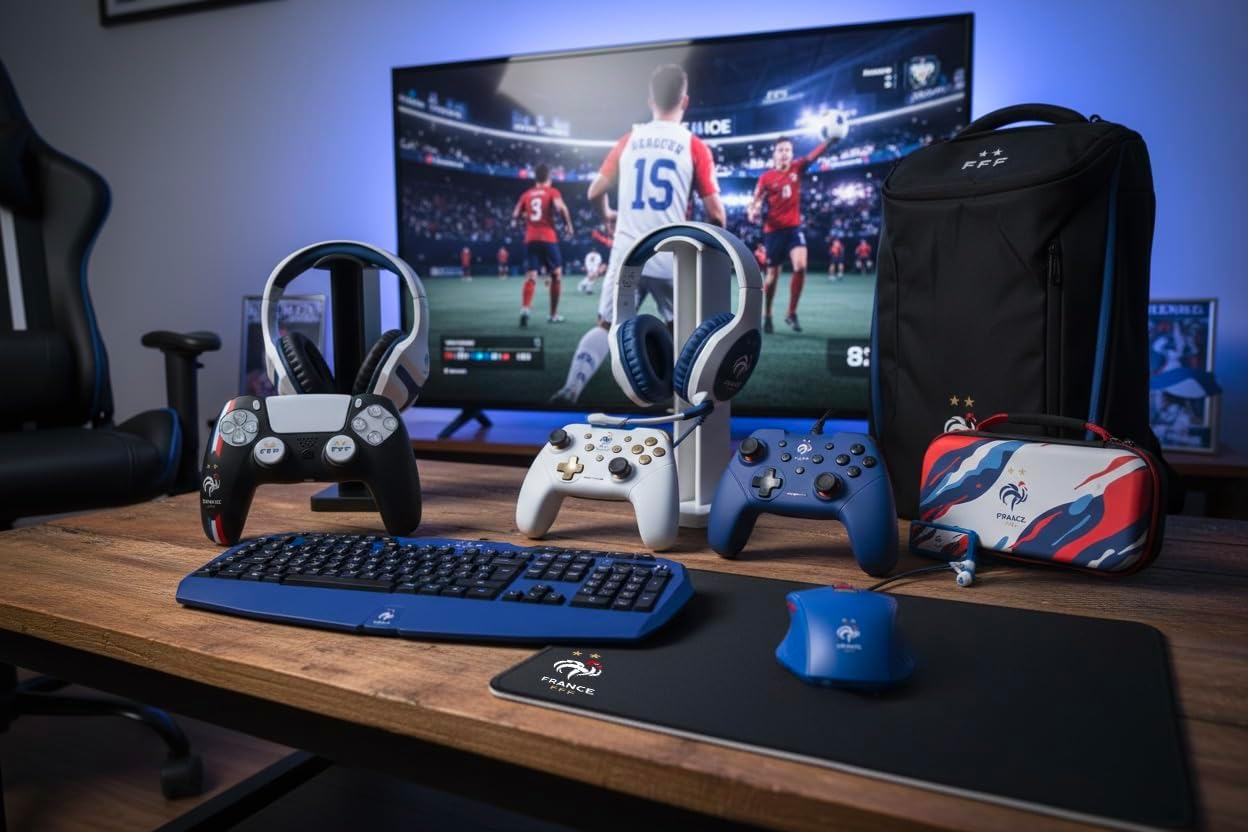
Figure 3: Enabling Pro Controller Wired Communication on Nintendo Switch
- Повежите контролер:
Plug the USB-A end of the controller's cable into an available USB port on your Nintendo Switch dock. The controller will automatically connect and be ready for use.

Figure 4: USB cable connection point
Повезивање са рачунаром
- Плуг анд Плаи:
Connect the USB-A end of the controller's cable to an available USB port on your PC. The operating system should automatically detect and install the necessary drivers. The controller will then be ready for use with compatible PC games.
Упутство за употребу
The Konix FFF Wired Controller functions similarly to standard gamepads. Refer to your game's specific control scheme for button assignments.
Распоред тастера
The controller features standard buttons including A/B/X/Y, directional pad, left and right analog sticks, L/R shoulder buttons, ZL/ZR triggers, Home button, Plus (+), Minus (-), and a dedicated Screenshot button.
Figure 5: Controller button layout (front view)
Using the Screenshot Button
- Притисните тастер Дугме екрана (located below the directional pad) during gameplay to capture an image of your screen.
- On Nintendo Switch, captured images can be accessed and managed from the Album on the HOME Menu.
Функција вибрације
- The controller's vibration function provides tactile feedback during compatible games.
- Vibration intensity may be adjustable within individual game settings or console system settings.
Одржавање
- Чишћење: Користите меку, суву крпу за чишћење контролера. Не користите абразивна средства за чишћење или раствараче.
- Складиштење: Чувајте контролер на хладном и сувом месту, даље од директне сунчеве светлости и екстремних температура.
- Нега каблова: Избегавајте оштре кривине или прекомерно повлачење кабла како бисте спречили оштећења.
Решавање проблема
| Проблем | Могући узрок / решење |
|---|---|
| Controller not recognized by Nintendo Switch. |
|
| Рачунар не препознаје контролер. |
|
| Vibration function not working. |
|
| Дугмад не реагују или су лепљива. |
|
Спецификације
- Број модела: 3328170282925
- Компатибилност: Nintendo Switch, Nintendo Switch 2, PC
- Врста везе: Жичани УСБ
- Дужина кабла: 3 метара
- Карактеристике: Vibration function, Screenshot button, Ergonomic design
- Димензије (Д к Ш к В): 7 к 21.5 к 17.5 цм
- Тежина: 390 грама
- Препоручени узраст: 3 година и више
Информације о гаранцији
Konix products are covered by a limited warranty against defects in materials and workmanship. For specific warranty terms and conditions, please refer to the documentation included with your purchase or visit the official Konix webсајт. Сачувајте доказ о куповини за потребе гаранције.
Корисничка подршка
If you encounter any issues or have questions regarding your Konix FFF Wired Controller, please contact Konix customer support through their official webсајт или контакт информације које сте добили уз паковање производа.
За више информација посетите Konix Store on Amazon.