
1. Увод
This manual provides essential information for the safe and efficient operation, maintenance, and troubleshooting of your Leitz IQ Autofeed Small Office 50 P4 Shredder. Please read these instructions carefully before using the appliance and retain them for future reference.
The Leitz IQ Autofeed Small Office 50 P4 is designed for shredding confidential documents, sensitive paperwork, old financial records, and other personal or proprietary information in small office environments. It features an automatic feed mechanism for convenience and a P4 security level for cross-cut shredding.
2. Безбедносна упутства
Always follow these safety precautions to prevent injury or damage to the shredder:
- Keep children and pets away from the shredder. The shredder has sharp blades and moving parts that can cause injury.
- Keep loose clothing, jewelry, hair, and ties away from the paper entry slot.
- Do not insert fingers or other body parts into the paper entry slot.
- Не прскајте никакве запаљиве производе или мазива у дробилицу.
- Do not shred metal objects, hard plastics (other than credit cards), or adhesive labels, as these can damage the cutting mechanism.
- Увек искључите сецкалицу из струје пре померања, чишћења или пражњења канте за отпад.
- Do not operate the shredder if the power cord is damaged or if the appliance is malfunctioning. Contact customer support for assistance.
- Уверите се да је дробилица постављена на стабилну, равну површину.
- Не преоптерећујте сецкалицу преко њеног наведеног капацитета листова.
3. Подешавање
- Распакивање: Пажљиво извадите сецкалицу из амбалаже. Сачувајте материјал за паковање за будући транспорт или складиштење.
- Пласман: Place the shredder on a flat, stable surface near a power outlet. Ensure there is adequate space around the unit for ventilation and access to the waste bin.
- Канта за отпад: Ensure the waste bin is correctly inserted into the shredder body. The shredder will not operate if the bin is not properly seated.
- Прикључак за напајање: Укључите кабл за напајање у стандардну електричну утичницу.
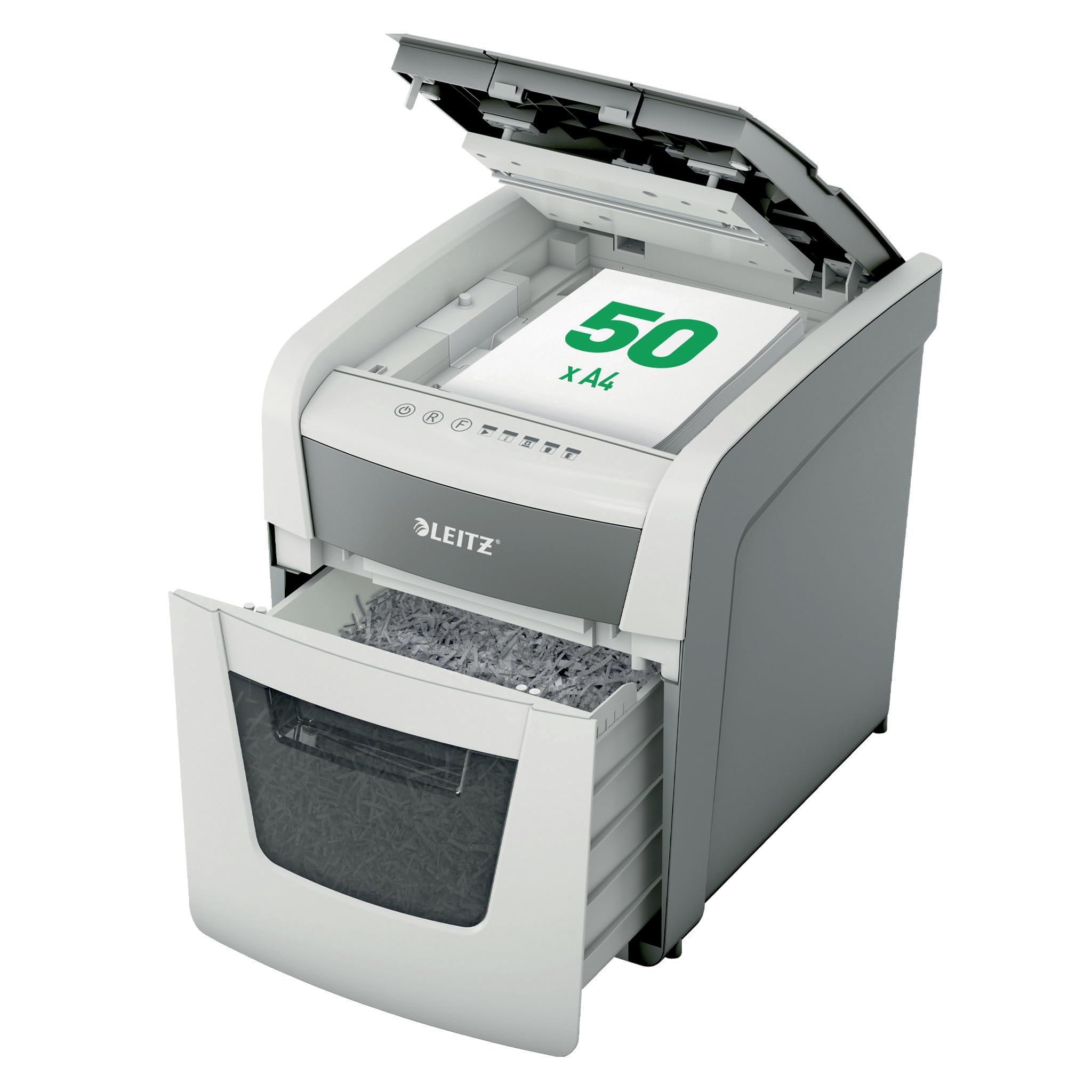
Image 1: Leitz IQ Autofeed Small Office 50 P4 Shredder. This image shows the overall design of the shredder, highlighting its compact size and modern aesthetic suitable for small office environments.
4. Упутство за употребу
The Leitz IQ Autofeed Small Office 50 P4 shredder offers both automatic and manual shredding modes.
4.1 Контролна табла прекоview
The control panel typically includes buttons for Power On/Off, Reverse, Forward, and indicators for bin full, overheat, or door open.
4.2 Automatic Feed Shredding
- Open the autofeed tray cover.
- Stack up to 50 sheets of A4 paper neatly into the autofeed tray. Ensure there are no staples or paper clips on the documents for optimal performance, although the shredder can handle small staples and paper clips.
- Close the autofeed tray cover. The shredder will automatically detect the paper and begin shredding.
- The shredder will stop automatically once all paper in the tray has been shredded.
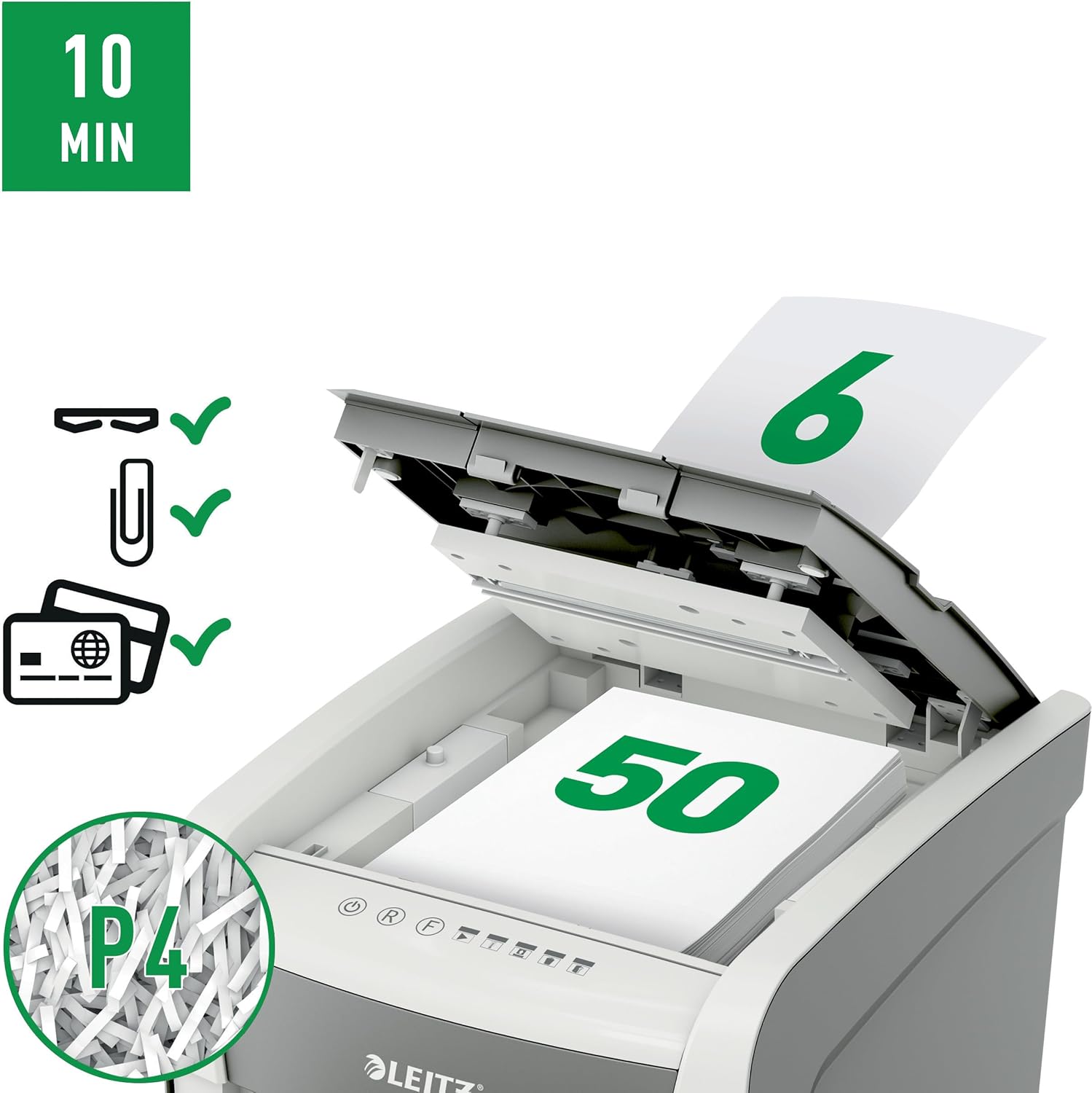
Image 2: Autofeed mechanism and P4 security. This image illustrates the autofeed tray loaded with paper, indicating its capacity and the P4 security level for cross-cut shredding.
4.3 Manual Feed Shredding
- For a few sheets of paper (typically up to 6-8 sheets, refer to specifications for exact capacity) or credit cards, use the manual feed slot.
- Insert the paper or credit card into the manual feed slot. The shredder will automatically detect the item and begin shredding.
- Remove your hand immediately after the shredder grips the item.
4.4 Continuous Run Time
The shredder is designed for intermittent use. It has a continuous run time of approximately 10 minutes, after which it will enter a cool-down period to prevent overheating. Allow the shredder to cool down before resuming operation.
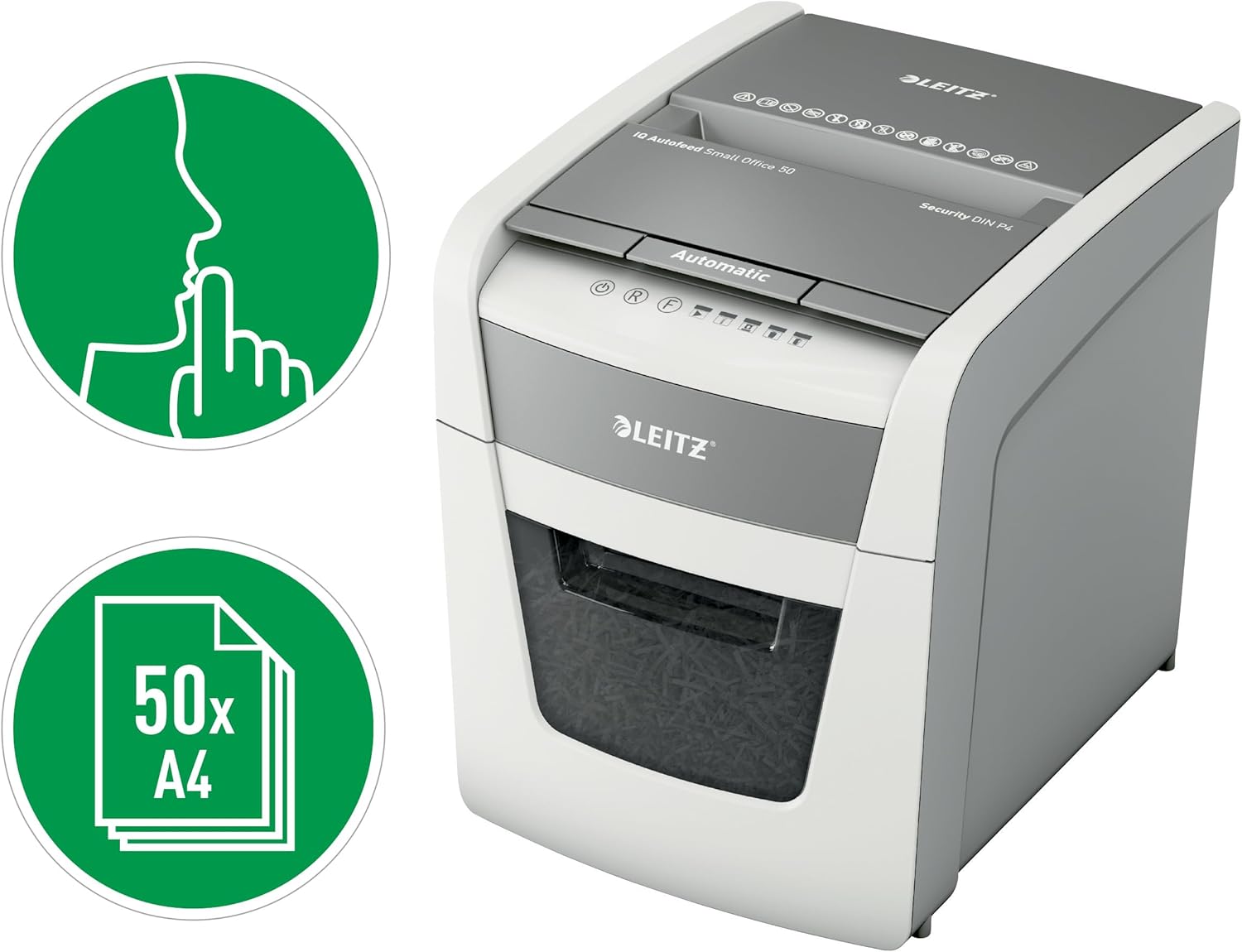
Image 3: Quiet operation and 50-sheet autofeed. This image highlights the shredder's quiet operation (indicated by the finger over lips icon) and its capacity to shred up to 50 A4 sheets automatically.
5. Одржавање
Regular maintenance ensures optimal performance and extends the life of your shredder.
5.1 Пражњење канте за отпад
- Искључите дробилицу из утичнице.
- Извуците канту за отпад.
- Dispose of the shredded paper.
- Reinsert the waste bin firmly until it clicks into place. The shredder will not operate if the bin is not correctly seated.

Image 4: 20-liter waste bin capacity. This image shows the shredder with its waste bin pulled out, illustrating the 20-liter capacity for shredded material.
5.2 Подмазивање дробилице
To maintain cutting performance and reduce wear, it is recommended to oil the shredder blades regularly, especially after emptying the waste bin 2-3 times or after heavy use. Use shredder oil sheets or liquid shredder oil specifically designed for paper shredders.
- Нанесите танку линију уља за сецкање преко отвора за улазак папира.
- Run the shredder in manual feed mode for a few seconds to distribute the oil.
5.3 Чишћење
Обришите спољашњост сецкалице меком, сувом крпом. Не користите абразивна средства за чишћење или раствараче. Уверите се да је сецкалица искључена из струје пре чишћења.
КСНУМКС. Решавање проблема
If you encounter issues with your shredder, refer to the following common problems and solutions:
| Проблем | Могући узрок | Решење |
|---|---|---|
| Шредер се не укључује. | No power; waste bin not fully inserted; overheat protection activated. | Check power connection; ensure waste bin is correctly seated; allow shredder to cool down. |
| Застој папира. | Too much paper inserted; paper not inserted straight. | Press the reverse button to clear the jam. If unsuccessful, unplug, carefully remove paper, then plug in and try reverse again. |
| Шредер се зауставља током рада. | Waste bin full; overheat protection activated; door open sensor triggered. | Empty waste bin; allow shredder to cool down; ensure waste bin is fully inserted. |
| Шредер је бучан. | Сечива захтевају подмазивање. | Oil the shredder blades as per maintenance instructions. |
If the problem persists after attempting these solutions, please contact Leitz customer support.
7. Спецификације
| Феатуре | Спецификација |
|---|---|
| Број модела | 50 П-4 |
| Схред Типе | Цросс Цут |
| Сигурносни ниво | P4 (DIN 66399) |
| Autofeed Sheet Capacity | Up to 50 sheets (A4, 80gsm) |
| Manual Feed Sheet Capacity | Up to 6-8 sheets (A4, 80gsm) |
| Капацитет канте за отпад | 20 литара |
| Ниво буке | 35 децибела |
| Непрекидно време рада | КСНУМКС минута |
| Цоол Довн Тиме | Approximately 30-40 minutes (varies with ambient temperature) |
| Димензије (Д к Ш к В) | 43 Д x 40.7 Ш x 36.4 В центиметара |
| Тежина | 9 кг |
| Извор напајања | Цордед Елецтриц |
| Материјал | Metal and durable plastic |

Image 5: Shredder dimensions. This image provides a visual representation of the shredder's physical dimensions (height, width, depth) in millimeters.
8. Гаранција и подршка
Your Leitz IQ Autofeed Small Office 50 P4 Shredder comes with a manufacturer's warranty. Please refer to the warranty card included with your purchase for specific terms and conditions. For technical support, spare parts, or warranty claims, please contact Leitz customer service through their official webсајт или контакт информације наведене у вашој гарантној документацији.