
1. Увод
Хвала вам на куповиниasing the JIMTAB M18 PRO Native 1080P Video Projector. This manual provides essential information for setting up, operating, maintaining, and troubleshooting your projector to ensure optimal performance and longevity. Please read this manual thoroughly before using the product.

Figure 1: JIMTAB M18 PRO Video Projector
2. Шта је у кутији
Carefully unpack your JIMTAB M18 PRO projector and ensure all items are present:
- JIMTAB M18 PRO Video Projector
- Ремоте Цонтрол
- Повер Цорд
- ХДМИ кабл
- АВ кабл
- Кориснички приручник (овај документ)
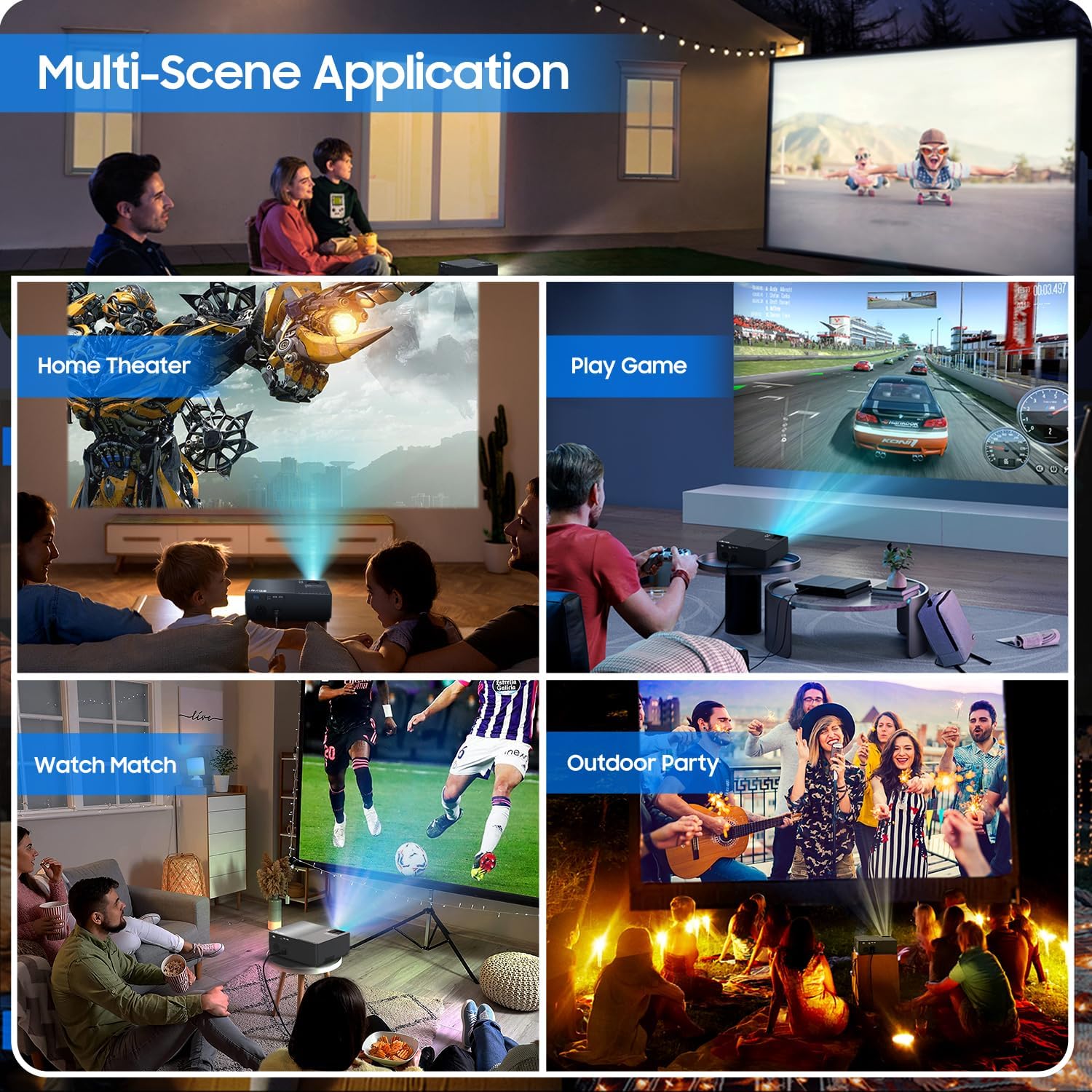
Figure 2: All included accessories and the projector
3. Карактеристике производа
- Нативна резолуција 1080P: Experience crisp and clear images with a true native resolution of 1920x1080 pixels and an 8000:1 contrast ratio. Supports 576i, 576p, 720i, 720p, 1080i, 1080p, 2k, and 4k input.
- Висока осветљеност: Features 21000 lumens brightness for vibrant projections even in moderately lit environments.
- Dual-Band WiFi Screen Mirroring: Built-in 2.4G+5G WiFi allows for seamless wireless screen mirroring from your smartphone, tablet, or laptop (iOS, Android, Windows compatible).
- Built-in Dolby Sound Speakers: Equipped with 5W dual stereo speakers supporting Dolby Sound for an immersive audio experience. External speakers can also be connected.
- Велики екран: Project images from 50 inches up to 300 inches, offering a versatile viewискуство у изради соба различитих величина.
- Опсежна компатибилност: Connects to a wide range of devices including Xbox, Laptops, iPhones, Android devices, USB devices, PS4, TV Sticks, and TV Boxes via AV, VGA, USB, and HDMI ports.

Figure 3: Enhanced image sharpness and richer color details
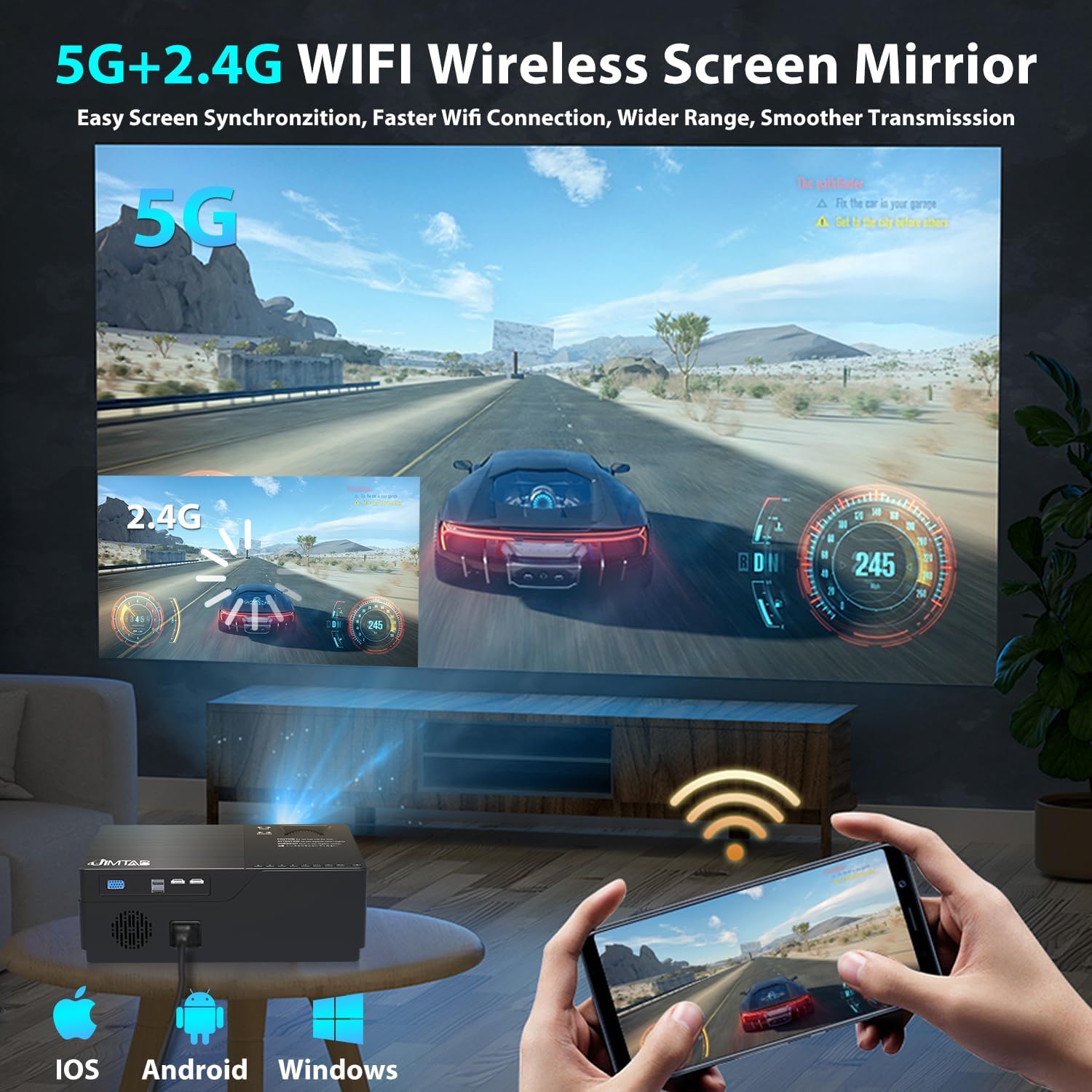
Figure 4: 5G+2.4G WiFi Wireless Screen Mirroring in action

Figure 5: Built-in 5W Dual Stereo Speaker supporting Dolby Sound

Figure 6: Projection sizes from 50 to 300 inches

Figure 7: Wide compatibility with multiple devices
4. Водич за подешавање
- Пласман: Place the projector on a stable, flat surface or mount it on a tripod/ceiling. Ensure it is positioned directly in front of the projection screen or wall for best results. The optimal projection distance ranges from 5.5 feet to 30.2 feet.
- Прикључак за напајање: Прикључите кабл за напајање на улаз за напајање пројектора, а затим на електричну утичницу.
- Повежите изворни уређај: Use the appropriate cable (HDMI, AV, VGA, USB) to connect your desired source device (laptop, game console, USB drive, etc.) to the projector.
- Укључено: Притисните дугме за напајање на пројектору или даљинском управљачу да бисте укључили уређај.
- Изаберите извор улаза: Use the 'Source' button on the projector or remote to select the correct input source corresponding to your connected device.
5. Упутство за употребу
- Укључивање/искључивање: Press the power button once to turn on. Press and hold the power button for a few seconds to turn off.
- Навигација у менију: Use the arrow keys on the remote or projector panel to navigate through the on-screen menu. Press 'OK' or 'Enter' to confirm selections.
- Контрола јачине звука: Use the volume buttons on the remote control to adjust the audio output level.
6. Подешавање слике
- Подешавање фокуса: Rotate the focus dial located near the lens until the projected image is sharp and clear.
- Кеистоне Цоррецтион:
- Ручни Кеистоне: Use the manual keystone adjustment lever (usually on the side or top) to correct vertical distortion (±15°).
- Дигитал Кеистоне: Access the menu settings for digital keystone correction to adjust both vertical and horizontal distortion (up to ±50°), ensuring a perfectly rectangular image even if the projector is not perfectly aligned.
- Функција зумирања: Adjust the image size from 75% to 100% via the menu settings without moving the projector.

Figure 8: Digital Horizontal & Vertical Keystone Adjustment
7. Одржавање
- Чишћење сочива: Use a soft, lint-free cloth specifically designed for optical lenses to gently wipe the projector lens. Avoid abrasive materials or harsh chemicals.
- вентилација: Ensure the projector's ventilation ports are clear and unobstructed to prevent overheating. Regularly clean dust from the vents using a soft brush or compressed air.
- Складиштење: Када се пројектор не користи дуже време, чувајте га на хладном и сувом месту, идеално у оригиналном паковању или заштитној футроли.
- Lamp живот: ЛЕД лamp in your M18 Pro projector is designed for tens of thousands of hours of use, minimizing the need for frequent lamp замена.
КСНУМКС. Решавање проблема
| Проблем | Могући узрок | Решење |
|---|---|---|
| No image or 'No Signal' | Incorrect input source selected; Loose cable connection; Source device not powered on. | Select correct input source; Check and secure all cable connections; Ensure source device is powered on. |
| Мутна слика | Focus not adjusted; Keystone not corrected; Projector too close/far from screen. | Adjust focus dial; Use manual or digital keystone correction; Adjust projection distance. |
| Image appears dim | High ambient light; Projector settings. | Reduce ambient light (close curtains); Adjust brightness/contrast settings in the projector menu. |
| Нема звука | Volume too low; Muted; Incorrect audio output selected on source device. | Increase volume; Unmute; Check audio settings on source device. |
| Упозорење о прегревању | Блокирана вентилација; Дуготрајна употреба. | Ensure vents are clear; Allow projector to cool down before restarting. |
9. Спецификације
| Феатуре | Спецификација |
|---|---|
| Број модела | М18 Про |
| Нативе Ресолутион | 1920 к 1080 (Фулл ХД) |
| Осветљеност | 21000 лумена |
| Однос контраста | 8000:1 |
| Величина пројекције | 50" - 300" |
| Удаљеност пројекције | 5.5 FT - 30.2 FT |
| Технологија повезивања | Wi-Fi (2.4G+5G), HDMI (x2), USB (x2), VGA, AV |
| Аудио излаз | Built-in 5W Dual Stereo Speaker (Dolby Sound) |
| Димензије производа | 11.81 к 8.66 к 3.94 инча |
| Тежина артикла | 7.74 фунти |
10. Безбедносне информације
- WARNING: Do not look directly at the projector lens when the lamp је укључено. Интензивно светло може изазвати оштећење ока.
- Ensure the projector is placed on a stable surface to prevent it from falling.
- Не блокирајте вентилационе отворе, јер то може довести до прегревања и оштећења уређаја.
- Keep the projector away from water or any liquids to avoid electric shock.
- Unplug the projector from the power outlet before cleaning or when not in use for a long period.
11. Гаранција и подршка
JIMTAB is committed to providing high-quality products and excellent customer service. For any questions, technical assistance, or warranty inquiries, please contact our dedicated support team. We offer 7x24 hours free customer support.
You can also find more information and support on our official social media channels:
- Facebook Official Homepage: ijimtab
- YouTube Official Homepage: Jimtab