
1. Производ је готовview
The ELRO DV477W-M is an additional indoor monitor designed to expand your existing ELRO DV477W or DV477IP series video intercom system. This 7-inch color monitor allows for clear two-way communication with visitors at your door and provides convenient door opening functionality.
Кључне карактеристике:
- 7-inch (18 cm) color display for clear video.
- High-quality microphone and speaker for two-way audio communication.
- Door opening function for convenient access control.
- Modern design with brushed aluminum finish.
- Compatible with ELRO DV477W and DV477IP series video intercoms.
Садржај пакета:
- ELRO DV477W-M 7-inch Indoor Monitor
- Носач
- 15m 4-wire Electrical Cable
- Повер Адаптер
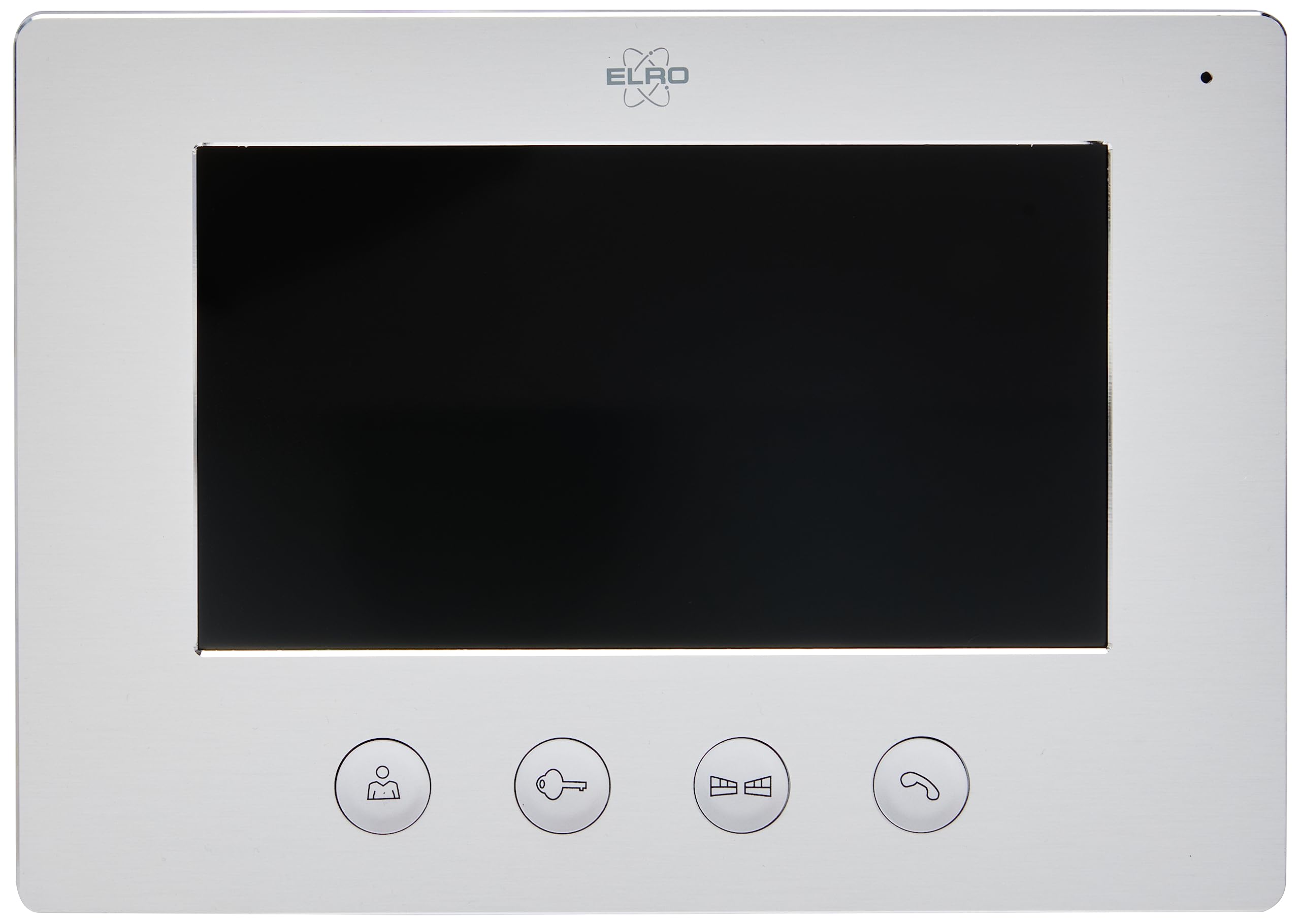
Image 1.1: The ELRO DV477W-M 7-inch indoor monitor, featuring a sleek design and control buttons.
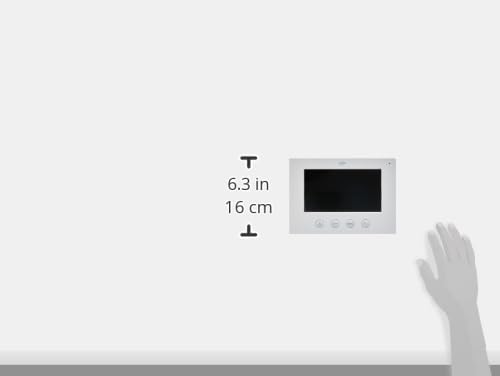
Image 1.2: Diagram showing the dimensions of the ELRO DV477W-M monitor, approximately 6.3 inches (16 cm) in height.
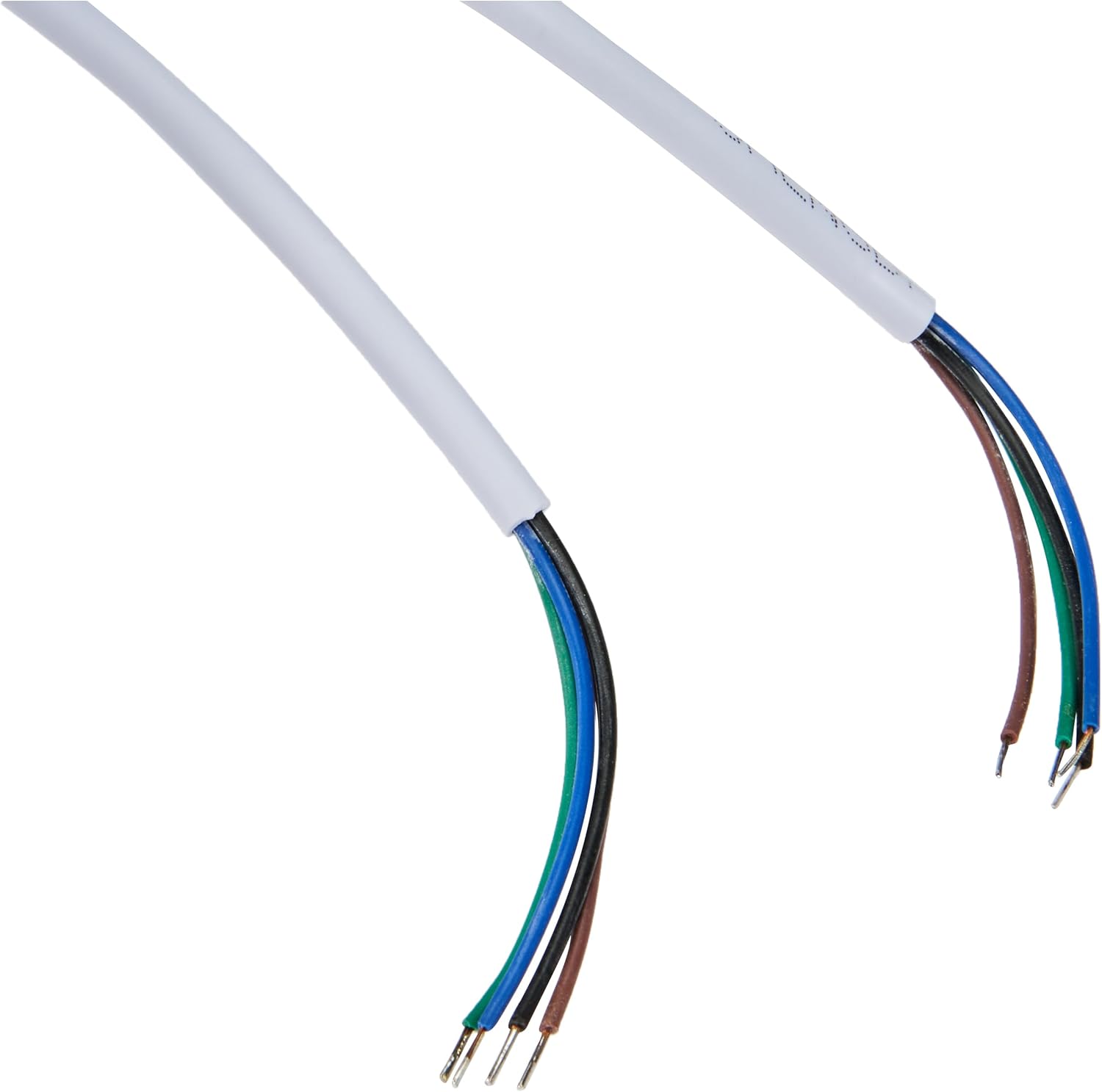
Image 1.3: The included 15-meter 4-wire electrical cable for connecting the monitor to the intercom system.
2. Подешавање и инсталација
This section provides instructions for installing your ELRO DV477W-M additional indoor monitor. Ensure all power is disconnected from your existing intercom system before beginning installation.
2.1 Мере предострожности:
- Увек искључите напајање пре инсталације или одржавања.
- Consult a qualified electrician if you are unsure about any wiring procedures.
- Do not expose the monitor to moisture or extreme temperatures.
2.2 Mounting the Monitor:
- Choose a suitable indoor location for the monitor, ensuring it is within reach of the 15m cable and a power outlet.
- Користите приложени носач за монтажу као шаблон за обележавање тачака бушења на зиду.
- Избушите рупе и по потреби уметните зидне типлове.
- Причврстите држач за монтажу на зид помоћу одговарајућих шрафова.
2.3 Повезивање ожичења:
- Connect the 4-wire electrical cable from your existing ELRO DV477W or DV477IP outdoor unit/main monitor to the corresponding terminals on the back of the DV477W-M additional monitor. Ensure correct polarity for each wire (e.g., power, ground, audio, video). Refer to your main intercom system's manual for specific wiring diagrams.
- Прикључите адаптер за напајање на улаз за напајање монитора, а затим га укључите у зидну утичницу.
- Carefully attach the monitor to the mounted bracket.
Напомена: The 4-wire cable typically carries power, ground, audio, and video signals. Incorrect wiring can damage the device or prevent proper operation.
3. Упутство за употребу
Once installed and powered on, the ELRO DV477W-M monitor is ready for use. It functions as an extension of your main intercom system.
3.1 Receiving a Call:
- When a visitor presses the doorbell button on the outdoor unit, the monitor will ring and display the visitor's image.
- Притисните тастер Одговори button (usually indicated by a telephone icon) to initiate two-way audio communication.
- Да бисте прекинули разговор, притисните Заврши позив дугме.
3.2 Opening the Door:
- Током позива, или када viewing the visitor, press the Откључавање врата button (often depicted as a key or unlock icon) to activate the electronic door lock connected to your main intercom system.
- The door will unlock for a short period, allowing the visitor to enter.
3.3 Monitoring:
- Some systems allow you to manually activate the camera on the outdoor unit to view the entrance area without a visitor pressing the doorbell. Refer to your main intercom system's manual for this feature.
4. Одржавање
Proper maintenance ensures the longevity and optimal performance of your ELRO DV477W-M monitor.
4.1 Чишћење:
- Wipe the monitor screen and casing with a soft, dry, lint-free cloth.
- За тврдокорне трагове, благо дampНавлажите крпу водом. Избегавајте употребу јаких хемикалија, абразивних средстава за чишћење или растварача, јер могу оштетити завршну обраду.
- Do not spray cleaning liquids directly onto the monitor.
4.2 General Care:
- Keep the monitor away from direct sunlight, heat sources, and areas with high humidity.
- Ensure ventilation openings (if any) are not blocked.
- Избегавајте испуштање или излагање монитора јаким ударцима.
КСНУМКС. Решавање проблема
If you encounter issues with your ELRO DV477W-M monitor, refer to the following common problems and solutions.
| Проблем | Могући узрок | Решење |
|---|---|---|
| No image or sound on the monitor. |
|
|
| Image is distorted or unclear. |
|
|
| No audio during communication. |
|
|
| Door unlock function does not work. |
|
|
If these solutions do not resolve the issue, please contact ELRO customer support.
6. Спецификације
| Феатуре | Детаљ |
|---|---|
| Број модела | DV477W-M |
| Произвођач | ЕЛРО |
| Величина екрана | 7 инча (18 цм) |
| Димензије производа (Д к Ш к В) | 21.5 к 2.5 к 15 цм |
| Тежина | 386 грама |
| Материјал | Алуминијум |
| Укључене компоненте | Monitor, Mounting Bracket, 15m 4-wire Electrical Cable, Power Adapter |
| Батерије су потребне | бр |
| Компатибилност | ELRO DV477W and DV477IP series video intercom systems |
7. Гаранција и подршка
ELRO products are designed for reliability and performance. For specific warranty information, please refer to the documentation included with your original ELRO video intercom system or visit the official ELRO webсајту.
If you require technical assistance, have questions about installation, or need to report a fault, please contact ELRO customer support. Contact details can typically be found on the ELRO webсајту или у паковању вашег производа.
Напомена: Информације о доступности резервних делова тренутно нису доступне.