
1. Производ је готовview
The Ratakee Digital Alarm Clock Radio is designed to provide reliable timekeeping, dual alarm functionality, and AM/FM radio reception. It features a large LED display with adjustable brightness for comfortable viewing day and night. This manual provides detailed instructions for setting up and operating your device.

Слика: Фронт view of the Ratakee Digital Alarm Clock Radio, displaying the time 12:00 in blue LED digits.
2. Подешавање
2.1 Прикључак за напајање
To power the clock radio, plug the AC adapter into any standard 110V wall outlet. The display will illuminate, indicating the unit is receiving power.
2.2 Инсталација резервне батерије
For battery backup, insert two (2) AAA batteries (not included) into the battery compartment located on the bottom of the unit. These batteries will preserve your time and alarm settings during a power outage, but will not power the display or alarm functions.
2.3 Почетно подешавање времена
Upon first power-up or after a prolonged power interruption without battery backup, the display may show a default time. Refer to the 'Setting Time' section under 'Operating' for instructions on how to set the current time.
3. Упутство за употребу
3.1 Подешавање времена
- Притисните и држите ВРЕМЕНСКИ СКЛОП дугме док цифре сати не почну да трепћу.
- Користите ХОУР и МИНУТЕ дугмад за подешавање времена.
- Притисните ВРЕМЕНСКИ СКЛОП поново да бисте потврдили и изашли из режима подешавања времена.
3.2 Display Brightness (Dimmer)
The clock features a 1.6-inch LED display with adjustable brightness. To adjust the display brightness:
- Притисните тастер ДИММЕР button repeatedly to cycle through the 4 available brightness levels. Select the level most comfortable for your environment.

Image: Comparison of the clock display at high and low brightness settings, demonstrating the dimmer function.
3.3 Подешавање аларма (Двоструки аларм)
This clock supports two independent alarms (Alarm 1 and Alarm 2). Each alarm can be set to a beep sound or a radio station.
- Притисните и држите АЛАРМ 1 or АЛАРМ 2 дугме док цифре сата аларма не затрепере.
- Користите ХОУР и МИНУТЕ дугмад да бисте подесили жељено време аларма.
- Притисните тастер АЛАРМ 1 or АЛАРМ 2 button again to select the alarm source (Beep or Radio). The corresponding icon will appear on the display.
- Притисните тастер АЛАРМ 1 or АЛАРМ 2 button a third time to confirm and activate the alarm.
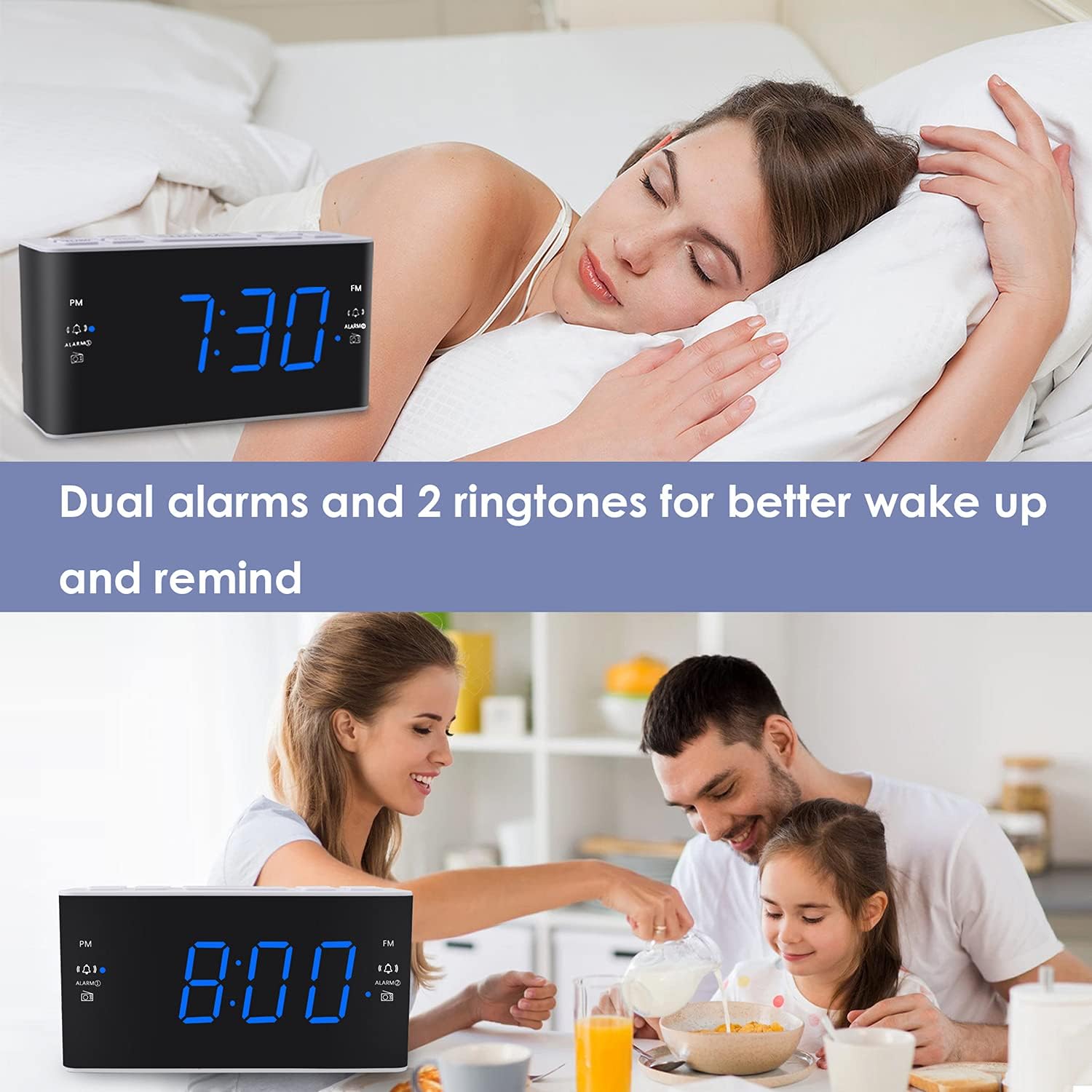
Image: Visual representation of the dual alarm feature, showing the clock used for different wake-up scenarios.
3.4 Функција одлагања
Када се огласи аларм, притисните велико СНООЗЕ button on top of the unit to temporarily silence the alarm for 9 minutes. The alarm will sound again after this period. You can repeat the snooze function up to 5 times.
To turn off the alarm completely for 24 hours, press any other button on the clock (e.g., Radio, Time Set, Alarm 1/2) while the alarm is sounding.
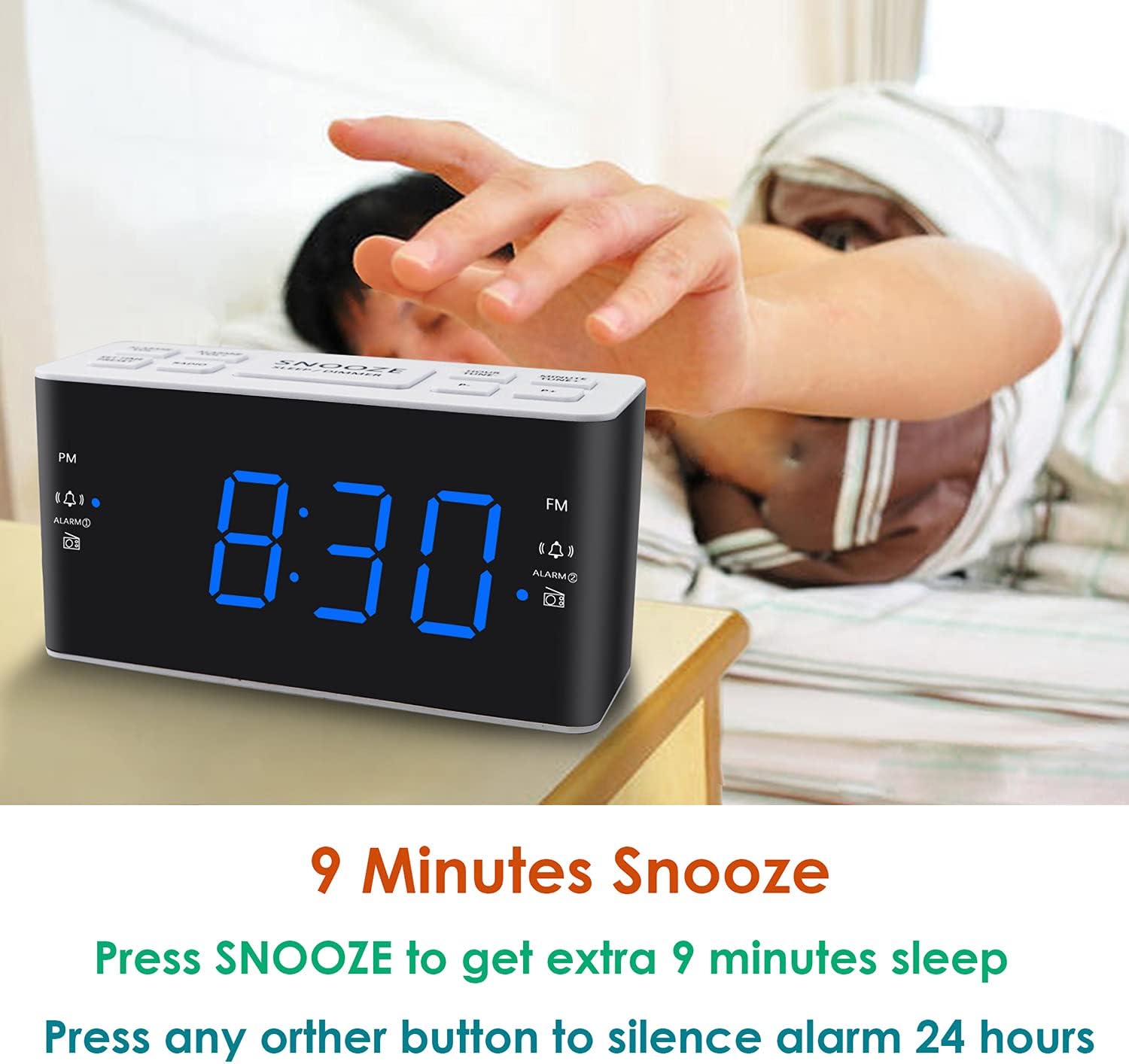
Image: Demonstrates the easy access and function of the snooze button for an additional 9 minutes of sleep.
3.5 Рад AM/FM радија
The clock radio features digital tuning for AM and FM bands.
- Притисните тастер РАДИО дугме за укључивање или искључивање радија.
- Користите ТУНЕ+ и ТУНЕ- дугмад за ручно подешавање жељене фреквенције.
- Притисните и држите ТУНЕ+ or ТУНЕ- да аутоматски скенирате следећу доступну станицу.
- Подесите јачину звука помоћу ВОЛ+ и ВОЛ- buttons (0-15 levels).
3.6 Saving Radio Presets
You can save up to 20 AM stations and 20 FM stations for quick access.
- Подесите жељену радио станицу.
- Притисните и држите ПРЕСЕТ дугме док број предефинисане поставке не затрепери.
- Користите ТУНЕ+ or ТУНЕ- дугмад да бисте изабрали жељени број предефинисане поставке (P01-P20).
- Притисните ПРЕСЕТ поново да бисте потврдили и сачували станицу.
To recall a saved preset, briefly press the ПРЕСЕТ више пута притискајте дугме да бисте се кретали кроз сачуване станице.
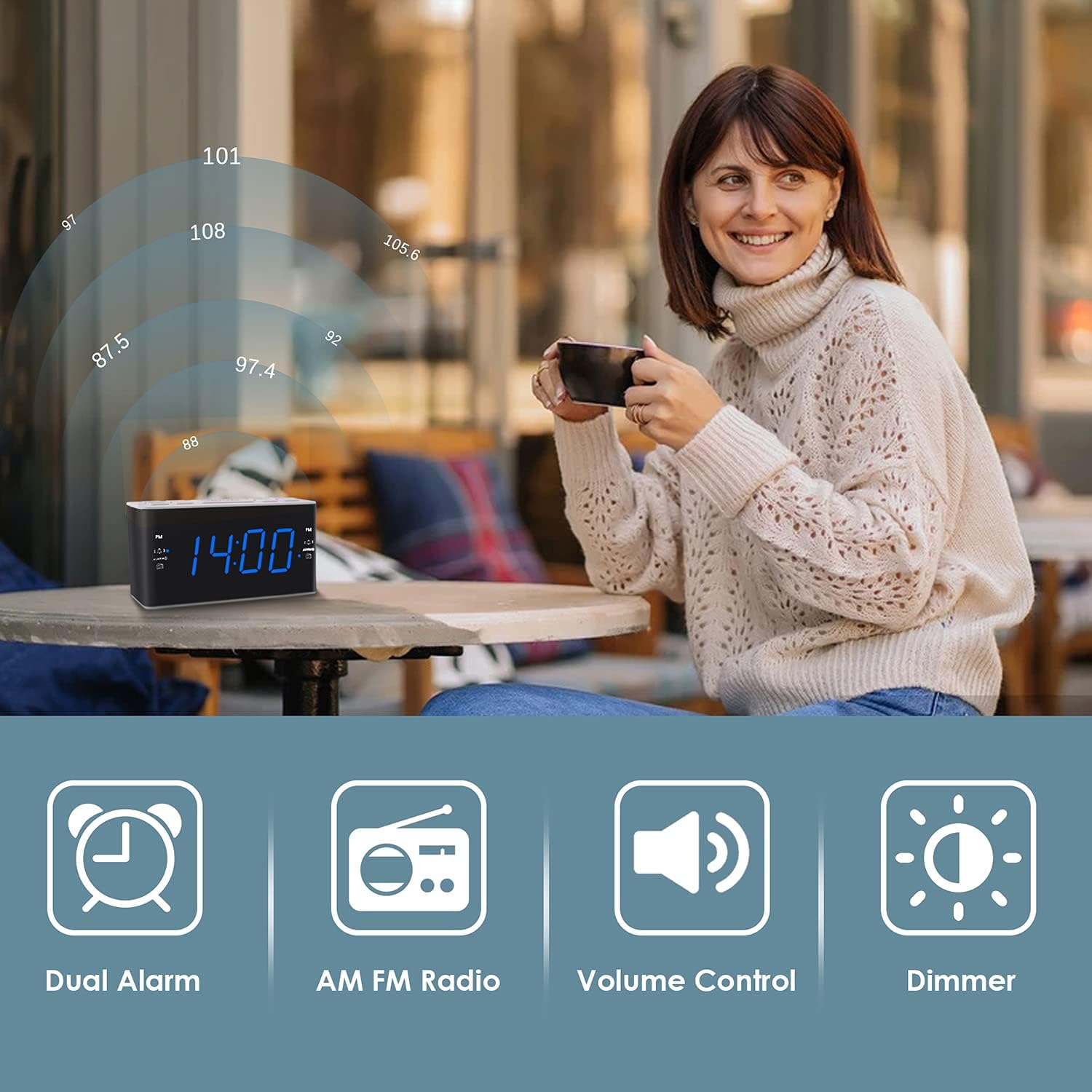
Image: Illustrates the various features of the clock radio, including AM/FM radio functionality.
3.7 Тајмер за спавање
Тајмер за спавање вам омогућава да заспите уз радио, који ће се аутоматски искључити након одређеног периода.
- Док радио свира, притисните дугме СЛЕЕП button repeatedly to cycle through the available sleep timer durations (10-90 minutes).
- Радио ће се репродуковати изабрано време, а затим ће се аутоматски искључити.
4. Одржавање
4.1 Чишћење
To clean the clock radio, gently wipe the surface with a soft, dry cloth. Do not use abrasive cleaners, waxes, or solvents as they may damage the finish. Ensure the unit is unplugged before cleaning.
4.2 Замена батерије
Ако сат изгуби време или подешавања аларма током нестанка струјеtage, the AAA backup batteries may need replacement. Replace both batteries simultaneously with new ones, ensuring correct polarity.
КСНУМКС. Решавање проблема
If you encounter issues with your Ratakee Digital Alarm Clock Radio, please refer to the following common solutions:
- Без напајања/искључивање екрана: Ensure the AC adapter is securely plugged into both the clock and a working wall outlet. Check if the outlet has power.
- Аларм се не оглашава: Verify that the alarm is activated (alarm icon visible on display) and the alarm time is correctly set. Check the alarm volume level.
- Radio Static/Poor Reception: Extend the FM wire antenna fully for better reception. Try repositioning the clock radio to a different location to improve signal strength. For AM reception, rotate the unit to find the best signal.
- Time/Settings Lost After Power Outage: Ensure fresh AAA batteries are installed correctly in the battery backup compartment.
Ако проблем и даље постоји након покушаја ових решења, обратите се корисничкој подршци за даљу помоћ.
6. Спецификације
| Бранд | Ратакее |
| Број модела | Х249УС |
| Боја | Блуе Лед |
| Димензије производа | 15.49 к 7.87 к 5.59 цм |
| Тежина артикла | 350 г |
| Материјал | Пластика |
| Дисплаи Типе | ЛЕД |
| Извор напајања | AC Powered (110V) |
| Баттери Бацкуп | 2 к ААА батерије (нису укључене) |
| ФМ Фреквенцијски опсег | 87.5-108 МХз |
| АМ фреквенцијски опсег | 520-1710 КХз |
| Посебне карактеристике | Alarm, Brightness Dimmer, Radio |

Image: Product dimensions of the Ratakee Digital Alarm Clock Radio.
7. Гаранција и подршка
Ratakee is committed to providing quality products and customer satisfaction. If you have any questions regarding the operation, setup, or performance of your alarm clock radio, please do not hesitate to contact our customer support team.
In the event that the product is deemed defective, you may be eligible for a hassle-free replacement or refund. For specific inquiries or to report an issue, please reach out to us directly. We are dedicated to assisting you and ensuring a positive experience with your Ratakee product.