
1. Производ је готовview
The REXING HS01 is a 1080p wireless smart home security camera system designed for both indoor and outdoor use. It features a rechargeable battery, solar panel charging capability, two-way intercom, motion activation, infrared night vision, and cloud storage options. The camera connects to your home WiFi network and is managed via a mobile application.
Кључне карактеристике:
- 1080п Фулл ХД видео: Records clear video with a 120-degree wide-angle lens.
- Бежични и пуњиви: Operates wirelessly with a 6000mAh rechargeable battery.
- Соларни погон: Can be continuously charged by the included solar panel.
- Двосмерни интерфон: Allows for real-time communication via the mobile app.
- Водоотпорни дизајн: IP65 rated for outdoor weather resistance.
- Детекција покрета: PIR motion sensor with adjustable sensitivity up to 33ft.
- Инфрацрвени ноћни вид: Provides clear visibility up to 33ft in low light conditions.
- Цлоуд Стораге: Offers free 3-day cloud storage with options for extended plans.
- Контрола мобилних апликација: Manage and monitor the camera from your smartphone.
2. Садржај пакета
Молимо вас да проверите пакет за следеће ставке:
- РЕКСИНГ ХС01 Сигурносна камера
- Солар Панел
- Монтажни носач и завртњи
- УСБ кабл за пуњење
- Упутство за употребу
3. Водич за подешавање
3.1 Почетно пуњење
Before first use, fully charge the camera's internal 6000mAh battery using the provided USB cable. Connect the cable to the camera's charging port and a standard USB power adapter (not included). The charging indicator will show the charging status.
3.2 Инсталација апликације
Преузмите Rexing Home application from your smartphone's app store (available on iOS and Android). Тражи "Rexing Home" and install the application.
3.3 Ви-Фи веза
- Open the Rexing Home app and create an account or log in.
- Пратите упутства у апликацији да бисте додали нови уређај.
- Уверите се да је ваш паметни телефон повезан са Ви-Фи мрежа од 2.4 ГХз. The HS01 camera does not support 5GHz Wi-Fi.
- Scan the QR code displayed on your phone with the camera lens when prompted.
- Wait for the camera to connect to your Wi-Fi network. A voice prompt will confirm successful connection.
3.4 Монтажа камере и соларног панела
The REXING HS01 camera and solar panel can be mounted indoors or outdoors. Choose a location that provides the desired viewing angle and ensures the solar panel receives ampдиректној сунчевој светлости током целог дана за оптимално пуњење.

Image: The REXING HS01 camera with its solar panel mounted on an exterior wall, highlighting its 100% wireless and solar-powered operation. The camera is designed for outdoor use and is weatherproof.
- Use the provided mounting bracket and screws to securely attach the camera to a wall or desired surface.
- Mount the solar panel in a location that receives maximum direct sunlight. Connect the solar panel cable to the camera's charging port.
- Подесите угао камере да покрије жељено подручје праћења.
4. Упутство за употребу
4.1 Уживо View and Remote Playback
Once connected, open the Rexing Home app to access the live video feed from your camera. You can view у реалном времену фооtage from anywhere with an internet connection. The app also allows you to review снимљен видео фооtage stored in the cloud.

Image: A smartphone screen showing a live view from the REXING HS01 camera, with icons for remote playback and indicating motion alerts. This demonstrates complete control from the Rexing Home App.
4.2 Двосмерна аудио комуникација
The HS01 camera features a built-in microphone and speaker, enabling two-way audio communication. From the live view in the Rexing Home app, you can speak to individuals near the camera and hear their responses.
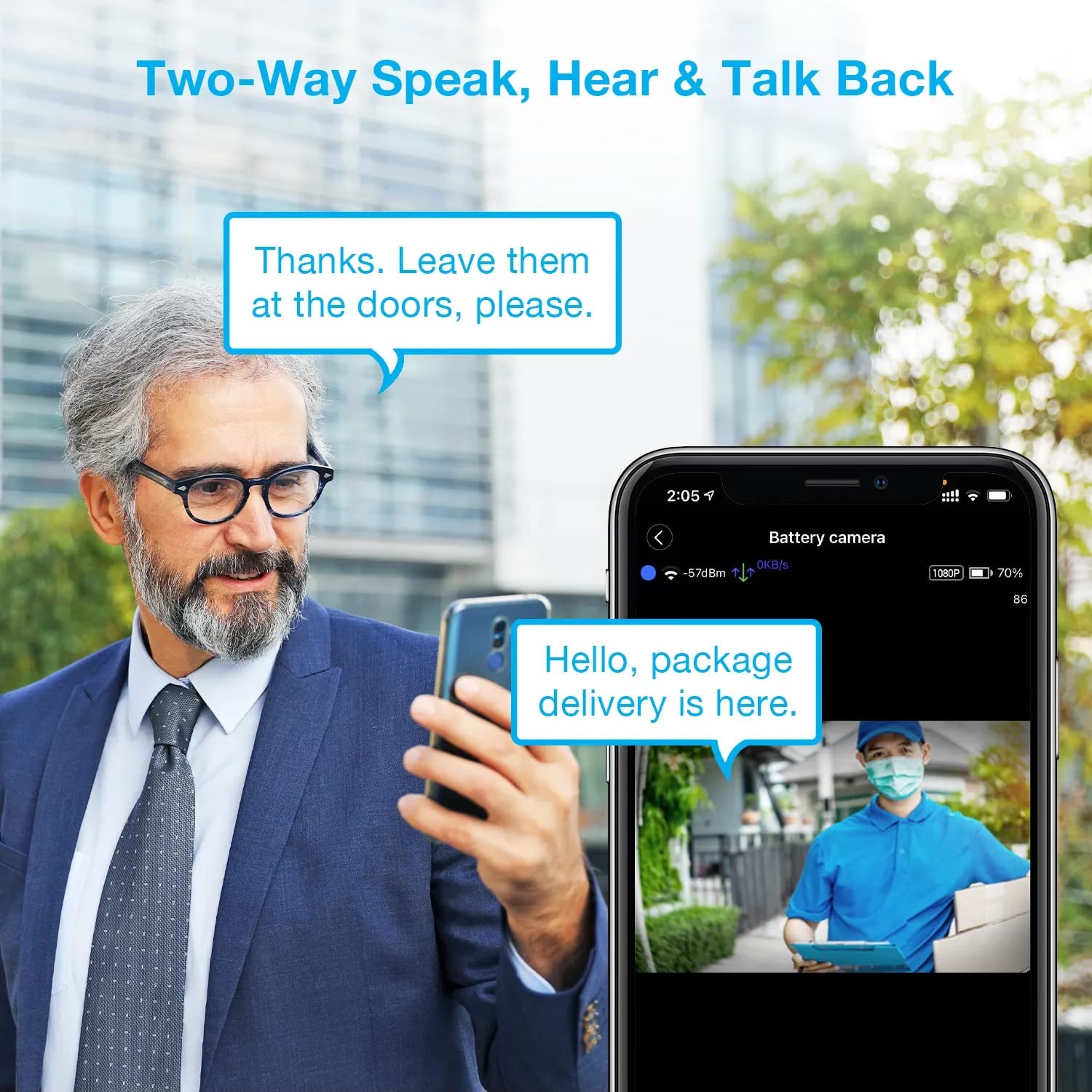
Image: A man using his smartphone to communicate with a delivery person visible on his screen, demonstrating the two-way speak and talk-back functionality of the REXING HS01 camera.
4.3 Детекција покрета и упозорења
The camera utilizes a PIR (Passive Infrared) motion sensor to detect movement. When motion is detected, the camera will begin recording and send instant notifications to your smartphone via the Rexing Home app.
- Подешавање осетљивости: You can adjust the PIR motion sensitivity settings within the app, with options up to 33ft.
- Подешавања обавештења: Customize alert preferences in the app to receive notifications for every detected motion.
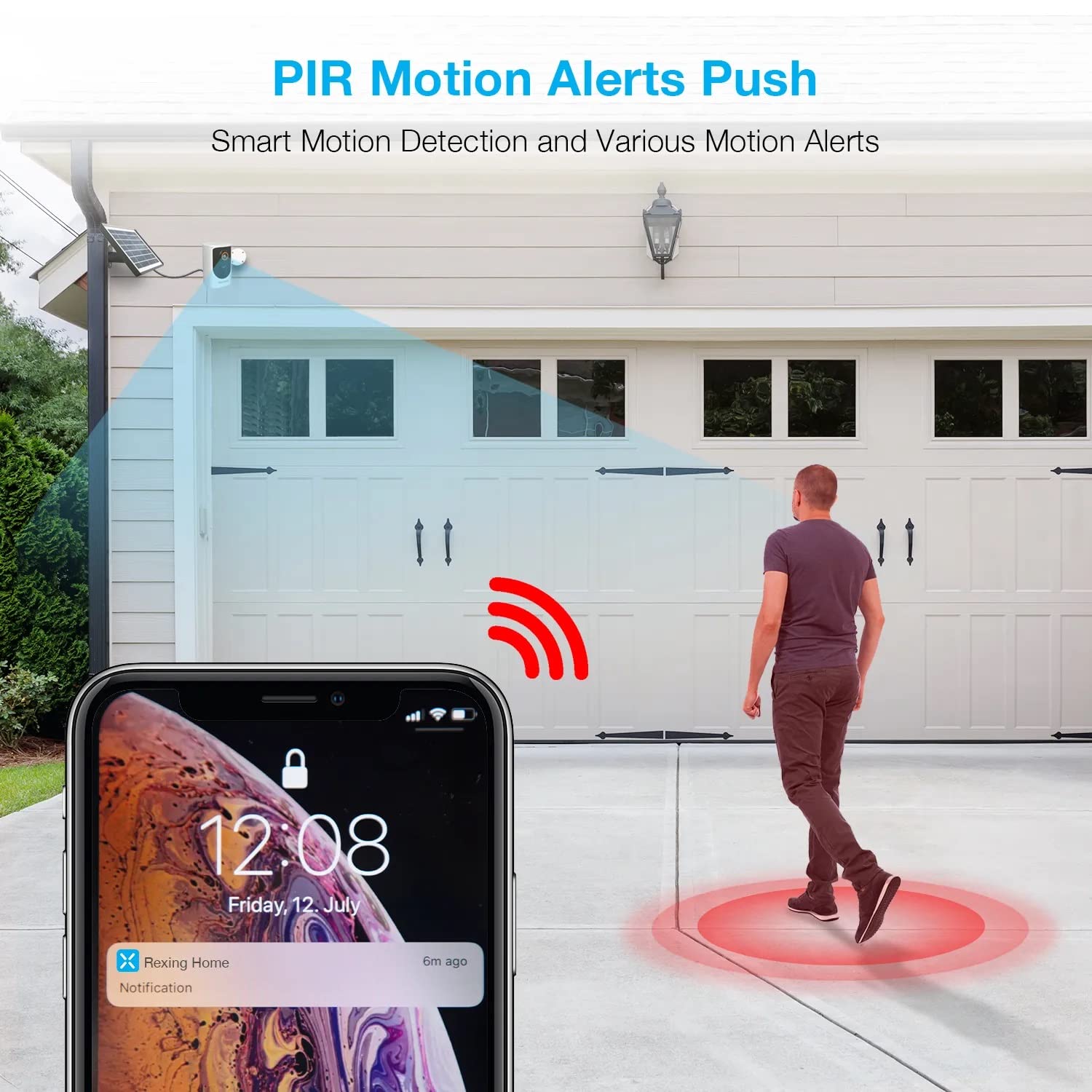
Image: A smartphone screen showing a notification from the Rexing Home app indicating a motion alert, with a visual representation of a person walking into the camera's detection zone.
4.4 Ноћни вид
The HS01 camera is equipped with 8 built-in 850nm Infrared LEDs and enhanced CMOS imaging sensors, providing clear night vision up to 33ft. The night vision mode activates automatically in low-light conditions.
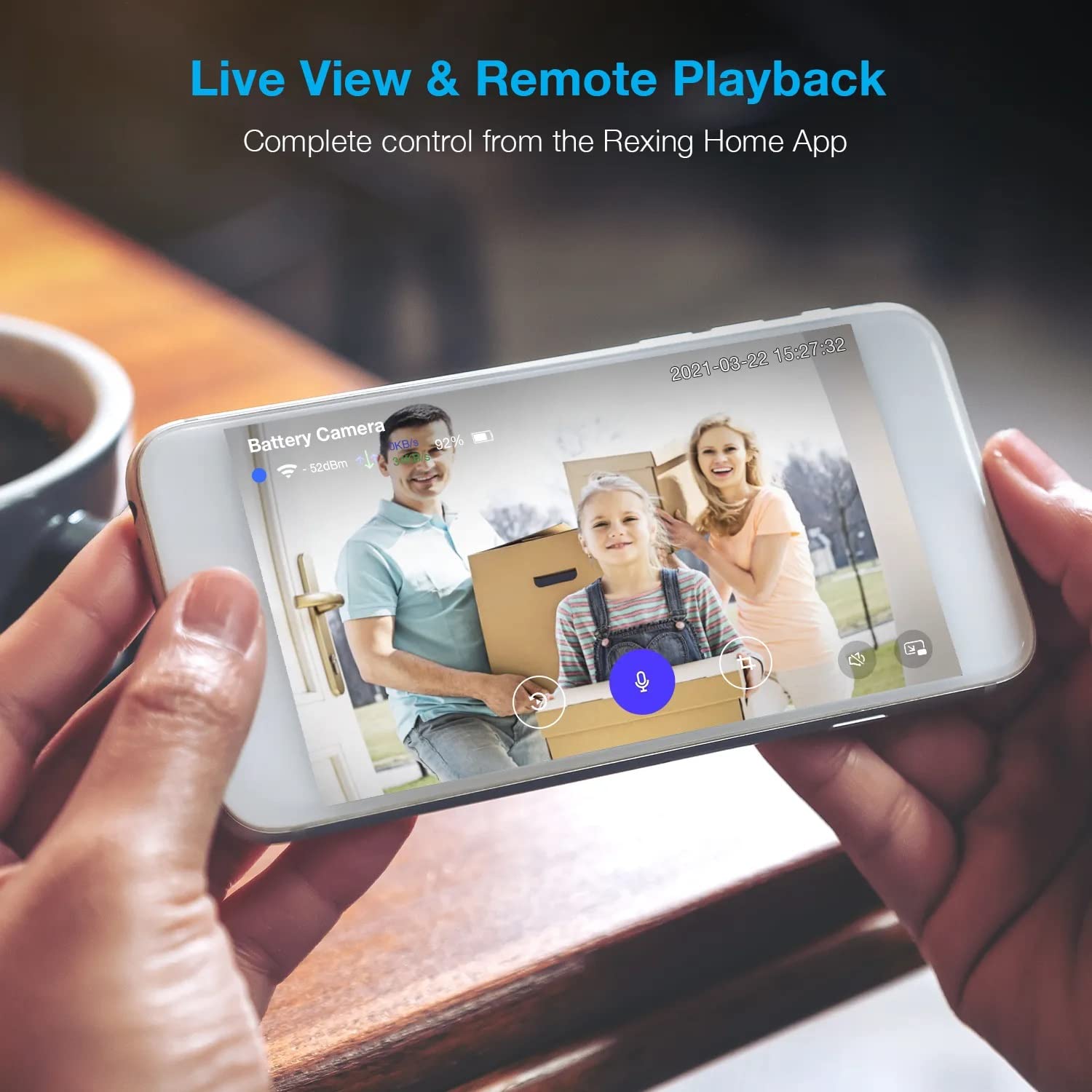
Image: A smartphone displaying a split screen, with one side showing a daytime view of a house in full color and the other side showing the same house in enhanced infrared night vision, demonstrating the camera's 1080p HD and night vision capabilities.
4.5 Складиштење у облаку
The camera offers secure cloud storage for recorded video footage. You can access the past 3 days of video recordings for free. Extended cloud storage plans are available for purchase through the Rexing Home app.
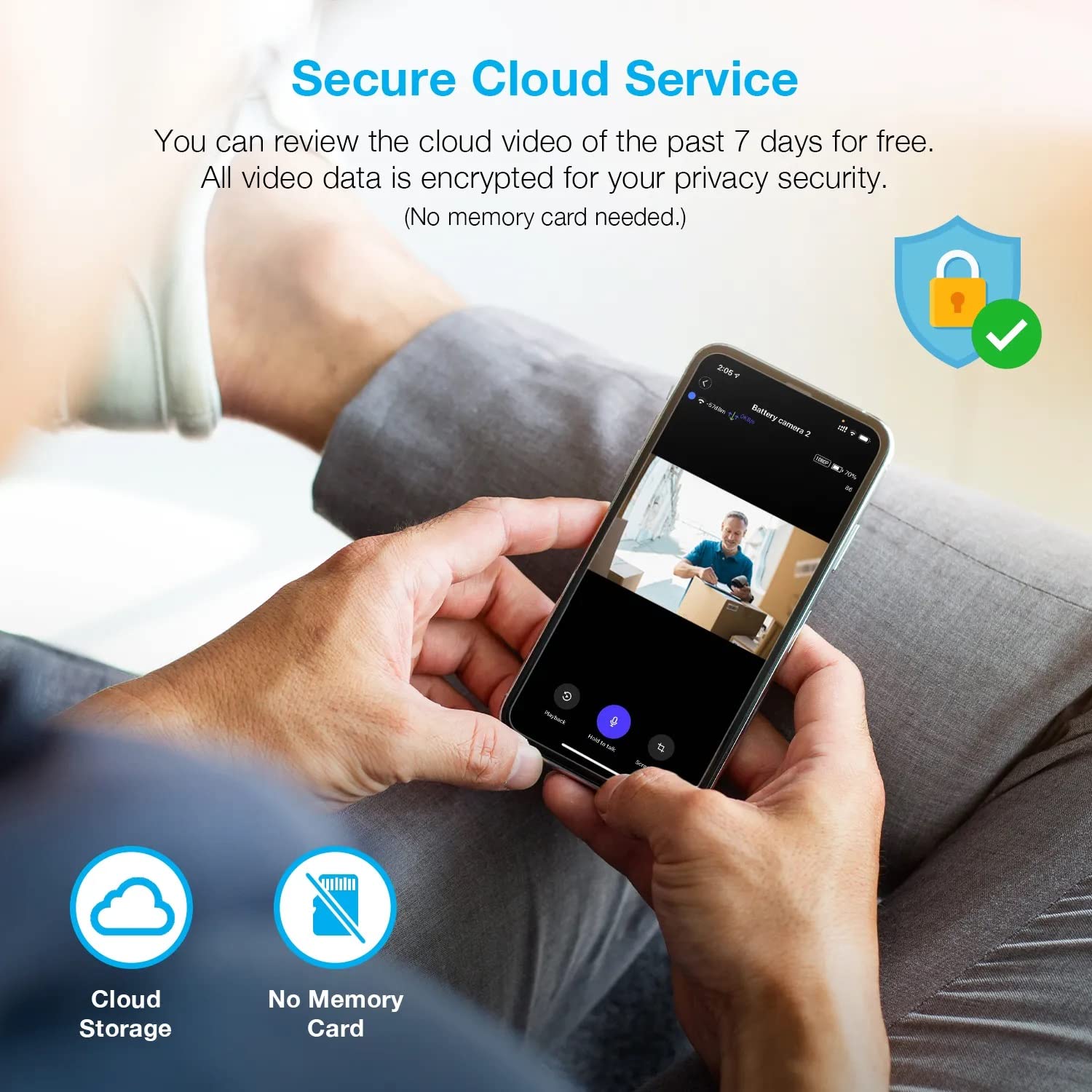
Слика: Особа viewing recorded camera footage on a smartphone, accompanied by icons for cloud storage and indicating that no memory card is needed, highlighting the secure cloud service feature.
5. Одржавање
5.1 Управљање батеријом
The HS01 camera is powered by a 6000mAh rechargeable battery. For continuous operation, ensure the solar panel is positioned to receive adequate direct sunlight. If the camera is used in an area with limited sunlight, periodic manual charging via the USB cable may be required.
5.2 Чишћење
To maintain optimal performance, periodically clean the camera lens and the solar panel surface with a soft, damp крпом. Избегавајте употребу абразивних средстава за чишћење или растварача који би могли оштетити површине.
КСНУМКС. Решавање проблема
- Камера се не повезује на Wi-Fi:
- Уверите се да ваша Wi-Fi мрежа користи фреквенцију од 2.4 GHz. Камера не подржава мреже од 5 GHz.
- Проверите јачину Wi-Fi сигнала на локацији камере.
- Проверите да ли је лозинка за Wi-Fi унета у апликацији исправна.
- Рестартујте рутер и камеру.
- Лош квалитет видеа:
- Ensure a strong Wi-Fi signal. Weak signals can affect streaming quality.
- Очистите сочиво камере ако је прљаво или замагљено.
- Motion detection not working or too sensitive:
- Adjust the PIR motion sensitivity settings in the Rexing Home app.
- Уверите се да нема препрека које блокирају камеру view or the PIR sensor.
- Check the camera's battery level. Low battery can affect sensor performance.
- Battery not holding charge or solar panel not working:
- Ensure the solar panel is positioned to receive direct sunlight for several hours daily.
- Clean the solar panel surface to remove any dirt or debris.
- Проверите да ли је кабл соларног панела безбедно повезан са камером.
- If issues persist, try charging the camera directly via USB.
- No audio or poor two-way audio:
- Check the volume settings on your smartphone and in the Rexing Home app.
- Ensure your phone's microphone is enabled for the app.
- Verify a stable internet connection for both the camera and your smartphone.
7. Спецификације
| Феатуре | Спецификација |
|---|---|
| Број модела | ХС01 |
| Видео Ресолутион | 1080п Фулл ХД |
| Поље оф View | 120 степени |
| Ноћни вид | 33 стопа |
| Капацитет батерије | 6000 мАх |
| Повезивање | Бежично (Wi-Fi 2.4 GHz) |
| Водоотпорна оцена | ИП65 |
| Компатибилни уређаји | Smartphone (Amazon Alexa, Google Assistant) |
| Димензије артикла | 8.5 к 7.25 к 3.75 инча |
| Тежина артикла | 1 фунта |
| Извор напајања | Rechargeable Battery, Solar Panel |
8. Гаранција и подршка
8.1 Информације о гаранцији
For detailed warranty information regarding your REXING HS01 Smart Home Security Camera System, please refer to the warranty card included with your product or visit the official REXING webсајт. Услови гаранције могу се разликовати у зависности од региона и продавца.
8.2 Корисничка подршка
If you encounter any issues or have questions about your REXING HS01 camera, please contact REXING customer support. You can typically find support contact information on the official REXING website or within the Rexing Home mobile application.
For the latest updates, FAQs, and additional resources, please visit the official REXING webсајт: ввв.рекингуса.цом