
Увод
This manual provides essential information for the safe and efficient operation of your Arafuna 10.5 Inch Dual Screen Portable DVD Player. Please read these instructions thoroughly before using the device and retain them for future reference. This system is designed for in-car entertainment, offering a main player and a secondary monitor for simultaneous viewинг.
Садржај пакета
Проверите да ли су све ставке наведене у наставку укључене у ваш пакет:
- 1x Main DVD Player (10.5 Inch)
- 1x Slave Monitor (10.5 Inch)
- 2x nosači za montažu
- 1к даљински управљач
- 2x Headrest Straps
- 1к ауто пуњач
- 1к ХДМИ кабл
- 1к АЦ адаптер
- 1x DC Cable
- 1x RCA кабл

Слика 1: Included components in the Arafuna Dual Screen Portable DVD Player package.
Сетуп
1. Mounting the Players
The players can be mounted using either the provided mounting brackets or headrest straps.
- Using Mounting Brackets:
- Attach the base of the mounting bracket to the headrest posts.
- Tighten the fixing screws to secure the base.
- Insert the DVD player or monitor onto the bracket until it clicks into place.
- Using Headrest Straps:
- Securely fasten the headrest straps around the headrest and the back of the player/monitor.
- Ensure the player/monitor is stable and does not obstruct the driver's view.

Слика 2: Step-by-step installation guide for the headrest mounting bracket.
2. Connecting the Players
To enable dual-screen playback, connect the main DVD player to the slave monitor.
- Повежите приложено ДЦ Цабле from the DC OUT port on the main player to the DC IN port on the slave monitor.
- Повежите приложено ХДМИ кабл from the HDMI OUT port on the main player to the HDMI IN port on the slave monitor. This ensures high-quality video and audio transmission to the secondary screen.
3. Напајање система
The system can be powered via the car charger, AC adapter, or its internal rechargeable battery.
- Ауто пуњач: Plug the car charger into your vehicle's cigarette lighter socket and connect the other end to the DC IN port on the main player.
- АЦ адаптер: For home use, connect the AC adapter to a standard wall outlet and the DC IN port on the main player.
- Унутрашња батерија: The main player features a 5000mAh rechargeable battery, providing extended playback time when external power is unavailable. Ensure the battery is charged before use.

Слика 3: Connection diagram for the dual screen system, showing power and signal flow.
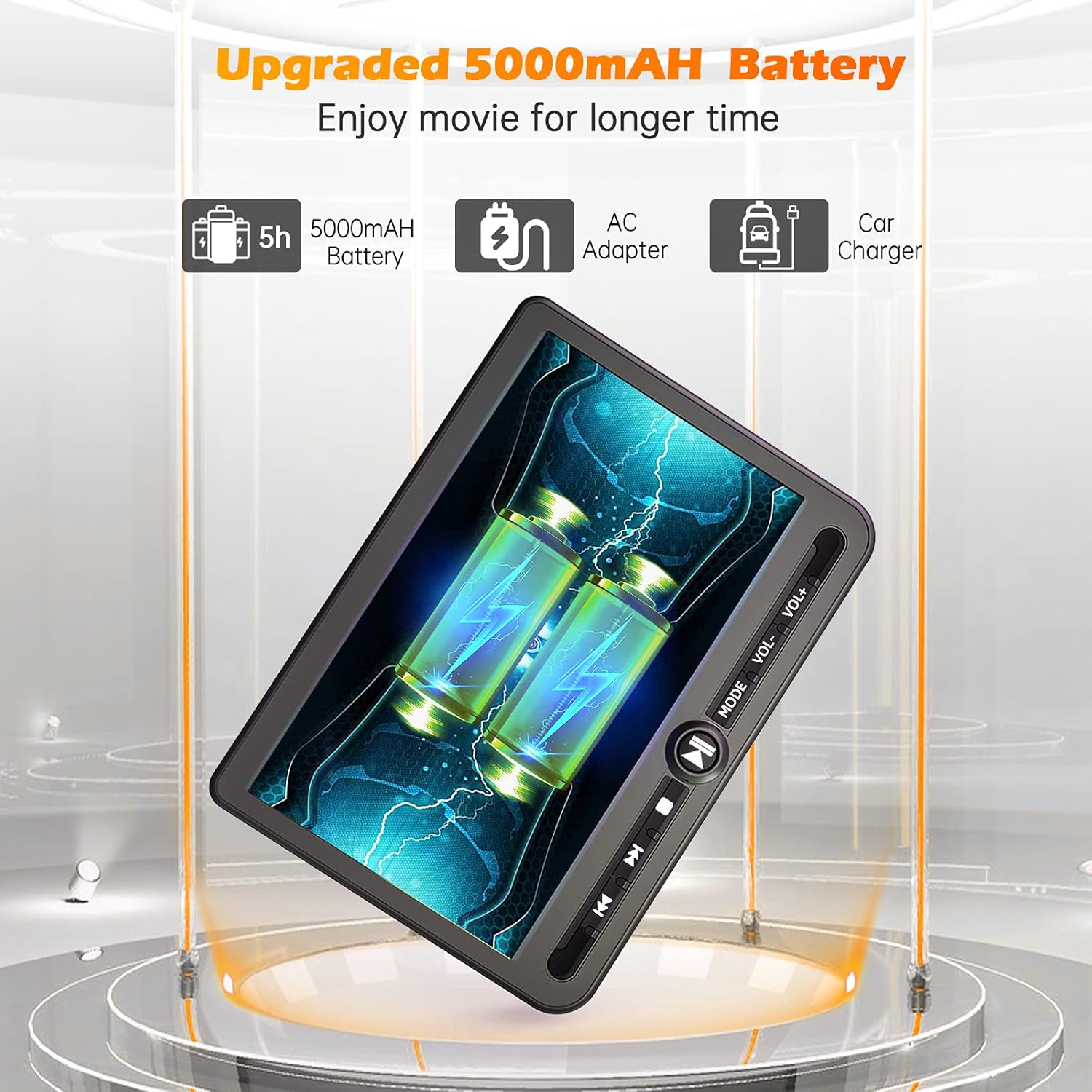
Слика 4: Power options including the 5000mAh battery, AC adapter, and car charger.
Упутство за употребу
1. Основне контроле
The main player features control buttons on the unit and can also be operated via the included remote control.
- Дугме за напајање: Притисните да бисте укључили/искључили јединицу.
- Дугме за репродукцију/паузу: Покреће или паузира репродукцију.
- Стоп дугме: Зауставља репродукцију.
- Дугмад Претходно/Следеће: Прескаче на претходну или следећу нумеру/поглавље.
- Дугмад за јачину звука +/-: Подешава јачину звука.
- Дугме за режим: Switches between input sources (DVD, USB, SD).
2. Playing DVDs
- Insert a DVD disc into the main player's disc slot.
- The player will automatically detect the disc and begin playback. If not, press the 'Play' button or select 'DVD' mode.
- Use the control buttons or remote to navigate menus, play, pause, or stop.
3. Репродукција са USB/SD картице
The player supports media playback from USB drives and SD cards.
- Уметните USB диск у USB порт или SD картицу у слот за SD картицу.
- Press the 'Mode' button to select 'USB' or 'SD' input.
- Крећите се кроз своје files using the control buttons or remote and select the desired media to play.
4. Функција последње меморије
The player features a last memory function, which allows it to resume playback from where it was last stopped, even after being powered off.
5. Region Free & Multi-Format Support
This DVD player is region-free, allowing playback of DVDs from any region. It also supports multiple media formats from USB and SD cards.

Слика 5: Features including USB/TF card support, region-free playback, and last memory function.
6. Sync Screen to TV
You can connect the main DVD player to a larger TV screen using the provided RCA cable for a home viewинг искуство.
- Connect one end of the RCA cable to the AV OUT port on the main DVD player.
- Connect the other end of the RCA cable to the corresponding AV IN ports on your television.
- Select the correct AV input source on your television.

Слика 6: Connecting the portable DVD player to a TV using the RCA cable.
Одржавање
1. Чишћење
- Use a soft, dry cloth to clean the exterior of the players.
- За тврдокорне трагове, благо дampИсперите крпу водом. Избегавајте употребу јаких хемикалија или абразивних средстава за чишћење.
- Do not spray cleaning solutions directly onto the screen or into any openings.
- To clean the disc lens, use a specialized DVD lens cleaning disc.
2. Брига о батерији
- Да бисте продужили век трајања батерије, избегавајте често потпуно пражњење батерије.
- Charge the battery regularly, even if the device is not in use for extended periods.
- Уређај чувајте на хладном и сувом месту, даље од директне сунчеве светлости и екстремних температура.
Решавање проблема
If you encounter issues with your Arafuna DVD player, refer to the following common problems and solutions:
| Проблем | Могући узрок | Решење |
|---|---|---|
| Плејер се не укључује. | No power supply; discharged battery; faulty power adapter/cable. | Ensure power cable is securely connected. Charge the battery using the AC adapter or car charger. Test with a different power source if available. |
| No picture or sound on slave monitor. | Loose or incorrect HDMI/DC cable connection. | Check that the HDMI and DC cables are securely connected between the main player and the slave monitor. Ensure they are connected to the correct IN/OUT ports. |
| DVD disc does not play or skips. | Disc is dirty, scratched, or inserted incorrectly; lens is dirty; incompatible disc format. | Clean the disc with a soft cloth. Ensure the disc is inserted correctly with the label side up. Use a lens cleaning disc. Try a different, known-good disc. |
| No sound from player. | Volume is too low or muted; headphones not properly connected; faulty audio settings. | Increase the volume. Check headphone connection. Ensure no mute function is active. |
| USB/SD картица није препозната. | Нетачно file format; card/drive not properly inserted; corrupted media. | Осигурајте медије files are in a supported format. Reinsert the USB drive or SD card. Try a different USB drive or SD card. |
Спецификације
| Феатуре | Детаљ |
|---|---|
| Бранд | Арафуна |
| Број модела | ДМ-12 |
| Величина екрана | 10.5 инча |
| Дисплаи Типе | ЛЦД |
| Технологија повезивања | ХДМИ, УСБ |
| Подржани типови медија | DVD, USB, SD Card |
| Пуњива батерија | Yes (5000mAh Lithium-polymer) |
| УПЦ | 730096858222 |
Гаранција
This Arafuna product is covered by a Двогодишња гаранција произвођача од датума куповине. Ова гаранција покрива недостатке у материјалу и изради при нормалној употреби. Не покрива штету насталу услед злоупотребе, несреће, неовлашћене модификације или спољних узрока.
Подршка
For technical assistance, warranty claims, or further inquiries regarding your Arafuna 10.5 Inch Dual Screen Portable DVD Player, please refer to the contact information provided with your purchase or visit the official Arafuna support webсајту.