
1. Увод
Welcome to your new HAOVM 10-inch Android 11 Tablet. This manual provides essential information to help you set up, operate, maintain, and troubleshoot your device. Please read it carefully to ensure optimal performance and longevity of your tablet.

Image: The HAOVM 10-inch Android 11 Tablet, showcasinњегов елегантан дизајн и екран.
2. Почетак рада (Подешавање)
2.1 Пуњење таблета
Before first use, ensure your tablet is fully charged.
- Повежите USB Type-C кабл са портом за пуњење таблета.
- Повежите други крај кабла са компатибилним адаптером за напајање и укључите га у зидну утичницу.
- The battery icon on the screen will indicate the charging status.
2.2 Укључивање/искључивање
- За укључивање: Press and hold the Power Button (located on the side) until the HAOVM logo appears on the screen.
- За искључивање: Press and hold the Power Button until a power options menu appears. Select "Power off" and confirm.
2.3 Почетно подешавање
При првом укључивању, бићете вођени кроз процес почетног подешавања:
- Изаберите жељени језик.
- Повежите се на Ви-Фи мрежу да бисте приступили интернету.
- Пријавите се помоћу свог Google налога или креирајте нови.
- Follow the remaining prompts to complete the setup.

Image: Close-up of the tablet's USB Type-C port, highlighting its modern connectivity.
3. Управљање таблетом
3.1 Приказ и навигација
The HAOVM tablet features a vibrant 10.1-inch IPS FHD display with a resolution of 1920x1200 pixels, providing clear and crisp visuals. The capacitive touchscreen allows for smooth and responsive navigation.
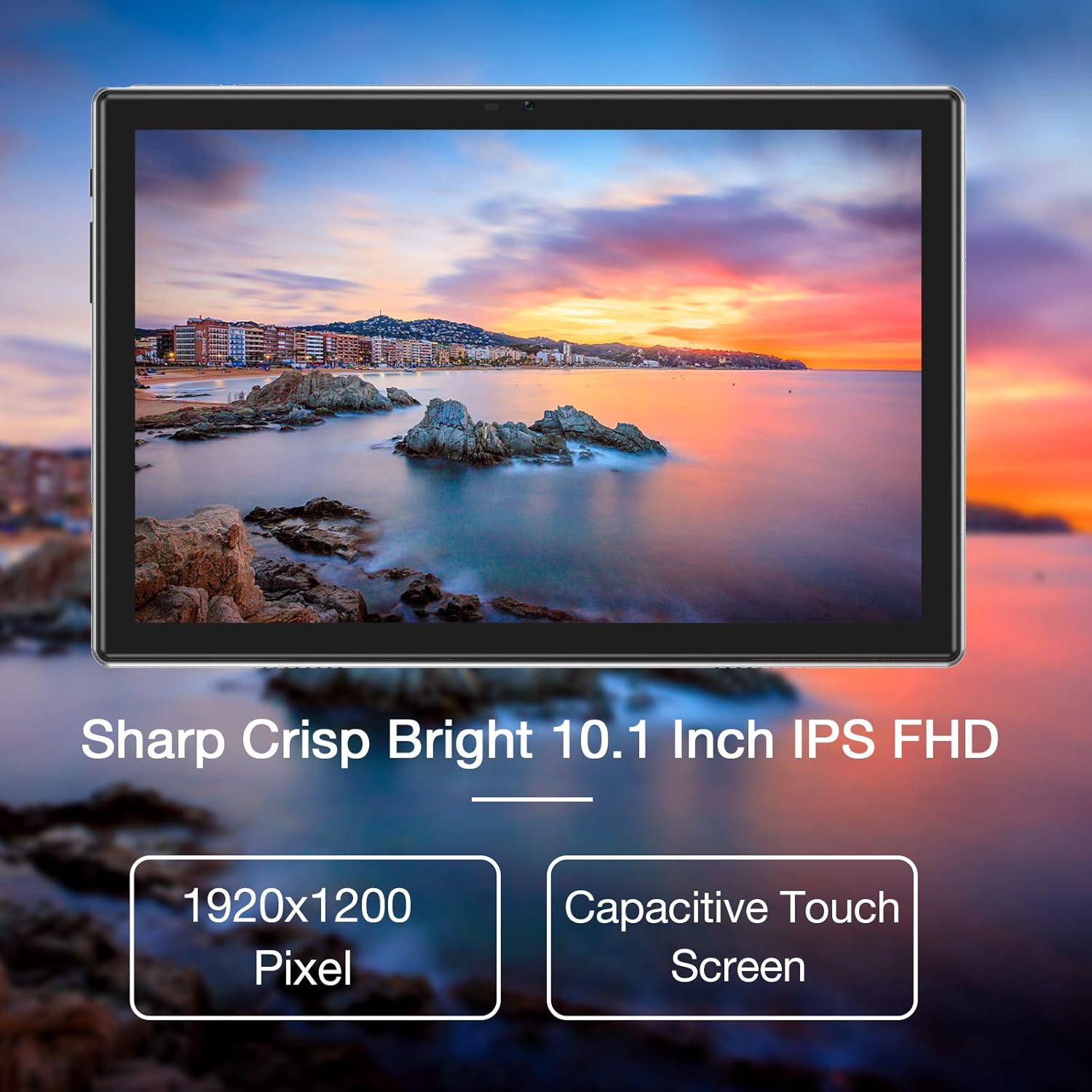
Image: The tablet's 10.1-inch IPS FHD display showcasing its sharp and bright visual quality.
3.2 Повезивање
Your tablet offers robust connectivity options:
- Ви-Фи: Supports 5G WiFi (802.11ac) for high-speed internet access. To connect, go to Подешавања > Мрежа и интернет > Wi-Fi, select your network, and enter the password.
- Блуетоотх: Equipped with Bluetooth 5.0 for connecting to wireless headphones, speakers, and other compatible devices. Enable it via Подешавања > Повезани уређаји > Подешавања везе > Блуетоотх.
3.3 камере
Capture moments and make video calls with the tablet's dual cameras:
- Предња камера: 5 Megapixels, ideal for video conferencing and selfies.
- Задња камера: 13 Megapixels, suitable for taking photos and recording videos.

Image: Illustration showing the tablet's 5.0MP front camera and 13.0MP back camera capabilities.
3.4 Складиштење и перформансе
The tablet is designed for efficient multitasking and ampскладиште:
- РАМ: 3GB of RAM ensures smooth operation and efficient multitasking.
- Интерна меморија: 64GB of internal storage for your apps, photos, and files.
- Прошириво складиште: Storage can be expanded up to 128GB using a microSD card (not included).
- процесор: Powered by a 1.6 GHz Octa-Core processor, providing fast and fluid performance for various applications.

Image: Diagram illustrating the tablet's powerful internal configuration, including the Octa-Core CPU, 3GB RAM, and 64GB storage.
3.5 GPS функционалност
The integrated GPS system allows for accurate navigation and location-based services, making it a useful tool for travel and exploration.

Image: The tablet being used for navigation, demonstrating its GPS capabilities and long-lasting 6000mAh battery.
4. Одржавање
4.1 Чишћење
- Користите меку крпу која не оставља влакна да нежно обришете екран и кућиште таблета.
- Avoid using abrasive cleaners, alcohol, or chemical solvents, as they may damage the surface.
4.2 Одржавање батерије
- To prolong battery life, avoid exposing the tablet to extreme temperatures (hot or cold).
- Не дозволите често да се батерија потпуно испразни на 0%.
- Ако складиштите таблет дуже време, напуните га на око 50% пре него што га искључите.
4.3 Ажурирања софтвера
- Regularly check for system updates to ensure your tablet has the latest features, performance improvements, and security patches.
- You can usually find update options in Подешавања > Систем > Ажурирање система.
КСНУМКС. Решавање проблема
5.1 Уобичајена питања и решења
| Проблем | Решење |
|---|---|
| Таблет се не укључује | Ensure the battery is charged. Connect to a power source for at least 30 minutes. Press and hold the power button for 10-15 seconds to force a restart. |
| Проблеми са Ви-Фи везом | Restart the tablet and your Wi-Fi router. Go to Wi-Fi settings, forget the network, and then reconnect. Ensure you are within range of the Wi-Fi signal. |
| Апликације се руше или замрзавају | Затворите апликацију и поново је отворите. Обришите кеш меморију и податке апликације у Подешавања > Апликације > [Назив апликације] > Меморија > Обриши кеш/Обриши податке. Ensure sufficient storage space is available. |
| Споро перформансе | Close unused background apps. Clear system cache (if option available). Uninstall unnecessary apps. If issues persist, consider a factory reset (backup all data first). |
| Екран не реагује | Restart the tablet by holding the power button. If unresponsive, let the battery drain completely and then recharge and power on. |
6. Спецификације
6.1 Техничке спецификације
| Феатуре | Детаљ |
|---|---|
| Бранд | ХАОВМ |
| Број модела | Tablet (HP20) |
| Оперативни систем | Андроид 11 |
| Процесор | Осмојезгарни 1.6 GHz |
| РАМ | 3 ГБ |
| Интерна меморија | 64 ГБ |
| Екпандабле Стораге | До 128 ГБ (МицроСД) |
| Величина екрана | 10.1 инча |
| Резолуција екрана | 1920 x 1200 пиксела (FHD IPS) |
| Предња камера | 5 МП |
| Задња камера | 13 МП |
| Повезивање | Wi-Fi (802.11ac), Bluetooth 5.0, GPS |
| Интерфејс | УСБ Типе-Ц |
| Батерија | 6000мАх |
| Димензије (Д к Ш к В) | 27.2 к 18 к 6.1 цм |
| Тежина | 5 грама |
7. Гаранција и подршка
7.1 Информације о гаранцији
Your HAOVM tablet comes with a limited warranty. Please refer to the warranty card or documentation included in the product packaging for specific terms, conditions, and duration of the warranty. Keep your proof of purchase for warranty claims.
7.2 Корисничка подршка
For technical assistance, troubleshooting beyond this manual, or service inquiries, please contact HAOVM customer support. You can typically find contact information on the official HAOVM webсајту или преко продавца где сте купили производ.