
Iproda 1169YM
Iproda Laptop User Manual
Model: 1169YM | Brand: Iproda
1. Увод
This manual provides essential information for the safe and efficient use of your Iproda 1169YM Laptop. The Iproda Laptop is a versatile 2-in-1 convertible device, designed for portability and performance. It features a 360-degree hinge, allowing it to transform between laptop and tablet modes, and an intuitive touchscreen display.
We recommend reading this manual thoroughly to understand all features and ensure proper operation and maintenance of your device.

Image: The Iproda Laptop showcasing its 360-degree convertible design and touchscreen capabilities.
2. Кључне карактеристике
- 2-у-1 кабриолет дизајн: The laptop features a 360-degree hinge, allowing it to be used as a traditional laptop or folded into a tablet. It is ultra-thin at 0.5 inches and weighs 2.2 pounds, making it highly portable.
- Високоперформансни процесор: Equipped with an efficient Intel Celeron N4100 processor (up to 2.4 GHz), 4 GB DDR4 RAM, and 64 GB SSD storage, ensuring smooth operation for daily tasks.
- Живописнији екран осетљив на додир: Features an 11.6-inch FHD IPS display with 1920x1080 resolution and multi-point precision touchscreen functionality.
- Виндоус 10 Про: Comes with an authorized and activated Windows 10 Pro operating system.
- Дуготрајна батерија: A 3500 mAh battery provides up to 8 hours of usage for work, reading, browsing, or entertainment.
- Свестрано повезивање: Includes a Type-C port (for power), Micro-HDMI (for external display), Micro-USB, Micro-SD card slot (expandable up to 128 GB), and a headphone jack.
- Прошириво складиште: Supports M.2 2242 SSD expansion (up to 512 GB) for additional storage capacity.
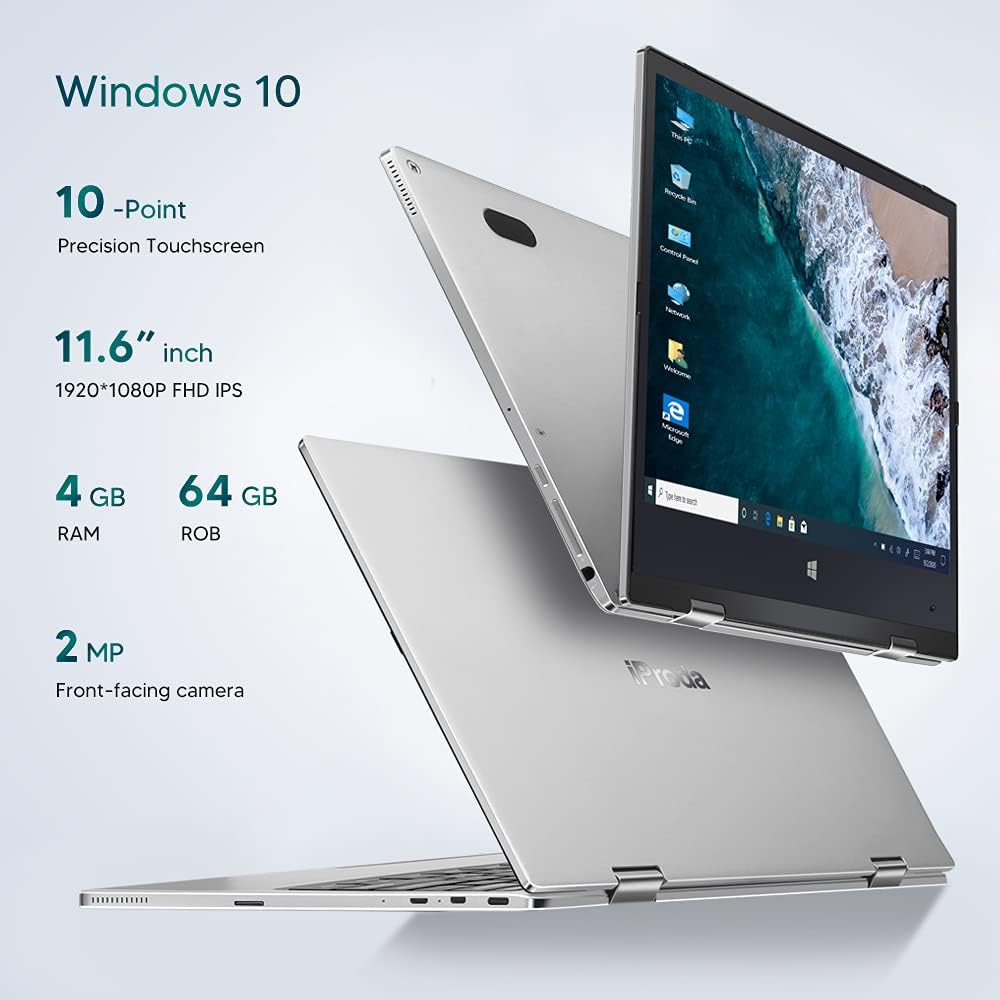
Слика: Прекоview of key specifications including display, memory, and camera.
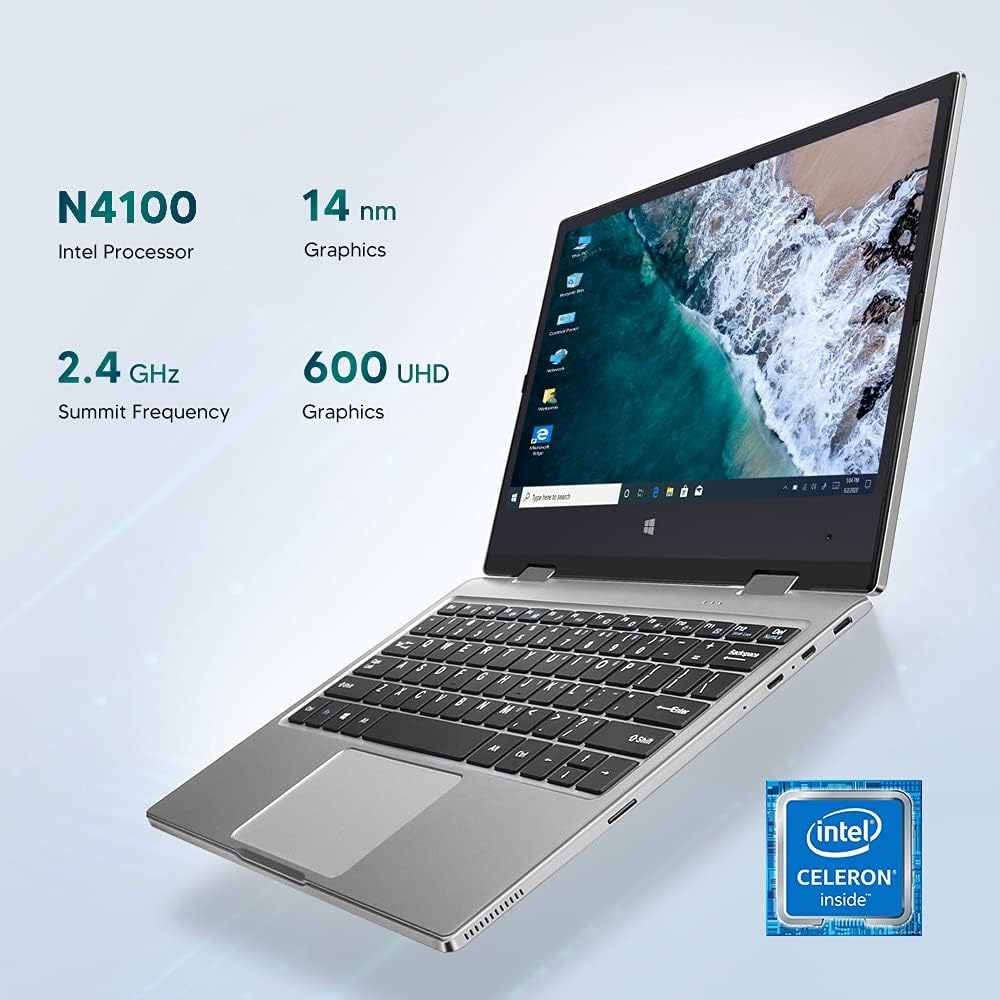
Image: Details of the Intel Celeron N4100 processor and integrated graphics.

Image: The laptop's slim and lightweight design.
3. Почетно подешавање
- Распакивање: Пажљиво извадите лаптоп и сву додатну опрему из паковања. Уверите се да су све компоненте присутне: лаптоп, адаптер за напајање и документација.
- Пуњење батерије: Before first use, connect the power adapter to the Type-C port on the laptop and plug it into a power outlet. Allow the battery to charge fully. The charging indicator light will typically change color or turn off when fully charged.
- Укључено: Press and hold the Power Button located on the side of the laptop until the screen illuminates.
- Почетна инсталација Windows-а: Follow the on-screen instructions to complete the Windows 10 Pro setup. This includes selecting your language, region, connecting to a Wi-Fi network, and creating a user account.
- Повежите периферне уређаје: If desired, connect external devices such as a mouse, keyboard, or external monitor using the available ports (Micro-USB, Micro-HDMI). Note: For standard USB 2.0 devices, a Micro-USB to USB 2.0 OTG cable is required.

Image: Illustration of the laptop's ports and buttons for connectivity and control.
4. Упутство за употребу
4.1. Using the 2-in-1 Convertible Feature
The Iproda Laptop's 360-degree hinge allows for flexible usage modes:
- Режим лаптопа: Стандардна конфигурација лаптопа за куцање и продуктивност.
- Режим шатора: Fold the screen back to stand the laptop in a "tent" shape, ideal for watching videos or presentations.
- Режим стајања: Fold the screen back further, resting the keyboard face down, for a compact display.
- Режим таблета: Fold the screen completely back against the base for a full tablet experience, utilizing the touchscreen.
4.2. Функционалност екрана осетљивог на додир
The 11.6-inch display supports 10-point precision touch. You can interact with Windows 10 Pro directly on the screen using gestures similar to a smartphone or tablet. Common gestures include tapping, swiping, pinching to zoom, and two-finger scrolling.
4.3. Connecting to External Displays
Use the Micro-HDMI port to connect your laptop to an external monitor or projector. You may need an appropriate Micro-HDMI to HDMI cable (not included). Once connected, you can configure display settings in Windows to extend or duplicate your screen.
4.4. Видео конференције
The integrated 2MP front-facing camera and microphone enable video conferencing. Ensure you have a stable internet connection and appropriate software (e.g., Zoom, Microsoft Teams) installed.
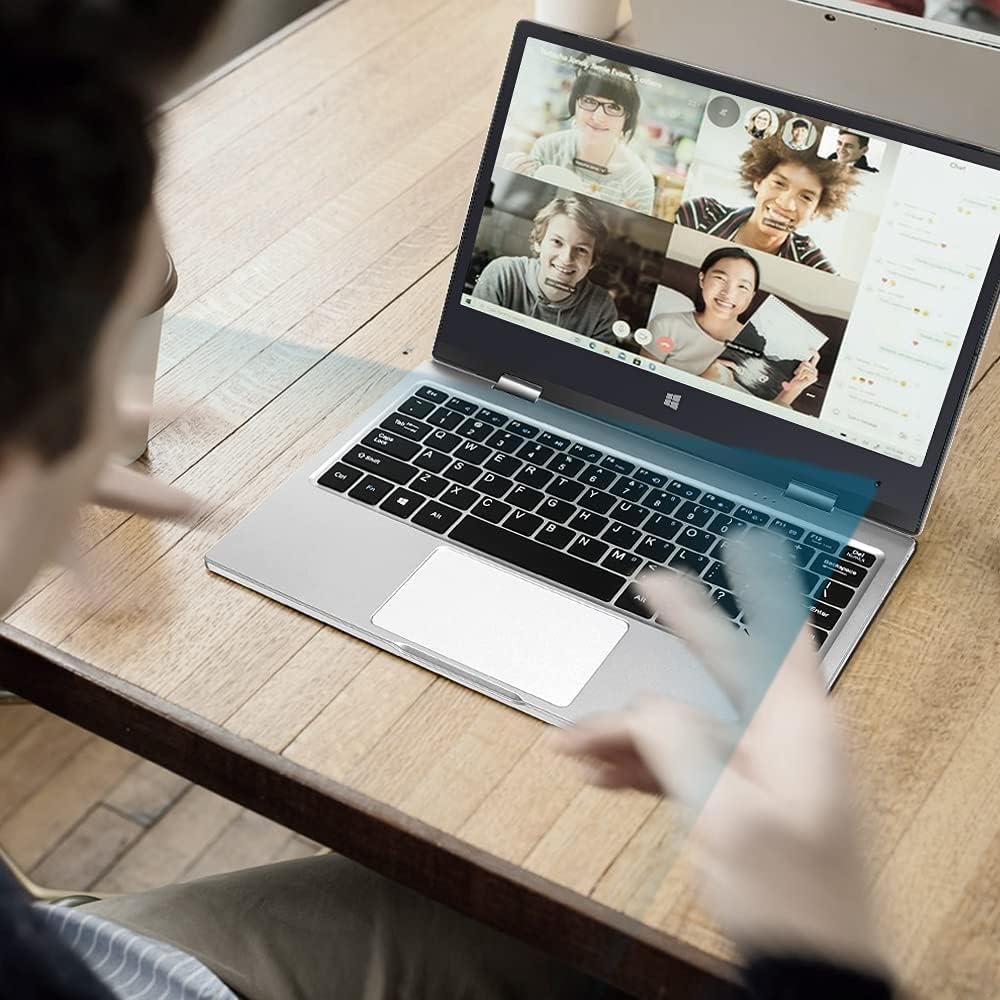
Image: The laptop in use for a video conference.
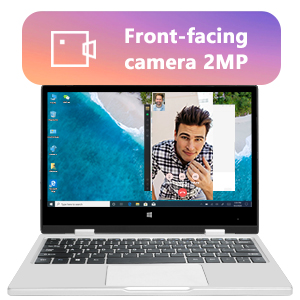
Image: Detail of the front-facing camera during a video call.
5. Одржавање и њега
- Чишћење екрана: Користите меку крпу која не оставља влакна, посебно дизајнирану за електронику. За тврдокорне мрље, лагано обришитеampen the cloth with water or a screen cleaner solution (avoid harsh chemicals).
- Чишћење шасије: Wipe the exterior with a soft, dry cloth. Avoid liquid contact with ports and openings.
- Одржавање батерије: Да бисте продужили век трајања батерије, избегавајте често потпуно пражњење батерије. Чувајте лаптоп на хладном и сувом месту када га не користите дуже време.
- Проширење складишног простора: The laptop supports M.2 2242 SSDs (128GB/256GB/512GB, not included) for expanding storage. Refer to a qualified technician for installation to avoid damaging the device.
- Ажурирања софтвера: Редовно ажурирајте Windows 10 Pro и управљачке програме уређаја како бисте осигурали оптималне перформансе и безбедност.

Image: Illustration of the M.2 SSD slot for storage expansion.

Слика: Детаљна view of the M.2 SSD installation for storage expansion.
КСНУМКС. Решавање проблема
If you encounter issues with your Iproda Laptop, try the following common troubleshooting steps:
- Лаптоп се не укључује:
- Ensure the power adapter is securely connected to both the laptop's Type-C port and a working power outlet.
- Allow the laptop to charge for at least 30 minutes before attempting to power it on again.
- Покушајте са другом утичницом.
- Екран је празан или не реагује:
- Press the Power Button briefly to see if the screen wakes up from sleep.
- Perform a hard reset by holding the Power Button for 10-15 seconds until the laptop powers off, then restart it.
- If connected to an external display, ensure the display cable is properly connected and the external display is powered on.
- Проблеми са Wi-Fi повезивањем:
- Проверите да ли је Wi-Fi омогућен у подешавањима система Windows.
- Поново покрените свој Ви-Фи рутер и лаптоп.
- Уверите се да сте у домету ваше Wi-Fi мреже.
- Екран осетљив на додир не реагује:
- Поново покрените лаптоп.
- Уверите се да је екран чист и без прљавштине.
- Check for any pending Windows updates that might include touchscreen driver fixes.
Ако ови кораци не реше проблем, погледајте одељак Гаранција и подршка за додатну помоћ.
7. Техничке спецификације
| Феатуре | Спецификација |
|---|---|
| Бранд | Iproda |
| Број модела | 1169ИМ |
| Боја | Сребро |
| Форм Фацтор | Laptop (2-in-1 Convertible) |
| Величина екрана | 11.6 инча |
| Резолуција екрана | 1920 x 1080 пиксела (FHD IPS) |
| Марка процесора | Интел |
| Тип процесора | Интел Целерон Н4100 |
| Брзина процесора | До 2.4 ГХз |
| Величина РАМ-а | 4 ГБ |
| РАМ технологија | ДДР4 |
| Величина чврстог диска | 64 ГБ |
| Тип чврстог диска | ССД |
| Грапхицс Цопроцессор | Интел УХД графика 600 |
| Бежично повезивање | Ви-Фи (КСНУМКС ГХз) |
| Оперативни систем | Виндовс 10 Про |
| Капацитет батерије | 3500 mAh (26.6 Watt-hours) |
| Просечно трајање батерије | 8 сата |
| Портс | Type-C (Power), Micro-HDMI, Micro-USB, Micro-SD Card Slot, Headphone Jack |
| Димензије (Д к Ш к В) | 27.43 к 18.8 к 1.27 цм |
| Тежина | 997.9 г (приближно 2.2 фунти) |
8. Гаранција и подршка
The Iproda Laptop comes with a one-year warranty. This warranty covers manufacturing defects and ensures the quality of all Iproda products. For warranty claims or technical support, please contact Iproda customer service.
If you encounter any problems or have questions regarding your device, please do not hesitate to contact us. Please have your model number (1169YM) and purchase information ready when contacting support.
Контакт информације: Please refer to the retailer's website or your purchase documentation for specific customer service contact details.
Ask a question about this manual
Ask about setup, troubleshooting, compatibility, parts, safety, or missing instructions. Manuals+ will review the question and use this page’s manual context to help answer it.