
1. Увод и крајview
This manual provides comprehensive instructions for the Vormooi 64GB Mini Voice Recorder V15. This compact and lightweight device is designed for high-quality audio recording in various settings, including lectures, meetings, interviews, and classes. It features a large storage capacity, long battery life, and user-friendly operation.

Слика 1.1: The Vormooi Mini Voice Recorder highlighting its main features: 750 hours recording capacity, 64GB memory, and 40-50 hours battery life.
2. Карактеристике производа
- Ултра-компактан дизајн: Measuring 6x32x54 mm (0.23x1.25x2.10 inches) and weighing only 21g, this recorder is highly portable.
- Снимање једним тастером: Simple operation to start, stop, and save recordings.
- 64GB Large Capacity: Stores up to 750 hours of recording files.
- Продужено трајање батерије: Built-in 200mAh battery provides 40-50 hours of continuous recording or 30 hours of playback after a 2.5-hour charge.
- Automatic Noise Reduction & HD Recording: Utilizes PCM ten-core triple digital intelligent noise reduction technology for 384kbps high-quality sound.
- Режим активирања гласом: Automatically starts recording when sound is detected and stops when quiet, conserving battery and memory.
- Тиме Стamp Функција: Снимање files are named with the date and time for easy organization.
- OTG функција: Allows direct connection to Android phones (via included adapter) for file менаџмент.
- Издржљива конструкција: Premium blue metal shell made of zinc alloy.
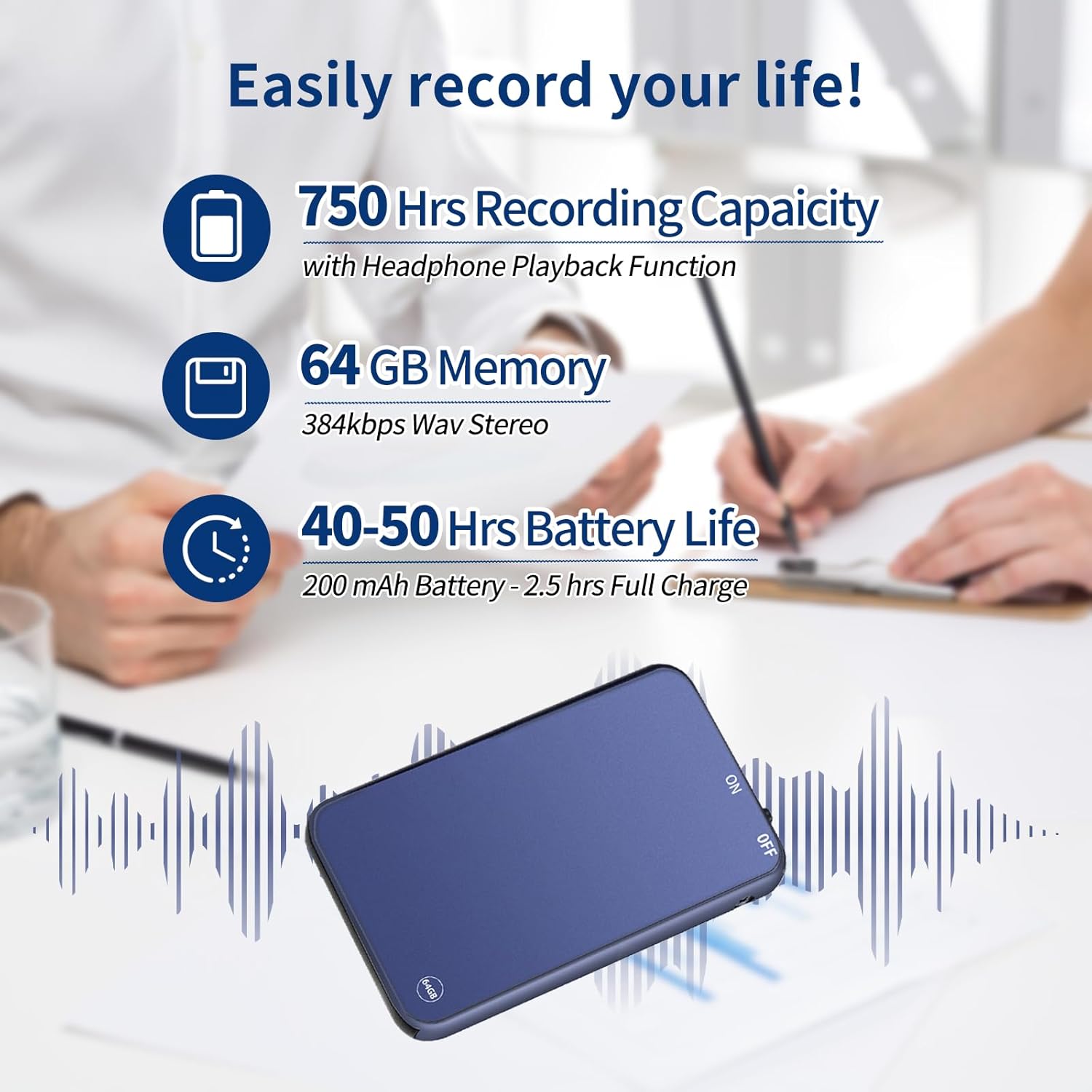
Слика 2.1: Visual representation of the recorder's impressive recording capacity, memory, and battery performance.
3. Распоред и контроле уређаја
Familiarize yourself with the physical components and controls of your Vormooi Mini Voice Recorder.

Слика 3.1: Dimensions of the Vormooi Mini Voice Recorder and key physical features like the lanyard hole and one-touch recording switch.
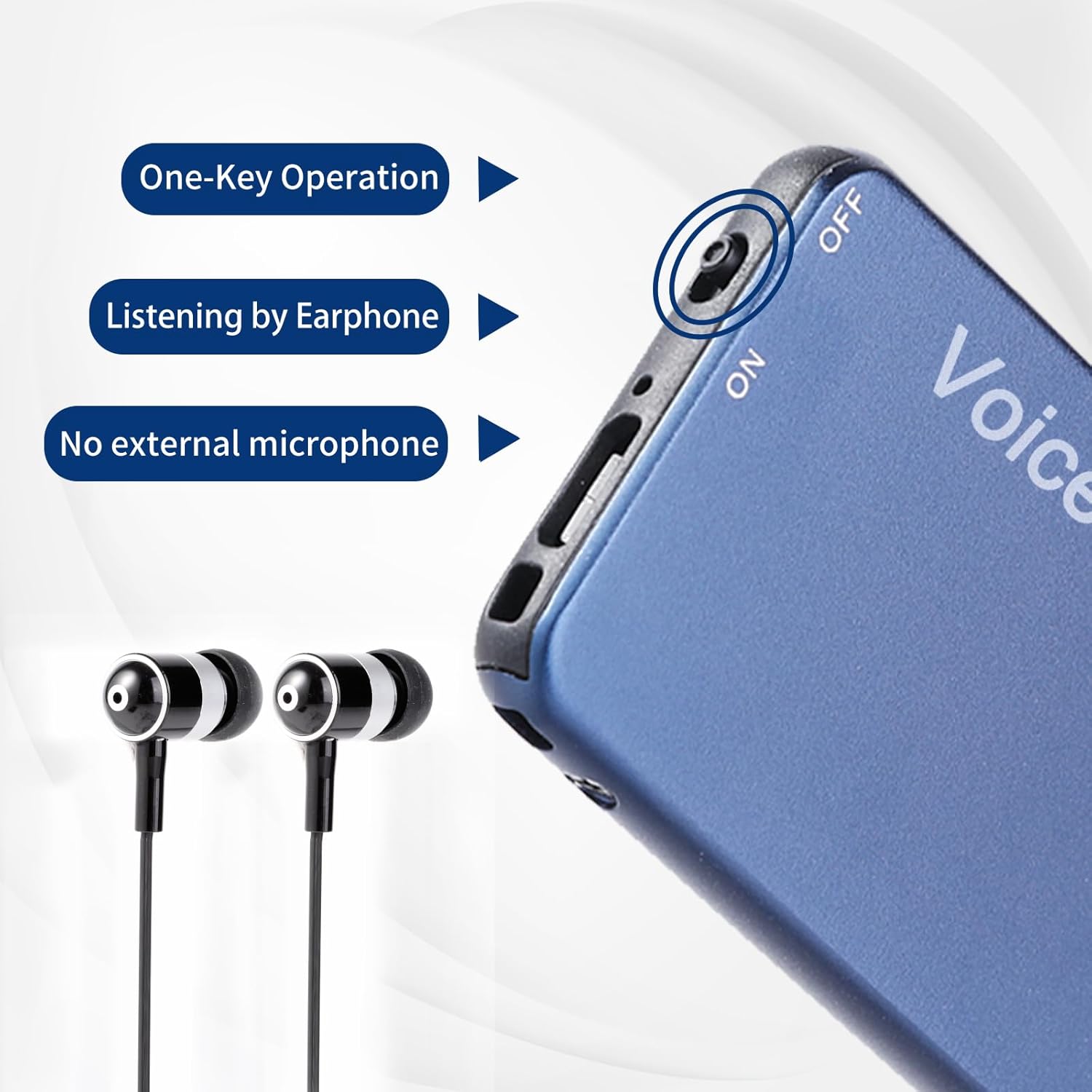
Слика 3.2: Detail of the recorder's side, showing the ON/OFF switch and earphone jack, emphasizing its one-key operation and integrated microphone.
4. Подешавање
4.1 Почетно пуњење
Before first use, fully charge the device. Connect the recorder to a USB power source (e.g., computer USB port or USB wall adapter) using the provided USB cable. A full charge takes approximately 2.5 hours.
4.2 Укључивање/искључивање
- To power on, slide the switch to the "ON" position.
- To power off, slide the switch to the "OFF" position.
5. Упутство за употребу
5.1 One-Key Recording
- Уверите се да је уређај укључен.
- To start recording, slide the dedicated recording switch (often marked "REC" or similar, or simply the ON switch if it initiates recording upon power-on) to the recording position. The device will begin recording immediately.
- Да бисте зауставили снимање и сачували file, slide the recording switch back to its original position or to the "OFF" position. The recording will be saved automatically with a timestamp (date and time).
5.2 Voice Activated Mode (VOR)
The Voice Activated Mode (VOR) conserves memory and battery by recording only when sound is detected. This feature is factory default off.
- To enable/disable VOR, refer to the specific instructions in the included "RECSET.txt" file on the device when connected to a computer, or consult the manufacturer's webсајт за детаљне кораке.
- Once enabled, the recorder will automatically start recording when it detects sound and pause when there is silence.
5.3 Репродукција
To listen to your recordings:
- Connect the included earphones to the 3.5mm audio jack on the recorder.
- Укључите уређај.
- Use the inline controls on the earphone cable (if provided) or the device's buttons to navigate through files, adjust volume, play/pause, fast forward, and rewind.

Слика 5.1: The recorder demonstrating OTG function with a phone and PC, along with the earphone playback controls.
5.4 Connecting to PC/Phone (OTG Function)
The OTG function allows you to manage files directly on a computer or Android phone.
- Важно: Before connecting the recorder to a PC or phone, ensure the recorder is powered ОФФ.
- Use the provided USB cable and Type-C/Micro-USB adapter (for Android phones) to connect the recorder to your device.
- Once connected, the recorder will appear as a removable disk. You can then browse, play, or delete recording files.
Note: Some USB cables only support charging and cannot transmit data. Always use the cable provided with your recorder for file менаџмент.
6. Одржавање
- Пуњење: Avoid overcharging. Disconnect the device once fully charged to prolong battery life.
- File Менаџмент: Regularly back up important recordings to your computer. Do not modify or delete the "RECSET.txt" file, as this can affect device functionality.
- Чишћење: Користите меку, суву крпу за чишћење уређаја. Избегавајте течна средства за чишћење или абразивне материјале.
- Складиштење: Чувајте рекордер на хладном и сувом месту, даље од директне сунчеве светлости и екстремних температура.
КСНУМКС. Решавање проблема
| Проблем | Решење |
|---|---|
| Recorder not recognized by computer/phone. | Ensure the recorder is powered ОФФ before connecting it to your computer or phone. Use the original USB cable. |
| Recording stops automatically during charging. | This is normal behavior. The device automatically saves the current recording when charging begins. To continue recording, disconnect from charging and restart recording. |
| Cannot play WAV files on Windows 10. | The default Windows 10 GROOVE player may not support WAV format. Use "Windows Media Player" or another compatible music player. |
| Voice Activated Mode (VOR) is not working. | VOR is factory default off. Ensure you have enabled it according to the instructions in the "RECSET.txt" file or the manufacturer's support resources. |
| Device not turning on or responding. | Ensure the device is fully charged. If the issue persists, contact customer support. |
8. Спецификације
| Феатуре | Детаљ |
|---|---|
| Број модела | В15 |
| Капацитет меморије | 64 ГБ |
| Капацитет снимања | До 750 сати |
| Формат снимања | WAV (384kbps) |
| Тип батерије | 1 литијум-јонска (200 mAh) |
| Трајање батерије (снимање) | 40-50 сати |
| Трајање батерије (репродукција) | 30 сата |
| Време пуњења | Прибл. 2.5 сата |
| Димензије (Д к Ш к В) | 54 к 32 к 6 мм (2.10 к 1.25 к 0.23 инча) |
| Тежина артикла | 21 грама |
| Фактор форме микрофона | Built-In, Omnidirectional Stereo |
| Прикључак за слушалице | 3.5 милиметара |
| Компатибилни уређаји | Personal Computer (Windows/Mac), Android Phones |
| Материјал | Легура цинка високог квалитета |
9. Гаранција и подршка
Vormooi provides a 1-Year After-Sales Guarantee for this product, ensuring quality and customer satisfaction.
Корисничка подршка
If you encounter any questions or issues with your Vormooi Mini Voice Recorder, please do not hesitate to contact our support team. When contacting support, please provide your order number for faster assistance.
Начин контакта: [Order Number] - [Vormooi-US] - [Ask a Question] (via your purchase platform)
Our support team aims to reply within 24 hours.
10. Сценарији коришћења
The Vormooi Mini Voice Recorder is versatile and suitable for various recording needs:

Слика 10.1: The Vormooi Mini Voice Recorder is suitable for diverse environments, including recording lectures in a classroom, discussions in a business meeting, conversations during an interview, and presentations at public events.
Note: The image above illustrates various scenarios where the Vormooi Mini Voice Recorder can be effectively used.