
Увод
Thank you for choosing Senso Orbits Wireless Earbuds. These earbuds are designed to provide a high-quality audio experience with features like Environmental Noise Cancellation (ENC), deep bass, and a compact charging case. This manual will guide you through the setup, operation, and maintenance of your new earbuds.
Шта је у кутији
- Senso Orbits Wireless Earbuds
- Compact USB-C Charging Case
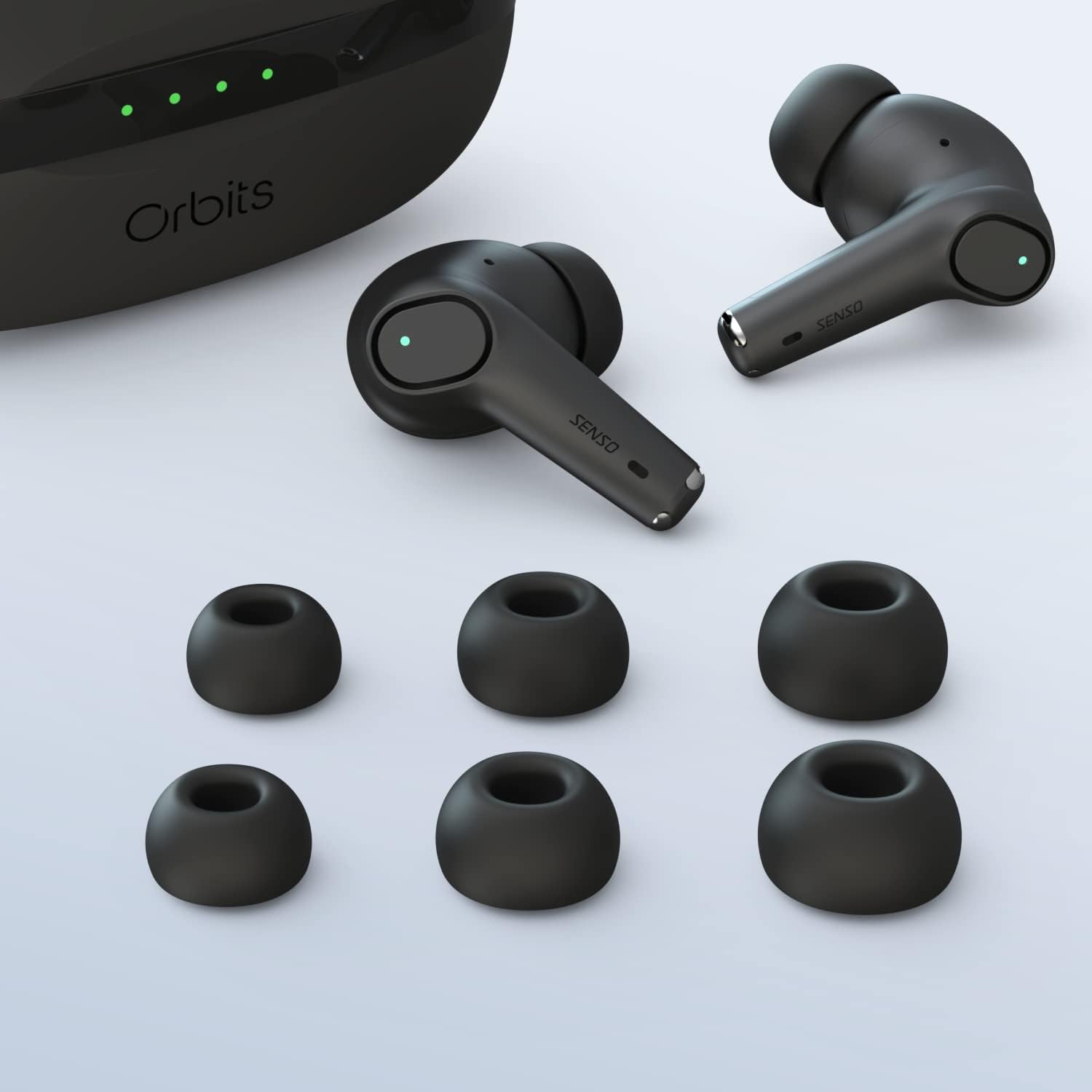
- Више величина врхова за уши
- УСБ-Ц кабл за пуњење
- Упутство за употребу
Сетуп
Почетно пуњење
Before first use, fully charge the earbuds and the charging case. Connect the USB-C cable to the charging port on the case and to a power source. The LED indicators on the case will show the charging status.
Упаривање са вашим уређајем
The Senso Orbits earbuds feature a responsive one-step instant connection. Simply open the charging case, and the earbuds will automatically enter pairing mode. Then, follow these steps:
- Отворите кућиште за пуњење.
- На свом уређају (паметном телефону, таблету итд.) идите на подешавања Блутут-а.
- Select "Orbits" or "Orbits ENC70" from the list of available devices.
- Када се повежете, чућете звучни сигнал и слушалице су спремне за употребу.

Упутство за употребу
Додирните контроле
The Senso Orbits earbuds are equipped with multi-function touch controls. Simply tap on the earbuds to access various functions:
- Волуме +/-: Double tap the Left (L) earbud to decrease volume, or the Right (R) earbud to increase volume.
- Пусти/паузирај: Single tap either L or R earbud.
- Претходна/Следећа нумера: Triple tap the L earbud for the previous track, or the R earbud for the next track.
- Answer/Reject Phone Call: Press and hold either L or R earbud for 2 seconds to answer or reject a call.
- Активирајте гласовног асистента (SIRI): Press and hold either L or R earbud for 2 seconds.

Пуњење слушалица и футроле
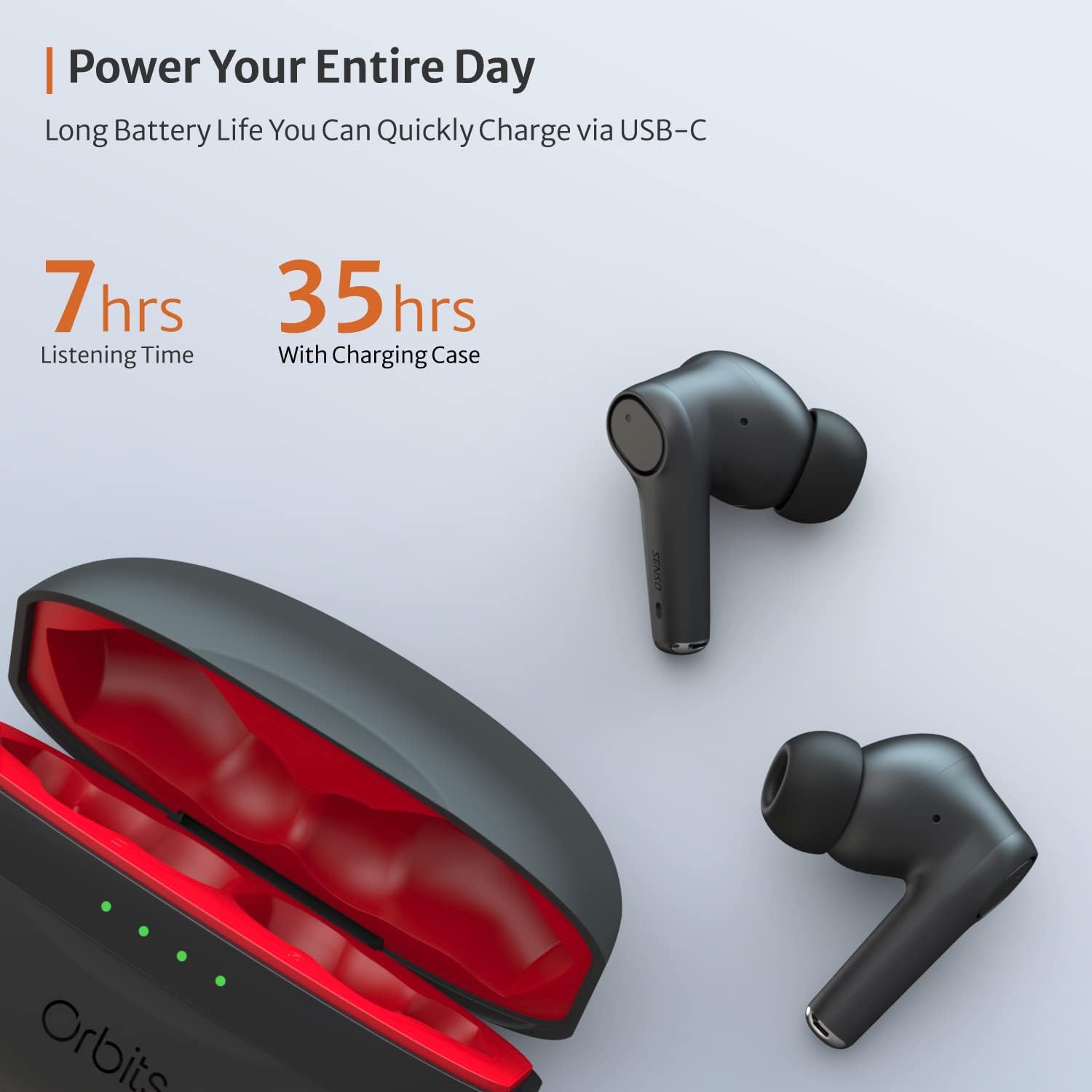
The charging case provides extended battery life for your earbuds. The earbuds will charge automatically when placed inside the case and the lid is closed. The case itself can be charged via a USB-C cable. The LED indicators on the case show the remaining battery level.
Поништавање буке у окружењу (ENC) за позиве
The Senso Orbits earbuds feature a QUAD-microphone array with ENC technology to effectively suppress environmental noise and enhance voice clarity during calls. This reduces ambient noise by up to 35dB, ensuring clear communication.
Одржавање
Чишћење
Regularly clean your earbuds and charging case to ensure optimal performance and hygiene. Use a soft, dry, lint-free cloth. For ear tips, you may gently wipe them with a damp cloth and mild soap, ensuring they are completely dry before reattaching.
Отпорност на воду
The Senso Orbits earbuds are IPX rated, providing protection against light rain, accidental splashes, and sweat. They are suitable for sports and exercise. However, they are not designed for submersion in water. Avoid exposing them to excessive moisture or harsh chemicals.

Складиштење
Када се не користе, чувајте слушалице у њиховој футроли за пуњење како бисте их заштитили и одржали напуњеним. Футролу чувајте на хладном и сувом месту, даље од директне сунчеве светлости и екстремних температура.
Решавање проблема
- Слушалице се не упарују: Ensure both earbuds are in the charging case, then open the lid. Check your device's Bluetooth settings to ensure it's discoverable and select "Orbits". If issues persist, try resetting the earbuds (refer to specific reset instructions if provided in a separate quick start guide).
- Нема звука из једне слушалице: Place both earbuds back in the charging case, close the lid, and then reopen it. Re-pair with your device.
- Проблеми са пуњењем: Ensure the USB-C cable is securely connected to both the case and the power source. Check if the charging port is clean and free of debris.
- Лош квалитет позива: Ensure the earbuds are properly seated in your ears. Check for any obstructions around the microphones.
Спецификације
| Феатуре | Детаљ |
|---|---|
| Назив модела | Орбите |
| Технологија повезивања | Блутут 5.0, бежични |
| Бежична комуникациона технологија | Блуетоотх |
| Укључене компоненте | Футрола за пуњење |
| Материјал | Пластика, силикон |
| Специфичне употребе за производ | Спорт и вежбање |
| Време пуњења | 2 сата |
| Ниво отпорности на воду | Waterproof (IPX rated) |
| Контролни метод | Додирните |
| Блуетоотх верзија | 5.0 |
| Функције контроле буке | Active Noise Control (ENC) |
| Посебна карактеристика | Lightweight, Microphone Included, Noise Cancellation, Water-resistant, Wireless |
| Тежина артикла | 5 унци |
| Трајање батерије (слушалице) | До 7-8 сати |
| Укупно време репродукције (са кућиштем за пуњење) | До 35 сати |
Гаранција и подршка
Продужена гаранција
Senso offers an option to extend the warranty to two years for free. To convert to a Two Year Warranty, please visit www.sensoshop.com/warranty. This must be claimed within 7 days of receiving the product.
Корисничка подршка
For any further assistance, technical support, or inquiries, please refer to the contact information provided with your product packaging or visit the official Senso webсајту.