
Увод
The havit GK58B is a USB plug-and-play gaming microphone designed for clear voice communication. It features omnidirectional sound pickup, a flexible gooseneck, a stable base, and unique RGB lighting effects. This manual provides instructions for setup, operation, maintenance, and troubleshooting to ensure optimal performance.
Карактеристике
- УСБ прикључи и користи: Simple connection without driver installation.
- Омнидирецтионал пицкуп: Captures sound from all directions for clear communication.
- Флексибилни гуски врат: Adjustable microphone position for optimal voice capture.
- Стабилна база: Ensures the microphone remains securely in place.
- РГБ осветљење: Integrated lighting for an enhanced aesthetic.
Садржај пакета
The havit GK58B package includes:
- 1 x havit GK58B USB Gaming Microphone
- 1 x Упутство за употребу (овај документ)

Слика: Фронт view of the havit GK58B USB Gaming Microphone retail packaging.

Слика: Леђа view of the havit GK58B USB Gaming Microphone retail packaging, showing product specifications.
Сетуп
- Распакујте микрофон: Carefully remove the havit GK58B microphone from its packaging.
- Поставите микрофон: Place the microphone on a stable, flat surface. Adjust the flexible gooseneck to position the microphone head optimally for your voice, typically 15-30 cm (6-12 inches) from your mouth.
- Повежите се са рачунаром: Plug the USB connector of the microphone cable into an available USB port on your computer.
- Инсталација драјвера: The microphone is plug-and-play and does not require additional driver installation. Your operating system should automatically detect and configure the device.
- Изаберите као подразумевани уређај:
- Виндовс: Иди на Подешавања звука > Контролна табла за звук > Снимање tab. Select "havit GK58B" or similar as your default recording device.
- мацОС: Иди на Системске поставке > Звук > Инпут tab. Select "havit GK58B" or similar as your input device.
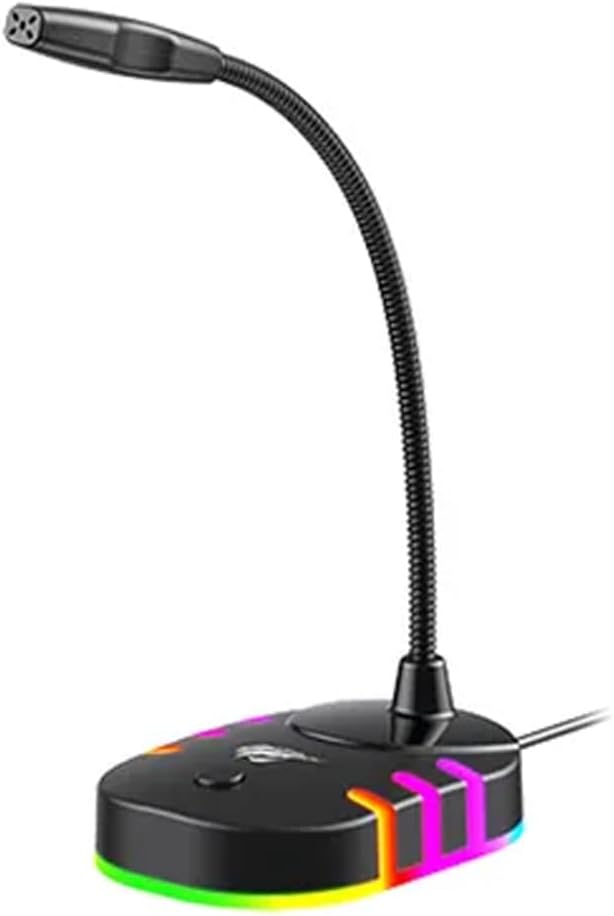
Слика: Предња страна view of the havit GK58B USB Gaming Microphone, showing the gooseneck and base with RGB lighting.
Упутство за употребу
- Активација микрофона: Once connected and selected as the default input device, the microphone is ready for use. The RGB lighting on the base will illuminate, indicating it is powered on.
- Подешавање јачине звука: Microphone input volume can be adjusted through your computer's sound settings or within the specific application you are using (e.g., game chat, communication software).
- Омнидирецтионал пицкуп: The GK58B features an omnidirectional polar pattern, meaning it picks up sound equally from all directions. This is suitable for capturing ambient sound or multiple speakers around the microphone. For best voice clarity, speak directly towards the microphone head.
- РГБ контрола осветљења: The microphone base features RGB lighting. While specific controls are not detailed, typically these lights cycle automatically or can be toggled via a button on the base if present. Refer to the product's physical buttons for any lighting control options.
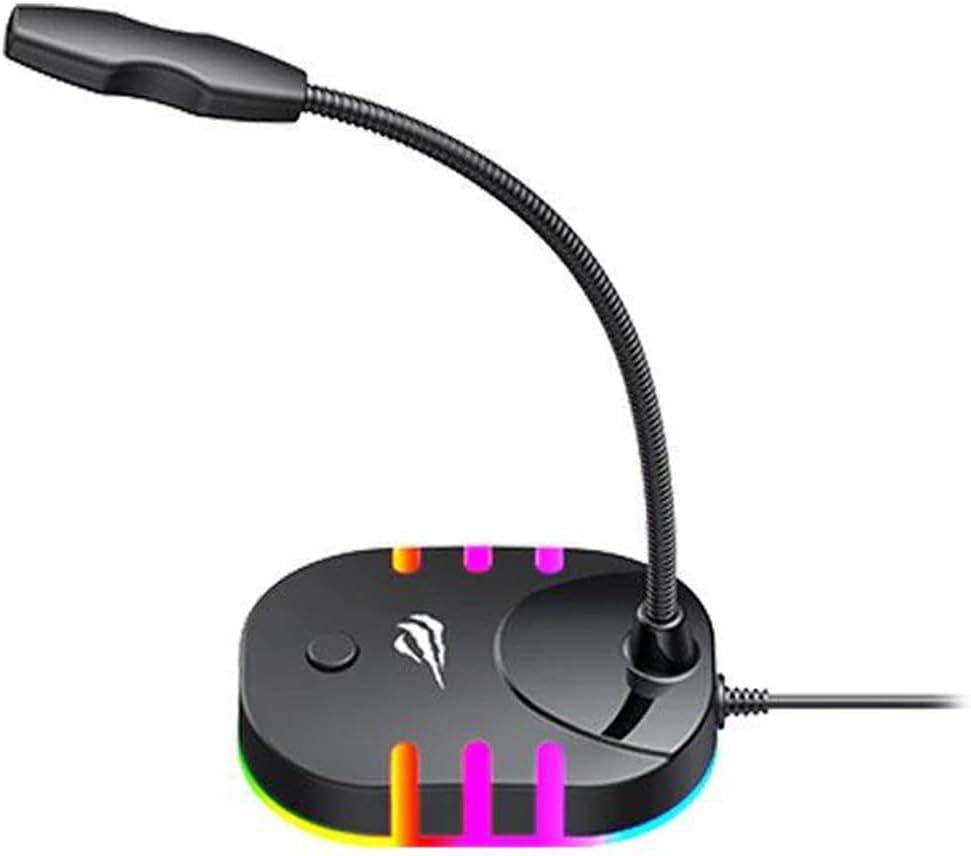
Image: Back-side view of the havit GK58B USB Gaming Microphone, showing the USB cable connection point and the base with RGB lighting.
Одржавање
- Чишћење: Use a soft, dry cloth to wipe the microphone and its base. Avoid using liquid cleaners or abrasive materials, as these can damage the device.
- Складиштење: When not in use, store the microphone in a clean, dry environment away from direct sunlight and extreme temperatures.
- Нега каблова: Не савијајте или не кривите USB кабл прекомерно. Увек држите утикач, а не кабл, приликом искључивања.
Решавање проблема
| Проблем | Могући узрок | Решење |
|---|---|---|
| Microphone not detected / No sound input |
|
|
| Мала јачина микрофона |
|
|
| РГБ осветљење не ради |
|
|
Спецификације
| Назив модела | ГК58Б |
| Технологија повезивања | УСБ |
| Тип конектора | УСБ тип-А |
| Полар Паттерн | Омнидирецтионал |
| Осетљивост | -36 ± 3дБ |
| Импеданса | КСНУМКСкΩ |
| Фреквенцијски одзив | 30Хз – 16кХз |
| Цабле Ленгтх | 1.5м |
| Оператинг Волtage | 5.0В |
| Оператинг Цуррент | 90мА |
| Димензије микрофона | φ6*5мм |
| Димензије производа | 7.5 к 13 к 11 цм |
| Тежина артикла | 2 г |
| Компатибилни уређаји | Лаптоп, лични рачунар |
| Посебна карактеристика | Stand, RGB Lighting |
Гаранција и подршка
For warranty information and technical support, please refer to the official havit webсајт или контактирајте локалног продавца. Сачувајте рачун за куповину за потребе гаранције.
Произвођач: Хавит