
Увод
This manual provides comprehensive instructions for the proper use, setup, and maintenance of your BlueParrott B650-XT Mono Bluetooth Wireless Headset. Please read this guide thoroughly to ensure optimal performance and longevity of your device. The B650-XT is designed for clear communication in high-noise environments, offering advanced noise cancellation and robust features for professional use.
Шта је у кутији
Проверите да ли су све ставке присутне у паковању вашег производа:
- B650-XT Headset
- Јастучић за уши од коже
- УСБ кабл
- Пуњач за возила
- Two mic windscreens
- Водич за брзи почетак

Сетуп
1. Пуњење слушалица
Before initial use, fully charge your B650-XT headset. Use the provided USB cable and vehicle charger. A full charge provides up to 36 hours of talk time and 90 hours of standby time.
2. Ношење слушалица
The B650-XT features an over-ear design for comfort during extended use. Adjust the headband and microphone boom for a secure and optimal fit. The microphone should be positioned approximately two finger-widths from the corner of your mouth.

3. Упаривање са уређајем
- Уверите се да су слушалице напуњене и искључене.
- Притисните и држите дугме за напајање око 4 секунди док ЛЕД индикатор не почне да трепери плаво и црвено, што указује на режим упаривања.
- На свом мобилном уређају омогућите Блуетоотх и потражите доступне уређаје.
- Select 'BlueParrott B650-XT' from the list. If prompted, enter '0000' for the PIN.
- Once paired, the LED will show a solid blue light. The headset can pair with up to 7 devices and connect to 2 devices simultaneously.
Упутство за употребу
1. Контроле прекоview
The B650-XT features intuitive controls for managing calls and audio:
- Дугме за напајање: On/Off, Pairing mode.
- Дугмад за јачину звука (+/-): Подесите јачину звука.
- BlueParrott Button: Customizable for various functions (mute, speed dial, Push-to-Talk).

2. Упућивање и примање позива
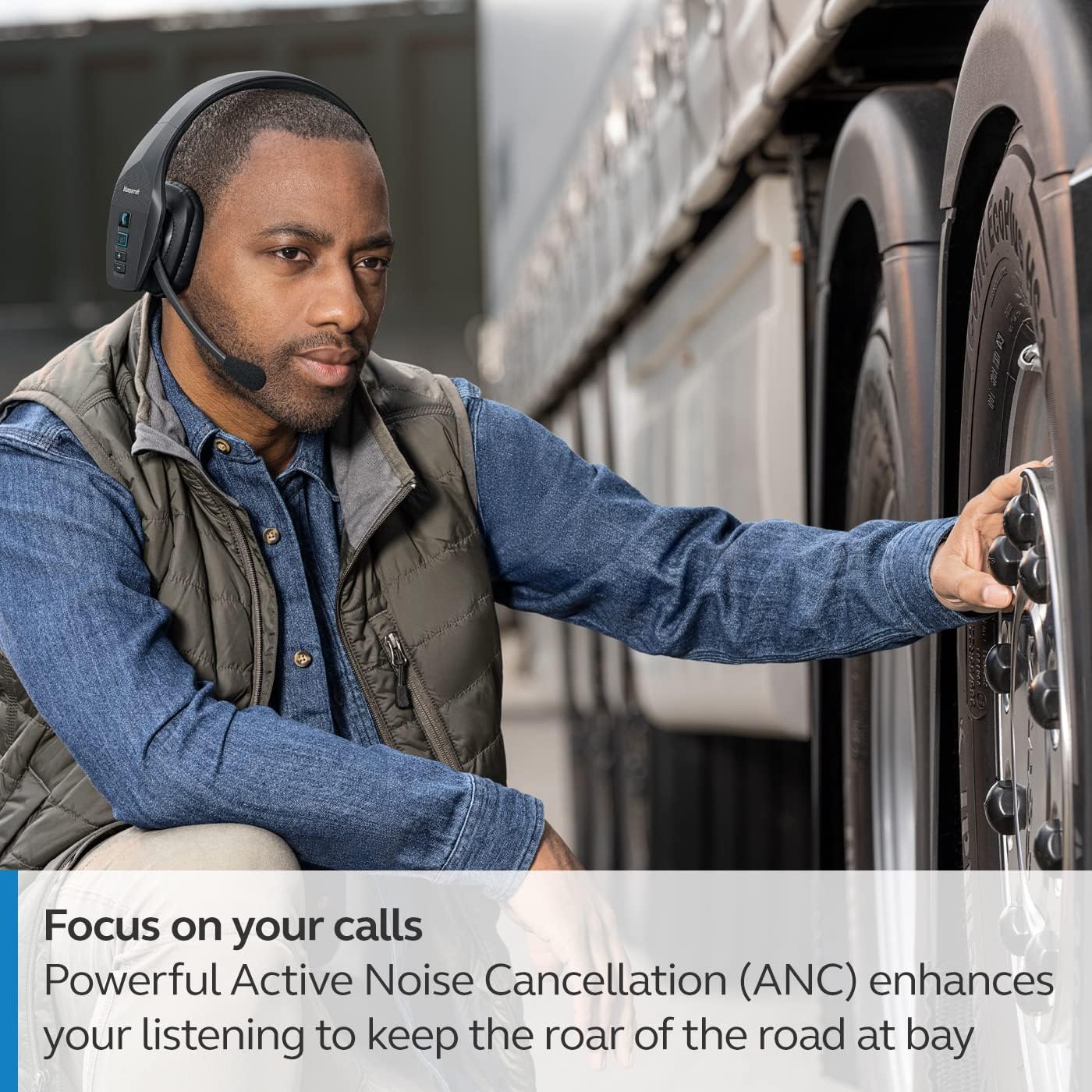
The headset's microphone features 96% noise cancellation, ensuring your voice is clear even in loud environments. Active Noise Cancellation (ANC) in the earcup reduces ambient noise for improved listening.

3. Управљање гласом
The B650-XT supports 100% hands-free voice control for managing calls, GPS directions, music, and voice assistants. This feature allows you to operate the headset without taking your hands off the wheel or your eyes off the task.

4. BlueParrott Button Customization
The BlueParrott Button can be programmed for quick access to your most-used functions, such as mute, speed dial, or Push-to-Talk. Customize this feature via the BlueParrott app on your smartphone.

Одржавање
1. Чишћење
Regularly wipe the headset with a soft, dry cloth. For deeper cleaning, use a slightly damp cloth. Avoid using harsh chemicals or abrasive materials. Ensure the charging port is free of dust and debris.
2. Складиштење
Store the headset in a cool, dry place away from extreme temperatures and direct sunlight. The B650-XT is IP54-rated for protection against dust and water, but proper storage helps maintain its condition.

Решавање проблема
If you encounter issues with your BlueParrott B650-XT headset, try the following steps:
- Нема напајања: Уверите се да су слушалице потпуно напуњене.
- Не може се упарити: Make sure the headset is in pairing mode (flashing blue/red LED) and your device's Bluetooth is enabled. Try restarting both devices.
- Лош квалитет звука: Check microphone positioning. Ensure there are no obstructions between the headset and your connected device.
- Проблеми са гласовном контролом: Verify that voice control is enabled and configured correctly through the BlueParrott app.
For persistent issues, refer to the official BlueParrott support webсајту или контактирајте корисничку подршку.
Спецификације
| Феатуре | Детаљ |
|---|---|
| Назив модела | Б650-КСТ |
| Број модела ставке | 204330 |
| Технологија повезивања | Блуетоотх 5.1 |
| Домет | До 100 метара (300 стопе) |
| Талк Тиме | До 36 сати |
| Време приправности | 90 сата |
| Поништавање шума микрофона | 96% |
| Контрола буке | Отказивање активне буке (АНЦ) |
| ИП Ратинг | IP54 (отпоран на прашину и воду) |
| Постављање уха | Преко уха |
| Величина аудио драјвера | 40 милиметара |
| Тежина артикла | 7.5 унце (0.47 фунте) |
| Димензије производа | 6.4 к 2.5 к 6.4 инча |
| УПЦ | 615822015981 |
Гаранција и подршка
For warranty information and detailed support, please visit the official BlueParrott webсајт или контактирајте њихову службу за кориснике. Сачувајте доказ о куповини за евентуалне рекламације по гаранцији.
Подршка на мрежи: www.blueparrott.com/support