
1. Увод
Хвала вам на куповиниasing the BUFFBEE Digital Alarm Clock FM Radio with Wireless Charging. This device combines a digital alarm clock, FM radio, 10W fast wireless charger, and a USB charging port into a single unit. It features five distinct wake-up sounds, adjustable volume control, and a full brightness dimmer for optimal comfort in your bedroom environment. Please read this manual carefully to ensure proper setup and operation.

Figure 1.1: BUFFBEE Digital Alarm Clock with a smartphone wirelessly charging on top.
2. Подешавање
2.1 Прикључак за напајање
- Connect the provided power adapter to the DC 9V port on the back of the alarm clock.
- Plug the power adapter into a standard electrical outlet. The clock display will illuminate.
- Напомена: The internal battery backup is for saving time and alarm settings only. The device requires a continuous power connection to function.
2.2 Подешавање времена
- Притисните и држите ВРЕМЕ button located on the top panel. The hour digits will begin to flash.
- Користите UP (▲) или ДОВН (▼) buttons to adjust the hour.
- Притисните тастер ВРЕМЕ button again to confirm the hour and proceed to set the minutes. The minute digits will flash.
- Користите UP (▲) или ДОВН (▼) buttons to adjust the minutes.
- Притисните тастер ВРЕМЕ дугме још једном да бисте сачували подешавање времена.
2.3 Подешавање аларма
- Притисните и држите АЛАРМ button. The alarm hour digits will begin to flash.
- Користите UP (▲) или ДОВН (▼) buttons to adjust the alarm hour.
- Притисните тастер АЛАРМ button again to confirm the hour and proceed to set the alarm minutes. The minute digits will flash.
- Користите UP (▲) или ДОВН (▼) buttons to adjust the alarm minutes.
- Притисните тастер АЛАРМ дугме још једном да бисте сачували време аларма.
- Да бисте активирали или деактивирали аларм, кратко притисните АЛАРМ дугме. Икона аларма ће се појавити на екрану када се активира.

Figure 2.1: Rear panel with power and USB connections.
3. Упутство за употребу
3.1 Бежично пуњење
The top surface of the alarm clock features a 10W fast wireless charging pad. This is compatible with 5W, 7.5W, and 10W wireless-enabled phones.
- Place your wireless-enabled smartphone directly on the charging pad located on the top of the clock.
- Ensure the phone is centered on the charging pad for optimal connection.
- A lightning icon will appear on the clock's display to indicate that your phone is charging.

Figure 3.1: Wireless charging in progress.
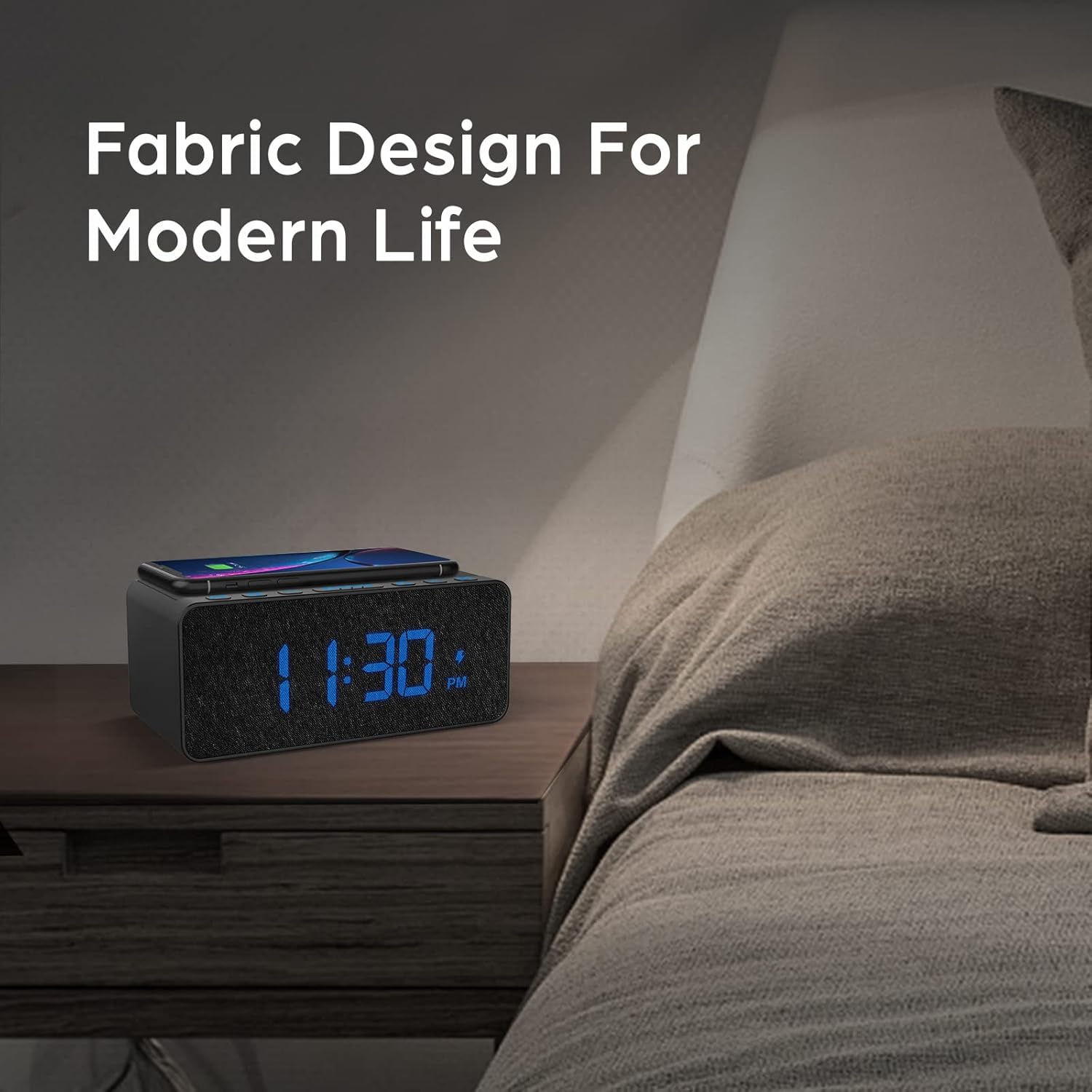
Figure 3.2: Wireless charging compatibility.
3.2 УСБ прикључак за пуњење
An additional USB port is located on the back of the unit for charging other devices, such as smartwatches or non-wireless charging phones.
- Connect your device's USB charging cable to the USB port on the back of the alarm clock.
- Повежите други крај кабла са уређајем.

Figure 3.3: Simultaneous wireless and USB charging.
Рад са 3.3 FM радиом
The alarm clock includes an FM radio with a frequency range of 87.5-108.0 MHz.
- To turn on the FM radio, press the РАДИО дугме.
- To scan for stations, press and hold the UP (▲) или ДОВН (▼) buttons. The radio will automatically tune to the next available station.
- Да бисте ручно подесили, кратко притисните UP (▲) или ДОВН (▼) дугмад.
- To save a preset station, press and hold the РАДИО дугме док број предефинисане поставке не затрепери, а затим користите UP (▲) или ДОВН (▼) buttons to select a preset slot. Press РАДИО поново да потврдим.
- To recall a preset station, briefly press the РАДИО дугме за прелазак кроз сачуване предефинисане поставке.
- Adjust the radio volume using the volume control dial or buttons (if present, otherwise use general volume controls).
- To improve FM reception, ensure the radio antenna on the back of the unit is fully extended.
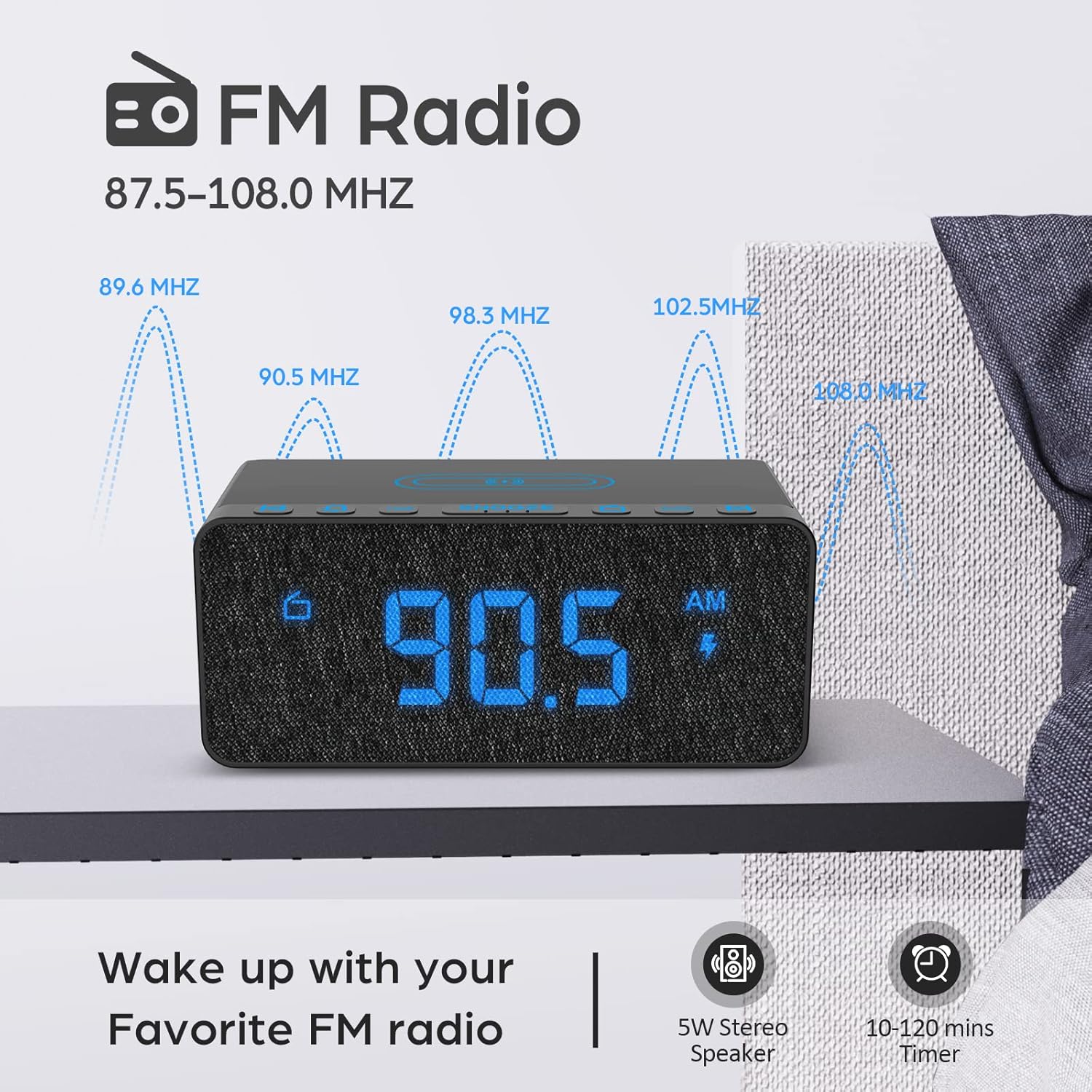
Figure 3.4: FM Radio display.
3.4 Alarm Sounds and Volume
The alarm clock offers 5 distinct wake-up sounds and adjustable alarm volume (0-15 levels).
- When setting the alarm, after setting the time, you can select the alarm sound.
- Притисните тастер АЛАРМ ЗВУЦИ button to cycle through the available sounds: Beep, Bird Sound, Bells, Piano Sound, or FM Radio.
- To adjust the alarm volume, use the dedicated volume buttons or dial on the unit.

Figure 3.5: Available alarm sounds.
3.5 Затамњивач дисплеја
The display brightness can be adjusted from 0% to 100% to suit your preference.
- Лоцирајте ДИСПЛАИ ДИММЕР switch or dial, typically on the back or side of the unit.
- Adjust the switch/dial to increase or decrease the display brightness.

Figure 3.6: Display brightness adjustment.
3.6 Контроле прекоview
For a visual guide to the top panel controls, please refer to the video below.
Видео 3.1: Крајview of BUFFBEE Digital Alarm Clock features and top panel controls, including time setting, alarm, radio, and snooze functions.
4. Одржавање
4.1 Чишћење
- За чишћење уређаја користите меку, суву крпу.
- Do not use liquid cleaners, abrasive cleaners, or chemical sprays, as these may damage the surface or internal components.
- Уверите се да је уређај искључен пре чишћења.
4.2 Општа нега
- Избегавајте излагање уређаја екстремним температурама, директној сунчевој светлости или високој влажности.
- Do not disassemble the unit. Any repairs should be performed by qualified personnel.
- Држите уређај даље од воде или других течности.
КСНУМКС. Решавање проблема
- П: Зашто је екран празан након укључивања?
- A: Please check if the DISPLAY DIMMER switch on the back of the unit is set to the HIGH position. If it is set to a very low position, the display may appear blank in bright environments.
- Q: How can I tell if my phone is wirelessly charging?
- A: A lightning icon will appear on the alarm clock's display when a compatible phone is correctly placed on the wireless charging pad and is actively charging.
- Q: Does the battery backup allow the clock to work without a power cord?
- A: No, the battery backup is solely for saving the time and alarm settings during a power outage. The device requires the power cord to be plugged in for full functionality (display, radio, charging, alarm sound).
- Q: Which phones are supported by wireless charging?
- A: The wireless charger is compatible with most Qi-enabled smartphones, including but not limited to: iPhone 13/13 Pro/13 Pro Max/13 Mini/12/12 Pro/12 Pro Max/12 Mini/11/11 Pro/11 Pro Max/X/XS/XS Max/XR/8/8+/SE; Samsung S21/S21+/21 Ultra/S20/S20+/S20 Ultra/S10/S10+/S10E/S9/S9+/S8/S8+/S7/S7+/S6/S6E; Note 20/20 Ultra/Note 10/10 Pro/Note 9/8/5; Google Nexus 4/5/6, and other wireless-enabled phones.
6. Спецификације
| Бранд | БУФФБЕЕ |
| Модел | B09LCCJZ3H |
| Дисплаи Типе | Дигитал |
| Стиле | Модерна |
| Посебне карактеристике | Adjustable Brightness, Charging Port, Music |
| Димензије производа | 6.9" Ш x 2.8" В |
| Извор напајања | Цордед Елецтриц |
| Тип собе | Спаваћа соба |
| Унутрашња/спољна употреба | Индоор |
| Материјал оквира | Акрилонитрил бутадиен стирен |
| Батерије укључене | No (for operation, backup only) |
| Аларм Цлоцк | Да |
| Број ставки | 1 |
| Оперативни режим | Елецтрицал |
| Тежина артикла | 14.9 унци |
| УПЦ | 766891334623 |
7. Информације о гаранцији
BUFFBEE products are designed and manufactured to the highest quality standards. This product is covered by a limited warranty against defects in materials and workmanship for a period of one (1) year from the original date of purchase. This warranty does not cover damage caused by accident, misuse, abuse, improper installation or operation, or unauthorized repairs. Please retain your proof of purchase for warranty claims.
8. Корисничка подршка
If you have any questions, concerns, or require assistance with your BUFFBEE Digital Alarm Clock, please contact our customer support team. For the most up-to-date contact information, please visit the official BUFFBEE website or refer to the packaging of your product.
Подршка на мрежи: Visit the BUFFBEE Store on Amazon