
1. Увод
This manual provides detailed instructions for the installation, operation, and maintenance of your VEIKK VK1560 Pro Drawing Monitor. Please read this manual thoroughly before using the device to ensure proper functionality and to maximize your creative experience. The VK1560 Pro is a 15.6-inch full-laminated pen display designed for digital artists, designers, and educators, offering a high-definition display and precise pen input.
2. Садржај пакета
Проверите да ли се у вашем пакету налазе све ставке наведене у наставку:
- VEIKK VK1560 Pro Drawing Monitor
- Battery-Free Stylus (Digital Pen)
- Подесиво постоље
- Detachable Pen Holder
- USB-C to USB-C Cable (for Android device connection)
- Повер Адаптер
- ХДМИ кабл
- УСБ кабл
- Pen Nibs and Nib Remover
- Цлотх Цлотх
- Водич за брзи почетак

Image: Contents of the VEIKK VK1560 Pro package, including the monitor, stylus, stand, and various cables.
3. Водич за подешавање
3.1 Connecting the Monitor to Your Computer
Follow these steps to connect your VK1560 Pro to your computer:
- Прикључите напајање: Plug the power adapter into the monitor's power port and then into a wall outlet.
- Повежи видео: Connect one end of the HDMI cable to the monitor's HDMI port and the other end to your computer's HDMI port. If your computer does not have an HDMI port, you may need an adapter (not included).
- Повежите УСБ: Connect one end of the USB cable to the monitor's USB port and the other end to an available USB port on your computer. This connection enables pen input and data transfer.
- Укључено: Press the power button on the side of the monitor to turn it on.
- Инсталирај драјвер: Visit the official VEIKK website to download and install the latest driver for your operating system (Windows or macOS). Ensure any previous tablet drivers are uninstalled before installing the VEIKK driver.
- Конфигуришите подешавања екрана: After driver installation, configure your display settings (e.g., extend or duplicate display) and pen calibration through your operating system's display settings and the VEIKK driver software.

Image: Diagram illustrating how to connect the VEIKK VK1560 Pro to a computer using HDMI, USB, and power cables.
3.2 Повезивање са Андроид уређајима
The VK1560 Pro can be connected to compatible Android devices using the included full-featured USB-C to USB-C cable. Ensure your Android device supports display output via USB-C.
- Connect one end of the USB-C to USB-C cable to the monitor's USB-C port.
- Connect the other end of the USB-C to USB-C cable to your Android device's USB-C port.
- The monitor should automatically detect and display content from your Android device.
3.3 Adjustable Stand Installation
Attach the adjustable stand to the back of the VK1560 Pro for comfortable viewing and drawing angles. The stand allows for various tilt adjustments.
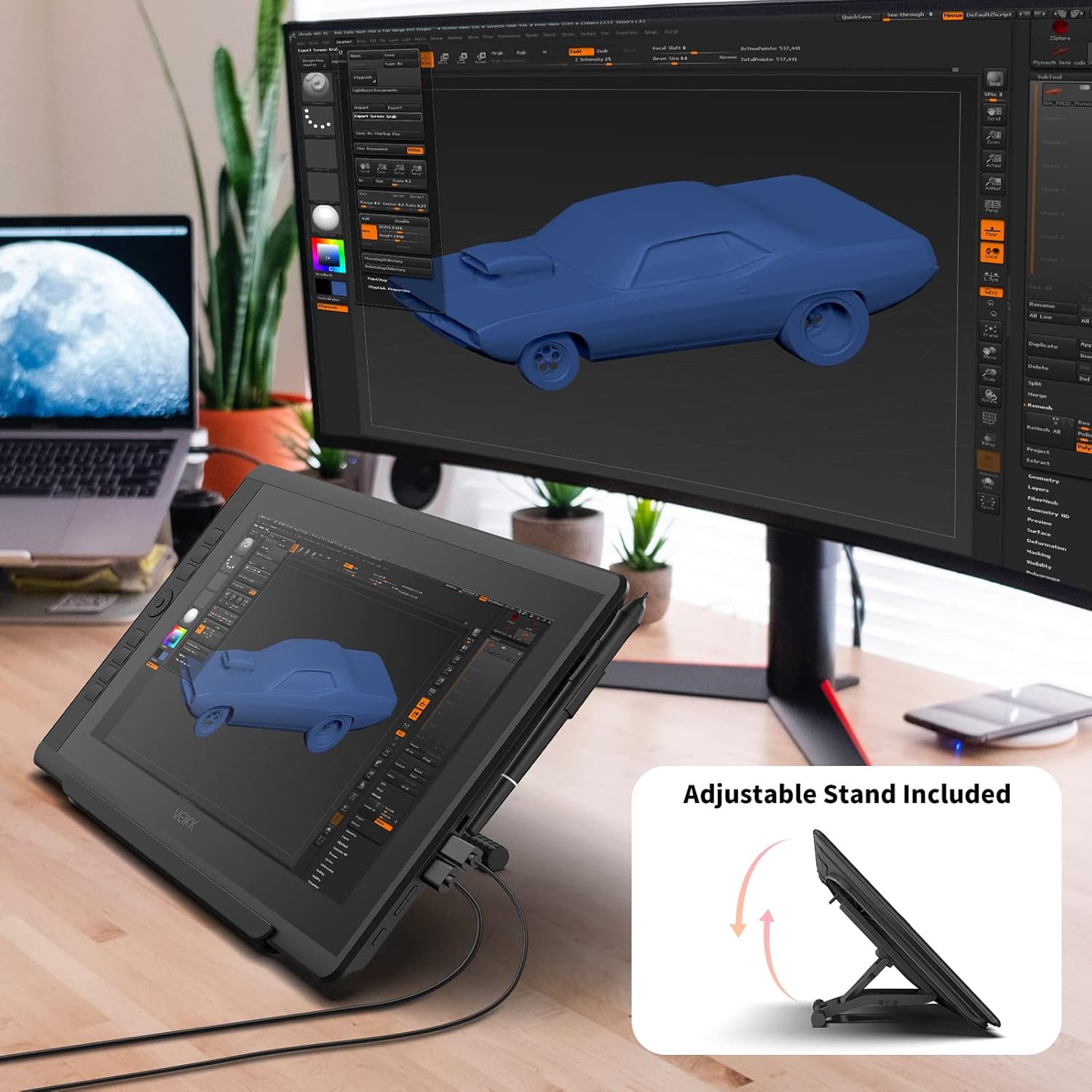
Image: The VEIKK VK1560 Pro drawing monitor shown with its adjustable stand, demonstrating various viewинг углова.
4. Операција
4.1 Using the Battery-Free Stylus
The VK1560 Pro comes with a battery-free stylus that offers 8192 levels of pressure sensitivity and tilt support for a natural drawing experience.
- Цртеж: Use the stylus directly on the monitor's screen to draw, paint, and edit.
- Дугмад: The stylus features programmable buttons. Customize their functions (e.g., right-click, eraser) through the VEIKK driver software.
- Држач за оловку: Store the stylus in the detachable pen holder when not in use to prevent loss or damage.
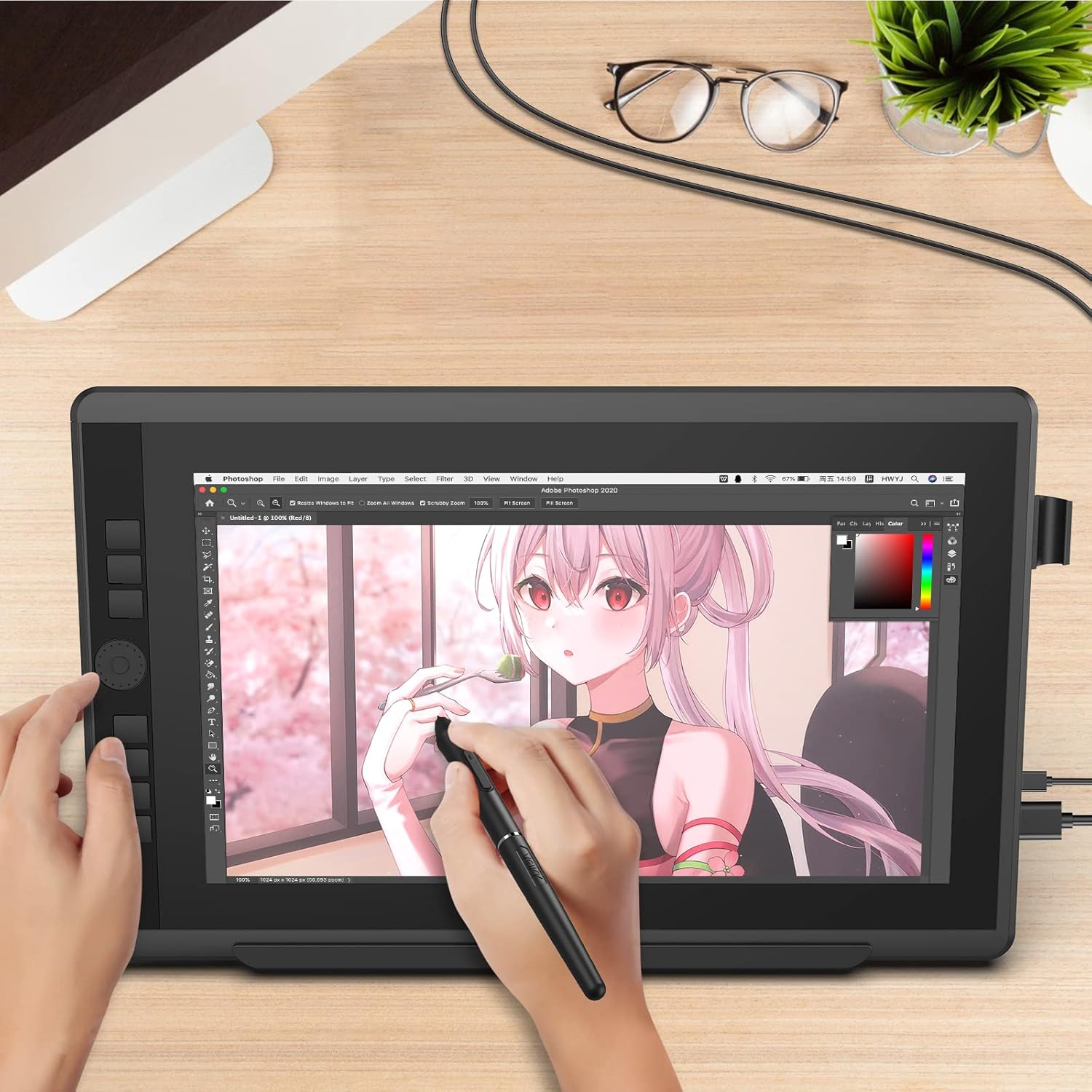
Image: A user actively drawing on the VEIKK VK1560 Pro screen using the battery-free stylus, demonstrating its use in creative applications.
4.2 Using the Quick Dial and Shortcut Keys
The VK1560 Pro features an upgraded Quick Dial and customizable shortcut keys for efficient workflow.
- Прилагођавање: Access the VEIKK driver software to assign specific functions (e.g., zoom, brush size, undo) to the Quick Dial and shortcut keys.
- Ефикасност: Utilize these features to quickly access frequently used tools and commands, reducing reliance on keyboard shortcuts.

Слика: Крупни план view of the VEIKK VK1560 Pro's Quick Dial and programmable shortcut keys, highlighting their ergonomic placement for workflow customization.
4.3 Карактеристике екрана
The 15.6-inch Full HD IPS display offers a vibrant visual experience:
- Резолуција: 1920x1080 Full HD for clear and detailed visuals.
- Тачност боје: Supports 16.7 million display colors and 92% NTSC color gamut for accurate color reproduction.
- НЕРЕФЛЕКТУЈУЋИ: The anti-glare film reduces reflections and provides a paper-like drawing surface.
- Viewугао угла: Широки 178° viewing angles ensure consistent image quality from various perspectives.

Image: The VEIKK VK1560 Pro screen showcasing its 1920x1080 FHD IPS display, 92% NTSC color gamut, and 16.7 million colors.
5. Одржавање
5.1 Чишћење монитора
- Увек искључите монитор и извуците га из струје пре чишћења.
- Use a soft, lint-free cloth (preferably the included cleaning cloth) to gently wipe the screen and body.
- За тврдокорне мрље, лагано обришитеampОбришите крпу водом или средством за чишћење екрана. Не прскајте течност директно на екран.
- Avoid using harsh chemicals, abrasive cleaners, or alcohol-based solutions, as these can damage the screen surface.
5.2 Замена врха оловке
Over time, the stylus nib may wear down. Replace it when it becomes too short or feels rough.
- Use the nib remover tool to gently pull out the old nib from the stylus.
- Чврсто уметните нови врх у оловку док не кликне на своје место.
5.3 Складиштење
- Чувајте монитор на хладном и сувом месту, даље од директне сунчеве светлости и екстремних температура.
- Protect the screen from scratches by using a soft cover or returning it to its original packaging when transporting.
КСНУМКС. Решавање проблема
| Проблем | Могући узрок | Решење |
|---|---|---|
| Нема приказа на монитору |
|
|
| Pen not working or no pressure sensitivity |
|
|
| Cursor offset or inaccurate |
|
|
| Quick Dial or shortcut keys not responding |
|
|
7. Спецификације
| Феатуре | Детаљ |
|---|---|
| Бранд | ВЕИКК |
| Број модела | ВК1560 Про |
| Величина екрана | 15.6 инча |
| Нативе Ресолутион | 1920x1080 (Full HD) |
| Дисплаи Типе | IPS LCD with Anti-Glare Film |
| Подршка боја | 16.7 Million Colors, 92% NTSC Color Gamut |
| Пен Тецхнологи | Battery-Free Stylus |
| Pen Pressure Levels | 8192 |
| Подршка за нагиб | Да |
| Повезивање | USB, HDMI, USB-C |
| Компатибилност оперативног система | Windows 7 or later, MacOS 10.12 or later, Android (via USB-C) |
| Уграђени медији | Digital Pen, Stand, Stylus |
| Боја | Црно |
| Специфичне употребе | Designing, Drawing, Online Education |
8. Производ је готовview Видео
Видео: Званичник прекоview of the VEIKK VK1560 Pro drawing tablet, showcasing its features, design, and functionality. This video demonstrates the product's components, setup, and usage in various creative tasks.
9. Гаранција и подршка
The VEIKK VK1560 Pro Drawing Monitor comes with a 1 година гаранције from the date of purchase. VEIKK also provides доживотна техничка подршка за овај производ.
For technical assistance, driver downloads, or warranty claims, please visit the official VEIKK webсајт или директно контактирајте њихову корисничку подршку. Сачувајте рачун као доказ о куповини за гарантне услуге.
Official VEIKK Webсајт: ввв.веикк.цом