
1. Увод
Thank you for choosing the ACT AC5105 Wireless Optical Mouse. This device is designed for comfortable and efficient use at home, in the office, or while traveling. It features a compact Nano USB receiver and an intelligent power-saving mode to extend battery life. This manual provides detailed instructions for setup, operation, and maintenance of your new wireless mouse.
2. Садржај пакета
- ACT AC5105 Wireless Optical Mouse
- Нано УСБ пријемник
- 1к АА батерија (укључена)
3. Водич за подешавање
- Уметните батерију:
Open the battery compartment cover located on the underside of the mouse. Insert the included AA battery, ensuring correct polarity (+/-). Close the battery compartment cover securely.

Figure 3.1: Battery and Nano Receiver Storage
This image illustrates the underside of the mouse with the battery compartment open, showing where to insert the AA battery and store the Nano USB receiver. The on/off switch is also visible.
- Connect the Nano USB Receiver:
Remove the Nano USB receiver from its storage slot inside the battery compartment. Plug the receiver into an available USB-A port on your computer. Your operating system will automatically detect and install the necessary drivers.
- Укључивање миша:
Locate the On/Off switch on the underside of the mouse and slide it to the "ON" position. The mouse is now ready for use.
4. Упутство за употребу
4.1 Основне функције
- Леви клик: Primary function, typically for selecting items or opening links.
- Десни клик: Secondary function, typically for opening context menus.
- Точак за померање: Померајте се горе или доле кроз документе и web pages. The scroll wheel can also be pressed for a middle-click function.

Figure 4.1: Mouse Features Overview
This diagram highlights key features such as silent click buttons, the scroll wheel, the USB-A wireless receiver, the 1600 DPI optical sensor, and the use of recycled materials in its construction.
4.2 ДПИ подешавање
The ACT AC5105 mouse features an adjustable DPI (Dots Per Inch) setting, allowing you to change the cursor speed and sensitivity. You can cycle through 800, 1200, and 1600 DPI settings by pressing the DPI switch button located behind the scroll wheel.
- 800 ДПИ: Slower cursor movement, suitable for precise tasks.
- 1200 ДПИ: Стандардно кретање курсора, погодно за општу употребу.
- 1600 ДПИ: Брже кретање курсора, погодно за брзу навигацију по великим екранима.
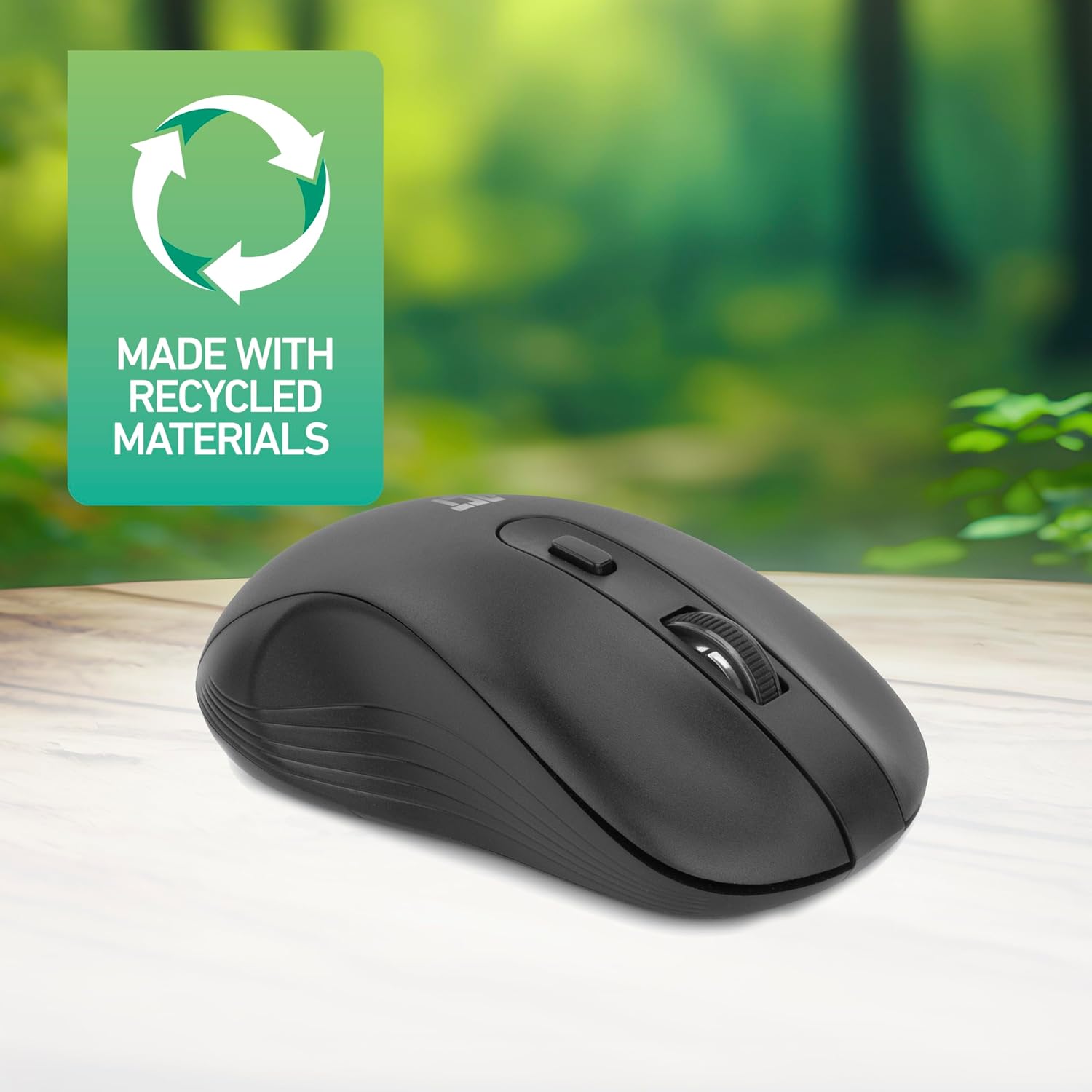
Figure 4.2: DPI Switch Location
This image shows the mouse in use on a desk, highlighting the DPI switch button for adjusting sensitivity between 800, 1200, and 1600 DPI.
4.3 Режим уштеде енергије
The mouse is equipped with an intelligent power-saving feature. If the mouse is inactive for a period, it will automatically enter standby mode to conserve battery power. To wake the mouse, simply move it or click any button.
For extended periods of non-use, it is recommended to switch the mouse off using the On/Off switch on the underside of the device.
5. Одржавање
- Чишћење: Користите меку, суву крпу за чишћење миша. Избегавајте употребу јаких хемикалија или абразивних материјала.
- Замена батерије: When the mouse performance degrades or it stops responding, replace the AA battery with a new one. Follow the steps in Section 3.1.
- Складиштење: When not in use, especially during travel, you can store the Nano USB receiver inside the mouse's battery compartment to prevent loss.
КСНУМКС. Решавање проблема
| Проблем | Решење |
|---|---|
| Миш не реагује |
|
| Покрет курсора је неправилан или спор |
|
| Проблеми са бежичном везом |
|
7. Спецификације
| Феатуре | Детаљ |
|---|---|
| Број модела | АЦ5105 |
| Технологија повезивања | 2.4GHz Radio Frequency Wireless |
| Домет | До 10 метара |
| Технологија детекције покрета | Оптицал |
| ДПИ подешавања | 800 / 1200 / 1600 DPI (подесиво) |
| Број дугмади | 4 (Left, Right, Scroll Wheel Click, DPI Switch) |
| Оријентација руке | Амбидекстроус (погодно за леворуке и дешњаке) |
| Извор напајања | 1к АА батерија |
| Димензије производа (Д к Ш к В) | 10.5 к 6.5 к 3.5 цм |
| Тежина | 60 г |
| Компатибилни уређаји | PC |
| Оперативни систем | ChromeOS, Linux Mint 22 (minimum required version) |
| Посебне карактеристике | Wireless, Intelligent Power Saving, Silent Click |

Слика 7.1: Димензије миша
This image provides a top-down and side view of the mouse, clearly indicating its physical dimensions: 105mm in length, 65mm in width, and 35mm in height.
8. Гаранција и подршка
ACT products are manufactured to high quality standards. This product comes with a 2-year warranty from the date of purchase against defects in materials and workmanship.
For technical support, warranty claims, or further assistance, please refer to the official ACT webсајт или контактирајте локалног продавца.
Молимо вас да сачувате доказ о куповини ради гаранције.