
TRAMSMART A19
TRAMSMART Smart Bulb A19 User Manual
Модел: А19
Увод
Thank you for choosing the TRAMSMART Smart Bulb A19. This smart LED bulb offers a wide range of colors, tunable white light, and smart control features through WiFi and Bluetooth. It is compatible with voice assistants like Amazon Alexa and Google Assistant, allowing for convenient hands-free operation. This manual provides detailed instructions for installation, setup, operation, and troubleshooting to ensure you get the most out of your smart lighting experience.
Безбедносне информације
- Уверите се да је напајање искључено пре него што инсталирате или уклоните сијалицу.
- Do not use with standard dimmers. This bulb is dimmable only via the smart app or voice control.
- Погодно само за суве просторе. Не излагати води или влази.
- Do not disassemble the bulb. This will void the warranty.
- Рад у оквиру наведеног обtagе ранге.
Садржај пакета
- TRAMSMART Smart Bulb A19 (quantity as purchased, e.g., 4-pack)
- Упутство за употребу
Карактеристике производа
Вишебојна и подесива бела
Experience 16 million colors and adjustable white light from warm (2700K) to cool (6500K) to match any mood or activity.

Image: A smart bulb illustrating its capability to produce 16 million colors and tunable white light from warm (2700K) to cool (6500K).
Компатибилност управљања гласом
Seamlessly integrate with Amazon Alexa and Google Assistant for convenient voice commands to control your lighting.

Image: A user interacting with an Amazon Echo device to control the smart bulb, demonstrating voice control functionality.
Даљинска и групна контрола
Control individual bulbs or create groups to manage multiple bulbs simultaneously from anywhere using the dedicated app.
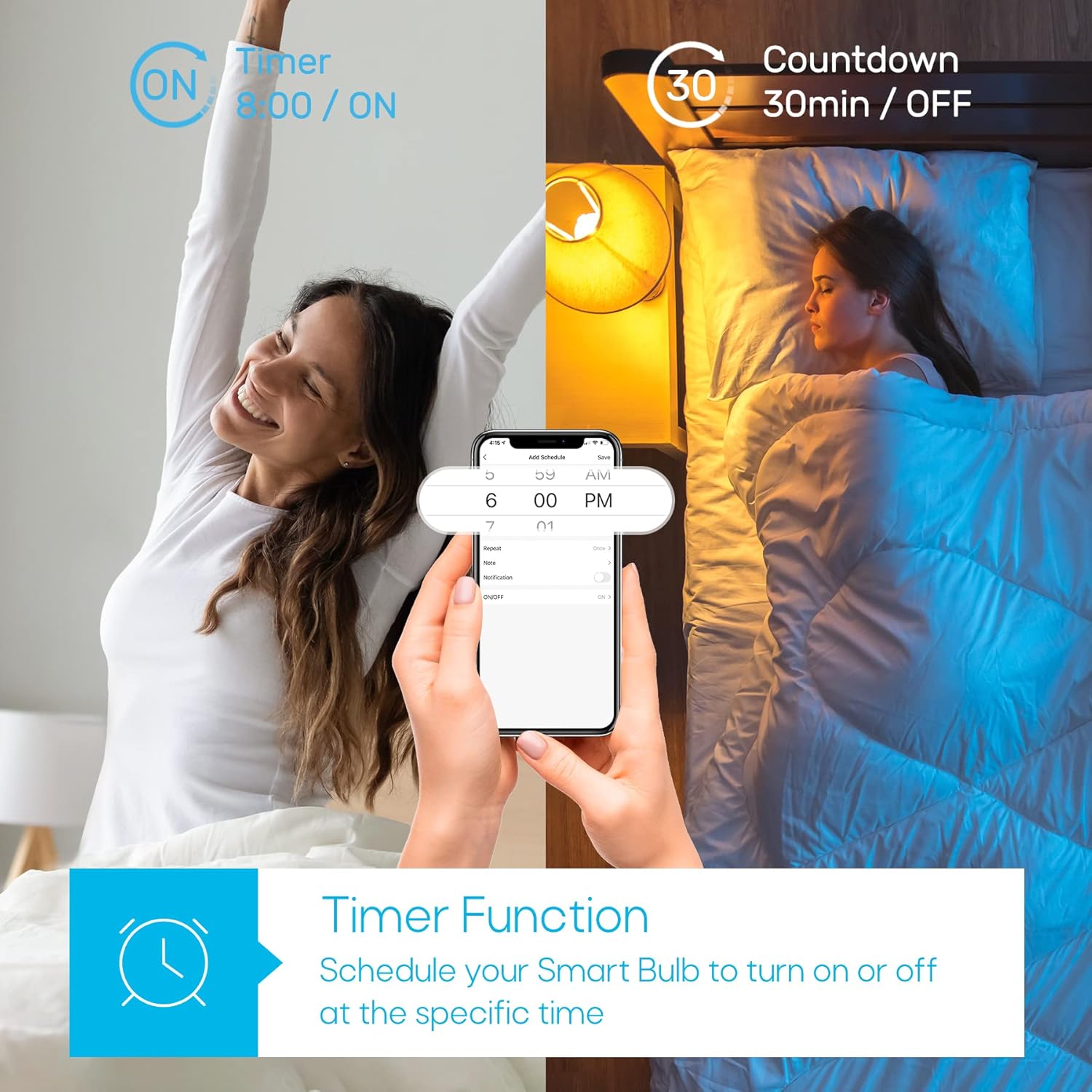
Image: A house with various rooms illuminated by smart bulbs, illustrating remote and group control capabilities through a mobile application.
Timer Function & Schedules
Set schedules for your bulbs to turn on or off at specific times, or use the countdown timer for temporary lighting needs.
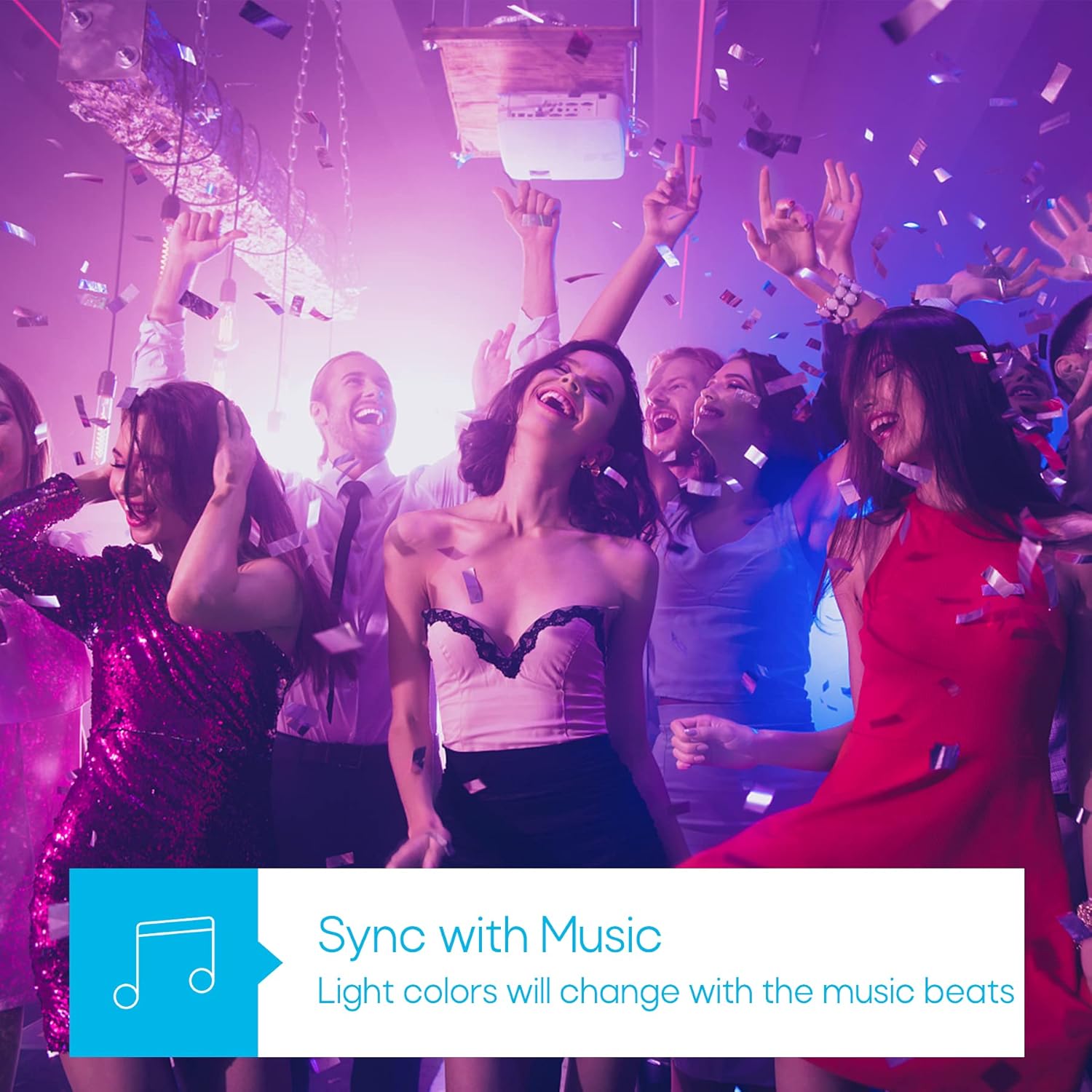
Image: A visual representation of the timer function, showing a smart bulb turning on for waking up and turning off for sleeping, managed via a smartphone app.
Режим синхронизације музике
Synchronize your lighting with music beats for an immersive audio-visual experience, perfect for parties or relaxation.

Image: A group of people enjoying a party with dynamic, color-changing smart lighting synchronized to music.
Biorhythm Mode
Adjust lighting automatically throughout the day to mimic natural sunlight, supporting your body's natural circadian rhythm.

Image: A visual guide to the Biorhythm mode, demonstrating how the smart bulb adjusts its light temperature and brightness to align with natural daylight patterns.
Упутства за подешавање
- Инсталирајте сијалицу: Screw the TRAMSMART Smart Bulb A19 into a standard E26/E27 light socket. Ensure the power is off before installation.
- Укључено: Turn on the light switch. The bulb should blink rapidly, indicating it's in pairing mode. If it doesn't blink, turn the light switch off and on three times (on-off-on-off-on) to reset it.
- Преузмите апликацију: Download the recommended smart home app (e.g., Smart Life, Tuya Smart) from your smartphone's app store (iOS or Android).
- Региструј се/Пријави се: Отворите апликацију и региструјте се за нови налог или се пријавите ако га већ имате.
- Додај уређај: In the app, tap "Add Device" or the "+" icon. Select "Lighting" then "Light Source (Wi-Fi)".
- Повежите се на Ви-Фи: Confirm the bulb is blinking rapidly. Enter your 2.4 GHz Wi-Fi network password. Note: The bulb only supports 2.4 GHz Wi-Fi networks.
- Упаривање: The app will begin pairing with the bulb. Once connected, you can rename the bulb and start controlling it.
- Connect to Voice Assistant (Optional):
- За Алека: Open the Alexa app, go to "Skills & Games," search for the smart home app (e.g., Smart Life), enable the skill, and link your account. Then, discover devices.
- За Гоогле помоћника: Open the Google Home app, tap "Set up device," then "Works with Google," search for the smart home app, link your account, and assign the bulb to a room.
Упутство за употребу
Using the Smart Home App:
- Он/Офф: Tap the power icon next to the bulb's name to turn it on or off.
- Подешавање боје: Select the bulb, then navigate to the "Color" tab. Choose from the color wheel or preset scenes.
- Подешавање белог светла: Select the bulb, then navigate to the "White" tab. Adjust brightness and color temperature (warm to cool white).
- Затамњење: Use the brightness slider in either the "Color" or "White" tab to adjust the light intensity from 1% to 100%.
- Избор сцена: The app offers various preset scenes (e.g., Reading, Party, Relax). You can also create custom scenes.
- Timer & Schedule: Access the "Schedule" or "Timer" function within the bulb's settings to set automated on/off times or countdowns.
- Музичка синхронизација: In the app, select the "Music" mode. The bulb's colors will change in rhythm with music played through your phone's microphone.
- Групна контрола: Create groups of bulbs in the app to control multiple lights simultaneously.
Коришћење гласовних команди:
Once connected to Alexa or Google Assistant, use commands such as:
- "Alexa/Hey Google, turn on [Bulb Name]."
- "Alexa/Hey Google, turn off [Bulb Name]."
- "Alexa/Hey Google, set [Bulb Name] to blue."
- "Alexa/Hey Google, dim [Bulb Name] to 50%."
- "Alexa/Hey Google, make [Bulb Name] warmer/cooler."
Одржавање
- Чишћење: Уверите се да је сијалица искључена и да се охлади пре чишћења. Обришите меком, сувом крпом. Не користите течна средства за чишћење.
- Складиштење: Ако сијалицу чувате дуже време, држите је на хладном и сувом месту, заштићено од директне сунчеве светлости.
- Ажурирања фирмвера: Periodically check the smart home app for firmware updates to ensure optimal performance and security.
Решавање проблема
| Проблем | Могући узрок | Решење |
|---|---|---|
| Bulb does not turn on. | No power; loose connection; bulb faulty. | Check light switch and power supply. Ensure bulb is screwed in tightly. Test bulb in another fixture. |
| Bulb not pairing/connecting to app. | Incorrect Wi-Fi band (not 2.4 GHz); incorrect password; bulb not in pairing mode; Wi-Fi signal too weak. |
|
| Гласовна контрола не ради. | Not linked to Alexa/Google Assistant; incorrect device name; internet connectivity issues. |
|
| Сијалица се често искључује. | Слаб Wi-Fi сигнал; загушење мреже. |
|
| Colors appear dim or inaccurate. | Brightness setting too low; specific color limitations. |
|
Спецификације
| Феатуре | Детаљ |
|---|---|
| Модел | А19 |
| Бранд | ТРАМСМАРТ |
| Ватtage | 9 Ваттс |
| Лумен Оутпут | 800 лумена |
| Температура боје | 2700K - 6500K (Tunable White) |
| Опције боја | 16 милиона РГБ боја |
| Повезивање | Wi-Fi (2.4 GHz only) & Bluetooth |
| Компатибилност гласовног асистента | Амазон Алека, Гоогле помоћник |
| Диммабле | Yes (via app/voice control) |
| Посебне карактеристике | Dimmable, Color Changing, Music Sync, Timer, Schedule, Group Control, Biorhythm Mode |
| Величина облика сијалице | А19 |
| Димензије (приближно) | 14.1 x 12.8 x 12.6 цм (паковање) |
| Батерије су потребне | бр |
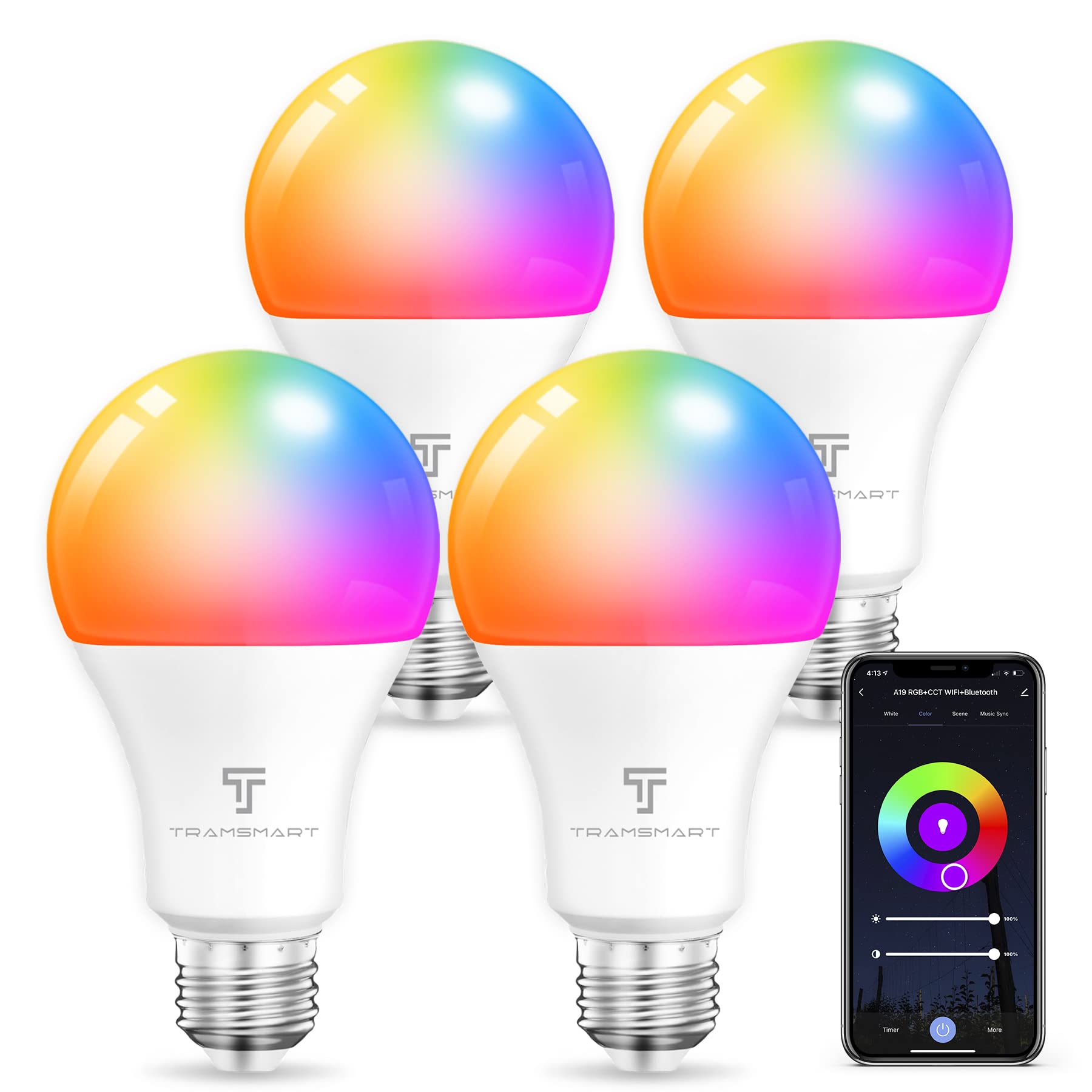
Image: TRAMSMART Smart Bulb A19 showing its physical dimensions and a summary of its features.
Гаранција и подршка
TRAMSMART products typically come with a limited warranty. Please refer to the warranty card included with your purchase or visit the official TRAMSMART website for detailed warranty information and terms. For technical support, troubleshooting assistance, or any product-related inquiries, please contact TRAMSMART customer service through their official channels. Contact information can usually be found on the product packaging or the brand's webсајту.
Напомена: Сачувајте рачун као доказ о куповини за потребе гаранције.
Ask a question about this manual
Ask about setup, troubleshooting, compatibility, parts, safety, or missing instructions. Manuals+ will review the question and use this page’s manual context to help answer it.