
1. Производ је готовview
The Nutale Smart Tracker F9X is a compact, wireless Bluetooth device designed to help you locate misplaced items and prevent loss. It connects to your smartphone via the Nut App, providing features such as anti-lost alarms, item finding, and location tracking.
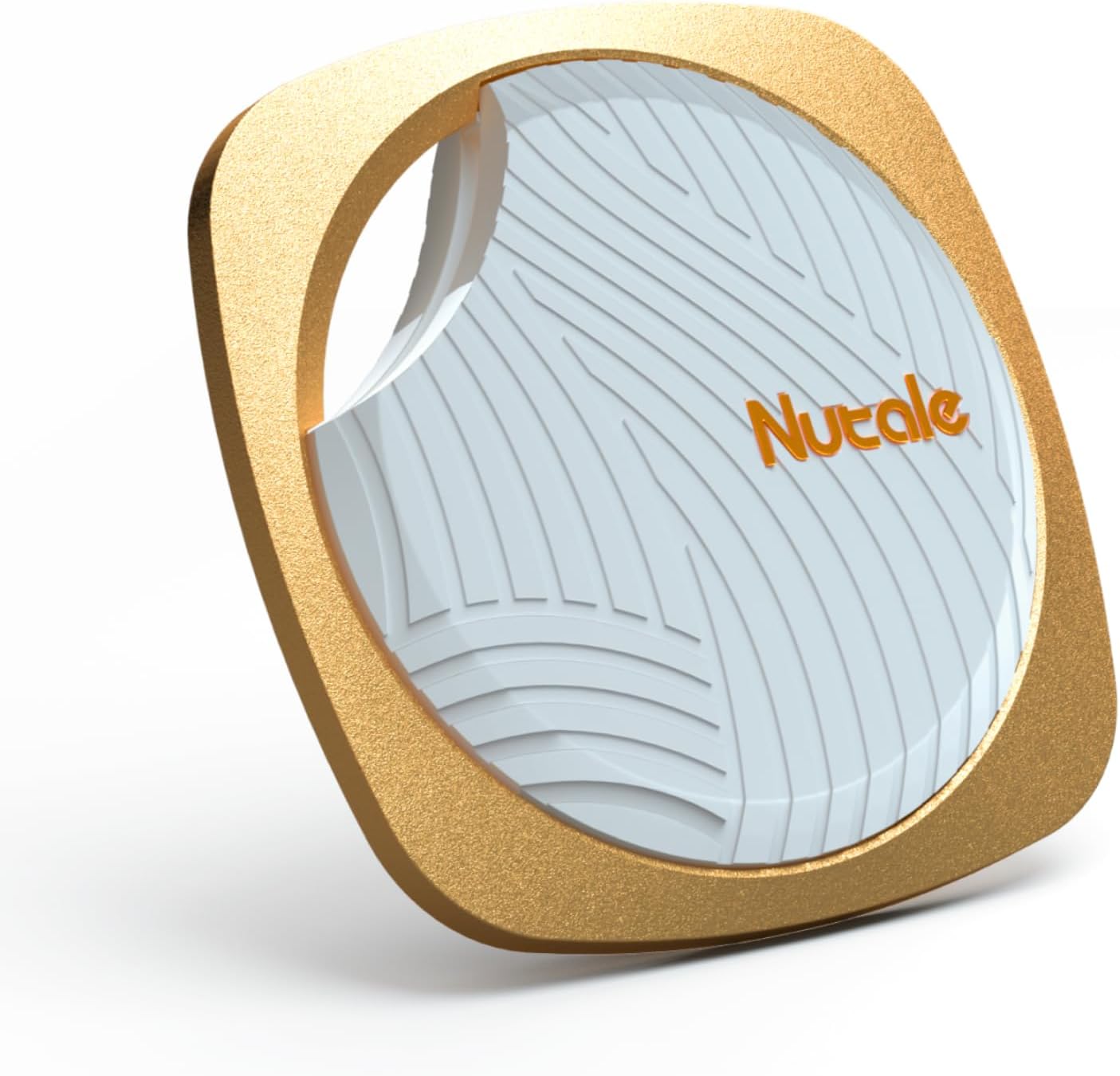
Image: The Nutale Smart Tracker F9X, a small, square-shaped device with a gold-colored frame and a white textured center, featuring the 'Nutale' logo.
2. Водич за подешавање
2.1. Инсталација апликације
- Download the Nut App: Тражи "Nut App" in your smartphone's app store (available for iOS and Android devices).
- Инсталирај и отвори: Follow the on-screen instructions to install the app. Once installed, open the Nut App.
- Креирајте налог: Региструјте се за нови налог или се пријавите ако га већ имате.
2.2. Pairing the Smart Tracker
- Уверите се да је Блуетоотх укључен: Уверите се да је Блуетоотх омогућен на вашем паметном телефону.
- Activate the Tracker: If this is your first time using the tracker, ensure the battery is correctly installed. The device should be powered on.
- Додај уређај у апликацији: In the Nut App, navigate to the "Add Device" or "+" option.
- Пратите упутства на екрану: The app will guide you through the pairing process. This typically involves pressing a button on the tracker to connect it to your phone.
- Дајте дозволе: The app may request certain permissions (e.g., location access). Granting these permissions is necessary for full functionality.
2.3. Инсталација/замена батерије
The Nutale Smart Tracker F9X uses a replaceable CR2032 coin cell battery. To install or replace the battery:
- Отворите Ц.asing: Gently pry open the tracker's casing using a small tool or your fingernail at the designated notch.
- Insert/Replace Battery: Уметните нову CR2032 батерију са позитивном (+) страном окренутом нагоре.
- Затворите Цasing: Carefully snap the two halves of the tracker back together until it is securely closed.
A new battery typically provides over 10 months of standby time.
3. Упутство за употребу
3.1. Anti-Lost Alarm
When the Nutale Smart Tracker F9X and your phone are disconnected (i.e., move out of Bluetooth range), both devices will sound an alarm to alert you. This feature helps prevent leaving items behind.
- Блуетоотх опсег: The typical indoor Bluetooth range is approximately 10-20 meters (30-66 feet), and outdoor range is 30-50 meters (100-164 feet).

Слика: Човек views his phone while a Nutale tracker, attached to keys in a door, emits signal waves, illustrating the anti-lost alarm function.
3.2. Find Your Items (Tracker Alarm)
To locate an item attached to your Nutale Smart Tracker F9X:
- Open the Nut App: Ensure the app is running and connected to your tracker.
- Активирај аларм: In the app, select the specific tracker and tap the "Ring" or "Find-it Mode" button. The tracker will emit an audible beep to help you locate it.

Image: A Nutale tracker is shown inside a wallet, while a smartphone displays the 'Find-it Mode' within the app, indicating how to locate items.
3.3. Location Tracking
The Nut App records the last known connected location of your Nutale Smart Tracker F9X. If an item is lost, you can view its approximate location on a map within the app.
- Access Map: Open the Nut App and select the tracker. Tap on the map icon to view the last connected location.

Image: A hand holds a smartphone showing a map with a red pin marking a specific location, demonstrating the location tracking feature.
3.4. Phone Finder
If you misplace your phone but have your Nutale Smart Tracker F9X, you can use the tracker to make your phone ring. This feature is typically activated by double-pressing the button on the tracker itself.
3.5. Информације о домету
The effective range for the anti-lost alarm and finding functions depends on environmental factors.
- Maximum Indoor Range: Приближно 66 стопе (20 метра).
- Maximum Outdoor Range: Приближно 164 стопе (50 метра).

Image: A visual representation showing the effective Bluetooth range of the Nutale tracker, with an indoor range of 66 ft and an outdoor range of 164 ft.
4. Одржавање
4.1. Чишћење
To clean your Nutale Smart Tracker F9X, gently wipe it with a soft, dry cloth. Avoid using harsh chemicals or abrasive materials, as these can damage the device.
4.2. Складиштење
Store the tracker in a cool, dry place when not in use. Avoid extreme temperatures and direct sunlight.
КСНУМКС. Решавање проблема
If you encounter issues with your Nutale Smart Tracker F9X, try the following steps:
- Tracker Not Connecting:
- Уверите се да је Блуетоотх омогућен на вашем телефону.
- Check if the tracker's battery is charged or needs replacement.
- Restart the Nut App and try pairing again.
- Move the tracker closer to your phone.
- Anti-Lost Alarm Not Triggering:
- Verify that the anti-lost feature is enabled in the Nut App settings for the specific tracker.
- Check the Bluetooth connection stability. Obstacles or distance can affect the signal.
- Low Alarm Volume:
- Ensure the tracker is not obstructed by other items (e.g., inside a thick wallet or bag).
- Check the volume settings within the Nut App, if available.
- Дозволе за апликације:
- Ensure the Nut App has necessary permissions, especially for location services and notifications, to function correctly. Review your phone's app settings.
- Нетачно праћење локације:
- Location tracking relies on the last known Bluetooth connection. If the tracker moves out of range without a connection, the recorded location will be where it last connected to your phone.
6. Спецификације
| Број модела | ФКСНУМКСКС |
| Димензије | 5.04 x 4.45 x 0.67 инча (паковање) |
| Тежина артикла | 0.317 унце (9 грама) |
| Повезивање | Блуетоотх |
| Тип батерије | ЦР2032 (2 укључена) |
| Трајање батерије | Више од 10 месеци (у стању приправности) |
| Материјал | акрилонитрил бутадиен стирен (АБС) |
| Компатибилни уређаји | Смартпхоне |
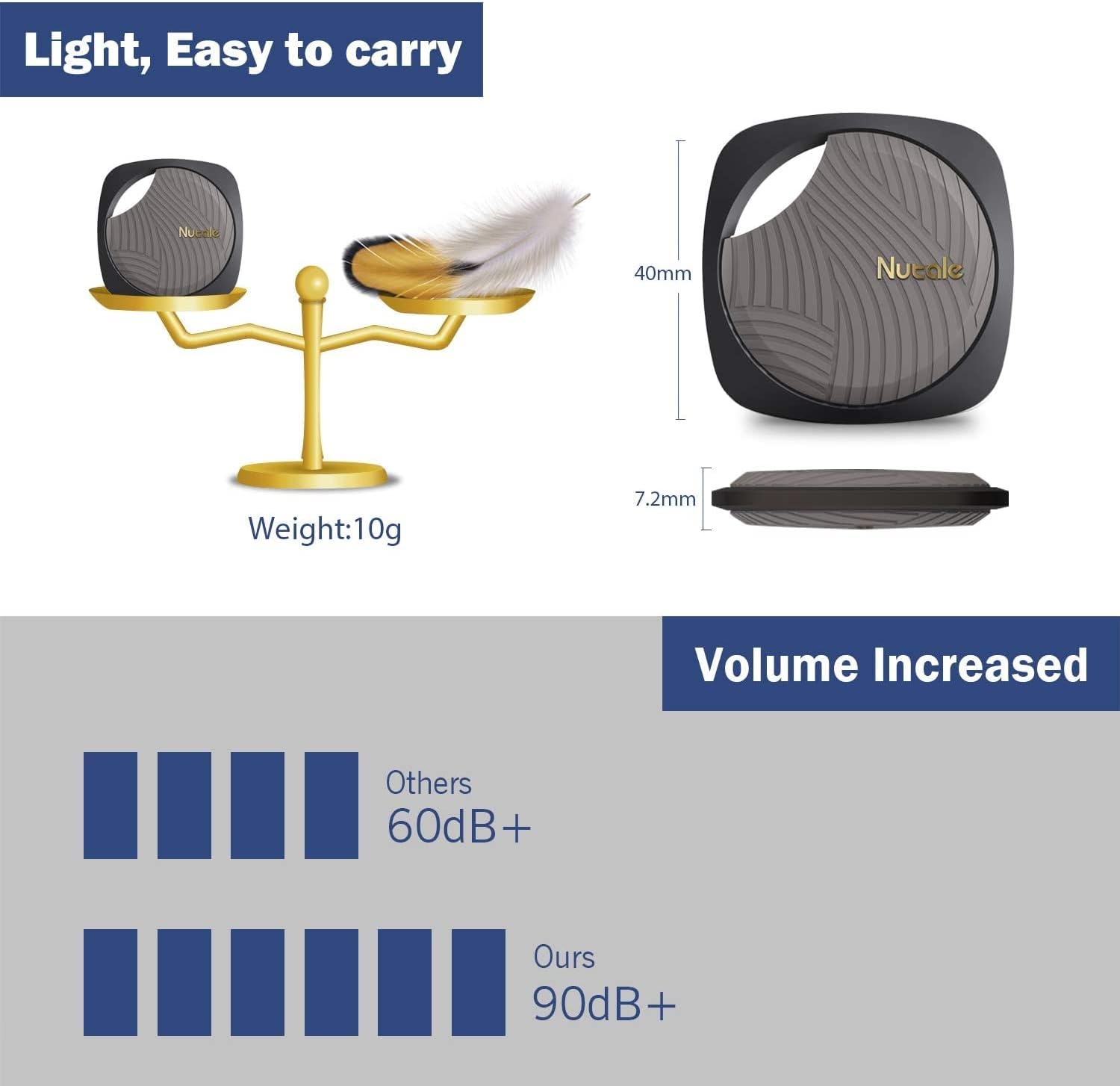
Image: A visual representation detailing the Nutale tracker's dimensions (40mm x 7.2mm), weight (10g), and a comparison of its alarm volume (90dB+) against others (60dB+).
7. Гаранција и подршка
7.1. Информације о гаранцији
For specific warranty details regarding your Nutale Smart Tracker F9X, please refer to the warranty card included with your product packaging or visit the official Nutale webсајт. Гарантни услови обично покривају производне недостатке током одређеног периода од датума куповине.
7.2. Корисничка подршка
If you require further assistance, technical support, or have questions not covered in this manual, please contact Nutale customer support through their official website or the contact information provided in the Nut App.