
Увод
Хвала вам на куповиниasing the Cuifati A100 Mini Cartoon Kids Camera. This camera is designed for children aged 3-12, offering a fun and safe way to explore photography and videography. Its compact, lightweight, and durable design, made from food-grade ABS material, ensures a comfortable and secure grip for small hands. This manual provides essential information for setting up, operating, and maintaining your camera.
The camera features a 2.0-inch color display, 20MP photo resolution, 720P video recording, and includes various photo frames and filters to enhance creativity. It is equipped with a built-in 400mAh rechargeable battery for extended use.
Безбедносне информације
- This product is intended for children aged 3-12. Adult supervision is recommended during use.
- The camera is made from food-grade ABS material, ensuring it is safe for children.
- Do not expose the camera to extreme temperatures, direct sunlight for prolonged periods, or moisture.
- Избегавајте испуштање или излагање камере јаким ударцима.
- Keep small parts, such as memory cards, out of reach of very young children to prevent choking hazards.
- Use only the provided charging cable or a compatible DC5V 1A charger.
- The battery is built-in and non-detachable. Do not attempt to replace it.
Садржај пакета
Молимо вас да проверите пакет како бисте били сигурни да су сви састојци присутни:
- 1 x Cuifati A100 Children Camera
- 1 x Fixing Strap
- 1 x Anti-lost Rope
- 1 к УСБ кабл за пуњење

Слика 1: Package contents including the camera, straps, and charging cable.
Производ је завршенview
The Cuifati A100 camera features a user-friendly design with a durable, rounded body for comfortable handling.

Слика 2: The camera's light and round design.
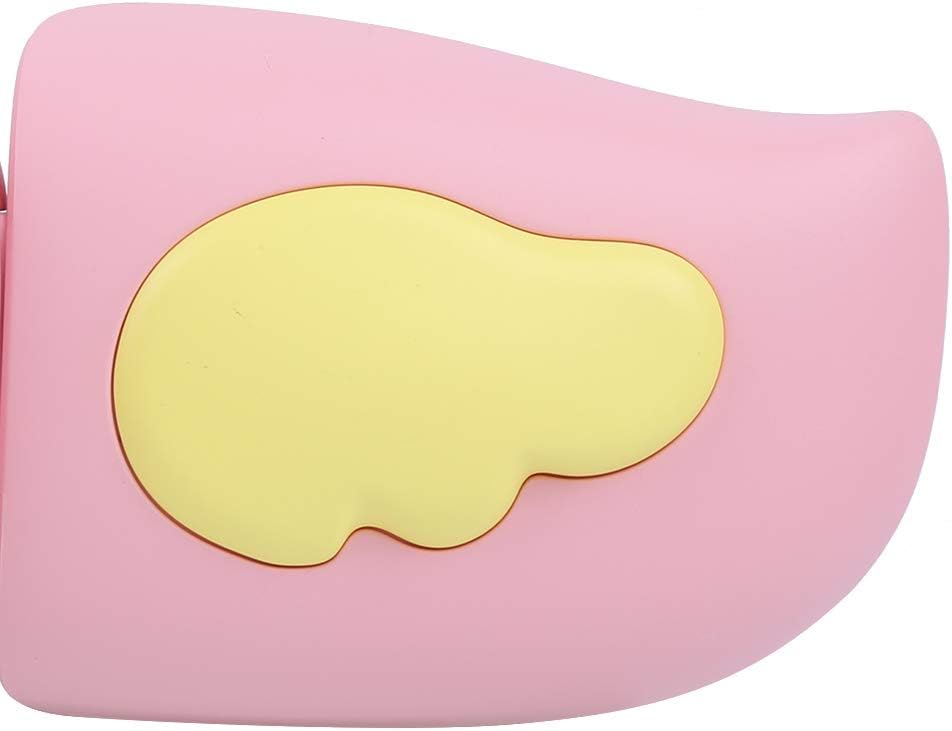
Слика 3: Detail of the camera's ergonomic design.
Кључне карактеристике:
- 2.0-инчни екран у боји: За viewing photos, videos, and navigating menus.
- Фиксно сочиво: 100° viewing angle for capturing wide scenes.
- Дугмад прилагођена кориснику: Интуитивне контроле за лако руковање.
- УСБ интерфејс: За пуњење и пренос података.
- Слот за меморијску картицу: Supports up to 32GB (card not included).
Сетуп
1. Пуњење камере
Before first use, fully charge the camera's built-in 400mAh battery. The camera features a large capacity battery for strong endurance.
- Connect the provided USB charging cable to the camera's USB port.
- Connect the other end of the USB cable to a DC5V 1A USB power adapter (not included) or a computer's USB port.
- The charging indicator light will illuminate. Once charging is complete, the light may change color or turn off.
2. Убацивање меморијске картице
A memory card (MicroSD card, up to 32GB) is required to save photos and videos. It is not included in the package.
- Пронађите слот за меморијску картицу са стране камере.
- Gently insert a MicroSD card into the slot with the metal contacts facing the front of the camera until it clicks into place.
- To remove the card, gently push it in again until it springs out.
Упутство за употребу
1. Укључивање/искључивање
- За укључивање: Press and hold the Power button (usually marked with Ⓜ or a similar icon) for a few seconds until the screen lights up.
- За искључивање: Поново притисните и држите дугме за напајање док се екран не искључи.

Слика 4: Camera in hand, showing the display and control buttons.
2. Снимање фотографија
- Turn on the camera. It will typically default to photo mode.
- Frame your shot using the 2.0-inch color display.
- Press the Shutter button (often a prominent button on top or side) to take a picture.
- The camera supports 20MP photo resolution.
- Utilize the 4 types of photo stickers and 9 kinds of filters for creative effects.
- Time-lapse shooting for selfies can be set for 3 or 5 seconds.
3. Снимање видео записа
- From photo mode, navigate to video mode using the mode button (usually marked 'M' or a video camera icon).
- Press the Shutter button to start recording. A recording indicator will appear on the screen.
- Поново притисните дугме Схуттер да зауставите снимање.
- The camera records videos in 720P (1080x720) resolution.
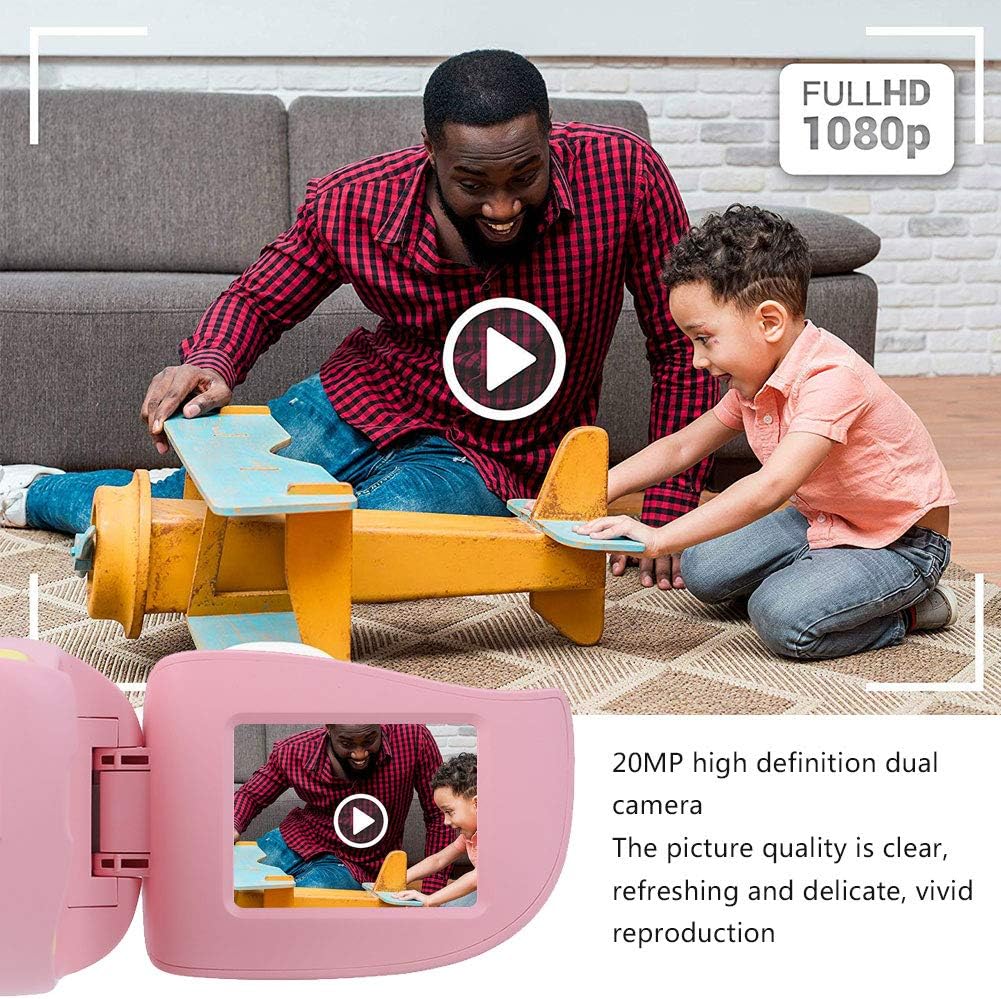
Слика 5: Illustrating the camera's 20MP photo and 720P video capabilities.
4. Режим репродукције
- Enter playback mode using the mode button.
- Use the navigation buttons (up/down or left/right arrows) to browse through your photos and videos.
- Press the OK/Shutter button to view фотографију или пусти видео.
5. Settings and Games
- Access the settings menu via the mode button or a dedicated menu button. Here you can adjust language (Chinese, English, Russian, Korean, Japanese), date/time, and other camera parameters.
- The camera supports a variety of built-in games for entertainment. Navigate to the game section through the menu.
Одржавање
- Чишћење: Use a soft, dry cloth to clean the camera body. For the lens, use a specialized lens cleaning cloth. Do not use liquid cleaners or abrasive materials.
- Складиштење: Store the camera in a cool, dry place away from direct sunlight and moisture when not in use.
- Одржавање батерије: To prolong battery life, avoid fully discharging the battery frequently. Charge the camera regularly, even if not in use for extended periods.
Решавање проблема
| Проблем | Могући узрок | Решење |
|---|---|---|
| Камера се не укључује. | Батерија је празна или је истрошена. | Charge the camera using the USB charging cable. |
| Cannot take photos/record videos. | No memory card inserted or card is full/corrupted. | Insert a compatible MicroSD card (up to 32GB). Check if the card has sufficient space or try formatting it (this will erase all data). |
| Слике/видео снимци су замућени. | Lens is dirty or lighting is poor. | Clean the lens with a soft cloth. Ensure adequate lighting for your shots. |
| Камера се замрзава или престаје да реагује. | Софтверски квар. | Press and hold the Power button for an extended period (e.g., 10-15 seconds) to force a restart. If the issue persists, ensure the battery is charged. |
Спецификације
| Модел | А100 |
| Материјал | АБС за храну |
| Екран | 2.0 Inch Color Display Screen (LCD) |
| Ленс | Fixed Lens, 100° Viewинг Англе |
| Медијум за складиштење | Memory Card (MicroSD), Maximum Support 32GB (Not Included) |
| Формат слике | ЈПГ |
| Видео Формат | ЈПЕГ |
| Видео Ресолутион | 720p (1080x720) |
| Пхото Пикелс | 20 MP Effective Still Resolution |
| Оквири за фотографије | 4 Типес |
| Филтер Еффецтс | 9 врсте |
| Улазни волtage | ДЦ5В 1А |
| Функције | Taking Pictures, Video Recording, Games |
| Подржани језици | Chinese, English, Russian, Korean, Japanese |
| Батерија | Built-in, Non-Detachable 400mAh Lithium Battery |
| Тежина | Прибл. 220г |
| Димензије (приближно) | 13 x 11 x 7 cm (Parcel Dimensions) |
| Повезивање | УСБ, Ви-Фи |
| Технологија фото сензора | ЦМОС |
| Контрола експозиције | Мануал |
| Режими снимања | Спортс |
| Континуирано снимање | 30 ФПС |
| Аге Ранге | Kid (3-12 years) |
Гаранција и подршка
Specific warranty information is not provided in this manual. For details regarding warranty coverage, technical support, or service, please refer to the documentation included with your purchase or contact the retailer where the product was acquired. You may also visit the official Cuifati brand store for additional information.
Cuifati Brand Store: Посетите продавницу