
Galax CGG5ANBA4B0
Galax PC Case (REV-05) Revolution 05 Black
Упутство за употребу
Brand: Galax | Model: CGG5ANBA4B0
1. Производ је готовview
The Galax PC Case (REV-05) Revolution 05 Black is a versatile computer chassis designed to accommodate various motherboard form factors including ATX, M-ATX, and ITX. Standing at 470mm, this case offers a spacious interior, allowing for flexible component placement and optimized cooling solutions for your PC build.
Кључне карактеристике:
- Compatible with ATX, M-ATX, ITX motherboards.
- Tall design (470mm) providing ampле унутрашњи простор.
- Supports vertical or horizontal graphics card mounting.
- Designed for maximized cooling and storage potential.
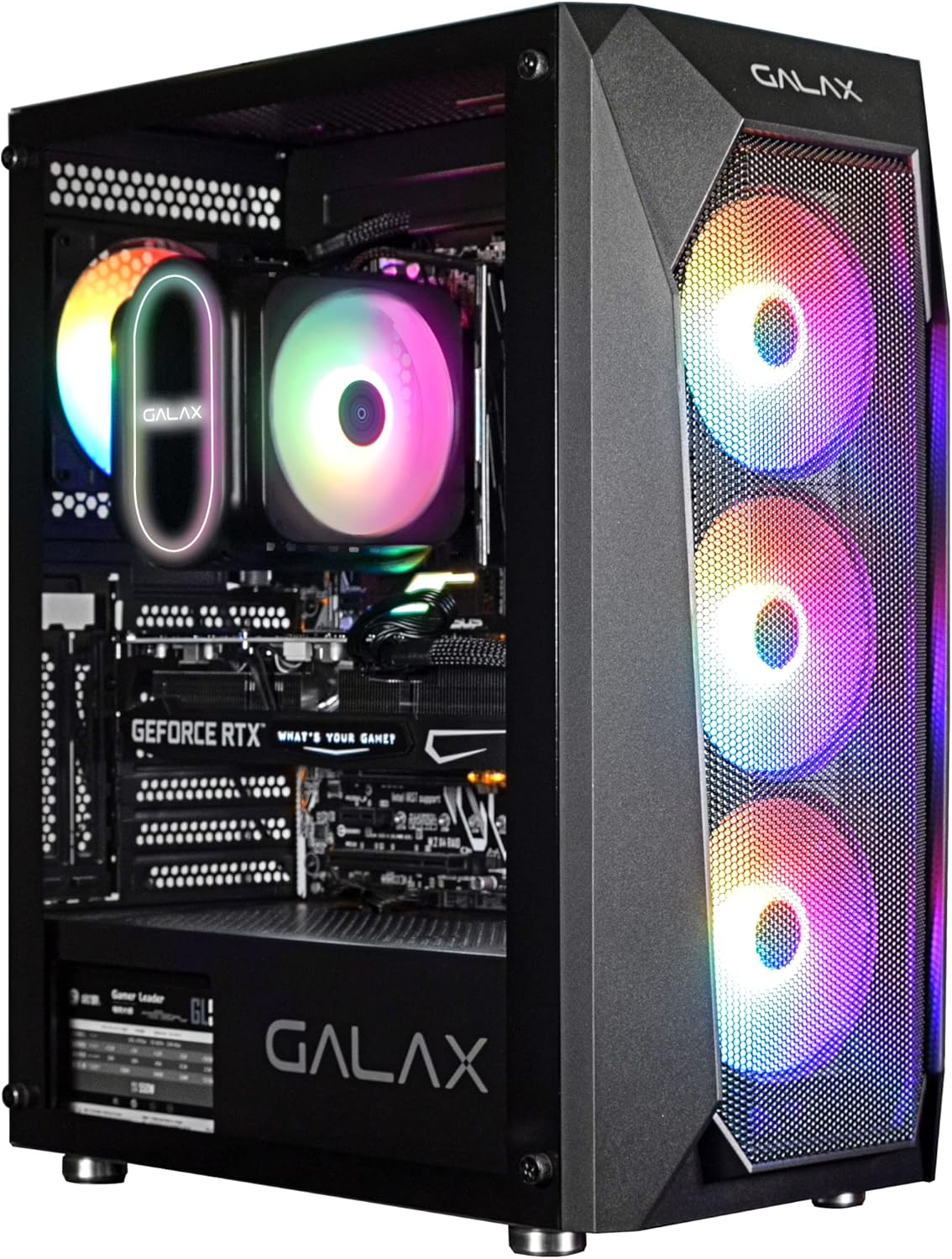
Слика 1: Фронтална страна view of the Galax REV-05 PC Case, showcasing its internal components and vibrant RGB fans.
2. Подешавање и инсталација
Before beginning installation, ensure you have all necessary components and tools. Refer to your motherboard and component manuals for specific installation steps.
2.1 Припрема случаја
- Carefully unbox the PC case and remove all packaging materials.
- Поставите кућиште на стабилну, равну површину.
- Remove the side panels to access the interior. Typically, these are secured with thumbscrews at the rear.
2.2 Инсталација матичне плоче
- Install the I/O shield into the designated opening at the rear of the case.
- Align your ATX, M-ATX, or ITX motherboard with the standoffs inside the case. Ensure all standoffs match the screw holes on your motherboard.
- Причврстите матичну плочу помоћу приложених вијака.
2.3 Инсталација компоненти
- Јединица за напајање (ПСУ): Install the PSU into its dedicated compartment, usually at the bottom rear of the case. Secure it with screws.
- Дискови за складиштење: Install 2.5-inch SSDs or 3.5-inch HDDs into the designated drive bays. The REV-05 offers ample storage potential.
- Графичка картица (GPU): Install your graphics card into the appropriate PCIe slot on your motherboard. The case supports both vertical and horizontal mounting options for the GPU.
- Вентилатори за хлађење: The case comes with pre-installed fans. Ensure all fan cables are properly connected. Note that the pre-installed fans may be daisy-chained by Molex connectors, requiring direct connection to the power supply instead of the motherboard for power.

Figure 2: Internal layout of the Galax REV-05 PC Case, showing space for various components.
2.4 Управљање кабловима
Користите изрезе за усмеравање каблова и тачке за везивање иза лежишта матичне плоче да бисте ефикасно управљали кабловима. Ово побољшава проток ваздуха и естетику.
3. Operating the PC Case
Када су све компоненте инсталиране и повезане, можете укључити систем.
3.1 Контроле на предњој плочи
The top panel of the Galax REV-05 case typically includes:
- Дугме за напајање: To turn your PC on or off.
- Дугме за ресетовање: To restart your PC.
- УСБ портови: For connecting peripherals (e.g., USB 3.0, USB 2.0).
- Аудио прикључци: For headphones and microphones.

Figure 3: Top panel of the Galax REV-05 PC Case, highlighting the I/O ports and control buttons.
3.2 Проток ваздуха и хлађење
The REV-05 case is designed with optimal airflow in mind. Ensure that the front mesh panel is not obstructed to allow for proper air intake by the front fans. The rear and top fan mounts facilitate exhaust, creating efficient cooling for your components.
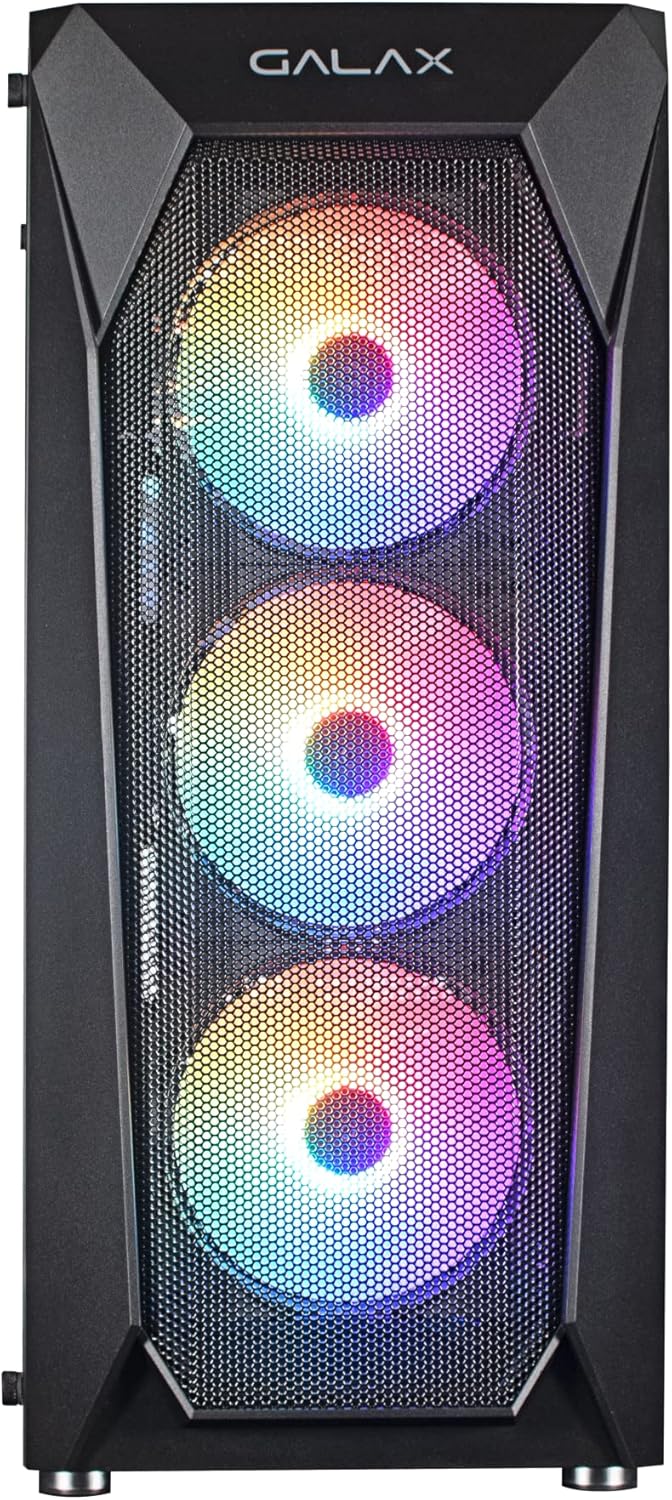
Слика 4: Предња страна view of the Galax REV-05 PC Case, showcasing the mesh design and pre-installed RGB fans for optimal airflow.
4. Одржавање
Редовно одржавање помаже у обезбеђивању дуготрајности и оптималних перформанси кућишта вашег рачунара и његових компоненти.
- Чишћење прашине: Periodically clean dust filters (if present) and the interior of the case using compressed air or a soft brush. Pay attention to fan blades and heatsinks.
- Провера управљања кабловима: Ensure cables remain neatly organized and do not obstruct airflow.
- Инспекција вентилатора: Check fans for any unusual noises or reduced performance. Ensure they are spinning freely.
КСНУМКС. Решавање проблема
Овај одељак се бави уобичајеним проблемима на које можете наићи.
- Рачунар се не укључује:
- Уверите се да је напајање укључено и правилно прикључено на зидну утичницу.
- Verify that the front panel power button cable is correctly connected to the motherboard's front panel header.
- Check all internal power connections (24-pin ATX, CPU power, GPU power).
- Вентилатори се не окрећу / RGB не ради:
- Confirm that fan power cables are securely connected. For pre-installed fans, check if they are connected via Molex directly to the PSU, as some models require this.
- If RGB is not working, ensure the RGB controller (if present) is powered and connected correctly. Some RGB systems require software control or a dedicated button on the case.
- If fans are daisy-chained, ensure the primary connection point is secure.
- Нема излаза на екран:
- Ensure your monitor cable is connected to the graphics card (GPU) output, not the motherboard's integrated graphics port (unless you are using integrated graphics).
- Поново поставите графичку картицу у њен PCIe слот.
- Check the graphics card's power connections.
6. Спецификације
| Бранд | Galax |
| Број модела | CGG5ANBA4B0 |
| Димензије производа | 41 к 21 к 49 цм; 3 кг |
| Компатибилност матичне плоче | АТКС, М-АТКС, ИТКС |
| Тип случаја | Торањ |
| Боја | Црно |
| Произвођач | Galax |
| Први доступан датум | 9. април 2022 |
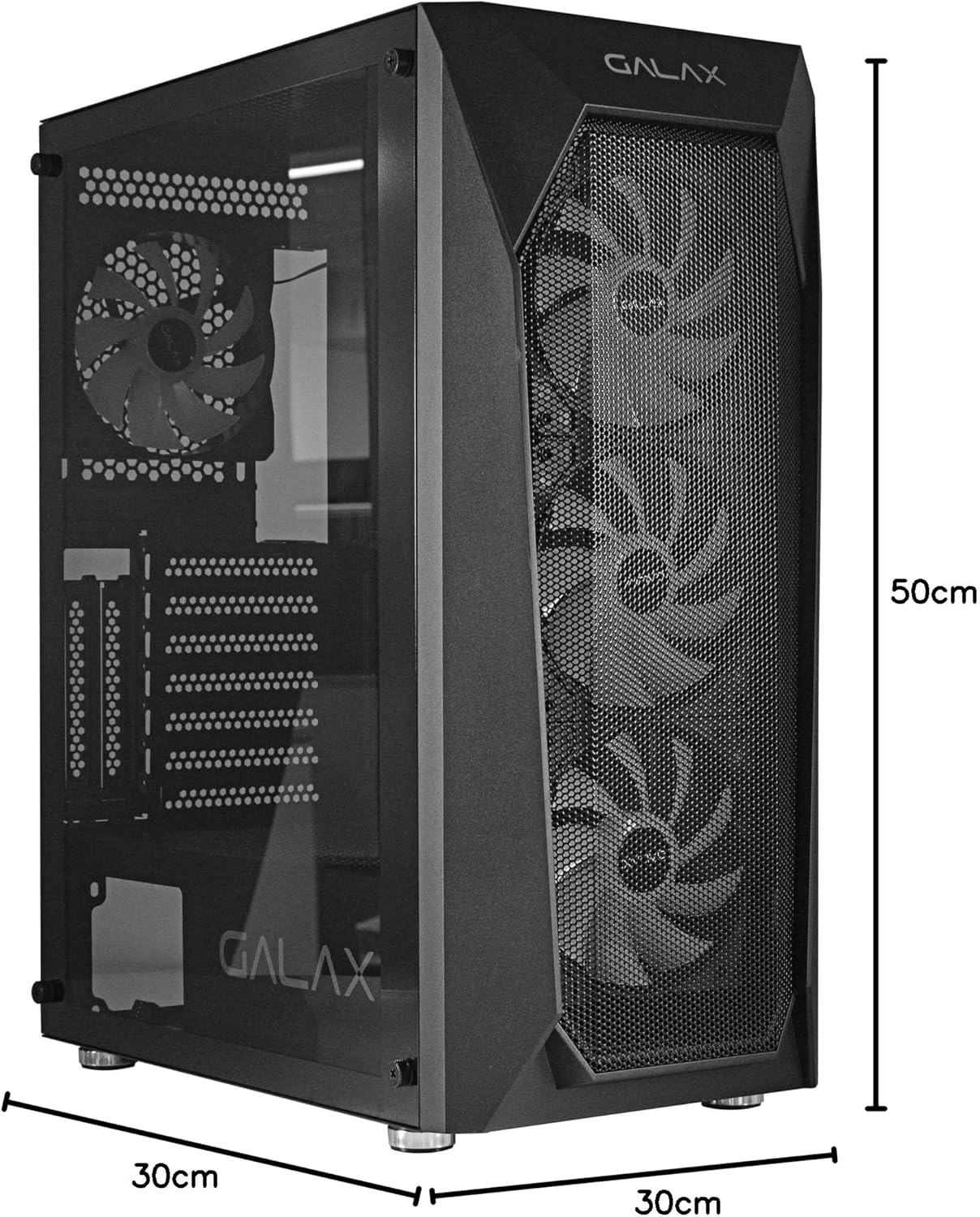
Figure 5: Visual representation of the Galax REV-05 PC Case dimensions.
7. Гаранција и подршка
For warranty information and technical support, please refer to the official Galax webсајт или контактирајте њихову службу за кориснике. Сачувајте доказ о куповини за потребе гаранције.
Онлине ресурси:
Ask a question about this manual
Ask about setup, troubleshooting, compatibility, parts, safety, or missing instructions. Manuals+ will review the question and use this page’s manual context to help answer it.