
1. Подешавање и повезивање
The Cooler Master CK721 keyboard offers versatile connectivity options to suit various setups and devices. It supports wired USB Type-C, 2.4 GHz wireless, and Bluetooth 5.1, allowing connection to up to three devices simultaneously. The keyboard is compatible with Mac OS, iOS, Android, and Windows 8 (or higher) operating systems.
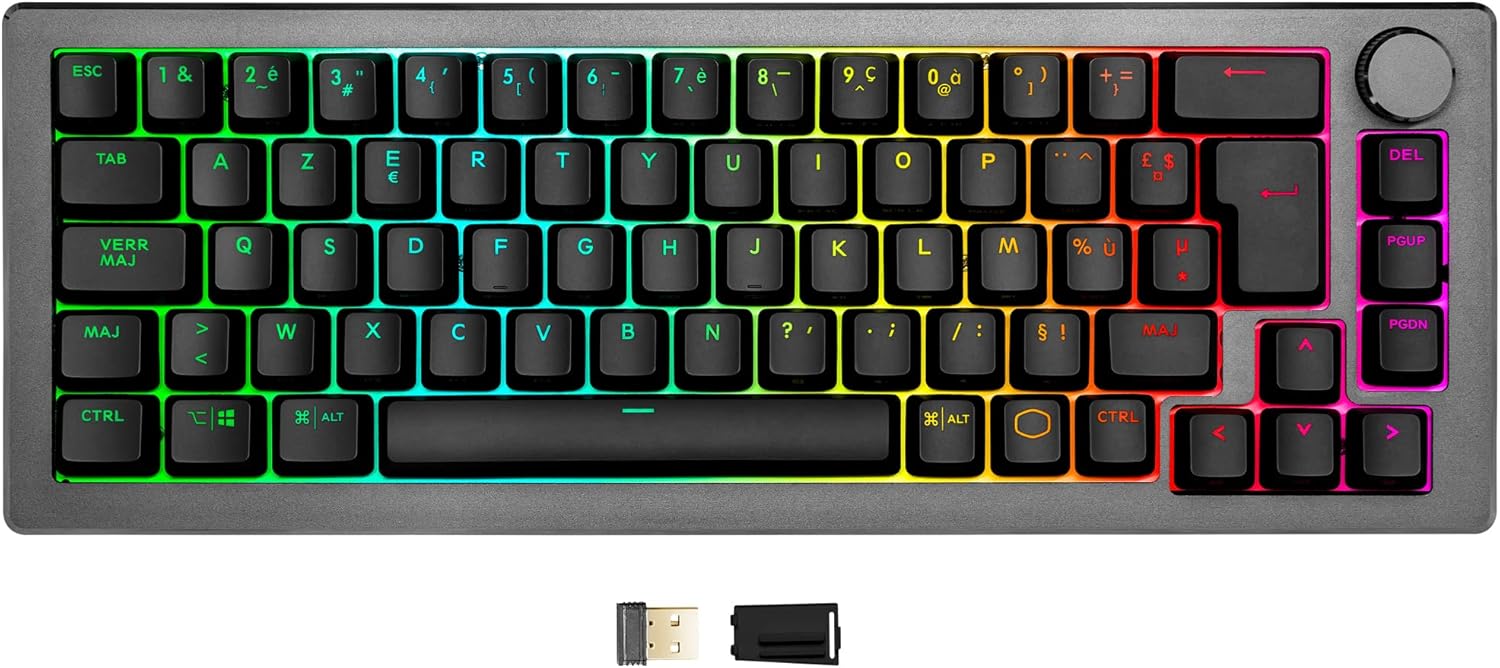
Укључене компоненте:
- Cooler Master CK721 Mechanical Gaming Keyboard
- Comfortable foam wrist rest
- УСБ Типе-Ц кабл
- 2.4 GHz wireless dongle
- Keycap puller (for maintenance)
Повезивање тастатуре:
- Жична веза: Connect the provided USB Type-C cable from the keyboard to an available USB port on your computer. The keyboard will be automatically detected.
- 2.4 GHz Wireless Connection: Insert the 2.4 GHz wireless dongle into a USB port on your computer. Ensure the switch on the side of the keyboard is set to the 2.4 GHz mode. The keyboard should connect automatically.
- Блуетоотх веза: Ensure the switch on the side of the keyboard is set to Bluetooth mode. On your device (computer, tablet, smartphone), navigate to Bluetooth settings and search for available devices. Select 'Cooler Master CK721' from the list to pair. The keyboard can store up to three Bluetooth profiles, allowing quick switching between devices.

2. Упутство за употребу
The CK721 is equipped with TTC Red mechanical switches, known for their linear feel, 4mm travel distance, and 2mm actuation point, providing excellent responsiveness for gaming and typing. These switches have a durability rating of over 50 million clicks. The keyboard supports a high polling rate of 1000Hz and a 1ms response time in wired and 2.4GHz modes, crucial for competitive gaming.
Кључне карактеристике и контроле:
- Hybrid Rollover: Features N-Key Rollover (NKRO) in wired and 2.4GHz modes, and 6-Key Rollover (6KRO) in Bluetooth mode, ensuring every key press is registered accurately.
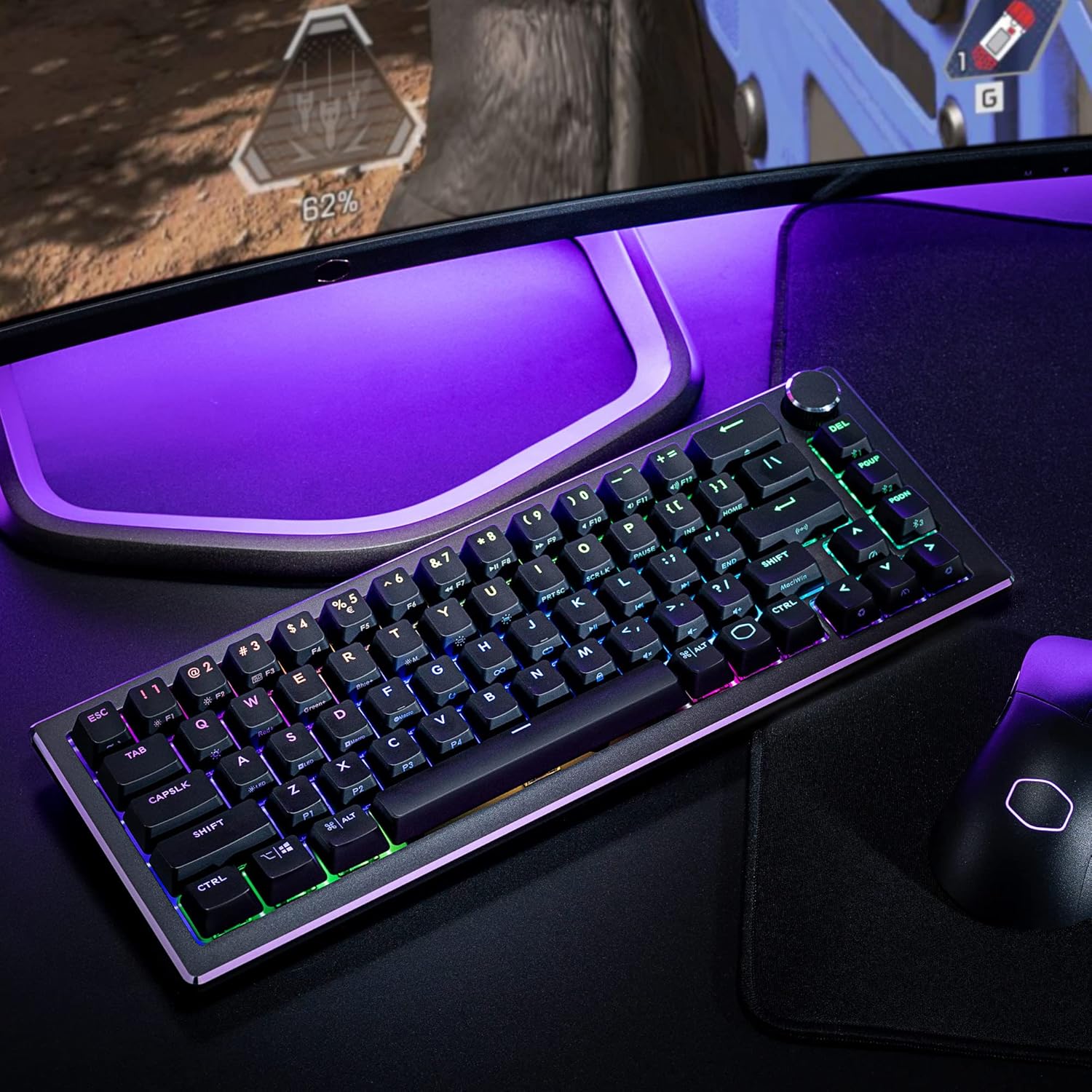
- RGB позадинско осветљење: Per-key LED backlighting with up to 16.7 million colors. Lighting effects can be customized on-the-fly using keyboard commands or through the Cooler Master MasterPlus+ software for advanced personalization.
- Precision Wheel: A multi-function wheel with three modes allows for real-time adjustments. This can control volume, media playback, or RGB lighting brightness/effects depending on the selected mode.
- On-the-Fly Controls: The keyboard supports on-the-fly customization for lighting, macro recording, and switching between connected devices without needing software. Refer to the quick start guide for specific key combinations.


3. Одржавање и њега
Proper maintenance ensures the longevity and optimal performance of your Cooler Master CK721 keyboard.
Упутства за чишћење:
- Генерално чишћење: Use a soft, dry cloth to wipe down the keyboard surface regularly. For stubborn dirt, slightly dampОбришите крпу водом или благим раствором за чишћење. Избегавајте јаке хемикалије.
- Чишћење капица тастера: For deeper cleaning, you can remove the keycaps using the included keycap puller. Clean the keycaps with mild soap and water, then ensure they are completely dry before reattaching.
- Under Keycaps: Use compressed air to remove dust and debris from underneath the keycaps and around the switches.
Avoid spilling liquids on the keyboard. If a spill occurs, immediately disconnect the keyboard and allow it to dry completely before reconnecting.

КСНУМКС. Решавање проблема
If you encounter issues with your Cooler Master CK721 keyboard, refer to the following common troubleshooting steps:
Уобичајени проблеми и решења:
- Тастатура не реагује:
- Ensure the USB cable is securely connected or the wireless dongle is properly inserted.
- Check the connectivity switch on the side of the keyboard (wired, 2.4 GHz, Bluetooth) matches your desired connection method.
- For Bluetooth, ensure the keyboard is paired correctly with your device and that Bluetooth is enabled on your device.
- Specific Keys Not Functioning or Incorrect Input:
- This can sometimes be resolved by updating the keyboard's firmware. Visit the official Cooler Master support website for the latest firmware updates for the CK721, especially if you have the AZERTY layout. Some users have reported specific keys (e.g., 'chevron' key) requiring a firmware update for full functionality.
- Ensure no debris is lodged under the affected keycap. Remove the keycap and clean the switch area.
- Проблеми са RGB осветљењем:
- If RGB lighting is not working as expected or customization is problematic, ensure you have the latest version of the Cooler Master MasterPlus+ software installed.
- Some users have reported software recognition issues with certain keys or layout discrepancies when customizing RGB. Ensure your software and firmware are up-to-date.
- Wireless Connection Instability:
- Ensure the keyboard is within range of the wireless dongle or Bluetooth device.
- Минимизирајте сметње од других бежичних уређаја.
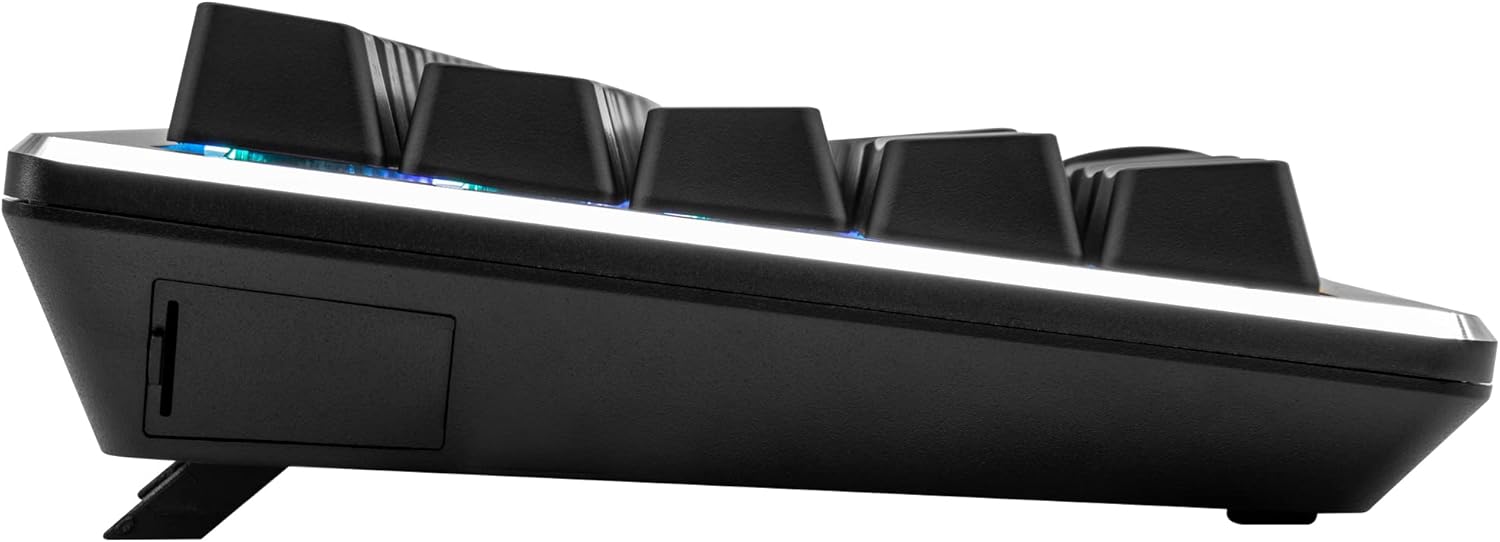
- Check the keyboard's battery level if using wireless modes.
If these steps do not resolve the issue, please contact Cooler Master customer support for further assistance. You can find contact information on the official Cooler Master webсајту.
5. Спецификације
Below are the detailed specifications for the Cooler Master CK721 Mechanical Gaming Keyboard:
| Феатуре | Спецификација |
|---|---|
| Број модела | ЦК-721-ГКТР1-ФР |
| Бранд | Цоолер Мастер |
| Распоред тастатуре | 65% Compact, AZERTY FR |
| Тип прекидача | TTC Red Mechanical Switches |
| Пребаците животни век | 50 милиона кликова |
| Повезивање | Wired (USB Type-C), 2.4 GHz Wireless, Bluetooth 5.1 |
| Поллинг Рате | 1000Hz (Wired & 2.4GHz) |
| Време одговора | 1ms (Wired & 2.4GHz) |
| Ролловер | NKRO (Wired & 2.4GHz), 6KRO (Bluetooth) |
| Позадинско осветљење | Per-Key RGB (16.7 Million Colors) |
| Компатибилност оперативног система | Mac OS, iOS, Android, Windows 8+ |
| Димензије (Д к Ш к В) | КСНУМКС к КСНУМКС к КСНУМКС цм (КСНУМКС к КСНУМКС к КСНУМКС инча) |
| Тежина | 764 грама (1.68 фунте) |
| Посебне карактеристике | Precision Wheel, On-the-fly Controls, Adjustable Feet |
6. Гаранција и подршка
The Cooler Master CK721 Mechanical Gaming Keyboard comes with a manufacturer's warranty of 2 године од дана куповине. Ова гаранција покрива недостатке у материјалу и изради при нормалној употреби.
For warranty claims, technical support, or additional product information, please visit the official Cooler Master website. You can also download the latest drivers, firmware updates, and the MasterPlus+ software from their support section. The MasterPlus+ software provides advanced customization options for RGB lighting, macro programming, and other keyboard settings.
Онлине ресурси:
За овај производ нису пронађени званични видео снимци производа од продавца.