
1. Добродошли
Welcome to the BYYBUO SmartPad T10 user manual. This guide provides detailed instructions on setting up, operating, maintaining, and troubleshooting your new Android 12 tablet. Please read this manual thoroughly to ensure optimal performance and longevity of your device.
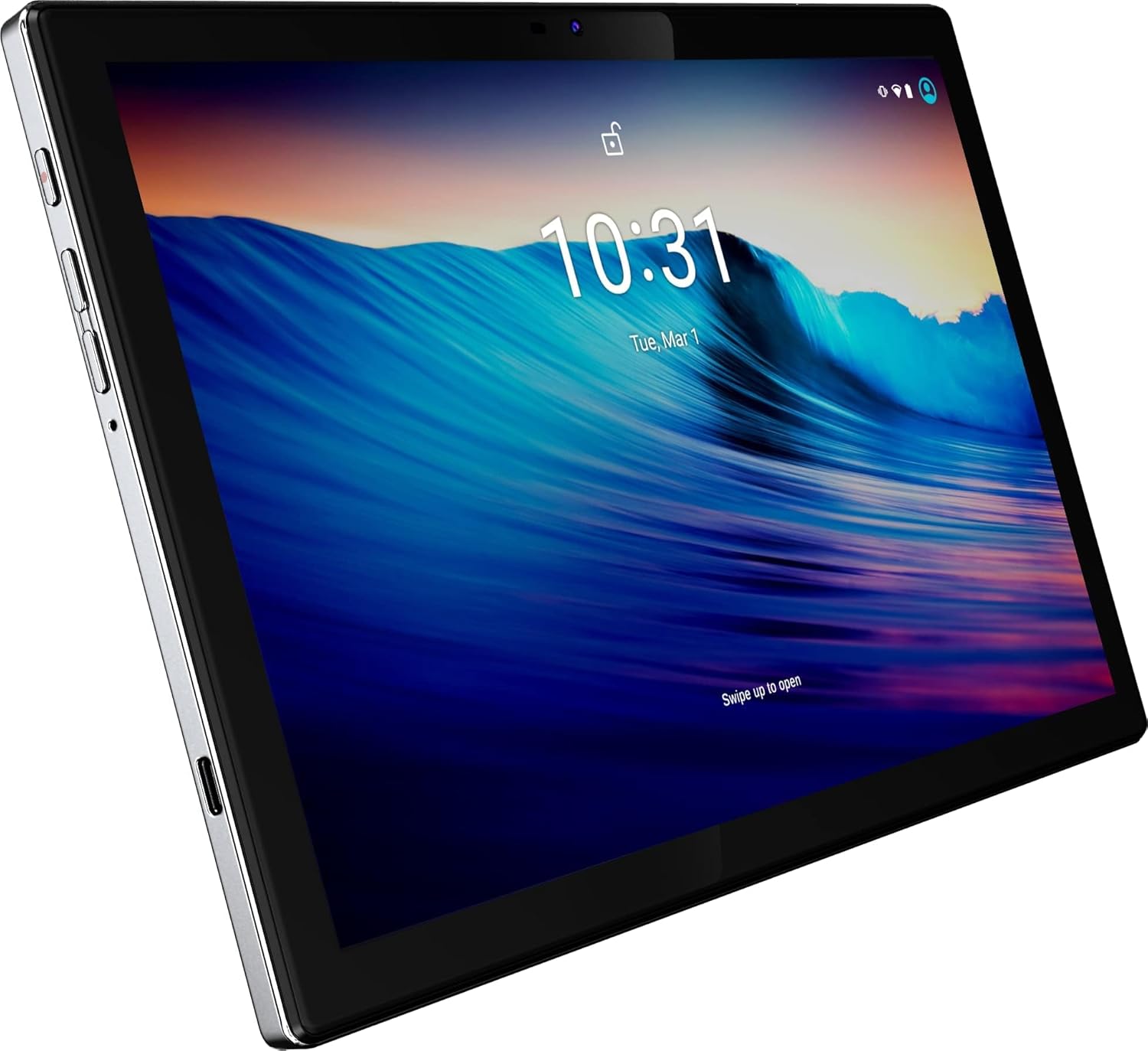
Слика 1: Предња страна view of the BYYBUO SmartPad T10 Tablet.
2. Производ је готовview
2.1 Компоненте
- 10.1-инчни Full HD IPS екран: High-resolution touchscreen for clear visuals.
- Предња камера: За видео позиве и селфије.
- Задња камера: За снимање фотографија и видео записа.
- Дугме за напајање: Да бисте укључили/искључили уређај или га stavili у стање спавања.
- Дугмад за јачину звука: Да бисте подесили нивое звука.
- УСБ-Ц порт: За пуњење и пренос података.
- 3.5 мм прикључак за слушалице: За аудио излаз.
- Слот за MicroSD/TF картицу: За прошириви простор за складиштење.
- Двоструки звучници: За побољшано аудио искуство.

Слика 2: Страна view highlighting ports and buttons.
2.2 Кључне карактеристике
- High-Performance Octa-Core Processor: Ensures smooth operation and efficient multitasking.
- Оперативни систем Андроид 12: Provides a user-friendly interface and access to the latest apps.
- Капацитет батерије 7000мАх: Offers extended usage time for entertainment and productivity.
- 64GB Internal Storage (Expandable to 512GB): Ampпростор за апликације, фотографије и видео записе.
- 1920x1200 IPS Display: Delivers vibrant colors and sharp details for an immersive viewинг искуство.
- Dual-band Wi-Fi (2.4G+5G): For fast and stable internet connectivity.
- Блуетоотх КСНУМКС: За повезивање бежичних додатака.
- Уграђени ГПС: For navigation and location-based services.
- Dual Cameras (5MP Front, 13MP Rear): For capturing memories and video calls.
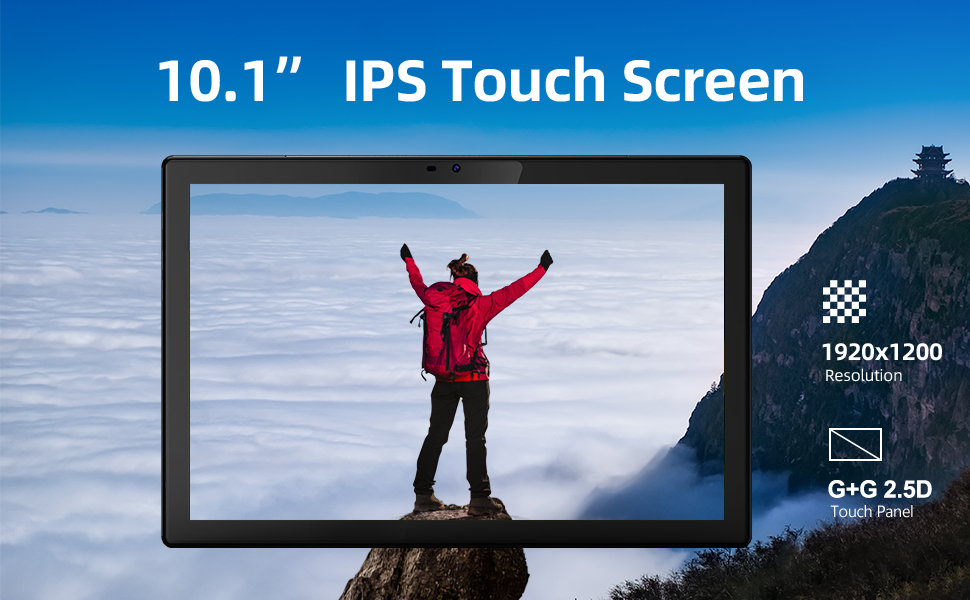
Слика 3: Визуелни приказ кључних карактеристика.
3. Водич за подешавање
3.1 Почетна наплата
Before first use, fully charge your SmartPad T10 using the provided USB-C cable and charger. The battery indicator on the screen will show charging progress.

Figure 4: The tablet's large battery capacity ensures long usage.
3.2 Укључивање/искључивање
- За укључивање: Press and hold the Power button on the side of the tablet until the BYYBUO logo appears.
- За искључивање: Press and hold the Power button until a menu appears. Select 'Power off' and confirm.
- За спавање/буђење: Кратко притисните дугме за напајање.
3.3 Ви-Фи веза
- Идите на „Подешавања“ > „Мрежа и интернет“ > „Wi-Fi“.
- Toggle Wi-Fi 'On'.
- Изаберите жељену Wi-Fi мрежу са листе.
- Унесите лозинку ако се то од вас затражи и додирните „Повежи се“.
3.4 Подешавање Google налога
Upon first power-on or after a factory reset, you will be guided through the initial setup process, including connecting to Wi-Fi and signing in with your Google account. A Google account is required to download apps from the Google Play Store.
3.5 Проширење складишног простора
The SmartPad T10 supports MicroSD/TF cards up to 512GB for expanded storage. Locate the card slot on the side of the tablet. Use the provided tool to open the tray, insert the card, and close the tray securely.

Figure 5: Expandable storage for more content.
4. Operating Your SmartPad
4.1 Навигација
The SmartPad T10 features a highly responsive touchscreen. Use standard Android gestures such as tap, swipe, pinch-to-zoom, and long-press to navigate the interface and interact with apps.

Figure 6: The Android 12 interface on the SmartPad T10.
4.2 Управљање апликацијама
- Преузимање апликација: Open the 'Play Store' app, search for your desired app, and tap 'Install'.
- Деинсталирање апликација: Long-press the app icon on the home screen or app drawer, then drag it to 'Uninstall' or select 'Uninstall' from the pop-up menu. Alternatively, go to 'Settings' > 'Apps' > select the app > 'Uninstall'.
4.3 Употреба камере
Access the camera app from the home screen or app drawer. You can switch between the front (5MP) and rear (13MP) cameras. Tap the shutter button to take photos or switch to video mode to record.
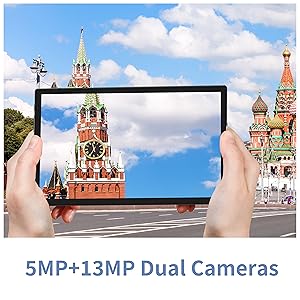
Figure 7: The tablet features dual cameras for versatile photography.
4.4 Репродукција медија
Enjoy videos and music on your SmartPad T10. The 1920x1200 IPS display provides a clear viewing experience, and dual speakers offer quality audio. You can download streaming apps like Netflix and YouTube from the Play Store.

Figure 8: The Full HD display is ideal for media consumption.
Видео 1: Званична видео презентација производаasing the BYYBUO SmartPad T10's features and usage scenarios.
4.5 Блуетоотх упаривање
- Go to 'Settings' > 'Connected devices' > 'Bluetooth'.
- Toggle Bluetooth 'On'.
- Уверите се да је ваш Bluetooth уређај у режиму упаривања.
- Select the device from the 'Available devices' list and follow on-screen prompts to pair.
4.6 GPS функционалност
The built-in GPS allows for accurate location tracking and navigation. Use pre-installed map applications or download your preferred navigation apps from the Google Play Store.
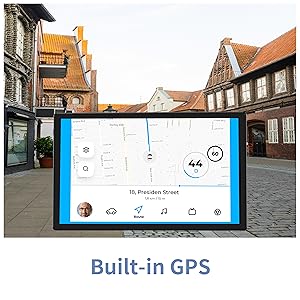
Figure 9: Built-in GPS for reliable navigation.
5. Одржавање и њега
5.1 Чишћење
Користите меку крпу која не оставља влакна да бисте очистили екран и кућиште таблета. Избегавајте употребу јаких хемикалија или абразивних материјала који би могли оштетити површину.
5.2 Одржавање батерије
- Избегавајте екстремне температуре, јер могу скратити век трајања батерије.
- Не дозволите да се батерија често потпуно испразни.
- Користите само приложени пуњач или сертификовани компатибилни пуњач.
5.3 Ажурирања софтвера
Periodically check for system updates to ensure your tablet has the latest features and security patches. Go to 'Settings' > 'System' > 'System update'.
5.4 Управљање складиштем
Редовно чистите непотребно files, cache data, and uninstall unused apps to free up storage space and maintain optimal performance. You can manage storage in 'Settings' > 'Storage'.
6. Решавање уобичајених проблема
| Проблем | Могуће решење |
|---|---|
| Уређај се неће укључити | Уверите се да је батерија напуњена. Прикључите пуњач и сачекајте неколико минута пре него што поново покушате да је укључите. |
| Проблеми са Ви-Фи везом | Restart the tablet and your Wi-Fi router. Check Wi-Fi settings to ensure correct network and password. Try forgetting and re-connecting to the network. |
| Апликације се руше или замрзавају | Clear the app's cache and data (Settings > Apps > [App Name] > Storage). If the issue persists, uninstall and reinstall the app. Ensure sufficient free storage space. |
| Споро перформансе | Close unused background apps. Clear cache and temporary files. Consider a factory reset if performance issues persist after other troubleshooting steps. |
| Батерија се брзо празни | Reduce screen brightness. Disable unused features like Bluetooth or GPS. Close background apps. Check for apps consuming excessive battery in Settings > Battery. |
7. Техничке спецификације
| Феатуре | Спецификација |
|---|---|
| Бранд | BYYBUO |
| Назив модела | Т10 |
| Величина екрана | 10.1 инча |
| Резолуција екрана | 1920 x 1200 пиксела (Full HD IPS) |
| Процесор | Octa-Core 2.0 GHz (MediaTek) |
| РАМ | 4 ГБ |
| Интерна меморија | 64 ГБ |
| Екпандабле Стораге | Up to 512 GB (MicroSD/TF) |
| Оперативни систем | Андроид 12 |
| Капацитет батерије | 7000mAh (литијум-полимер) |
| Просечно трајање батерије | 12 сата |
| Вирелесс Типе | 802.11b/g/ac (2.4G+5G WiFi) |
| Блуетоотх | Блуетоотх 4.2 |
| камере | Задња: 13 МП, Предња: 5 МП |
| Тежина артикла | 1.23 фунти |
| Димензије (ДкШкВ) | 0.01 к 0.31 к 0.01 инча |
8. Гаранција и подршка
8.1 Информације о гаранцији
For specific warranty details, please refer to the warranty card included in your product packaging or contact BYYBUO customer support directly. Keep your proof of purchase for warranty claims.
8.2 Корисничка подршка
If you encounter any issues or have questions not covered in this manual, please contact BYYBUO customer support. You can find contact information on the official BYYBUO website or through your purchase platform. BYYBUO offers 24-hour online support.
Visit the official BYYBUO Store: BYYBUO Amazon Store
For community support and updates, you may also check the BYYBUO Facebook page: BYYBUO Facebook