
Увод
This manual provides detailed instructions for the setup, operation, maintenance, and troubleshooting of your Altec Lansing Nanophones ANC Bluetooth Wireless Active Noise Cancelling Headphones. Please read this manual thoroughly before using the product to ensure proper functionality and to maximize your listening experience.
Производ је завршенview
The Altec Lansing Nanophones ANC are on-ear Bluetooth wireless headphones featuring Active Noise Cancelling technology, a detachable microphone, and a 12-hour battery life. They are designed for comfortable use during work, learning, and leisure activities.

Слика: Фронт view of the Altec Lansing Nanophones ANC headphones in Icy color, showcasing the on-ear design and overall aesthetic.
Садржај пакета
Проверите да ли су све ставке присутне у пакету:
- Altec Lansing Nanophones ANC Headphones
- Одвојиви микрофон
- УСБ-Ц кабл за пуњење
- Кориснички приручник (овај документ)
Контроле и индикатори
Familiarize yourself with the location and function of the controls on your Nanophones ANC headphones:

Слика: Са стране view of the Altec Lansing Nanophones ANC headphones, highlighting the control buttons and ports on the earcups.
- Дугме за напајање: Притисните и држите за укључивање/искључивање.
- Појачавање/следећа нумера: Кратак притисак за појачавање јачине звука, дуг притисак за следећу нумеру.
- Смањивање јачине звука/претходна нумера: Кратак притисак за смањивање јачине звука, дуг притисак за претходну нумеру.
- Вишефункционално дугме (MFB): Репродукција/пауза, Одговор/завршетак позива, Активирање гласовног асистента.
- АНЦ дугме: Toggle Active Noise Cancelling on/off.
- УСБ-Ц прикључак за пуњење: За пуњење слушалица.
- Порт за микрофон: За повезивање одвојивог микрофона.
- ЛЕД индикатор: Приказује напајање, пуњење и статус Bluetooth-а.
Сетуп
1. Пуњење слушалица
Before first use, fully charge your Nanophones ANC headphones.
- Повежите приложени USB-C кабл за пуњење са USB-C портом на слушалицама.
- Повежите други крај кабла са УСБ извором напајања (нпр. УСБ портом рачунара, УСБ адаптером за зид).
- The LED indicator will show charging status (e.g., red while charging, off or blue when fully charged).
- A full charge takes approximately 2-3 hours and provides up to 12 hours of playtime.
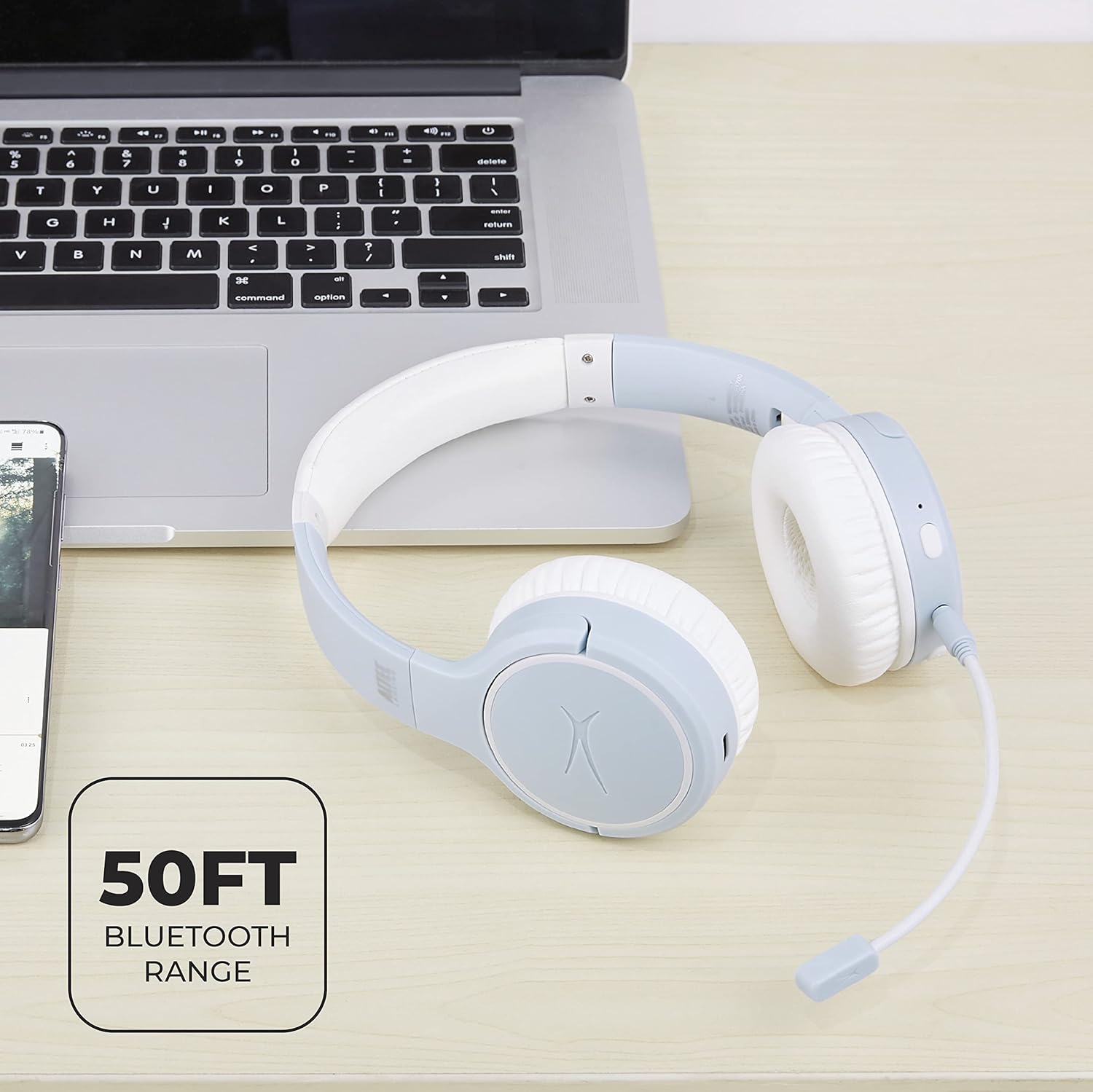
Image: Close-up of the Altec Lansing Nanophones ANC headphones showing the USB-C charging port.
2. Укључивање/искључивање
- За укључивање: Press and hold the Power Button for 3 seconds until the LED indicator flashes blue.
- За искључивање: Press and hold the Power Button for 3 seconds until the LED indicator turns off.
3. Блуетоотх упаривање
Pair your headphones with a Bluetooth-enabled device:
- Уверите се да су слушалице искључене.
- Press and hold the Power Button for 5-7 seconds until the LED indicator flashes red and blue alternately. This indicates pairing mode.
- На свом уређају (паметном телефону, таблету, рачунару) омогућите Блутут и потражите доступне уређаје.
- Select "Altec Lansing Nanophones ANC" from the list.
- Once successfully paired, the LED indicator will flash blue slowly.
Напомена: Слушалице ће аутоматски покушати да се поново повежу са последњим упареним уређајем када се укључе.
Упутство за употребу
Репродукција музике
- Пусти/паузирај: Притисните МФБ једном.
- Следећа нумера: Дуго притисните дугме за појачавање јачине звука.
- Претходни запис: Дуго притисните дугме за смањивање јачине звука.
- Појачавање звука: Кратко притисните дугме за појачавање јачине звука.
- Смањивање јачине звука: Кратко притисните дугме за смањивање јачине звука.
Управљање позивима
To use the microphone for calls, ensure the detachable microphone is securely plugged into its port on the left earcup.
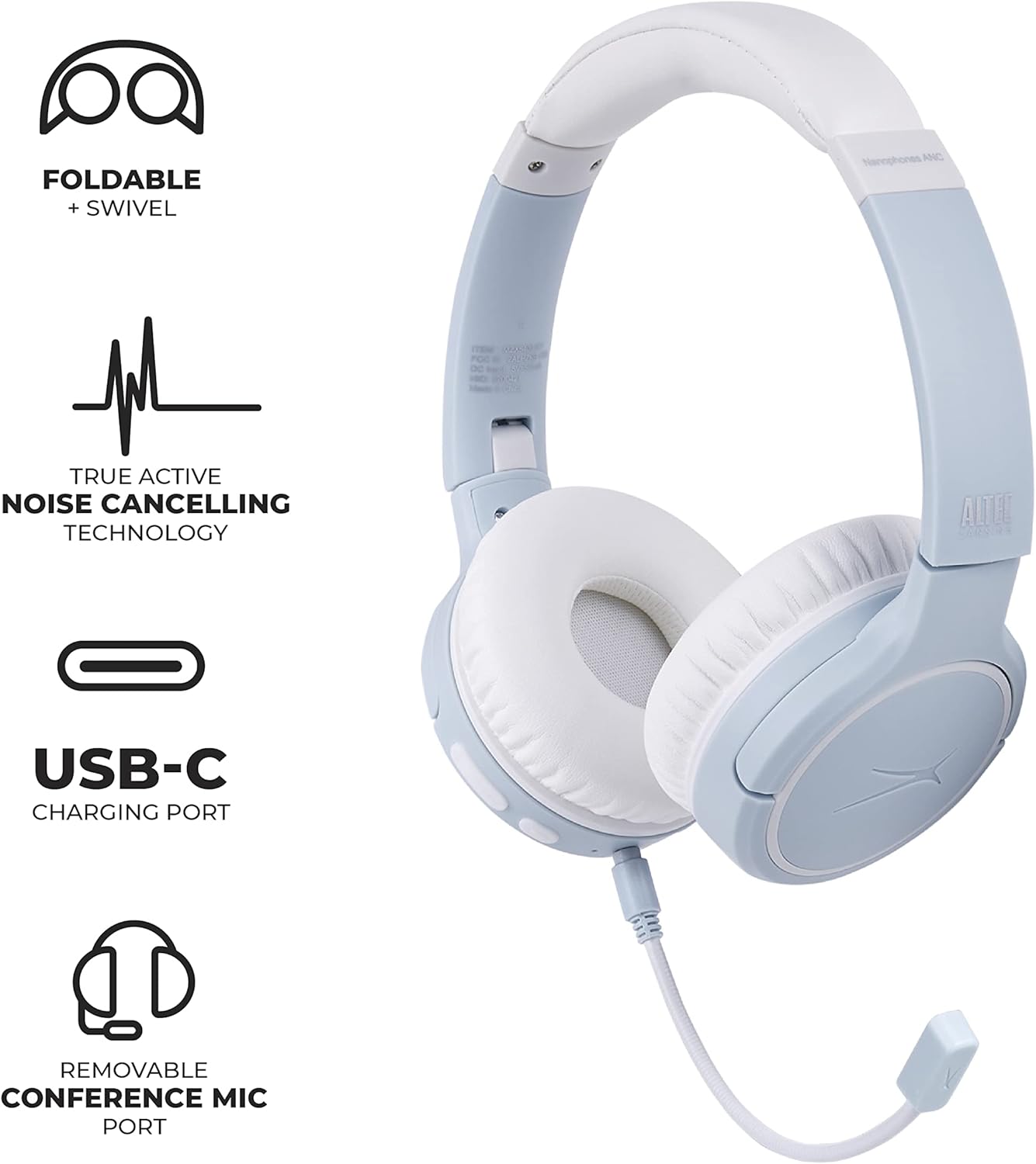
Image: Altec Lansing Nanophones ANC headphones with the detachable microphone connected, illustrating its use for communication.
- Одговори/заврши позив: Притисните МФБ једном.
- Одбиј позив: Притисните и држите МФБ 2 секунде.
Активно поништавање буке (АНЦ)
The ANC feature reduces ambient noise for a more immersive listening experience.
- Активирање/деактивирање ANC-а: Press the ANC button once. The LED indicator will change color (e.g., green for ANC on).

Image: A person wearing the Altec Lansing Nanophones ANC headphones while working on a laptop, illustrating the use of Active Noise Cancelling technology.
Приступ гласовном помоћнику
- Активирање гласовног помоћника: Double-press the MFB to activate your device's voice assistant (Siri, Google Assistant, Alexa, etc.).
Одржавање
- Чишћење: Користите меку, суву крпу за чишћење слушалица. Не користите абразивна средства за чишћење или раствараче.
- Складиштење: When not in use, store the headphones in a cool, dry place. The headphones feature foldable earcups for compact storage.

Image: The Altec Lansing Nanophones ANC headphones shown in their folded position, demonstrating their compact design for easy storage and portability.
- Одржавање батерије: Да бисте сачували век трајања батерије, избегавајте често потпуно пражњење слушалица. Редовно их пуните, чак и ако их не користите стално.
Решавање проблема
| Проблем | Могући узрок | Решење |
|---|---|---|
| Слушалице се не укључују. | Ниска батерија. | Напуните слушалице у потпуности помоћу приложеног USB-C кабла. |
| Упаривање са уређајем није могуће. | Слушалице нису у режиму упаривања; Bluetooth уређај је искључен; превише је удаљен од уређаја. | Ensure headphones are in pairing mode (flashing red/blue). Turn on Bluetooth on your device. Move headphones closer to the device (within 50ft/15m). |
| Нема звука или је јачина звука ниска. | Јачина звука на слушалицама или уређају је прениска; није правилно повезано. | Increase volume on both headphones and device. Re-pair the headphones. |
| АНК не функционише ефикасно. | ANC feature is off; environmental noise is too high. | Press the ANC button to activate. Ensure earcups fit snugly over your ears. |
| Микрофон не ради. | Microphone not properly connected; device settings. | Ensure the detachable microphone is fully inserted. Check microphone input settings on your device. |
Спецификације
- Назив модела: MZX5400-ICY
- Технологија повезивања: Бежично (Bluetooth 5.0)
- Положај уха: Он Еар
- Контрола буке: Активно поништавање буке
- Трајање батерије: До 12 сати
- Порт за пуњење: УСБ-Ц
- Фреквенцијски опсег: 20 Hz - 20,000 Hz
- Метод контроле: Додир, глас
- Тежина артикла: 1.98 фунти
- Димензије: 9.65 x 8.11 x 2.52 инча (паковање)
Гаранција и подршка
For warranty information and customer support, please refer to the official Altec Lansing webсајт или директно контактирајте њихову корисничку службу. Сачувајте рачун као доказ о куповини за потребе гаранције.
Altec Lansing Official Webсајт: алтецлансинг.цом