
1. Увод
This manual provides essential information for the safe and effective operation of your EXO Cinemaster 2-4K UHD Camera Drone. Please read this manual thoroughly before operating the drone to ensure proper usage and to maximize your flying experience. The EXO Cinemaster 2 is designed for capturing stunning aerial photography and videography with its advanced camera system and intelligent flight features.

The EXO Cinemaster 2-4K UHD Camera Drone, its remote controller, and included accessories.
2. Шта је у кутији
Проверите да ли су све ставке присутне у вашем пакету:
- EXO Cinemaster 2 Drone
- Даљински управљач
- 3 Lithium Polymer Batteries
- Пуњач батерија
- Propeller Set (spare propellers may be included)
- УСБ кабл за пуњење
- Кориснички приручник (овај документ)
3. Цомпонентс Оверview
Familiarize yourself with the main components of your EXO Cinemaster 2 drone.

The drone features an 11MP photo resolution camera capable of 4K UHD video, mounted on a 3-axis gimbal for stable footage.
Дроне
- камера: 11MP photo, 4K UHD video, 1080p 60FPS slow-motion, 1/2.3in Sony Sensor, 50mbps bitrate.
- Гимбал: 3-axis stabilization for smooth video.
- Motors & Propellers: High-efficiency motors for stable flight.
- Одељак за батерије: Смешта батерију за летење.
- Сензори: GPS for precise positioning, obstacle avoidance sensors.
Даљински управљач
- Контролне палице: За правац лета и висину.
- Држач паметног телефона: To mount your smartphone for live video feed and app control.
- Функционална дугмад: For various flight modes and camera controls.
- Антене: For signal transmission to the drone.
4. Подешавање
Follow these steps to prepare your EXO Cinemaster 2 for its first flight.
4.1 Пуњење батерија
- Повежите пуњач батерије на извор напајања.
- Insert the drone batteries into the charger.
- Allow batteries to fully charge. Indicator lights on the charger will show charging status.
4.2 Причвршћивање пропелера
- Уверите се да је дрон искључен.
- Match propellers with their corresponding motor arms (usually marked A and B).
- Securely attach each propeller by twisting or pressing down until locked. Refer to the drone's markings for correct orientation.
4.3 Remote Controller Preparation
- Charge the remote controller.
- Extend the smartphone holder and securely place your smartphone.
- Download and install the official EXO drone application from your device's app store.
4.4 Почетно повезивање
- Power on the drone, then the remote controller.
- Open the EXO drone app on your smartphone.
- Follow the in-app instructions to connect your smartphone to the drone via Wi-Fi.
- Wait for GPS signal acquisition (indicated by solid green lights on the drone and/or app).
5. Управљање дроном
Learn how to fly your Cinemaster 2 and utilize its advanced features.
5.1 Основне контроле лета
The remote controller provides intuitive control over the drone's movement:
- Леви штап: Контролише висину (горе/доле) и скретање (ротирање лево/десно).
- Десни штап: Контролише кретање напред/назад и лево/десно.
- Takeoff/Landing Button: One-tap automatic takeoff and landing.

The remote controller provides precise and intuitive flight control.
5.2 Рад камере
The Cinemaster 2's camera system allows for high-quality media capture:
- Резолуција фотографије: Capture still images at 11 megapixels.
- Видео резолуција: Record videos in stunning 4K UHD.
- Успорени снимак: Achieve cinematic effects with 1080p 60FPS slow-motion recording.
- 3-Axis Gimbal: Обезбеђује стабилно и глатко стопалоtage by compensating for drone movements.
- Sony Sensor: The 1/2.3in Sony Sensor delivers rich, true-to-life colors with a 50mbps bitrate for detailed recordings.
5.3 Перформансе и карактеристике лета
Experience robust flight performance and intelligent modes:
- Време лета: Enjoy up to 28 minutes of flight per battery.
- Опсег: Control the drone up to half a mile away.
- Отпорност на ветар: Designed with Level 5 wind resistance for stable flight in various conditions.
- Спортски режим: Reach speeds of up to 27 MPH for dynamic aerial maneuvers.
- One-Tap Return to Home: The drone automatically returns to its takeoff point.
- Follow-Me Mode: The drone tracks your movements, capturing hands-free footage.
- Circle-Me Feature: The drone orbits around a designated subject for captivating shots.
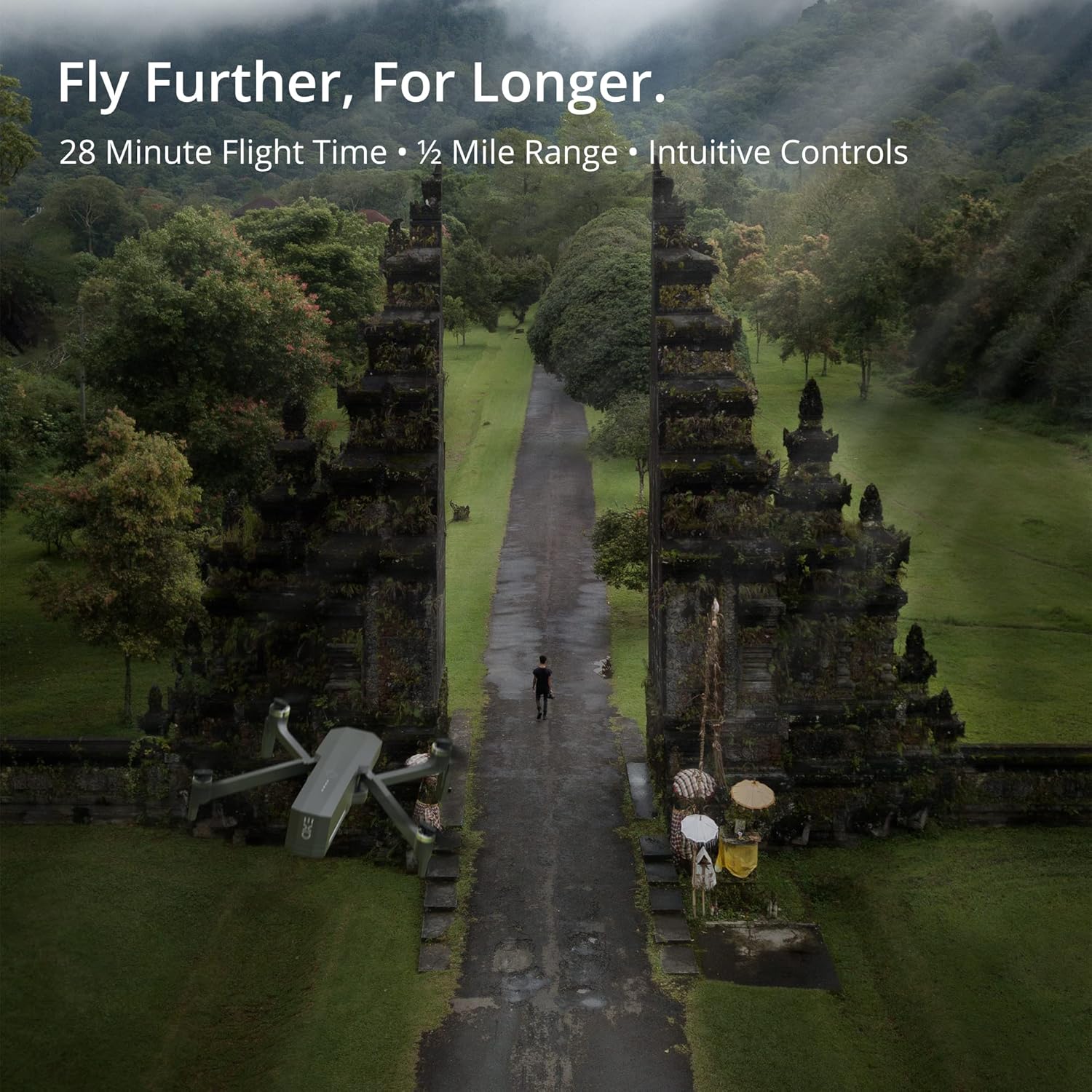
The Cinemaster 2 offers extended flight time and range for comprehensive aerial exploration.

Smart features like Auto Return Home simplify operation and enhance safety.

The drone's robust design provides stability even in windy conditions.
5.4 Званични видео снимци производа
Introducing Cinemaster 2: Овај видео пружа крајview of the EXO Cinemaster 2 drone's features and capabilities, showcasing its camera quality and flight performance.
Drone Features Demonstration: This video demonstrates general drone features, including obstacle avoidance and high-resolution remote control, applicable to advanced drone models like the Cinemaster 2.
6. Одржавање
Regular maintenance ensures the longevity and optimal performance of your drone.
- Одржавање батерије: Store batteries at approximately 50% charge if not used for extended periods. Avoid overcharging or fully discharging.
- Инспекција пропелера: Regularly check propellers for cracks, bends, or damage. Replace damaged propellers immediately.
- Чишћење: Use a soft, dry cloth to clean the drone body and camera lens. Avoid using harsh chemicals.
- Ажурирања фирмвера: Check the EXO drone app periodically for firmware updates to ensure your drone has the latest features and performance enhancements.
КСНУМКС. Решавање проблема
Ево решења за уобичајене проблеме на које можете наићи:
- Drone Not Connecting to Remote/App: Ensure both drone and remote are powered on and fully charged. Restart both devices and the app. Verify Wi-Fi connection.
- Слаб ГПС сигнал: Fly in an open area away from tall buildings or strong magnetic interference. Wait for the GPS indicator to show a strong signal.
- Нестабилан лет: Check propellers for damage and ensure they are correctly installed. Calibrate the drone's compass and IMU as per app instructions.
- Camera Issues (No Image/Poor Quality): Ensure the camera lens is clean. Check app settings for resolution and frame rate. Verify sufficient storage on the SD card.
- Drone Does Not Respond: Ensure batteries are charged and properly inserted. Check for any physical obstructions to propellers.
8. Спецификације
| Феатуре | Спецификација |
|---|---|
| Бранд | ЕКСО |
| Назив модела | EXO Cinemaster 2 |
| Тежина артикла | 1.43 фунти |
| Димензије производа | 12.6 к 4.72 к 9.45 инча |
| Батерије | 3 литијум-полимерска батерија (укључена) |
| Посебне карактеристике | ГПС |
| Резолуција снимања видео записа | 4K UHD (1080p for slow motion) |
| Тип флеш меморије | SD |
| Подржани аудио формат | ААЦ |
| Технологија повезивања | Ви-Фи |
| Цамцордер Типе | Видео Цамера |
| Датум првог доступног | 30. марта 2022. године |
9. Гаранција и подршка
For any questions, technical assistance, or warranty claims, please contact EXO's dedicated customer service team. Our Utah-based support is available to ensure a smooth and enjoyable experience with your Cinemaster 2 drone.
Refer to the official EXO webвеб-сајт или вашу документацију о куповини за конкретне услове гаранције и контакт информације.