
1. Водич за подешавање
This section provides instructions for the initial setup of your Jectse 8 Pro Unlocked Cell Phone.
1.1 Садржај пакета
Пре него што почнете, проверите да ли су све ставке присутне у пакету:
- Jectse 8 Pro Smartphone
- Слушалица
- УСБ кабл
- Протецтиве Цасе
- Протецтиве Филм
- English Manual (this document)

Image: Jectse 8 Pro phone with included accessories.
1.2 Инсталација SIM картице и меморијске картице
The Jectse 8 Pro supports dual nano SIM cards and one small memory card for expanded storage.
- Пронађите лежиште за СИМ картицу са стране уређаја.
- Use the provided SIM ejector tool (if included) or a small pin to open the tray.
- Carefully place your nano SIM cards into the designated slots. Ensure the gold contacts face downwards.
- If using a memory card, insert it into the dedicated small memory card slot. The device supports up to 128GB expansion.
- Пажљиво гурните лежиште назад у телефон док се не уклопи у тело уређаја.
1.3 Почетно укључивање
Да бисте први пут укључили уређај:
- Press and hold the power button located on the upper right side of the phone.
- The phone will vibrate and the Jectse logo will appear on the screen.
- Пратите упутства на екрану да бисте завршили почетно подешавање, укључујући избор језика, Wi-Fi везу и подешавање Google налога.

Слика: Предња и задња страна view of the Jectse 8 Pro Unlocked Cell Phone.
2. Упутство за употребу
This section details the basic operation and features of your Jectse 8 Pro smartphone.
2.1 Укључивање/искључивање
- Укључено: Long press the power button on the upper right side until the screen lights up.
- Искључивање: Long press the power button, then select 'Power off' from the options displayed on the screen.
2.2 Навигација и интерфејс
The Jectse 8 Pro runs on Android 6. Navigate the interface using touch gestures:
- Додирните: Изаберите ставку или отворите апликацију.
- Превуците: Листајте кроз листе или прелазите између почетних екрана.
- Прстохват: Увећајте или умањите слике и web странице.

Image: Jectse 8 Pro displaying its 5.0-inch HD full screen.
2.3 Функције камере
The device is equipped with a 2MP front camera and a 5MP rear camera.
- Open the 'Camera' application from the home screen or app drawer.
- Додирните икону камере да бисте пребацивали између предње и задње камере.
- Додирните дугме затварача да бисте снимили фотографије.
- Access various camera modes and settings within the application.
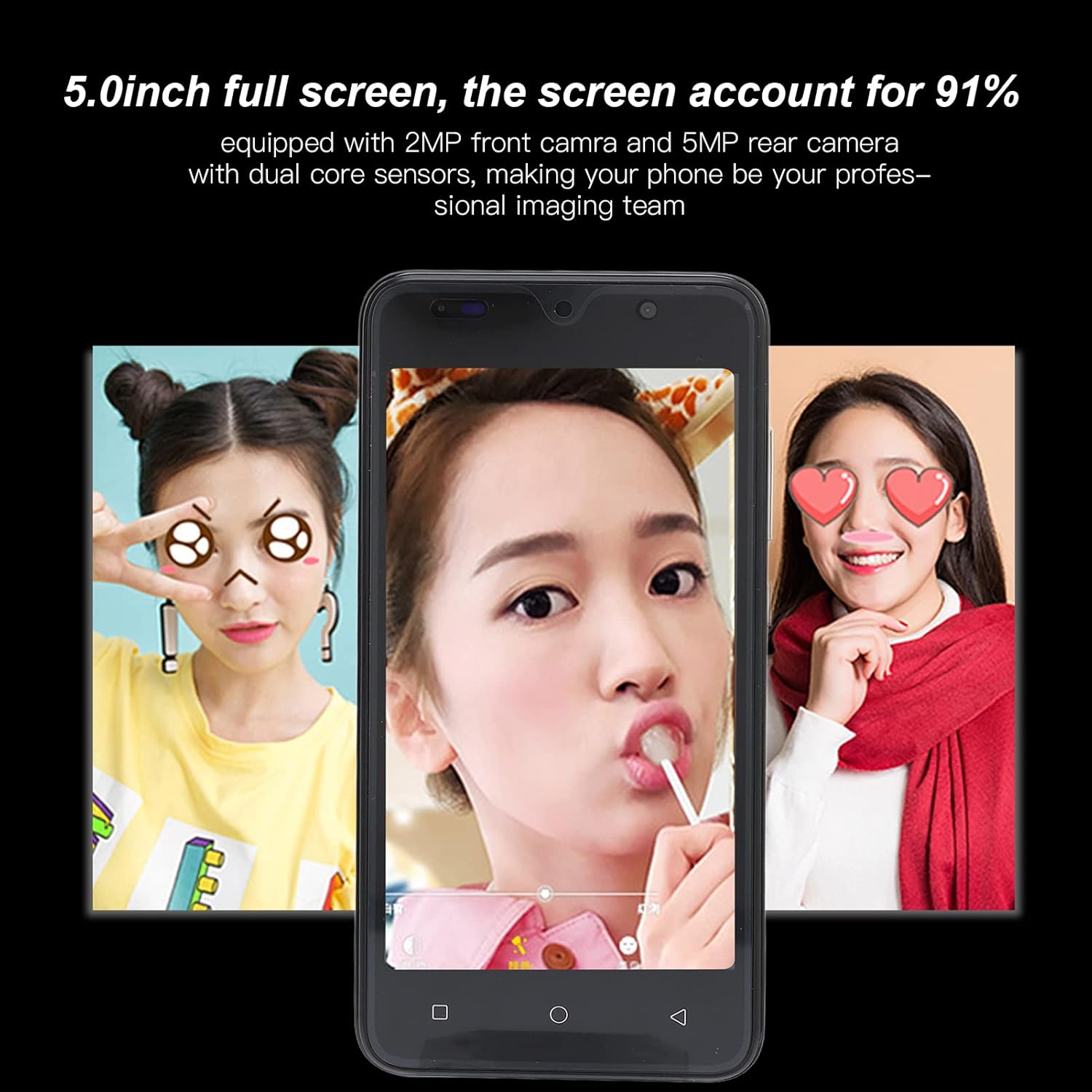
Image: Camera interface example on the Jectse 8 Pro.
2.4 Препознавање лица
The Jectse 8 Pro features face recognition for unlocking the device.
- Go to 'Settings' > 'Security' > 'Face Recognition'.
- Пратите упутства на екрану да бисте регистровали своје лице.
- Once registered, you can unlock your phone by looking at the front camera.
2.5 Повезивање
The phone supports various connectivity options:
- Ви-Фи: Повежите се на бежичне мреже за приступ интернету.
- Блуетоотх: Упарите се са другим уређајима који подржавају Bluetooth, као што су слушалице или звучници.
- Мобилни подаци: Utilize 2G/3G networks (WCDMA 850/2100, GSM 850/900/1800/1900) for internet access when Wi-Fi is unavailable.
- ФМ радио: Listen to local radio stations.
3. Одржавање и њега
Правилна нега осигурава дуготрајност и оптималне перформансе вашег уређаја.
3.1 Одржавање батерије
- Avoid fully discharging the 2200mAh lithium battery frequently.
- Use only the provided USB cable and a compatible charger.
- Do not expose the phone to extreme temperatures, as this can degrade battery performance.
3.2 Чишћење уређаја
- Користите меку крпу која не оставља влакна да бисте очистили екран и кућиште телефона.
- Избегавајте употребу јаких хемикалија или абразивних материјала.
- Не прскајте средства за чишћење директно на телефон.
3.3 General Device Protection
- Utilize the provided protective case and screen film to guard against scratches and minor impacts.
- Keep the phone away from water and excessive moisture.
- Избегавајте испуштање уређаја.
КСНУМКС. Решавање проблема
This section addresses common issues you might encounter with your Jectse 8 Pro.
4.1 Уређај се не укључује
- Ensure the battery is charged. Connect the phone to a charger and wait a few minutes before attempting to power it on again.
- If the battery is extremely low, it may take several minutes of charging before the device responds.
4.2 Проблеми са мрежном повезивањем
- Verify that your SIM card is correctly inserted and activated with your carrier.
- Check that your phone card supports the device's frequency bands: GSM 850/900/1800/1900MHz and WCDMA 850/2100MHz for 3G.
- Поново покрените телефон.
- Укључите и искључите режим рада у авиону.
4.3 Споре перформансе или падови апликације
- Затворите непотребне позадинске апликације.
- Clear cache for problematic applications in 'Settings' > 'Apps'.
- Ensure sufficient storage space is available. The phone has 32GB ROM, expandable up to 128GB.
- Restart the device periodically to refresh the system.
4.4 Face Recognition Not Working
- Обезбедите одговарајуће услове осветљења.
- Clean the front camera lens.
- Re-register your face in the security settings.
5. Спецификације производа
Detailed technical specifications for the Jectse 8 Pro Unlocked Cell Phone.
| Феатуре | Спецификација |
|---|---|
| Модел | 8 Про |
| Екран | 5.0 inch HD+ Full Screen |
| Резолуција | 854к480 |
| Оперативни систем | For Android 6 |
| ЦПУ | МТК6799 четворојезгарни |
| РАМ | 2ГБ |
| РОМ | 32ГБ |
| Екпандабле Стораге | Supports up to 128GB (Small Memory Card Slot) |
| Тип СИМ картице | 2x nano SIM Card Slots |
| Мрежни стандард | 2G/3G (WCDMA 850/2100, GSM 850/900/1800/1900) |
| Предња камера | 2MP, f/2.0 Aperture, Fixed Focus |
| Задња камера | 5MP, f/1.8 Aperture, Auto Focus |
| Батерија | 2200mAh Lithium Battery (Built-In) |
| Тип интерфејса | 1x microUSB (Charging), 1x 3.5mm (Audio) |
| Повезивање | Wi-Fi, Bluetooth, FM |
| Сигурносне карактеристике | Препознавање лица |
| Материјал | АБС, стакло |
| Тежина артикла | Приближно 295г (10.41оз) |
| Боја | Зелена |

Слика: Позади view of Jectse 8 Pro phones in multiple colors.
6. Гаранција и подршка
For any questions or issues not covered in this manual, please refer to the following support information.
6.1 Корисничка подршка
Jectse is committed to providing quality support. If you encounter any problems with your unlocked mobile phone, please contact the seller or manufacturer directly. They will assist you within 24 hours and provide a comprehensive solution.
6.2 Информације о гаранцији
Specific warranty details are typically provided at the point of purchase or within separate warranty documentation. Please retain your proof of purchase for any warranty claims.