
Увод
The Cooler Master MasterBox 520 Mesh is a mid-tower ATX chassis designed for optimal airflow and component compatibility. It features a full-mesh front panel, three pre-installed ARGB fans, and a tempered glass side panel to showcase your build. This manual provides essential information for setting up, operating, maintaining, and troubleshooting your PC case.
Цомпонент Оверview
The MasterBox 520 Mesh is engineered for ease of use and versatility. Key features include:
- Mesh Front Panel: Designed for unrestricted airflow, featuring 3 x CF120 ARGB fans.
- Бочна плоча од каљеног стакла: Пружа јасан view of internal components and is easily removable.
- Простран ентеријер: Accommodates E-ATX, ATX, micro-ATX, and mini-ITX motherboards, large CPU coolers, and graphics cards.
- Versatile Cooling Options: Supports multiple fan and radiator configurations on the front, top, and rear panels.
- Rich Connectivity I/O Panel: Includes USB 3.2 Gen 1 Type-A, USB 3.2 Gen 2 Type-C, audio jack, and ARGB button.

Слика 1: Предња страна view of the Cooler Master MasterBox 520 Mesh PC Case, highlighting the mesh panel and three illuminated ARGB fans.
Сетуп
Follow these steps to set up your Cooler Master MasterBox 520 Mesh PC Case:
- Припремите случај:
- Поставите кућиште на стабилну, равну површину.
- Carefully remove the tempered glass side panel by pulling it upwards after loosening the rear screw (if installed).
- Remove the top panel by sliding it backward and lifting.
- The front mesh panel can be easily detached by pulling from the bottom for access to front fans/radiator mounts.
- Инсталација матичне плоче:
- Install the necessary standoffs onto the motherboard tray according to your motherboard's form factor (E-ATX, ATX, Micro-ATX, Mini-ITX).
- Carefully place your motherboard onto the standoffs and secure it with screws.
- Инсталација графичке картице (GPU):
- Remove the appropriate PCIe slot covers from the rear of the case.
- Уметните графичку картицу у PCIe слот на матичној плочи и причврстите је завртњима.
- The case supports vertical GPU mounting with an optional riser cable (sold separately).
- Storage Drive Installation (HDD/SSD):
- For 3.5" HDDs, use the removable HDD cage located in the PSU shroud area.
- For 2.5" SSDs, mounts are available on the rear of the motherboard tray.
- Инсталација јединице за напајање (ПСУ):
- Mount your ATX PSU into the dedicated compartment at the bottom rear of the case.
- Причврстите напајање завртњима са задње стране кућишта.
- Управљање кабловима:
- Utilize the cable routing cutouts and tie-down points behind the motherboard tray to organize cables.
- Connect all necessary power and data cables to your components.

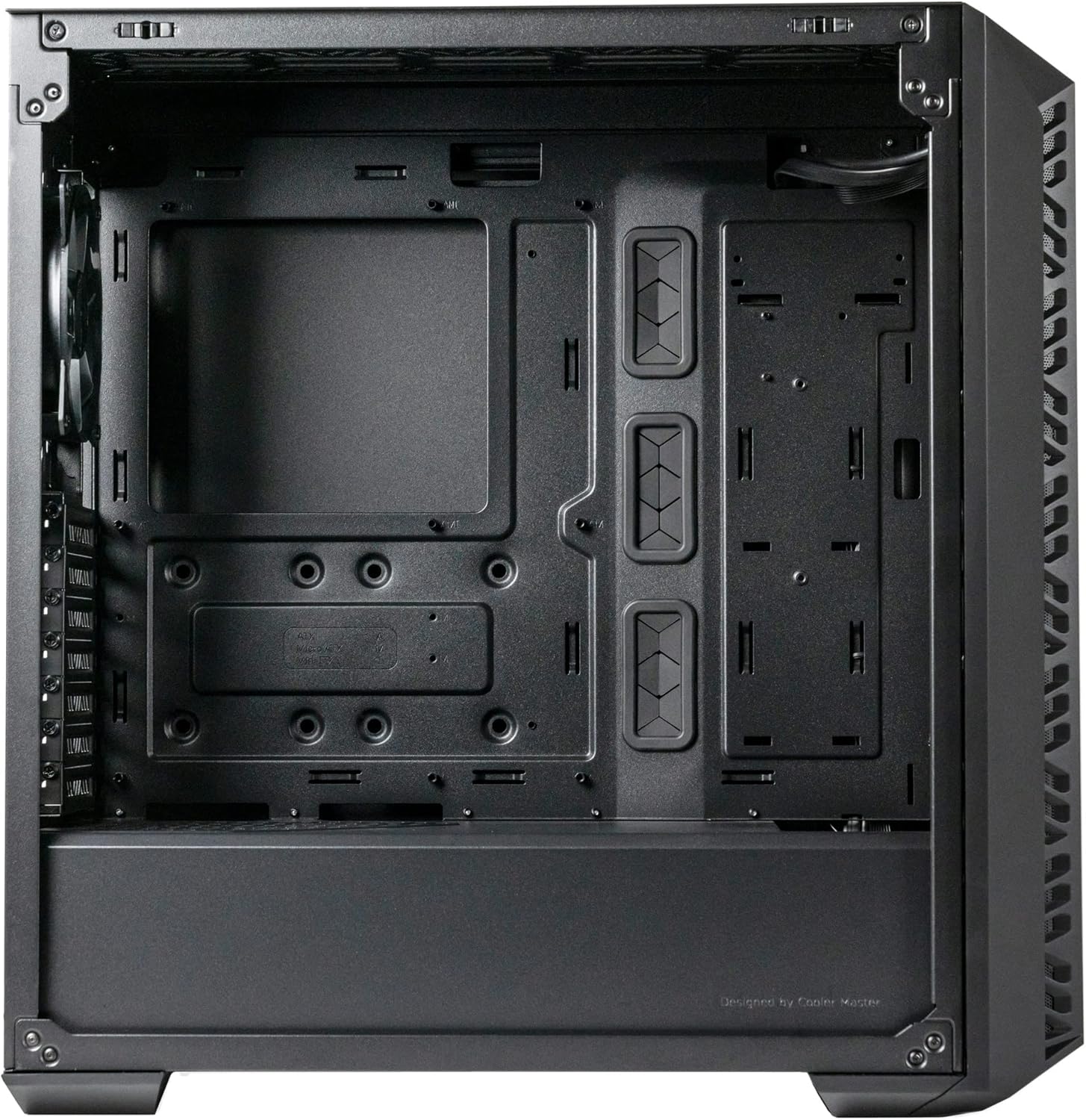
Слика 2: Под углом view of the MasterBox 520 Mesh, showcasing the tempered glass side panel and overall chassis design.
Оперативни
Once your system is assembled, operating the MasterBox 520 Mesh is straightforward:
- Укључено: Press the large power button on the top I/O panel to start your system.
- Предњи И/О панел:
- Connect USB devices to the 1 x USB 3.2 Gen 1 Type-A port or 1 x USB 3.2 Gen 2 Type-C port.
- Plug in your headphones or microphone into the 1 x audio jack.
- ARGB контрола осветљења:
- The pre-installed ARGB fans are connected to an included ARGB controller.
- Use the dedicated Reset/ARGB button on the I/O panel to cycle through various lighting effects and colors.
- Alternatively, connect the ARGB controller to a compatible motherboard header for software control.
Слика 3: Горњи предњи део view of the MasterBox 520 Mesh, showing the accessible I/O panel with USB ports, audio jack, and ARGB control button.
Одржавање
Regular maintenance ensures optimal performance and longevity of your PC case:
- Чишћење филтера за прашину:
- The front mesh panel acts as a dust filter and can be easily removed for cleaning.
- The top panel also features a magnetic dust filter that can be lifted off.
- Clean dust filters regularly with compressed air or by rinsing with water (ensure completely dry before reinstallation).
- Унутрашње чишћење:
- Use compressed air to remove dust from internal components and fan blades.
- Wipe down interior surfaces with a microfiber cloth.
- Поновна инсталација панела:
- Ensure all cables are neatly managed before reinstalling side and top panels.
- Carefully align and reattach the tempered glass side panel, securing it with the thumb screw.
- Reattach the top panel by aligning and sliding it forward until it clicks into place.

Слика 4: Горњи предњи део view of the MasterBox 520 Mesh with the mesh panel removed, showing access to the front fan mounts.
Решавање проблема
If you encounter issues with your MasterBox 520 Mesh PC case, consider the following:
- Fans Not Spinning/RGB Not Working:
- Check all fan and ARGB connections to the controller and motherboard.
- Ensure the ARGB controller is receiving power (usually via SATA power).
- If using motherboard software control, verify the software is installed and configured correctly.
- Слаб проток ваздуха/Високе температуре:
- Очистите све филтере за прашину и унутрашње компоненте.
- Verify fan orientation for optimal intake and exhaust.
- Уверите се да каблови не ометају проток ваздуха.
- Loose Panels:
- Ensure all screws and latches are properly secured after accessing internal components.
Спецификације
| Феатуре | Детаљ |
|---|---|
| Назив модела | MasterBox 520 Mesh |
| Број модела ставке | МБ520-КГНН-С00 |
| Тип случаја | Мид Товер |
| Компатибилност матичне плоче | Проширени ATX, ATX, Micro-ATX, Mini-ITX |
| Димензије (Д к Ш к В) | 19.76 к 8.27 к 19.61 инча |
| Тежина артикла | 15.62 фунти |
| Боја | Црно |
| Материјал | Каљено стакло |
| Унапред инсталирани вентилатори | 3 x CF120 ARGB (Front) |
| Носач вентилатора (напред) | 3 к 120 мм / 2 к 140 мм |
| Подршка навијача (горе) | 3 к 120 мм / 2 к 140 мм |
| Носач вентилатора (задњи) | 1 к 120 мм |
| Носач радијатора (напред) | До 360 мм |
| Носач радијатора (горњи) | До 360 мм |
| Носач хладњака (задњи) | 1 к 120 мм |
| Зазор ЦПУ хладњака | До 165 мм |
| Graphics Card Clearance | До 410 мм |
| ПСУ Цлеаранце | До 200 мм |
| И/О портови | 1 x USB 3.2 Gen 1 Type-A, 1 x USB 3.2 Gen 2 Type-C, 1 x Audio Jack, 1 x Reset/ARGB Button |
Информације о гаранцији
Cooler Master products come with a limited warranty. Please refer to the official Cooler Master website or your product's packaging for specific warranty terms and conditions, including duration and coverage details. Keep your proof of purchase for warranty claims.
Подршка
For further assistance, technical support, or to download the latest drivers and manuals, please visit the official Cooler Master support webсајт:
You may also contact Cooler Master customer service directly through the contact information provided on their webсајту.