
Важна безбедносна упутства
Please read all instructions carefully before using the projector and retain this manual for future reference. Improper use may result in electric shock, fire, or other hazards.
- Не отварајте пројектор casinг. Сва сервисирања препустите квалификованом особљу.
- Не излажите пројектор киши или влази да бисте спречили пожар или струјни удар.
- Обезбедите одговарајућу вентилацију. Не блокирајте вентилационе отворе.
- Користите само адаптер за напајање који се испоручује са пројектором.
- Избегавајте директно излагање очију сочиву пројектора када је укљученоamp је укључен.
- Поставите пројектор на стабилну, равну површину.
- Unplug the projector during lightning storms or when unused for long periods.
Садржај пакета
Проверите да ли су све ставке наведене у наставку укључене у ваш пакет:
- YOWHICK Projector (Model GDP1W)
- Повер Цабле
- Ремоте Цонтрол
- ХДМИ кабл
- АВ кабл
- Упутство за употребу
- 100-inch Projection Screen

The projector features 28000 lumens brightness and supports 4K resolution. A 100-inch screen is included. The compact design (under 1.4kg) allows for easy portability and ceiling projection. Suitable for home use and small business presentations (up to 15 people).
Производ је завршенview
The YOWHICK GDP1W projector is designed for versatile use, offering high-quality visuals and flexible connectivity in a compact form factor.
Кључне карактеристике
- High Brightness & Resolution: 28000 Lumens, Native 1080P, 4K Supported.
- Компактан и преносив: Weighs under 1.4kg, dimensions 18 x 8.9 x 22.9 cm.
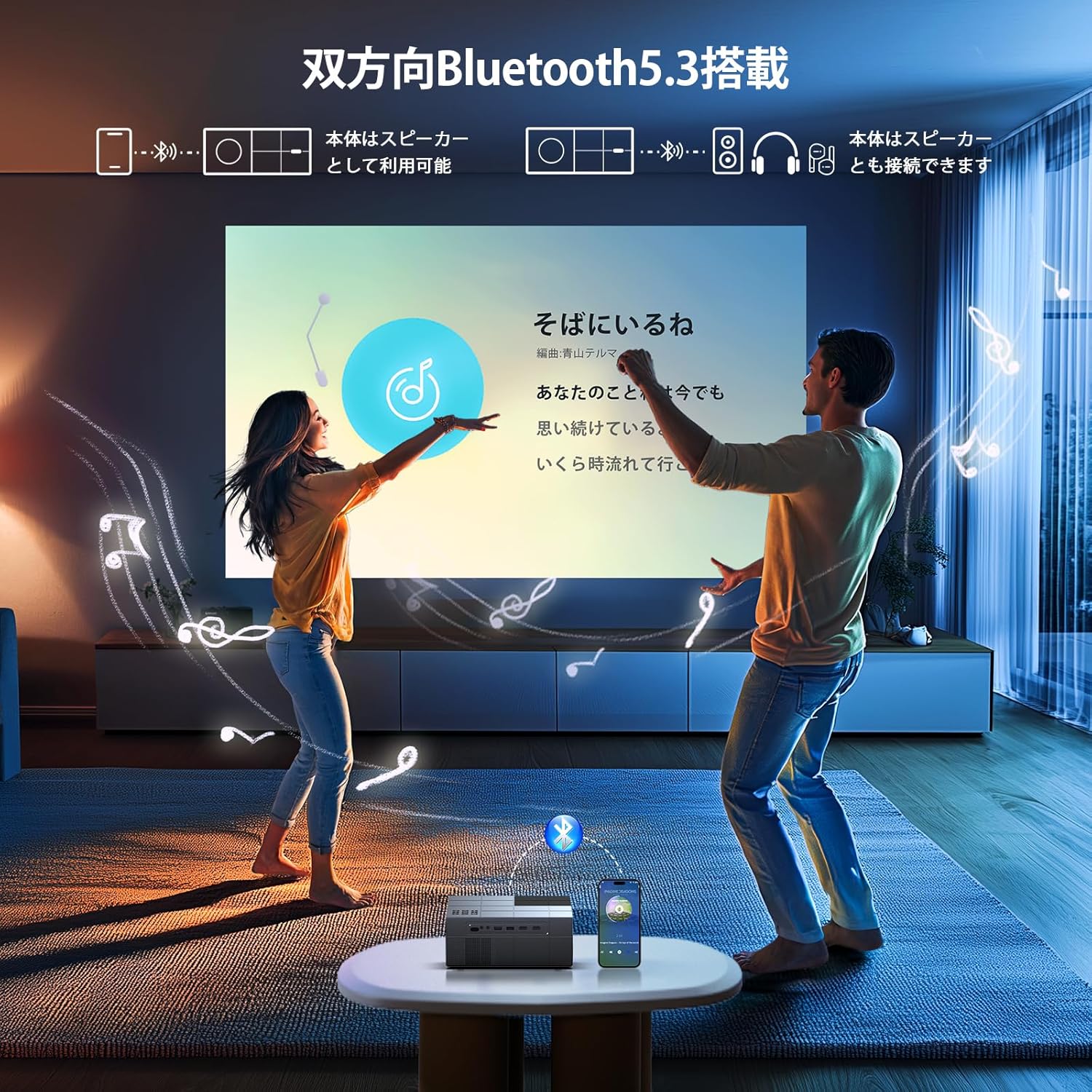
- Имерзивни аудио: Built-in HIFI speaker and Bluetooth 5.3 for external audio devices.
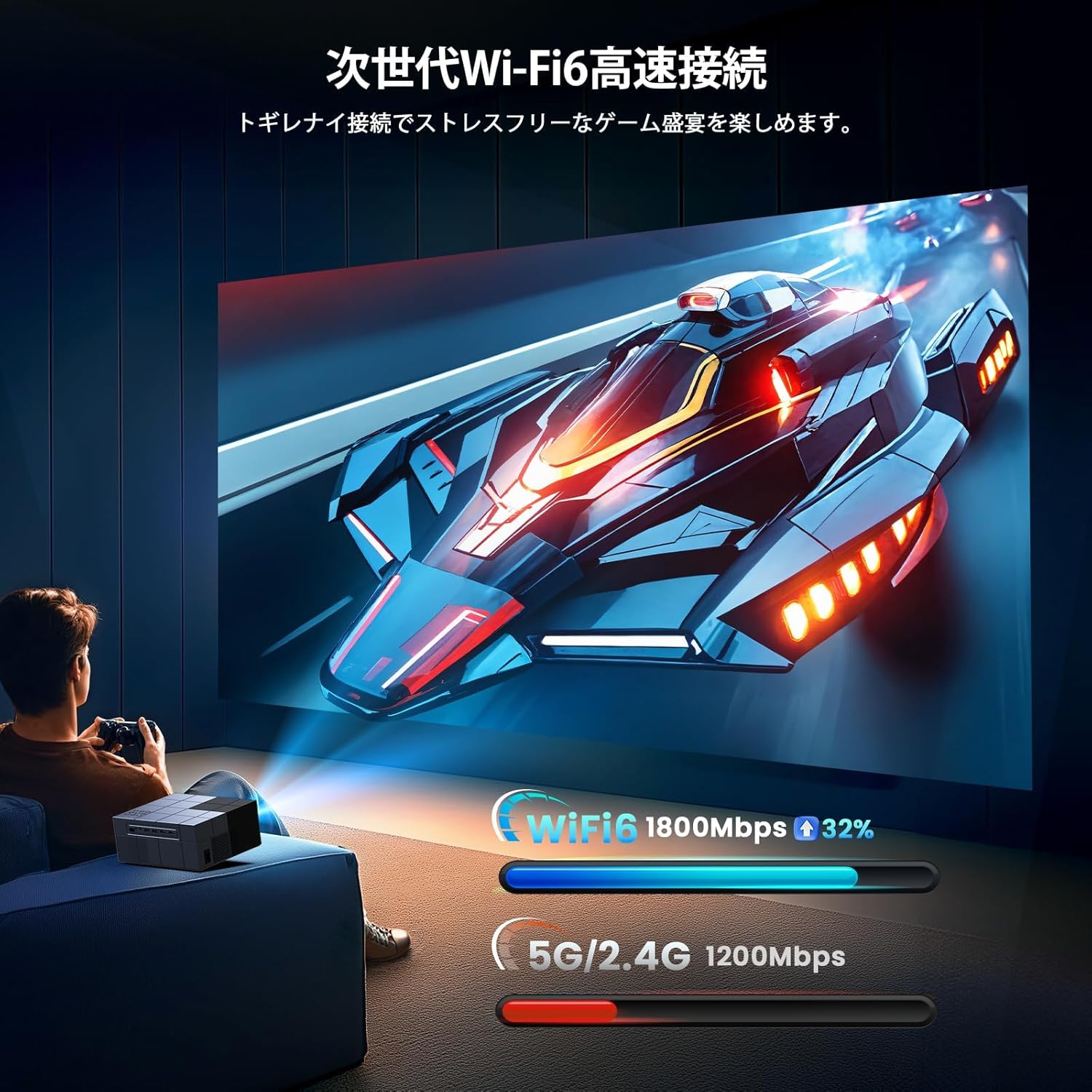
- Напредно повезивање: Dual-band 2.4G/5G WiFi for stable streaming and screen mirroring.
- Флексибилна пројекција: Up to 300-inch screen size, 50-100% zoom function, vertical keystone correction.
- Ефикасно хлађење: Advanced cooling system for effective heat dissipation and low noise (approx. 40dB).
- Вишеструки улази: AV, USB (x2), HDMI (x2) for wide device compatibility.

Сетуп
Опције пласмана
The projector offers various placement options to suit your viewing environment:
- Front Projection: Place the projector on a table or stand in front of the screen.
- Rear Projection: Place the projector behind a translucent screen.
- Пројекција плафона: Mount the projector to the ceiling (requires a compatible ceiling mount, not included).

Почетно укључивање
- Connect the power cable to the projector and a power outlet.
- Притисните дугме за напајање на пројектору или даљинском управљачу да бисте га укључили.
- The projector will display the home screen.
Фокус и корекција Кеистоне
Adjust the image clarity and shape:
- Фокус: Окрећите прстен за фокусирање на објективу пројектора док слика не постане оштра и јасна.
- Кеистоне Цоррецтион: Use the manual vertical keystone adjustment to correct distorted images (trapezoid effect) if the projector is not perfectly perpendicular to the screen. The projector supports vertical keystone correction of ±15 degrees.

Упутство за употребу
Screen Size Adjustment (Zoom)
The projector features a zoom function that allows you to adjust the screen display size from 100% to 50% without moving the projector. Access this function through the projector's menu settings.
Аудио излаз
You can use the projector's built-in HIFI speaker or connect external audio devices via Bluetooth 5.3 for a more powerful sound experience. Adjust the volume using the remote control.
Тимер Моде
Set a sleep timer for the projector to automatically turn off after a specified period. This is useful for watching content before sleeping.

Повезивање
Бежична веза (Ви-Фи)
The projector supports dual-band 2.4G/5G WiFi for stable and fast wireless screen mirroring from your smartphones, tablets, and PCs. This allows you to project content without physical cables.
Блуетоотх веза
Equipped with Bluetooth 5.3, the projector can connect to your favorite Bluetooth speakers or wireless headphones. This provides flexibility for audio output, whether you prefer a powerful sound system or private listening.
Жичане везе
The projector offers a variety of wired input terminals for broad compatibility:
- HDMI (x2): Connect to PCs, laptops, game consoles (PS4/PS5), TV boxes, and other HDMI-enabled devices.
- УСБ (к2): Connect USB memory drives for direct media playback.
- АВ: Connect to DVD players or older devices using the included AV cable.

Connecting to Streaming Devices
The projector is compatible with various streaming devices such as Amazon Fire TV Stick, Google Chromecast, Roku, and more. Simply connect the streaming device to an HDMI port on the projector.

Одржавање
Редовно одржавање обезбеђује оптималне перформансе и продужава век трајања вашег пројектора.
- Чишћење сочива: Користите меку крпу без влакана, посебно дизајнирану за оптичка сочива. Не користите абразивна средства за чишћење или раствараче.
- Чишћење вентилационих отвора: Periodically clean the air vents with a soft brush or compressed air to prevent dust buildup, which can affect cooling performance.
- Складиштење: When not in use, store the projector in a cool, dry, and dust-free environment. Use the original packaging or a protective case if available.
Решавање проблема
Ако наиђете на проблеме са пројектором, погледајте следеће уобичајене проблеме и решења:
| Проблем | Могући узрок | Решење |
|---|---|---|
| Но Повер | Кабл за напајање је искључен; Проблем са утичницом | Проверите везу кабла за напајање; покушајте са другом утичницом |
| Нема слике | Неисправан улазни извор; Лабав HDMI/AV кабл | Изаберите исправан улазни извор; Поново чврсто повежите каблове |
| Мутна слика | Focus not adjusted; Incorrect keystone | Adjust focus ring; Adjust keystone correction |
| Нема звука | Volume too low; Incorrect audio output; Fire TV Stick audio setting | Increase volume; Check audio output settings; For Fire TV Stick, set audio to PCM in its settings menu |
| Даљински не ради | Dead batteries; Obstruction | Replace batteries; Ensure clear line of sight to projector's IR receiver |
| Проблеми са Ви-Фи везом | Incorrect password; Weak signal | Проверите лозинку за Wi-Fi; Приближите пројектор рутеру |
Note for Amazon Fire TV Stick Users: If you experience no sound from the projector when using an Amazon Fire TV Stick, please open the Fire TV Stick's settings menu and change the sound output to [ПЦМ].
Спецификације
| Феатуре | Спецификација |
|---|---|
| Бранд | ИОВХИЦК |
| Број модела | ГДП1В |
| Димензије производа | 22.9 к 18 к 8.9 цм |
| Тежина артикла | 1.4 килограма |
| Боја | Греи |
| Осветљеност | 28000 лумена |
| Нативе Ресолутион | 1920 x 1080 (1080P Full HD) |
| Подржана резолуција | До 3840 x 2160 (4K) |
| Величина пројекције | 40 - 300 инча |
| Технологија повезивања | Bluetooth 5.3, HDMI, IR, USB, Wi-Fi (2.4G/5G) |
| ХДМИ портови | 2 |
| УСБ портови | 2 |
| Кеистоне Цоррецтион | Manual Vertical ±15 degrees |
| Функција зумирања | 50% - 100% |
| Ниво буке | Прибл. 40дБ |
| Потрошња енергије | Мак 84В |
| Препоручена употреба | Gaming, Business, Home Cinema, Education |
Гаранција и подршка
YOWHICK is committed to providing excellent customer service and product support.
- Гарантни период: This product comes with a 2-year manufacturer's warranty from the date of purchase.
- Сервис поправке: A 3-year repair service is provided.
- техничка подршка: Lifetime technical support is available for all users.
- Контакт информације: For initial defects, natural failures, exchanges, returns, or any technical inquiries, please contact our customer service team.
Емаил: support@yowhick.jp
ИД ЛИНЕ: @286hjalm

Видео снимци производа
Watch these videos for additional information and demonstrations of the YOWHICK Projector.
Видео: Производ је готовview (0:16)
Video: Feature Highlight (0:14)
Video: Detailed Demonstration (0:52)
Video: Extended Usage Guide (2:51)
Video: Setup and Configuration (1:31)
Video: Connectivity Options (0:40)
Video: Quick Start Guide (0:23)
Video: Advanced Features (1:22)
Video: Troubleshooting Tips (1:19)