
1. Увод
This manual provides essential information for the proper use and maintenance of your Forever ForeVive 2 Slim SB-325 Smartwatch. Please read it carefully before operating the device to ensure optimal performance and longevity.
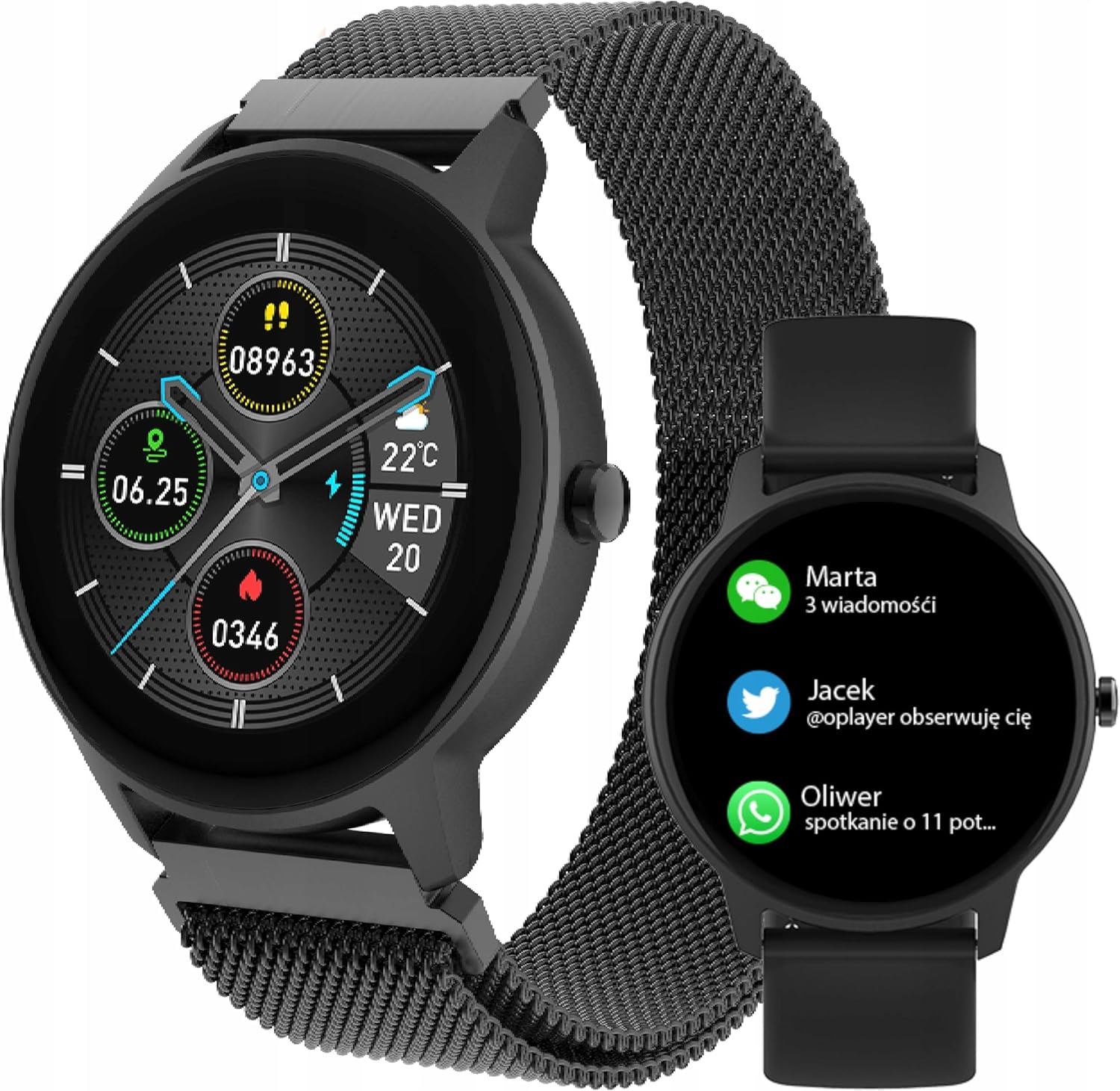
Image: The Forever ForeVive 2 Slim SB-325 Smartwatch in black with a mesh strap, displaying a digital watch face with weather, steps, and heart rate information.
2. Шта је у кутији
Проверите да ли су све компоненте присутне у пакету:
- Forever ForeVive 2 Slim SB-325 Smartwatch
- УСБ кабл за пуњење
- Additional Strap (Silicone)
- Кориснички приручник (овај документ)
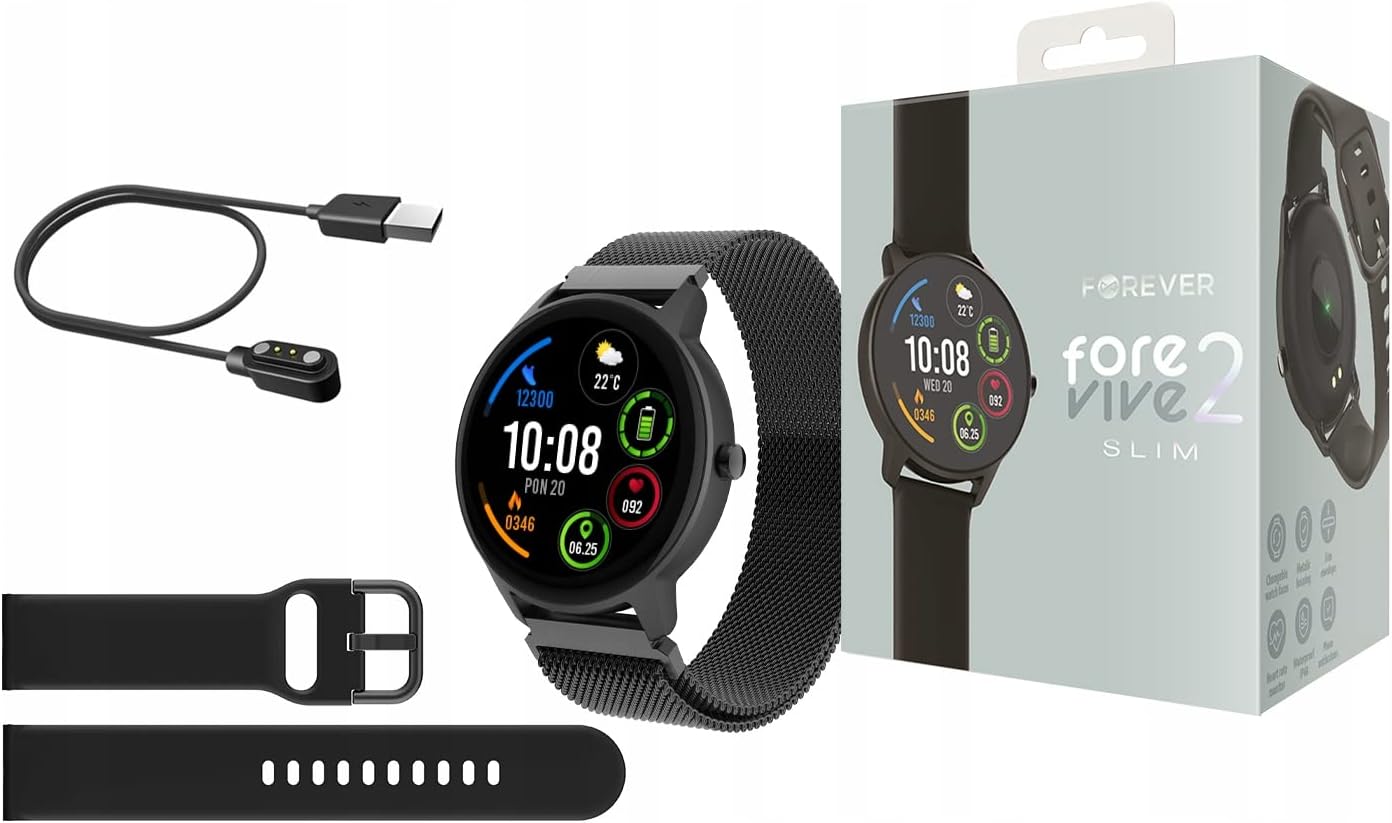
Image: Contents of the Smartwatch package, including the smartwatch with a mesh strap, a USB charging cable, an additional silicone strap, and the product box.
3. Подешавање
3.1. Пуњење уређаја
Before first use, fully charge your smartwatch. Connect the magnetic charging cable to the charging pins on the back of the watch and plug the USB end into a power adapter (not included) or a computer's USB port. The watch display will indicate charging status.
3.2. Укључивање/искључивање
- За укључивање: Press and hold the side button for a few seconds until the screen lights up.
- За искључивање: Press and hold the side button, then select the 'Power Off' option on the screen.
3.3. Инсталација и упаривање апликације
To unlock the full potential of your smartwatch, download the dedicated application on your smartphone. Тражи the 'Forever Smart' app (or similar, as specified in the quick start guide) in your device's app store (Google Play Store for Android, Apple App Store for iOS).
- Инсталирајте апликацију на паметном телефону.
- Омогућите Блуетоотх на свом паметном телефону.
- Open the app and follow the on-screen instructions to create an account and pair your smartwatch via Bluetooth.
- Уверите се да је паметни сат близу вашег телефона током процеса упаривања.

Image: A smartphone screen displaying the companion application interface for the smartwatch, showing activity data and sleep tracking.
4. Управљање паметним сатом
4.1. Основна навигација
- екран осетљив на додир: Превуците прстом лево/десно, горе/доле да бисте се кретали кроз меније и функције. Додирните да бисте изабрали.
- Бочно дугме: Притисните да бисте се вратили на почетни екран или пробудили уређај. Дуго притисните за опције напајања.
4.2. Обавештења
Once paired with your smartphone, the smartwatch can display notifications from calls, messages, and various applications. Ensure notification permissions are granted in the companion app.

Image: The smartwatch screen showing incoming notifications from messaging apps and social media.
КСНУМКС. Мониторинг срчане фреквенције
The smartwatch features a built-in heart rate monitor. To measure your heart rate, navigate to the heart rate function on the watch. Ensure the watch is snug on your wrist for accurate readings.

Image: The smartwatch display showing a heart rate reading of 125 beats per minute (BPM) and calories burned.
4.4. Праћење активности
The ForeVive 2 Slim tracks your daily activity, including steps taken, distance covered, and calories burned. This data can be viewed on the watch and synchronized with the companion app for detailed analysis.
Image: The smartwatch display showing activity metrics such as distance in kilometers, steps, and calories burned.
4.5. Спортски режими
Select from various sport modes to track specific workouts more accurately. The watch can monitor data relevant to activities like running, cycling, football, basketball, and volleyball.

Image: The smartwatch display showing icons for various sport modes, including football, basketball, and volleyball.
4.6. Праћење спавања
Wear the smartwatch to bed to automatically track your sleep patterns. The companion app provides detailed insights into your sleep quality, including deep sleep, light sleep, and awake times.
4.7. Отпорност на воду
The smartwatch is designed with a degree of water resistance, making it suitable for daily use and exposure to splashes. However, it is not recommended for swimming or diving. Refer to the specifications for the exact IP rating.

Image: Two smartwatches, one black and one pink, partially submerged in water with splashes, demonstrating water resistance.
5. Одржавање
5.1. Чишћење
Regularly clean your smartwatch and strap. Use a soft, damp cloth to wipe the screen and body. For the strap, follow the manufacturer's recommendations based on the material. Avoid using harsh chemicals or abrasive materials.
5.2. Брига о батерији
- Избегавајте често потпуно пражњење батерије.
- Не излажите уређај екстремним температурама.
- Користите само приложени кабл за пуњење.
5.3. Складиштење
When not in use for extended periods, store the smartwatch in a cool, dry place. Charge it periodically to prevent deep discharge.
КСНУМКС. Решавање проблема
6.1. Уређај се не укључује
- Уверите се да је уређај потпуно напуњен.
- Try pressing and holding the side button for a longer duration (10-15 seconds).
6.2. Cannot Pair with Smartphone
- Уверите се да је Блуетоотх омогућен на вашем паметном телефону.
- Ensure the smartwatch is within Bluetooth range (typically 10 meters).
- Поново покрените и паметни сат и паметни телефон.
- Clear the Bluetooth cache on your phone (Android) or forget the device and try pairing again.
6.3. Нетачна очитавања
- Уверите се да сат чврсто приања на зглоб, да није ни превише лабав ни превише затегнут.
- Очистите сензоре на задњој страни сата.
- Avoid excessive movement during measurements (e.g., heart rate).
6.4. Екран не реагује
- Поново покрените уређај.
- Уверите се да је екран чист и сув.
7. Спецификације
| Феатуре | Детаљ |
|---|---|
| Бранд | ФОРЕВЕР |
| Модел | СБ-325 |
| Боја | црнац (црни) |
| Облик | Роунд |
| Оперативни систем | АстероидОС |
| Капацитет меморије | 25 МБ |
| Посебна карактеристика | Монитор пулса |
| Капацитет батерије | 180 мАх (литијум јонски) |
| Технологија повезивања | УСБ, Блуетоотх |
| ГПС | Нема ГПС-а |
| Затварање | Копча |
8. Гаранција и подршка
8.1. Информације о гаранцији
Your Forever ForeVive 2 Slim SB-325 Smartwatch is covered by a manufacturer's warranty. Please refer to the warranty card included in your product packaging or visit the official FOREVER webсајт за детаљне услове и одредбе у вези са гаранцијом и њеним трајањем.
8.2. Корисничка подршка
For technical assistance, troubleshooting not covered in this manual, or service inquiries, please contact FOREVER customer support. Contact details can typically be found on the official FOREVER webсајту или на паковању производа.