
Увод
Welcome to your new AZATOM Classic V1 DAB/DAB+ FM Digital Radio. This manual provides detailed instructions for setting up, operating, and maintaining your device. Please read it thoroughly to ensure optimal performance and longevity of your radio.
Важне информације о безбедности
Молимо сачувајте ово упутство за будућу употребу.
- Не излажите јединицу киши или влази.
- Не растављајте уређај. Сва сервисирања препустите квалификованом особљу.
- Избегавајте екстремне температуре.
- Осигурајте одговарајућу вентилацију.
- Користите само наведени адаптер за напајање или батерије.
For detailed safety guidelines, refer to the full safety leaflet included with your product.
Кључне карактеристике
- DAB/DAB+ и FM радио: Access a wide range of digital and analog radio stations.
- Блуетоотх 5.0 повезивање: Stream audio wirelessly from compatible devices.
- Дуал аларм функција: Set two independent alarms with customizable sources.
- Colour LCD Display: Clear and intuitive display for station information, time, and settings.
- Battery and Mains Power: Flexible power options for portable or home use.
- АУКС улаз: Connect external audio sources via a 3.5mm jack.
- Излаз за слушалице: Private listening experience.
- 60 унапред подешених подешавања: Store up to 60 favorite stations (40 DAB, 20 FM).
- Мерач спавања: Automatically turn off the radio after a set period.

Слика: Фронт view of the AZATOM Classic V1 radio, showcasing its black and silver design with a leather-look handle and front speaker grille.
Сетуп
Поверинг Он
The AZATOM Classic V1 can be powered using the included mains adapter or four Type C batteries (not included).
Мрежно напајање
- Connect the mains adapter to the DCV input port on the back of the radio.
- Укључите адаптер у зидну утичницу.
- Притисните и држите ПОВЕР button on the top panel to turn on the radio.
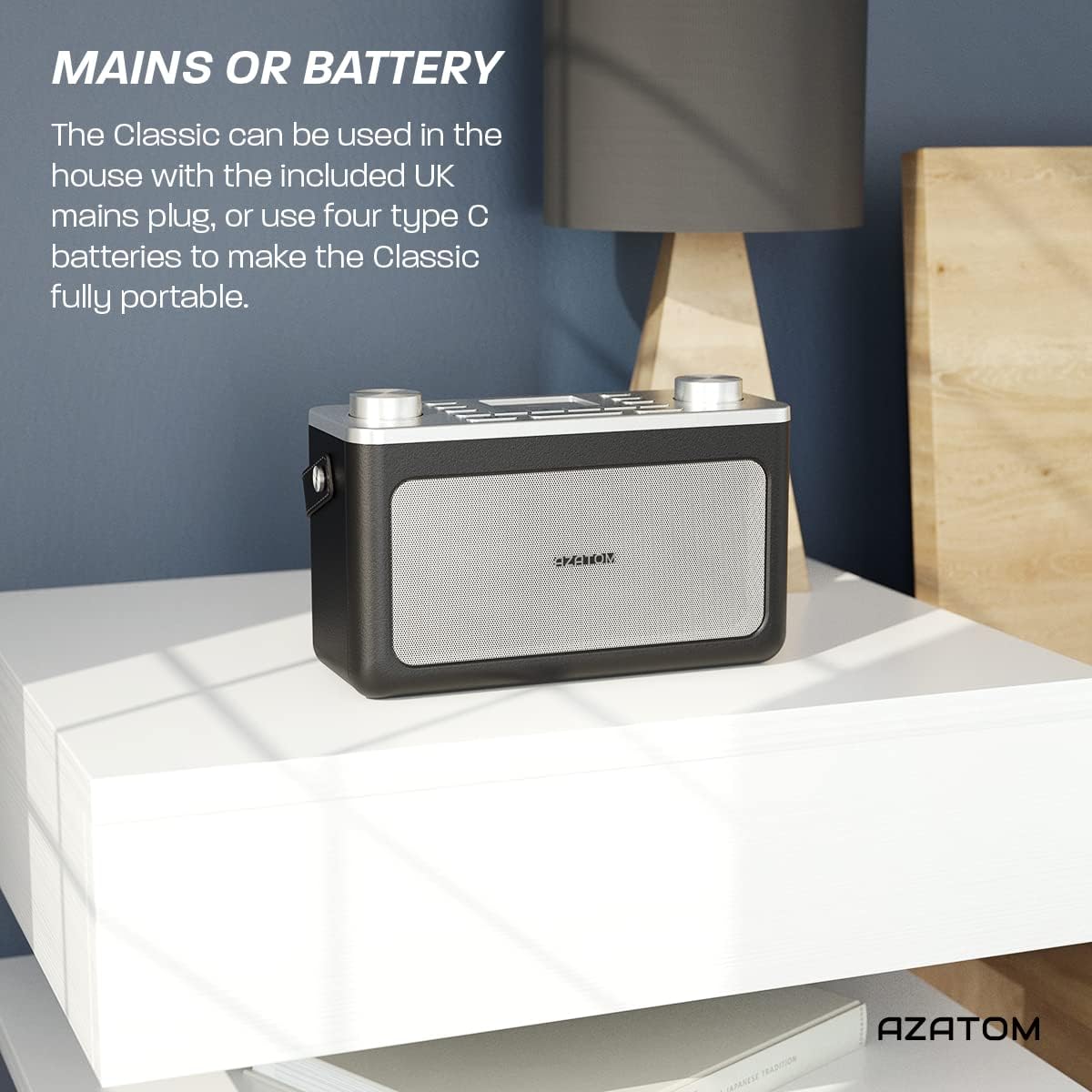
Image: The AZATOM Classic V1 radio on a white surface, illustrating its portability and dual power options (mains or battery).
Снага батерије
- Отворите поклопац одељка за батерије на задњој страни радија.
- Insert four Type C batteries, ensuring correct polarity (+/-).
- Добро затворите поклопац одељка за батерије.
- Притисните и држите ПОВЕР button on the top panel to turn on the radio.

Слика: Позади view of the AZATOM Classic V1 radio, highlighting the DCV input, AUX IN, USB CHARGE ports, and the two battery compartment covers.
Initial Scan (DAB/DAB+)
Upon first power-on, the radio will automatically perform a full scan for DAB/DAB+ stations. This may take a few minutes.
Када се скенирање заврши, радио ће се подесити на прву доступну станицу.
If no stations are found, ensure the telescopic antenna is fully extended and reposition the radio, then perform a manual scan (see "Operating DAB/DAB+ Radio").
Упутство за употребу

Слика: Одозго надоле view of the AZATOM Classic V1 radio, showing the control panel with buttons for power, mode, presets, volume, and tuning/enter knobs, along with the color LCD display.
Основне контроле
- Дугме за укључивање: Press and hold to turn on/off. Press briefly to switch between standby and active mode.
- Дугме МОДЕ: Press to cycle through DAB, FM, Bluetooth, and AUX modes.
- Дугме ВОЛУМЕ: Rotate left to decrease volume, right to increase volume.
- ENTER/TUNE Knob: Rotate to navigate menus or tune stations. Press to confirm selections.
- PRESET Buttons (1-4): Quickly access stored favorite stations.
- PRESET Button (Long Press): Access the full list of stored presets.
- Дугме МЕНУ: Access system settings and mode-specific options.
- SNOOZE/DIMMER Button: Snooze active alarm or adjust display brightness.
- СЛЕЕП дугме: Activate/deactivate sleep timer.
- Дугмад ПРЕСКОЧИ (<< / >>): Navigate tracks in Bluetooth mode or stations in radio mode.

Image: The AZATOM Classic V1 radio displaying the time and alarm settings on its color LCD, emphasizing its alarm and sleep timer functionalities.
ДАБ/ДАБ+ Радио режим
- Притисните тастер МОДЕ button until "DAB Radio" appears on the display.
- If a full scan hasn't been performed, the radio may initiate one.
- Ротирајте ENTER/TUNE дугме за прегледање доступних станица.
- Притисните тастер ENTER/TUNE дугме да бисте изабрали станицу.
- Чување пресета:
- Подесите жељену станицу.
- Притисните и држите једну од ПРЕСЕТ buttons (1-4) until "Preset Stored" appears.
- To store beyond preset 4, press and hold the ПРЕСЕТ button (not 1-4) and rotate the ENTER/TUNE knob to select a preset number (5-40), then press ENTER/TUNE потврдити.
- Подсећање на унапред подешене поставке:
- Кратко притисните један од ПРЕСЕТ buttons (1-4) to recall.
- To recall presets 5-40, briefly press the ПРЕСЕТ button (not 1-4), rotate the ENTER/TUNE knob to select the preset, then press ENTER/TUNE.
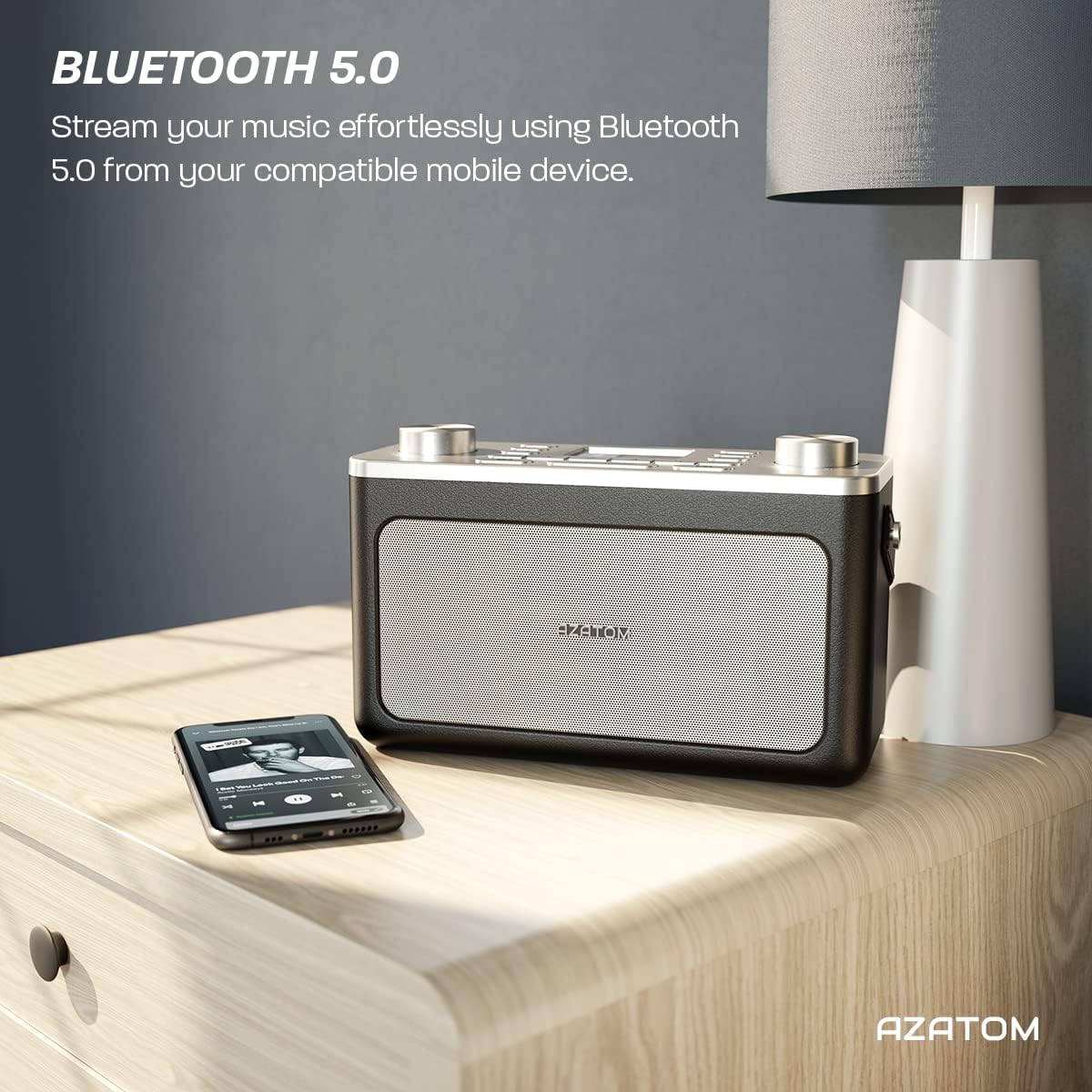
Image: The AZATOM Classic V1 radio on a kitchen counter, highlighting its ability to store and recall pre-set stations for quick access.
Режим ФМ радија
- Притисните тастер МОДЕ button until "FM Radio" appears on the display.
- Аутоматско скенирање: Притисните и држите ENTER/TUNE knob to automatically scan for the next available station.
- Ручно подешавање: Ротирајте ENTER/TUNE knob to manually adjust the frequency.
- Чување пресета: (Same as DAB/DAB+ but for FM stations, up to 20 presets).
- Подсећање на унапред подешене поставке: (Same as DAB/DAB+).
Блуетоотх мод
- Притисните тастер МОДЕ button until "Bluetooth" appears on the display. The radio will enter pairing mode, indicated by a flashing Bluetooth icon.
- On your mobile device, enable Bluetooth and search for "AZATOM Classic V1".
- Select "AZATOM Classic V1" to pair. Once connected, the Bluetooth icon will stop flashing.
- Play audio from your device. Use the radio's СКИП buttons (<< / >>) to control tracks and the ВОЛУМЕ дугме за подешавање јачине звука.

Image: The AZATOM Classic V1 radio on a bedside table next to a smartphone, demonstrating its Bluetooth 5.0 capability for wireless music streaming.
АУКС улазни режим
- Повежите екстерни аудио уређај (нпр. MP3 плејер) са АУКС ИН port on the back of the radio using a 3.5mm audio cable (not included).
- Притисните тастер МОДЕ button until "AUX Input" appears on the display.
- Play audio from your external device. Adjust volume using the radio's ВОЛУМЕ knob and the external device's volume control.
Слика: Позади view of the AZATOM Classic V1 radio, highlighting the DCV input, AUX IN, USB CHARGE ports, and the two battery compartment covers.
Аларм Цлоцк
- Притисните тастер МЕНУ дугме.
- Ротирајте ENTER/TUNE knob to select "Alarm" and press ENTER/TUNE.
- Select "Alarm 1" or "Alarm 2".
- Configure alarm time, duration, source (Buzzer, DAB, FM), and frequency (Daily, Once, Weekdays, Weekends).
- Ensure the alarm is set to "On".
When an alarm sounds, press СНООЗЕ / ДИММЕР to snooze for 9 minutes, or press ПОВЕР да искључите аларм.
Слееп Тимер
- Притисните тастер СЛЕЕП Притискајте дугме више пута да бисте мењали опције тајмера за спавање (нпр. 15, 30, 45, 60, 90 минута, Искључено).
- Радио ће се аутоматски искључити након изабраног времена.
Одржавање
Чишћење
Обришите радио меком, сувом крпом. Не користите абразивна средства за чишћење или раствараче.
Замена батерије
If using battery power, replace all four Type C batteries when the low battery indicator appears on the display or when performance degrades.
Складиштење
Ако складиштите радио дуже време, извадите батерије да бисте спречили цурење. Чувајте на хладном и сувом месту.
Решавање проблема
- Нема напајања:
- Check if the mains adapter is securely connected and the wall socket is active.
- Ако користите батерије, уверите се да су правилно уметнуте и да се не истроше.
- Притисните и држите ПОВЕР дугме на неколико секунди.
- Poor DAB/FM Reception:
- Потпуно извуците телескопску антену.
- Reposition the radio to a location with better signal strength, away from other electronic devices that may cause interference.
- Perform a full scan for stations.
- Проблеми са Блуетоотх упаривањем:
- Ensure the radio is in Bluetooth mode and "AZATOM Classic V1" is visible on your device.
- Make sure no other device is currently connected to the radio.
- Try restarting both the radio and your Bluetooth device.
- Нема звука:
- Check the volume level on both the radio and any connected external devices (in AUX/Bluetooth mode).
- Ensure headphones are not connected if you expect sound from the speaker.
- Аларм се не оглашава:
- Verify that the alarm is set to "On" and the time is correct.
- Проверите подешавање јачине звука аларма.
- Ensure the radio is not completely powered off (it should be in standby mode for alarms to function).
Спецификације
- Модел: Classic V1
- Бренд: АЗАТОМ
- Радио фреквенције: ДАБ/ДАБ+, ФМ
- Блуетоотх верзија: 5.0
- Пресетс: 60 (40 DAB, 20 FM)
- Улазна снага: Mains adapter (included), 4 x Type C batteries (not included)
- Повезивање: AUX In (3.5mm), Headphone Out (3.5mm), USB Charge Port
- Приказ: ЛЦД у боји
- УПЦ: 632793245407
- Препоручена употреба: Music, News, Sports Broadcasts

Image: Angled top view of the AZATOM Classic V1 radio, featuring its control panel and display, with a "3 Year Warranty" badge overlaid, indicating product reliability.
Гаранција и подршка
The AZATOM Classic V1 comes with a 3-year warranty from the date of purchase. Please retain your proof of purchase for warranty claims.
For technical support, warranty inquiries, or further assistance, please visit the official AZATOM website or contact their customer service department. Contact details can typically be found on the product packaging or the AZATOM webсајту.