
Увод
The iHome PlayGlow+ iBT820B is a versatile waterproof Bluetooth speaker designed for portable audio enjoyment. Featuring dynamic 360° LED color modes, a robust IP67 waterproof and sandproof rating, and a long-lasting rechargeable battery, this speaker is ideal for various environments, from outdoor adventures to poolside relaxation. This manual provides essential information for setting up, operating, and maintaining your speaker.

Image: The iHome PlayGlow+ speaker illuminated with vibrant colors next to a swimming pool at night, showcasing its ambient lighting capabilities.
Шта је у кутији
Carefully unpack your iHome PlayGlow+ speaker. The package should contain the following items:
- iHome PlayGlow+ Waterproof Bluetooth Speaker (Model iBT820B)
- УСБ-Ц кабл за пуњење
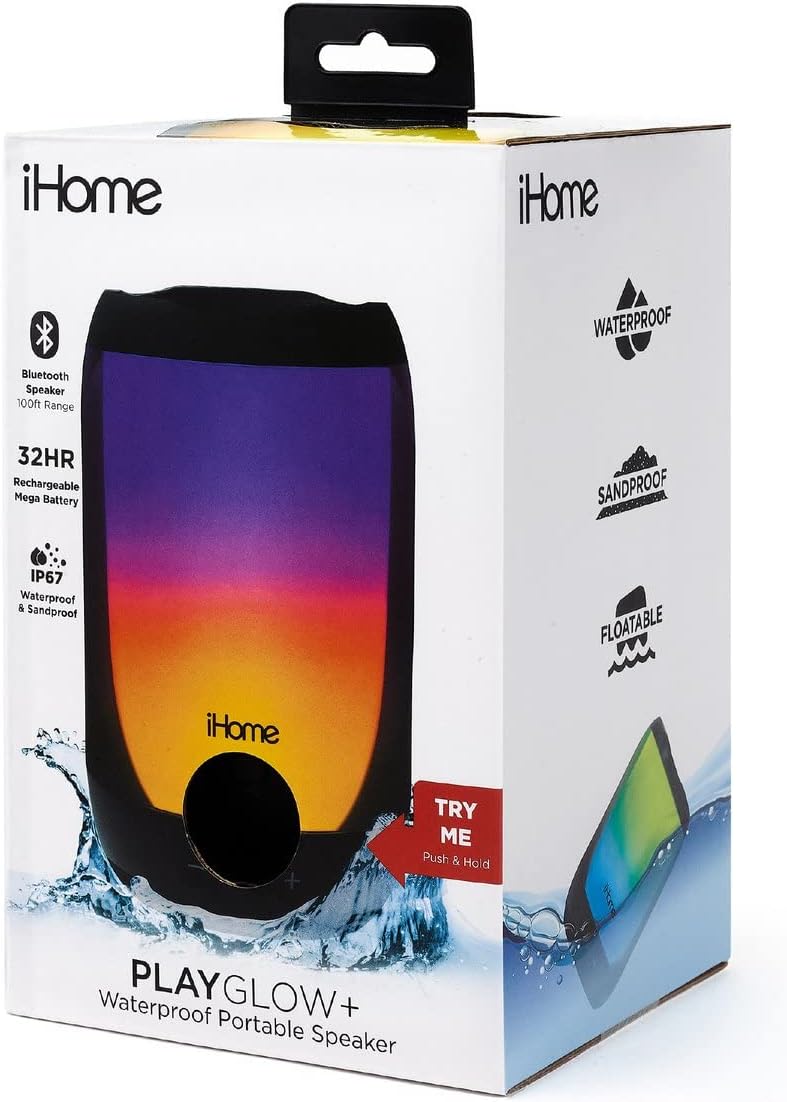
Image: The iHome PlayGlow+ speaker in its retail packaging, highlighting key features such as Bluetooth range, battery life, and waterproof rating.
Контроле и карактеристике
The iHome PlayGlow+ speaker is equipped with intuitive controls and features for an enhanced user experience:
- Дугме за напајање: Located on the bottom of the speaker. Press and hold to power on/off.
- Контроле јачине звука (-/+): Подесите јачину звука.
- Дугме за репродукцију/паузу: Контролишите репродукцију музике.
- Дугме за режим: Прелазите кроз различите режиме ЛЕД светла.
- Блуетоотх повезивање: Wireless audio streaming up to 100 feet.
- IP67 Waterproof & Sandproof: Certified to withstand immersion in water and exposure to sand. The speaker is also floatable when the jack cover is fully closed.
- Пуњива батерија: Provides up to 32 hours of wireless audio playback on a full charge.
- УСБ-Ц прикључак за пуњење: За практично и брзо пуњење.

Image: A collection of iHome PlayGlow+ speakers, each showcasing a different 360° LED color mode, illustrating the variety of lighting options available.

Image: The iHome PlayGlow+ speaker partially submerged in water, demonstrating its IP67 waterproof and sandproof certification and floatable design.

Image: A hand holding the iHome PlayGlow+ speaker, with icons indicating its Bluetooth streaming capability and long-lasting rechargeable battery.
Сетуп
Пуњење звучника
Before initial use, fully charge your iHome PlayGlow+ speaker. Use the provided USB-C charging cable to connect the speaker to a USB power source (e.g., computer USB port, USB wall adapter). The charging indicator light will show the charging status. A full charge can take several hours.
Блуетоотх упаривање
Да бисте повезали звучник са уређајем који подржава Bluetooth:
- Уверите се да је звучник искључен.
- Press and hold the Power button (located on the bottom) until the speaker powers on and enters Bluetooth pairing mode. The Bluetooth indicator light will flash, indicating it is ready to pair.
- На аудио уређају (паметном телефону, таблету, рачунару) омогућите Bluetooth и потражите доступне уређаје.
- Select "iHome PlayGlow+" from the list of devices.
- Once paired, the Bluetooth indicator light on the speaker will turn solid, and you will hear an audible confirmation.
The speaker will automatically attempt to re-pair with the last connected device when powered on.
Оперативни
Укључивање/искључивање
- To power on: Press and hold the Power button until the speaker activates.
- To power off: Press and hold the Power button until the speaker deactivates.
Репродукција музике
- Пусти/паузирај: Притисните дугме Репродукуј/Паузирај једном да бисте репродуковали или паузирали звук.
- Појачавање звука: Притисните дугме „+“ да бисте повећали јачину звука.
- Смањивање јачине звука: Притисните дугме „-“ да бисте смањили јачину звука.
ЛЕД светлосни режими
Press the Mode button (often indicated by a sun or flower icon) to cycle through the available 360° LED color modes:
- No Color: Lights are off, only audio plays.
- Споро фаде: Colors slowly transition from one to the next with smooth gradients.
- Промена боје: The speaker cycles through 7 distinct solid colors.
- Омиљена боја: To select a static color, cycle to the 'Color Change' mode, wait for your desired color to appear, then press the Mode button again. The speaker will hold that color.
- Pulse to Music: Lights change and pulse in sync with the rhythm of the music.
- Preset Pulse: A pre-programmed light show with changing gradients and patterns.
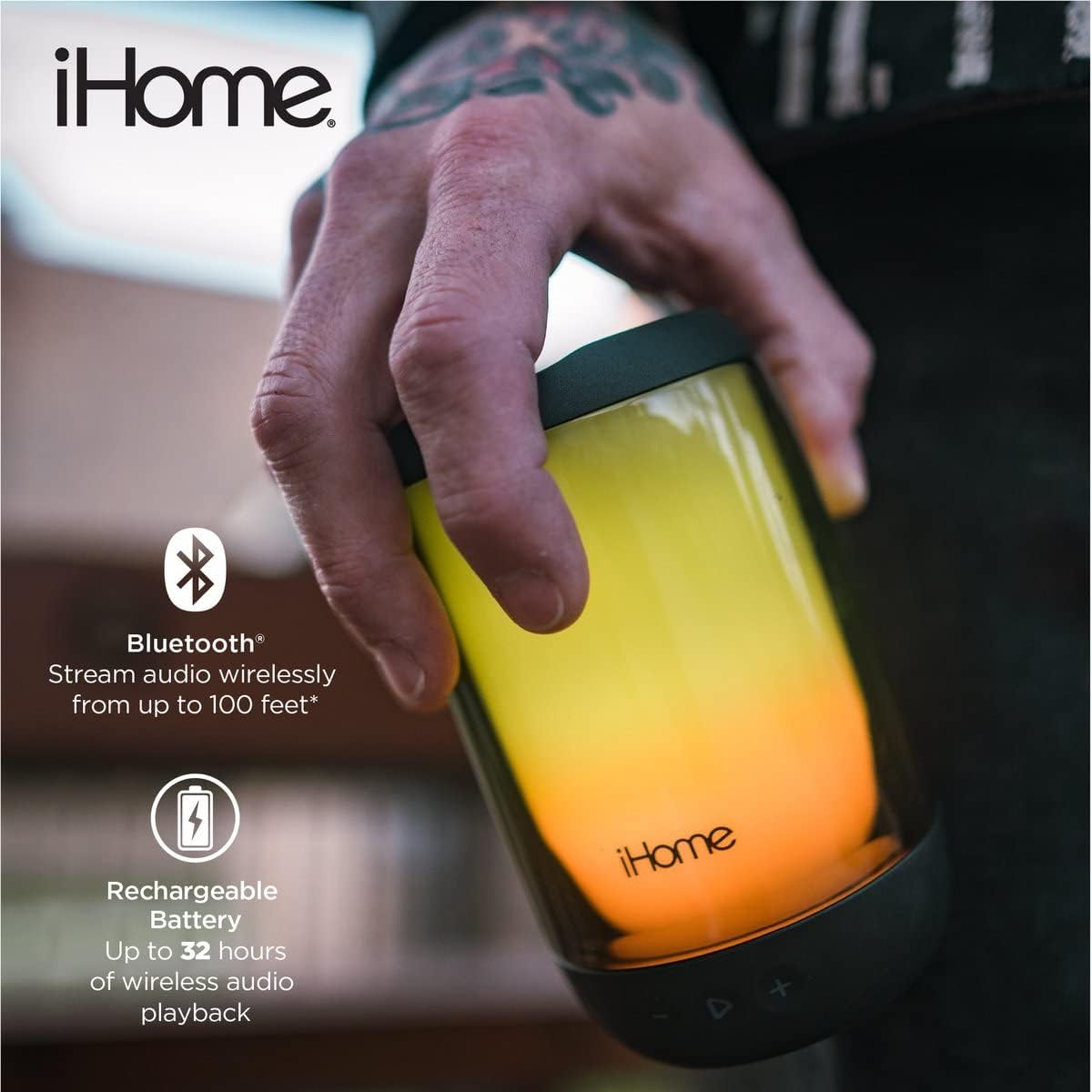
Image: The iHome PlayGlow+ speaker displaying its diverse light modes, accompanied by icons representing Bluetooth connectivity, 360° LED color, and rechargeable battery.
Одржавање
To ensure the longevity and optimal performance of your iHome PlayGlow+ speaker:
- Always ensure the USB-C charging port cover is securely closed when using the speaker near water or sand to maintain its IP67 rating.
- Очистите звучник меком, дamp тканина. Избегавајте употребу абразивних средстава за чишћење или растварача.
- Do not expose the speaker to extreme temperatures (hot or cold) for extended periods.
- Чувајте звучник на хладном и сувом месту када се не користи.
Решавање проблема
If you encounter issues with your iHome PlayGlow+ speaker, refer to the following common problems and solutions:
| Проблем | Решење |
|---|---|
| Звучник се неће укључити. | Уверите се да је батерија напуњена. Повежите звучник са извором напајања помоћу USB-C кабла. |
| Није могуће упаривање преко Bluetooth-а. | Make sure the speaker is in pairing mode (flashing Bluetooth indicator). Ensure your device's Bluetooth is enabled and within range. Forget the device on your phone and try pairing again. |
| Нема звука или је јачина звука ниска. | Проверите нивое јачине звука и на звучнику и на повезаном уређају. Уверите се да је звучник правилно упарен. |
| ЛЕД светла не раде. | Press the Mode button to cycle through the light modes. Ensure the speaker is powered on. |
Спецификације
- Бренд: иХоме
- Број модела: иБТ820Б
- Повезивање: Блуетоотх, УСБ
- Отпорност на воду: IP67 Certified Waterproof & Sandproof
- Трајање батерије: До 32 сати
- Блуетоотх опсег: До 100 стопа
- Тип звучника: Спољни, Преносиви
- Метод контроле: Додирна дугмад
- Порт за пуњење: УСБ-Ц
Гаранција и подршка
The iHome PlayGlow+ speaker comes with a limited warranty. For detailed warranty information or technical support, please refer to the warranty card included with your product or visit the official iHome webсајт. Сачувајте рачун као доказ о куповини за потребе гаранције.