
1. Увод и крајview
This manual provides instructions for the safe and efficient use of your CJP-Geek AC-DC Adapter, model CJP-Geek-PSA-20221025-CA227. This adapter is specifically designed to power and charge the RP-PB054 RAVPower 20100mAh Portable Powerstation.
Key features of this adapter include a wide input voltage range of 100-240V AC, ensuring compatibility with various power outlets worldwide. It is designed for portability and includes multiple safety protections to ensure reliable operation.

Image 1: The CJP-Geek AC-DC Adapter, showing the main power brick, detachable AC input cable, and DC output cable with connector.
2. Садржај пакета
Проверите да ли ваш пакет садржи следеће ставке:
- 1 x AC / DC Power Supply Charger (CJP-Geek AC-DC Adapter)
3. Упутства за подешавање
- Проверите компатибилност: Ensure that the output specifications of this CJP-Geek AC-DC Adapter match the power input requirements of your RP-PB054 RAVPower 20100mAh Portable Powerstation. Refer to your power station's manual for specific input voltagе и тренутни захтеви.
- Повежите се са уређајем: Insert the DC output plug of the adapter firmly into the charging port of your RP-PB054 RAVPower 20100mAh Portable Powerstation.
- Повежите се са утичницом: Plug the AC input cable into a standard 100-240V AC wall outlet.
- Потврдите пуњење: Observe your power station's charging indicator to confirm that it has begun charging.
4. Упутство за употребу
- The adapter is designed for continuous use when charging compatible devices.
- Always operate the adapter in a well-ventilated area to prevent excessive heat buildup.
- Do not cover the adapter with cloths or other materials during operation, as this can impede heat dissipation.
- Disconnect the adapter from the power outlet and your device when it is not in use for extended periods.
5. Одржавање
- Чишћење: Keep the adapter clean and free from dust. Use a dry, soft cloth for cleaning. Do not use liquid cleaners or solvents.
- Складиштење: Чувајте адаптер на хладном и сувом месту, даље од директне сунчеве светлости и влаге када се не користи.
- Инспекција каблова: Regularly inspect the power cables for any signs of damage, such as fraying, cuts, or exposed wires. If any damage is observed, discontinue use immediately and replace the adapter.
- Услови животне средине: Avoid exposing the adapter to extreme temperatures, high humidity, or corrosive environments.
6. Безбедносне информације
Важно обавештење о безбедности: Before connecting, always double-check that the adapter's output specifications (voltage and current) are compatible with your device's input requirements. Using an incompatible adapter can damage your device or the adapter itself.
This CJP-Geek AC-DC Adapter is CE certified and incorporates multiple protection features to ensure safe operation:
- Заштита од кратког споја: Prevents damage from electrical shorts.
- Прекострујна заштита: Заштитне мере од прекомерног протока струје.
- Овер-Волtagе Заштита: Штити од волуменаtagе сургес.
- Заштита од преоптерећења: Prevents damage from drawing too much power.
- Заштита од прекомерне наплате: Helps prevent overcharging of connected devices.
- Заштита од температуре: Прати и регулише унутрашњу температуру.
Опште мере предострожности:
- Немојте растављати или модификовати адаптер.
- Држите адаптер ван домашаја деце.
- Само за употребу у затвореном простору. Не излагати киши или влази.
- Do not use the adapter if it has been dropped or damaged.
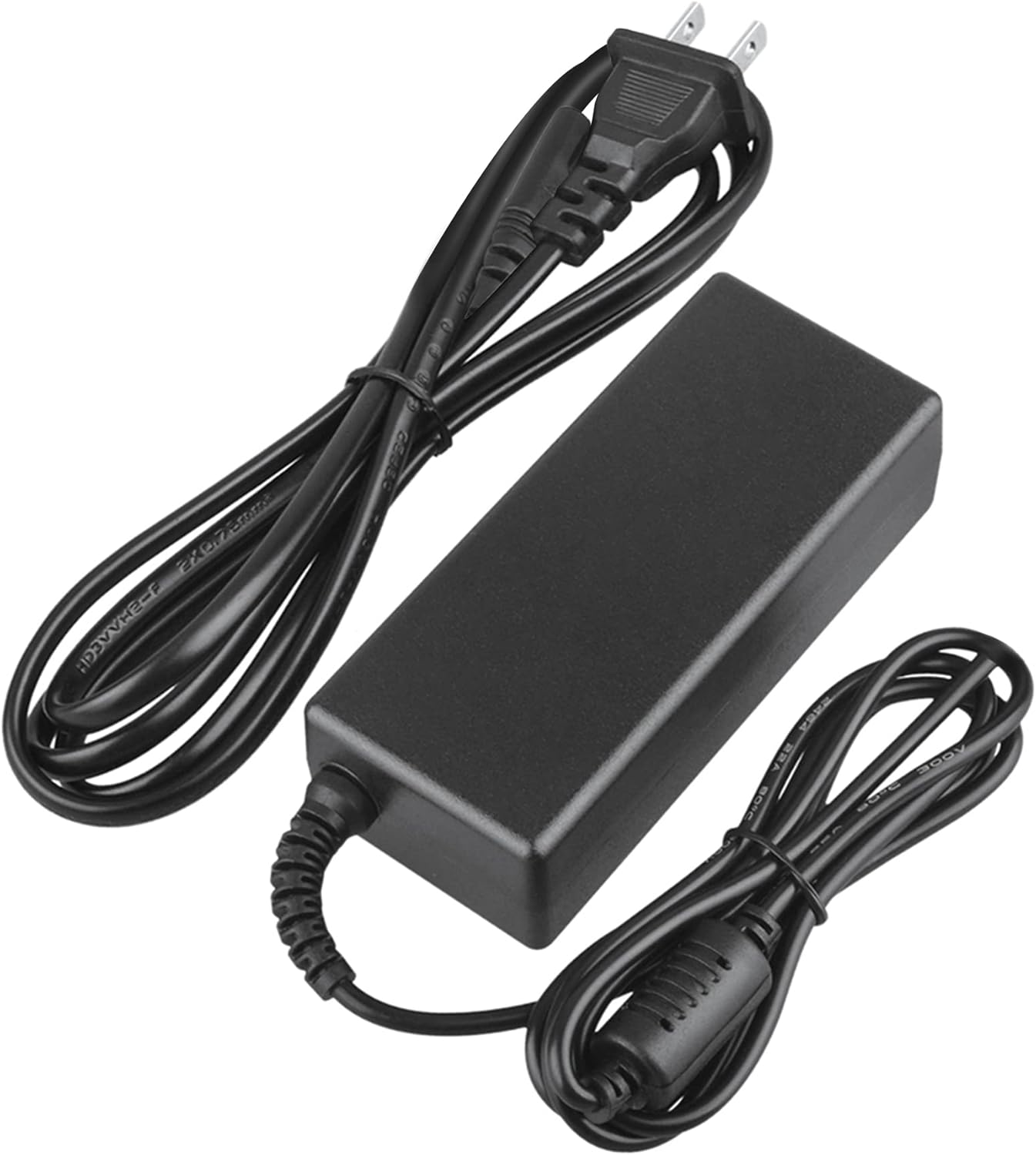
Image 2: Visual representation of the safety features, including overload, over voltage, over charge, over current, short circuit, and temperature protection.
КСНУМКС. Решавање проблема
- Уређај се не пуни:
- Уверите се да је адаптер безбедно прикључен и у зидну утичницу и у ваш уређај.
- Check if the wall outlet is functional by plugging in another appliance.
- Verify that the adapter's output specifications are correct for your device.
- Inspect the adapter and cables for any visible damage.
- Прегревање адаптера:
- Уверите се да је адаптер у добро проветреном простору и да није покривен.
- Disconnect the adapter and allow it to cool down before resuming use.
- Ако се прегревање настави, прекините употребу и контактирајте корисничку подршку.
- Нема индикатора напајања на уређају:
- Потврдите да су све везе безбедне.
- Тестирајте са другом зидном утичницом.
- If possible, test the device with another compatible power source to rule out a device issue.
8. Спецификације
| Атрибут | Спецификација |
|---|---|
| Број модела | CJP-Geek-PSA-20221025-CA227 |
| Улазни волtage | 100-240В АЦ, 50/60Хз |
| Излаз | Refer to device requirements for RP-PB054 RAVPower 20100mAh Portable Powerstation |
| Димензије производа (Д к Ш к В) | 5 к 3 к 8 инча |
| Тежина артикла | 9 унци |
| АЦ Цабле Ленгтх | Приближно 47 инча (1.2 метара) |
| ДЦ Цабле Ленгтх | Приближно 47 инча (1.2 метара) |
| Total Cable Length (approx.) | 7.87 feet (2.4 meters) including adapter body |

Слика 3: Детаљно view of the adapter's dimensions and features, including cable lengths and a 'Copper interface' for stable output.
9. Гаранција и подршка
Информације о гаранцији:
- 30 дана гаранције поврата новца
- 60 Days Free Exchange with Paid Return Label
- 2 Years Worry-Free Warranty
Корисничка подршка:
For any product-related issues or inquiries, please contact CJP-Geek customer service. We are committed to assisting you in resolving any problems you may encounter. If the item is found to be defective within the 2-year warranty period, a replacement will be provided without the need to return the defective unit.