
1. Увод
Thank you for choosing the Yeedi k950 Robot Vacuum and Mop Combo. This manual provides essential information for the safe operation, maintenance, and troubleshooting of your device. Please read it thoroughly before use and retain it for future reference.
The Yeedi k950 is designed to provide efficient and comprehensive floor cleaning, combining powerful vacuuming with an oscillating mopping system. Its advanced features include 3D obstacle avoidance, smart visual mapping, and automatic carpet detection.
2. Производ је готовview
2.1 Кључне карактеристике
- Oscillating Mopping System: Scrubs off dried-on stains from hard floors.
- Усисна снага 3000 Па: Effectively picks up dirt from carpets and hard floors.
- 3D Obstacle Avoidance: Detects and navigates around common household objects.
- Smart Visual Mapping & Navigation: Creates and saves home layouts for efficient cleaning paths.
- Детекција тепиха: Avoids carpets in mopping mode and boosts suction in vacuuming mode.
- Контрола апликације: Customizable cleaning settings, sequence, and area selection via the yeedi app.
- Self-Empty Station Compatibility: (Optional) Automatically empties the dustbin for up to 30 days.
2.2 Robot Components

слика: Врх view of the Yeedi k950 robot vacuum. This image shows the overall design of the robot, including the main power button and visual sensor on top.

слика: Доња страна view of the Yeedi k950 robot vacuum. This image highlights the main brush, side brushes, and the oscillating mop pad module, which are crucial for cleaning.
3. Подешавање
3.1 Распакивање и постављање
- Carefully remove all packaging materials from the robot and its accessories.
- Place the charging dock against a wall in an open area, ensuring there are no obstacles within 1 meter (3 feet) to the front and 0.5 meters (1.5 feet) to the sides.
- Повежите адаптер за напајање са прикључком за пуњење и укључите га у утичницу.
3.2 Почетно пуњење
Place the robot onto the charging dock, ensuring the charging contacts align. The robot will begin charging automatically. For first-time use, fully charge the robot before operation (approximately 6 hours).
3.3 Инсталација и повезивање апликације
- Download the 'yeedi' app from your mobile device's app store (iOS or Android).
- Отворите апликацију и пратите упутства на екрану да бисте креирали налог.
- Add your Yeedi k950 robot by scanning the QR code on the device or selecting it from the list.
- Повежите робота са кућном Ви-Фи мрежом како вам апликација закаже.
4. Операција
4.1 Покретање циклуса чишћења
You can start a cleaning cycle in two ways:
- Via the Robot: Press the main power button on the robot once.
- Via the App: Open the yeedi app and tap the 'Clean' button.
4.2 Режими чишћења
The Yeedi k950 supports various cleaning modes, which can be selected via the yeedi app:
- Аутоматско чишћење: Робот интелигентно чисти цео ваш дом.
- Чишћење простора: Изаберите одређене собе или подручја за чишћење.
- Прилагођено чишћење: Draw a custom cleaning zone on the map.

слика: Illustration of the Yeedi k950's oscillating mopping system. The image shows the robot actively scrubbing a floor, demonstrating its ability to remove dried stains more effectively than traditional mopping.
слика: Depiction of the Yeedi k950's carpet detection feature. The robot avoids carpets in mopping mode and automatically increases suction power when vacuuming on carpets, ensuring optimal cleaning for different floor types.
4.3 Паметне карактеристике
- 3D Obstacle Avoidance: The robot uses advanced sensors to detect and avoid common household obstacles like shoes, pet bowls, and toys, reducing the need for pre-cleaning.
- Visual Mapping: The robot creates a detailed map of your home, allowing for efficient navigation and customized cleaning plans. It can save up to three maps for multi-level homes.
- Customizable Cleaning via App: Use the yeedi app to adjust vacuum power, water flow levels, set cleaning sequences for different rooms, and define no-go zones or virtual walls.

слика: Visual representation of the Yeedi k950's 3D obstacle avoidance technology. The robot is shown detecting and navigating around various objects on the floor, such as shoes and toys.

слика: Diagram illustrating the Yeedi k950's ability to create and save multiple maps. This feature is beneficial for homes with multiple floors, allowing the robot to adapt to different layouts.

слика: Screenshots of the yeedi mobile application interface. This image demonstrates how users can set cleaning sequences, clean specific areas, and customize settings like vacuum power and water flow levels.
5. Одржавање
Regular maintenance ensures optimal performance and extends the lifespan of your Yeedi k950.
5.1 Канта за прашину и филтер
- Пражњење: Empty the dustbin after each cleaning cycle. If using the optional self-empty station, the dustbin will be emptied automatically.
- Чишћење: Rinse the dustbin with water as needed. Allow it to air dry completely before reinserting.
- Филтер: Tap the filter to remove dust. Replace the high-efficiency filter every 3-6 months, depending on usage.
5.2 Главна четка и бочне четке
- Главна четка: Remove the main brush cover and lift out the brush. Use the cleaning tool to cut and remove tangled hair. Clean the brush bearings.
- Бочне четке: Проверите бочне четке да ли има замршене косе или остатака. Ако су оштећене, замените их.
5.3 Mopping Pad and Water Tank
- Mopping Pad: Remove the mopping pad after each use and wash it. Air dry completely.
- Резервоар за воду: Empty any remaining water from the tank after mopping. Clean the tank regularly to prevent mold or odors.
5.4 Сензори и контакти за пуњење
- Wipe all sensors (cliff sensors, anti-collision sensors, visual mapping sensor) and charging contacts on both the robot and the charging dock with a clean, dry cloth.
КСНУМКС. Решавање проблема
If your Yeedi k950 encounters an issue, refer to the following common solutions:
| Проблем | Могући узрок | Решење |
|---|---|---|
| Робот се не покреће | Low battery; Main switch off | Charge the robot; Turn on the main power switch. |
| Робот се често заглављује | Obstacles; Dirty sensors | Clear obstacles; Clean cliff and anti-collision sensors. |
| Лоше перформансе чишћења | Full dustbin; Clogged brushes; Dirty filter | Empty dustbin; Clean main/side brushes; Clean/replace filter. |
| Robot cannot find charging dock | Dock obstructed; Dock unplugged | Ensure clear area around dock; Plug in charging dock. |
| Mopping is ineffective | Dry mop pad; Empty water tank | Wet the mop pad; Fill the water tank. |
For more detailed troubleshooting or persistent issues, please refer to the yeedi app or contact customer support.
7. Спецификације
| Феатуре | Детаљ |
|---|---|
| Бранд | иееди |
| Назив модела | к950 |
| Посебна карактеристика | Obstacle Avoidance, Oscillating Mopping |
| Боја | Бела |
| Трајање батерије | Up to 30 Days (with self-empty station) |
| Извор напајања | Баттери Поверед |
| Компатибилни уређаји | Амазон Ецхо |
| Форм Фацтор | Роботски |
| Тежина артикла | 5 кг 920 г |
| Димензије артикла (ДкШкВ) | 61 к 40.6 к 12.7 центиметара |
| Препорука за површину | Тепих, тврди под |
8. Гаранција и подршка
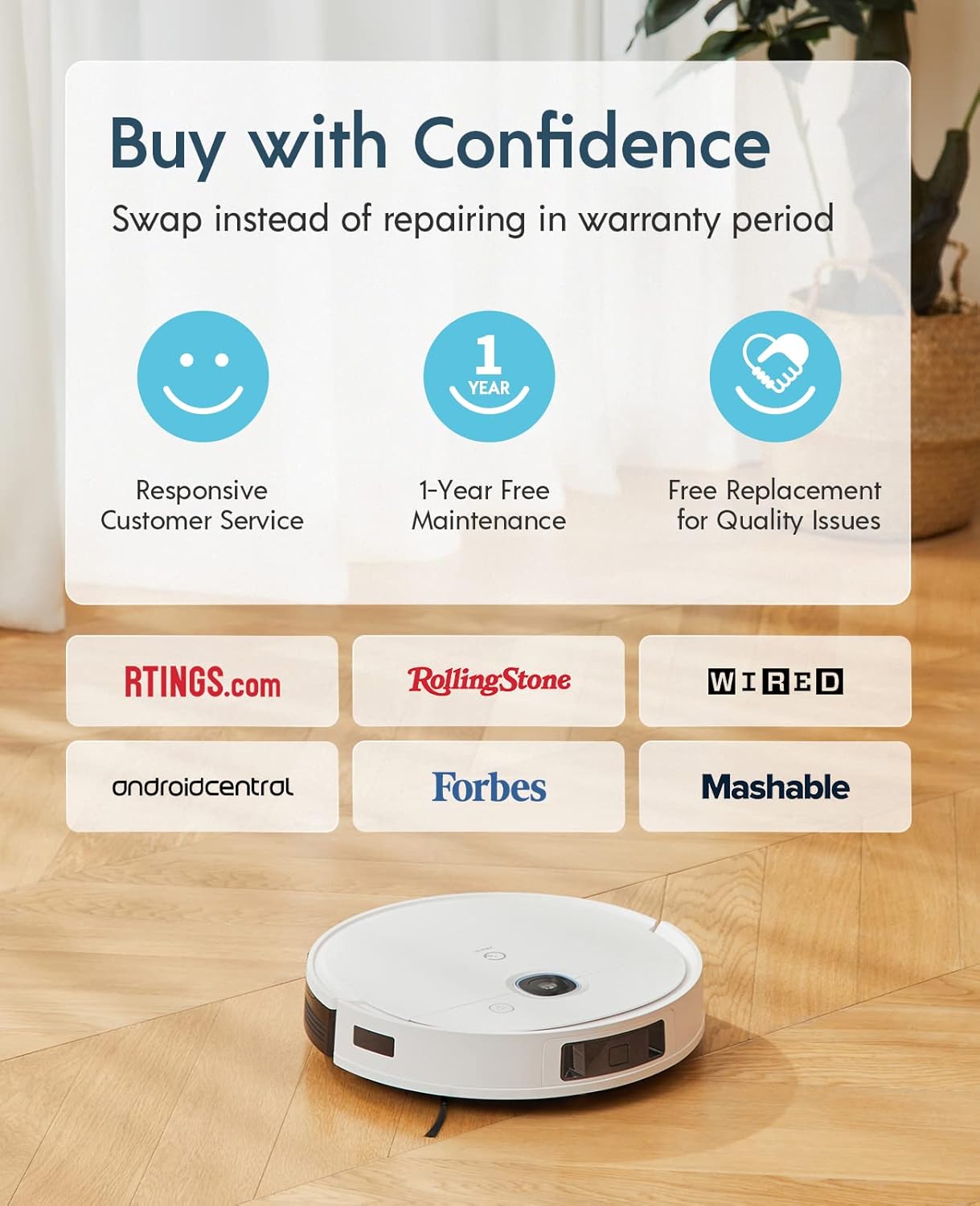
The Yeedi k950 Robot Vacuum and Mop Combo comes with a Двогодишња гаранција без бриге. This warranty includes:
- Responsive Customer Service.
- 1-Year Free Maintenance.
- Free Replacement for Quality Issues within the warranty period.
For warranty claims, technical support, or any inquiries, please contact yeedi customer service through the yeedi app or visit the official yeedi webсајту.

слика: Information regarding yeedi's customer support and warranty policy, highlighting responsive service, free maintenance, and replacement for quality issues.