
1. Увод
This manual provides essential instructions for the SOLTECH CCTV Remote Control, model RCWN00001B (also identified as EP10-001090A). This remote is specifically designed for use with various Samsung Wisenet Security & Surveillance Camera Systems, including DVRs and NVRs. Please read this manual thoroughly to ensure proper use and functionality of your remote control.
2. Производ је готовview
The SOLTECH CCTV Remote Control is a dedicated device for managing your Samsung Wisenet security system. It replicates the functionality of the original remote control included with Wisenet All-In-One systems, providing convenient access to your DVR or NVR functions.
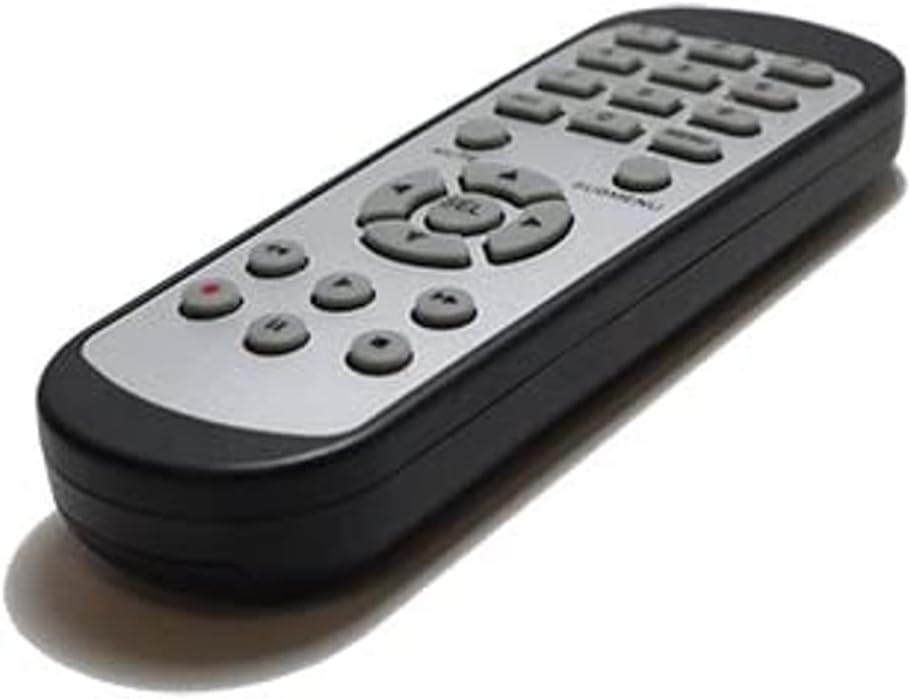
Слика 2.1: Предња страна view of the SOLTECH CCTV Remote Control (Model RCWN00001B / EP10-001090A).
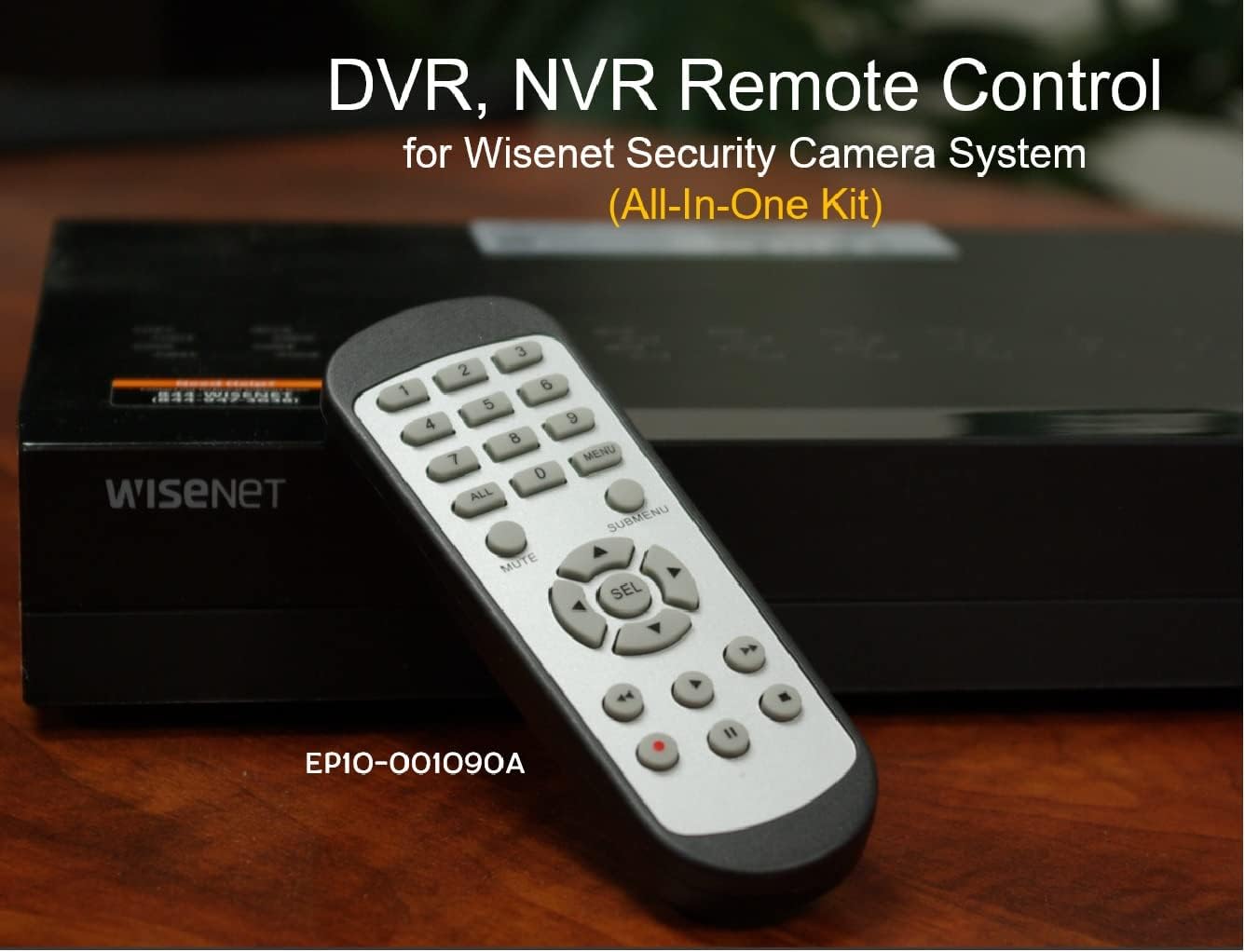
Image 2.2: The remote control positioned on a Wisenet Digital Video Recorder (DVR).
3. Подешавање
This remote control requires two AAA batteries for operation. Batteries are not included with the product and must be purchased separately.
3.1 Инсталација батерије
- Пронађите одељак за батерије на полеђини даљинског управљача.
- Померите поклопац одељка за батерије надоле и подигните га.
- Уметните две ААА батерије, водећи рачуна о исправном поларитету (+ и -) као што је назначено унутар одељка.
- Вратите поклопац одељка за батерију тако што ћете га вратити на место док не кликне чврсто.

Слика 3.1: Позади view даљинског управљача са отвореним одељком за батерије, што показује где се убацују ААА батерије.
3.2 Почетно повезивање
The SOLTECH CCTV Remote Control is pre-configured for Samsung Wisenet All-In-One System DVRs and NVRs. No additional setup, programming, or pairing is required. Once batteries are installed, the remote is ready for immediate use with compatible systems.
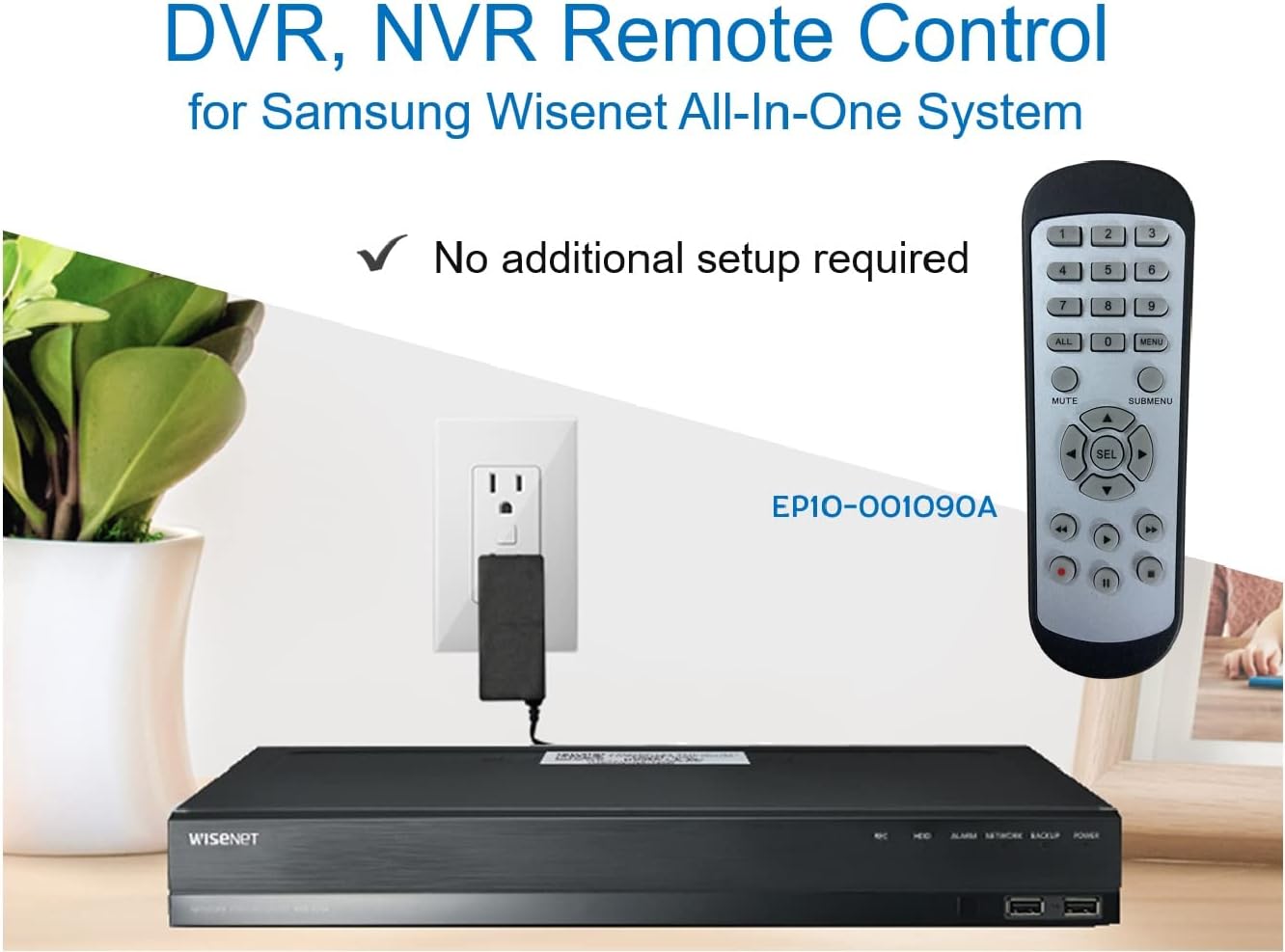
Image 3.2: The remote control shown alongside a Wisenet DVR, illustrating the 'no additional setup required' feature.
4. Упутство за употребу
Point the remote control directly at your Samsung Wisenet DVR or NVR. Press the desired buttons to navigate menus, control playback, switch camera views, and access other functions of your security system. The button layout is standard for Wisenet systems, allowing for intuitive operation.
- Дугмад са бројевима (0-9): Used for direct camera selection or data entry.
- Directional Pad (Up, Down, Left, Right, SEL): За навигацију и избор у менију.
- МУТЕ: Искључује аудио излаз.
- SUBMENU: Accesses sub-menus within the system interface.
- Контроле репродукције (Репродукција, Пауза, Заустављање, Премотавање унапред, Премотавање уназад): Manages recorded footagе репродукција.
- REC (Record): Initiates manual recording.
5. Компатибилност
This remote control is compatible with various Samsung Wisenet All-In-One System Series. It is designed to function as a direct replacement for the original remote controls supplied with these systems.
5.1 Compatible System Series
The remote control is compatible with, but not limited to, the following Samsung Wisenet All-In-One System Series:
- SDH-E95127
- SDH-B94047
- SDH-C94087
- SDH-B73043
- SDH-C85080
- SDH-SF440
- SDH-B74043
- SDH-B74083
- SDH-B74041
- SDH-B74081
- SDH-C85100
- SDR-C85300
- SNK-B73047
- SDH-B74086
- SDH-C73043
- SDR-C73303
- SDH-C74043DF
- SDR-C74303N1T
- SDR-B74301

Image 5.1: The remote control displayed alongside a partial list of compatible Samsung Wisenet All-In-One System Series.

Image 5.2: An illustration showing the remote control's compatibility with a range of Samsung Wisenet security camera systems.
6. Одржавање
6.1 Замена батерије
When the remote control's performance diminishes or it stops responding, replace the AAA batteries. Always replace both batteries at the same time with new ones. Do not mix old and new batteries, or different types of batteries.
6.2 Чишћење
За чишћење даљинског управљача користите меку, суву крпу. За тврдокорну прљавштину, благо дampen the cloth with water. Avoid using harsh chemicals, abrasive cleaners, or solvents, as these can damage the remote's surface or internal components.
6.3 Складиштење
Даљински управљач чувајте на хладном и сувом месту, даље од директне сунчеве светлости и екстремних температура. Ако се даљински управљач неће користити дуже време, препоручљиво је да извадите батерије како бисте спречили цурење.
КСНУМКС. Решавање проблема
If you experience issues with your SOLTECH CCTV Remote Control, refer to the following common troubleshooting steps:
- Даљински не реагује:
- Проверите да ли су батерије правилно уметнуте са исправним поларитетом.
- Замените батерије новим ААА батеријама.
- Ensure there is a clear line of sight between the remote control and the infrared receiver on your Wisenet DVR/NVR. Obstructions can block the signal.
- Verify that the remote control is pointed directly at the Wisenet system.
- Интермитентна функционалност:
- Ово често указује на низак ниво напуњености батерије. Замените батерије.
- Ensure no strong light sources (like direct sunlight or bright fluorescent lights) are interfering with the infrared signal.
- Remote Does Not Control My System:
- Confirm that your security system is a Samsung Wisenet All-In-One System and is listed as compatible in Section 5.1. This remote is specifically designed for these systems and may not work with other brands or models.
- As this remote requires no additional setup, if it is not working with a confirmed compatible system after battery replacement, contact customer support.
8. Спецификације
| Феатуре | Детаљ |
|---|---|
| Број модела | RCWN00001B (EP10-001090A) |
| Димензије производа | 5 к 1.75 к 0.75 инча |
| Тежина артикла | 1.76 унци |
| Батерије су потребне | 2 ААА батерије (нису укључене) |
| Произвођач | СОЛТЕЦХ |
| Боја | Греи |
| Максимални број подржаних уређаја | 1 (Wisenet DVR/NVR) |
| Компатибилни уређаји | Samsung Wisenet Security Camera Systems (DVR/NVR) |

Image 8.1: The remote control with its physical dimensions (length, width, thickness) indicated.
9. Гаранција и подршка
For information regarding product warranty, please refer to the documentation provided with your purchase or contact the seller directly. The seller for this product is SOLTECH America.
For further assistance or technical support, please reach out to the manufacturer or seller through their official contact channels.