
Chasing MIS2-3-USA
CHASING MINI S Upgraded Underwater Drone Instruction Manual
Model: MIS2-3-USA
1. Увод
This manual provides essential information for the safe and effective operation, maintenance, and troubleshooting of your CHASING MINI S Upgraded Underwater Drone. Please read this manual thoroughly before first use to ensure proper handling and to maximize the drone's performance and longevity.
ЦХASING MINI S is an advanced underwater remotely operated vehicle (ROV) designed for exploration, photography, and various underwater tasks. It features a 4K UHD camera with EIS, extended dive depth, and anti-stuck motor technology.
2. Производ је готовview и компоненте
ЦХASING MINI S system includes the underwater drone, a remote controller, and a carrying case. Additional accessories such as mechanical arms and action cameras can be attached.

3. Водич за подешавање
3.1 Распакивање и почетни преглед
Carefully remove all components from the packaging. Inspect the drone, remote controller, and cables for any visible damage. Ensure all listed components are present.
3.2 Повезивање контролера
The remote controller connects to your mobile phone or tablet via a data cable for stable signal transmission. This wired connection ensures reliability and does not interfere with your mobile network.
3.3 Уметање Мицро СД картице
The drone supports a removable 64GB Micro SD card for storing captured media. Locate the SD card slot, typically sealed with a waterproof cap, and insert the card as directed in the quick start guide.
3.4 Charging the Drone and Controller
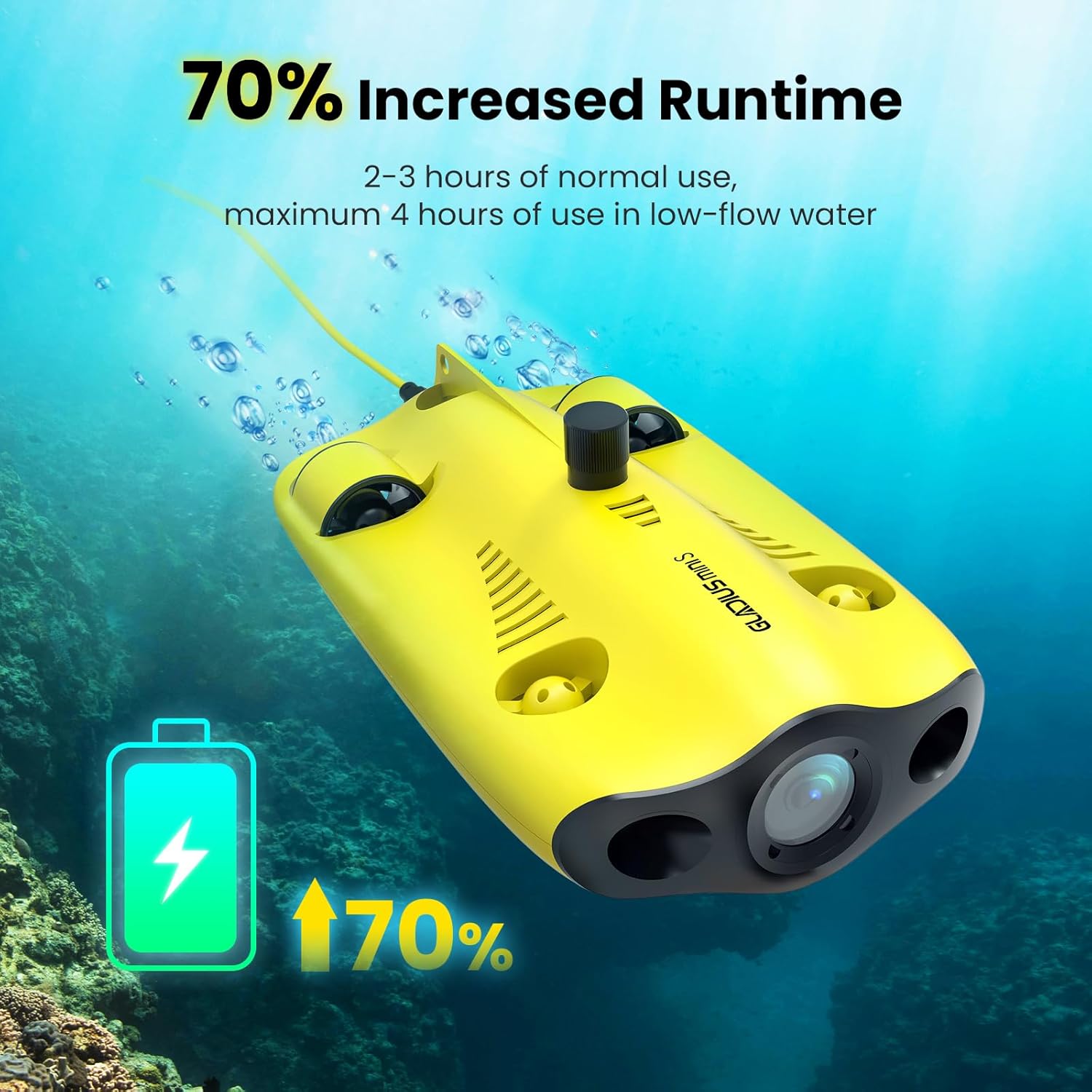
Before first use, fully charge both the drone and the remote controller. Use the provided charger, which features two cables to charge both devices simultaneously. A full charge provides approximately 2-3 hours of normal use, extending up to 4 hours in low-flow water conditions.
4. Упутство за употребу
4.1 Основне контроле и кретање
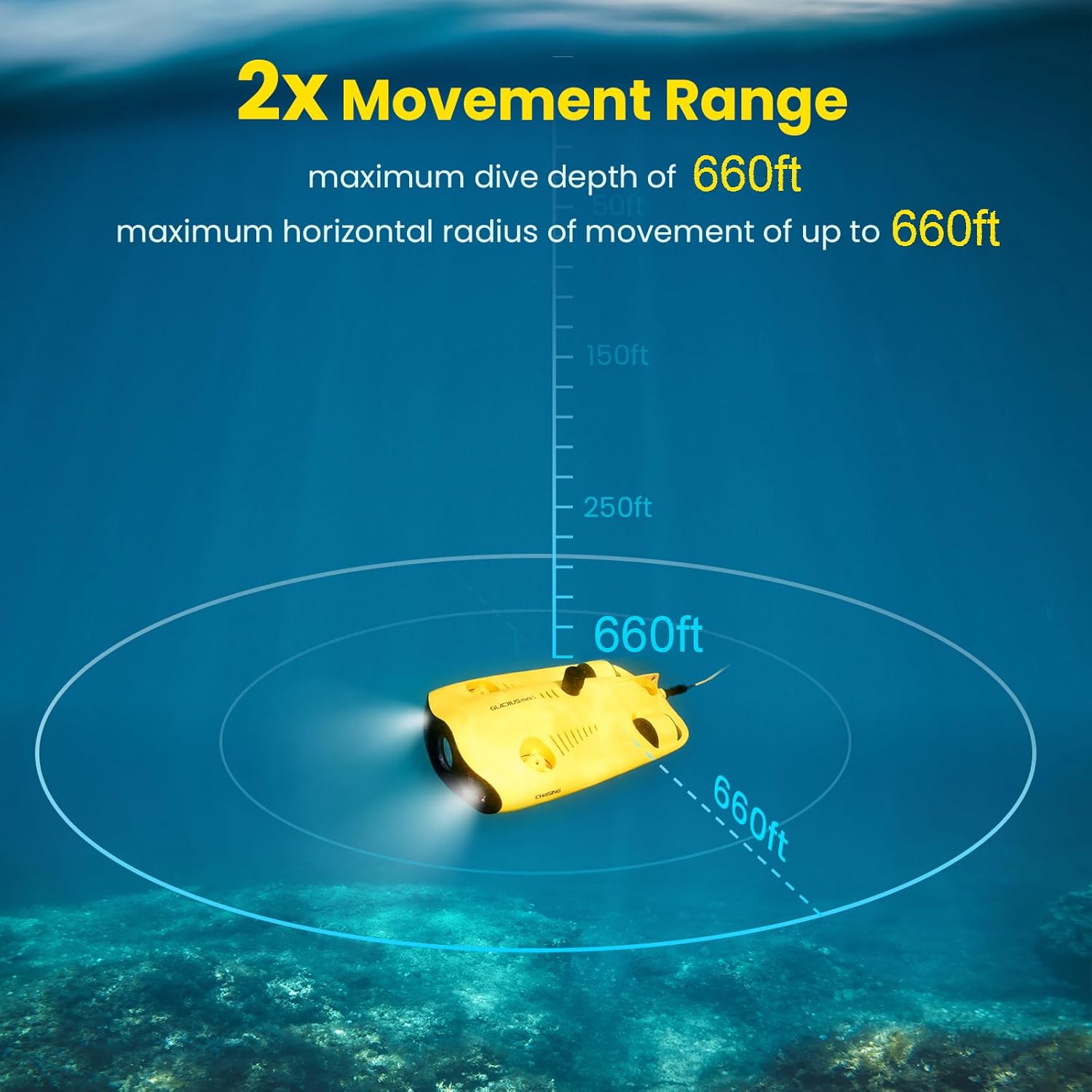
ЦХASING MINI S can dive to a maximum depth of 330 feet (100 meters) and has a maximum horizontal shooting radius of 660 feet. Its maximum speed is 4 knots (2 m/s). Use the remote controller to navigate the drone horizontally and vertically.

4.2 Рад и функције камере
The drone is equipped with a 4K UHD camera (1/2.3 SONY CMOS) with EIS (Electronic Image Stabilization) and an F1.8 large aperture. It provides 4K and 1080P video recording and 12-megapixel photos. Two 1200 lumen LED lights illuminate underwater environments for clear imaging.

4.3 Anti-Stuck Motor Technology
ЦХASING MINI S features patented anti-stuck motor technology, allowing it to operate safely and move freely even in complex underwater environments with sand or debris, reducing the risk of motor blockage.

4.4 User-Friendly Interaction via APP
The dedicated mobile application provides a user-friendly interface for controlling the drone and accessing various features. It allows for real-time monitoring of depth and temperature, live streaming, social media sharing, time-lapse photography, and quick material editing. HDMI output is also supported.
5. Прилози и додаци
ЦХASING MINI S supports the attachment of various accessories to enhance its functionality. This includes mechanical arms for retrieving objects and mounts for additional action cameras, allowing for higher pixel video requirements.
The product also comes with a waterproof backpack for easy transport of the drone and all its accessories.

6. Одржавање
6.1 Чишћење након употребе
After each use, especially in saltwater, it is crucial to thoroughly clean the drone. Rinse the drone with fresh water, paying close attention to the thrusters and any moving parts, to prevent salt buildup and corrosion. Operating the drone in a freshwater basin for a few minutes after saltwater use can help flush out residual salt.
6.2 Одржавање батерије
To prolong battery life, avoid fully discharging the battery frequently. Store the drone and controller with a partial charge (around 50-60%) if not used for extended periods. Recharge fully before each mission.
6.3 Складиштење
Store the drone and its accessories in the provided carrying case in a cool, dry place, away from direct sunlight and extreme temperatures. Ensure all components are dry before storage.
КСНУМКС. Решавање проблема
7.1 Remote and ROV Link Issues
If the remote controller and ROV do not link up or the drone does not emit the expected beeps upon power-on, ensure all cables are securely connected. Verify that both the drone and controller are sufficiently charged. Restart both devices and attempt to reconnect.
7.2 Thruster Malfunction
If a thruster stops working, first check for any visible obstructions such as debris or seaweed. Clean the thruster area thoroughly. If the issue persists, it may indicate an internal problem requiring professional service.
7.3 Motors Seizing in Saltwater
While the drone is designed for underwater use, prolonged exposure to saltwater without meticulous cleaning can lead to motor seizing. Always perform a thorough freshwater rinse and flush after saltwater dives to prevent this issue.
7.4 Проблеми са повезивањем апликација
If experiencing issues with the mobile application, ensure your device's operating system is up to date and the CHASING app is the latest version. Check your device's USB connection settings. If problems persist, try reinstalling the app.
8. Спецификације
| Феатуре | Спецификација |
|---|---|
| Бранд | Chasing |
| Назив модела | gladius, gladius mini |
| Посебна карактеристика | 70% increased runtime, 4K EIS F1.8 Aperture Camera, increased movement range, support for carrying items, patented anti-stuck motor, added wired remote |
| Узраст (опис) | Адулт |
| Боја | Жута |
| Резолуција снимања видео записа | 4K |
| Технологија повезивања | Ви-Фи |
| Укључене компоненте | Remote Control, Carrying Case |
| Ниво вештине | Напредно |
| Формат видео снимања | 4k |
| Технологија даљинског управљања | Ви-Фи |
| Максимални домет | 660 стопа |
| Материјал | Алуминијум |
| Бежична комуникациона технологија | Ви-Фи |
| Да ли су батерије укључене | бр |
| Подржани формат слике | ЈПЕГ |
| Резолуција видео излаза | 1920x1080 пиксела |
| Даљински управљач укључен? | Да |
| Технологија оптичког сензора | ЦМОС |
| Пуњива батерија укључена | бр |
| УПЦ | 843722101590 |
| Произвођач | Chasing |
| Тежина артикла | 23.1 фунти |
| Димензије производа | 15.7 к 8.9 к 5.7 инча |
| Број дела произвођача | MIS2-3-USA |
9. Гаранција и подршка
9.1 Информације о гаранцији
Please refer to the warranty card included with your product for detailed warranty terms and conditions. Typically, the manufacturer provides a limited warranty covering defects in materials and workmanship under normal use.
9.2 Корисничка подршка
For technical assistance, troubleshooting not covered in this manual, or warranty claims, please contact CHASING customer support through their official webсајт или контакт информације које су наведене у паковању вашег производа. Такође можете посетити Chasing Store on Amazon за више информација.
Ask a question about this manual
Ask about setup, troubleshooting, compatibility, parts, safety, or missing instructions. Manuals+ will review the question and use this page’s manual context to help answer it.