
1. Увод
Thank you for choosing the MNN Portable Monitor. This 14-inch Full HD (1920x1200P) display is designed to enhance your productivity and entertainment on the go. Featuring an advanced IPS matte screen with a 178° full viewing angle, it delivers accurate and vibrant colors while effectively reducing blue light radiation for eye comfort during prolonged use. Its ultra-slim and lightweight design makes it an ideal companion for travelers, students, gamers, and professionals.
2. Кључне карактеристике и предности
- Full HD Portable Monitor: 14-inch display with 1920x1200P resolution, advanced IPS matte screen, and 178° full viewing angle for accurate, vibrant colors and reduced blue light radiation.
- Dual Type-C Ports: Features two full-function USB-C ports for true plug-and-play. A single USB Type-C cable can transmit both power supply and display signal. Compatible with laptops, PCs, phones, MacBooks, PS5/PS4, and Switch.
- Lightweight and Ultra-Slim: Easily fits into backpacks and suitcases, providing stress-free portability for various users.
- Разноврсни режими приказа: Supports Copy Mode, Extended Mode, Second Screen Mode, and Portrait Mode to enhance work efficiency and gaming experience.
- ХДР режим: Upgrades image quality with brighter highlights, deeper colors, and more realistic visuals.
- Уграђено постоље: Convenient integrated stand on the back for easy setup anywhere.
3. Шта је у кутији
The MNN Portable Monitor package includes everything you need to get started:
- MNN Portable Monitor (14 inch FHD 1920x1200P)
- Smart Cover (doubles as a stand)
- УСБ-Ц на УСБ-Ц кабл
- ХДМИ на Мини ХДМИ кабл
- Упутство за употребу
4. Упутства за подешавање
The MNN Portable Monitor is designed for easy plug-and-play setup. Follow these steps to connect your device:
- Распакујте монитор: Пажљиво извадите монитор и сву додатну опрему из паковања.
- Позиционирајте монитор: Use the included smart cover to prop up the monitor to your desired viewing angle. The magnetic cover allows for stable positioning.
- Повежите се са својим уређајем:
- Using USB-C (Single Cable Solution): If your laptop, PC, phone, or gaming console supports Thunderbolt 3.0 or USB 3.1 Type-C DP Alt-Mode, connect one end of the provided USB-C to USB-C cable to the monitor's full-function USB-C port and the other end to your device's compatible USB-C port. This single cable will provide both power and video signal.
- Using HDMI (Video Only): Connect one end of the provided HDMI to Mini HDMI cable to the monitor's Mini HDMI port and the other end to your device's HDMI output. For power, connect a USB-C power adapter (not included) to one of the monitor's USB-C ports.
- Укључено: The monitor should automatically power on and display your device's screen. If not, press the power button on the monitor.
5. Упутство за употребу
5.1. Режими приказа
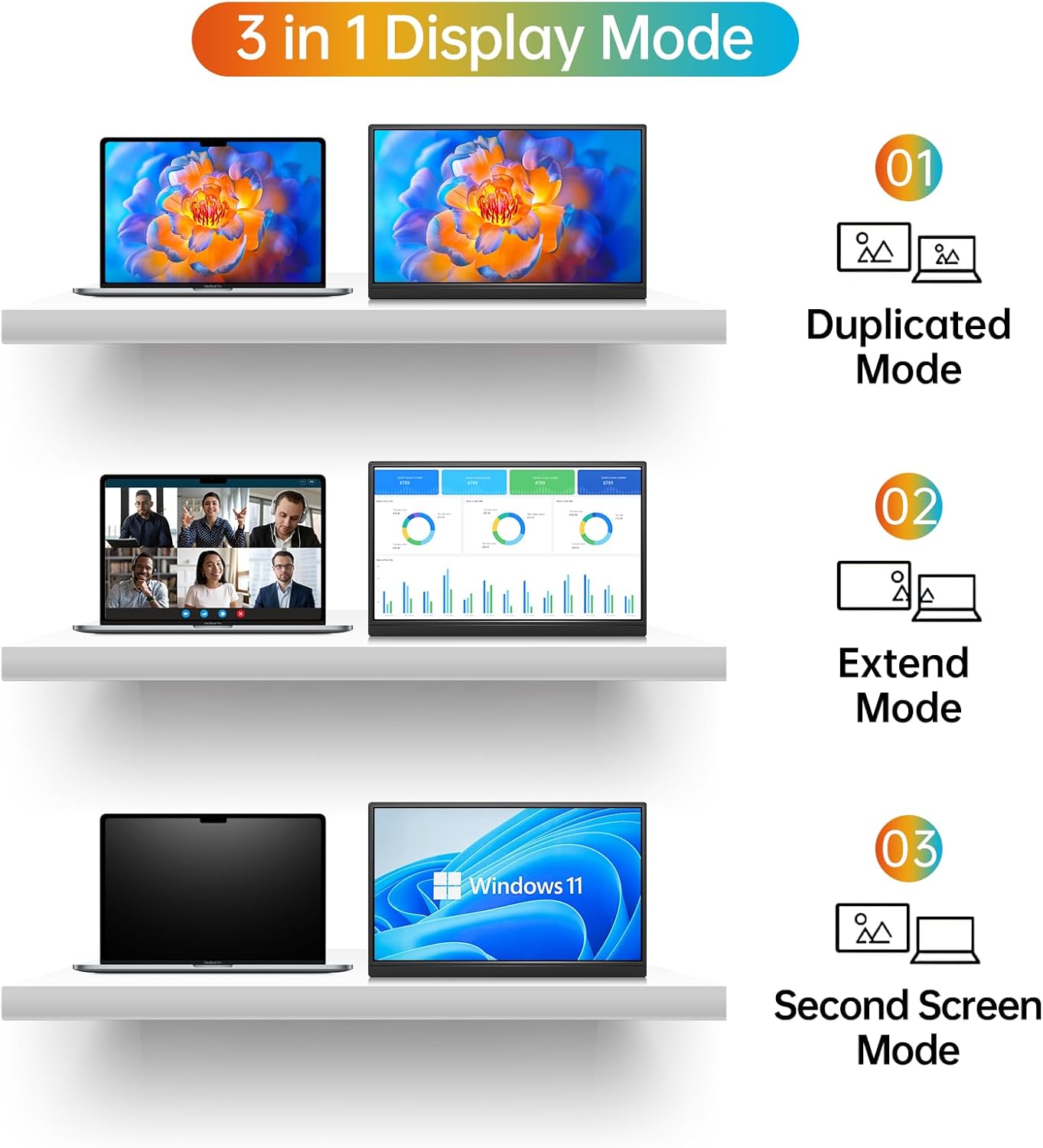
The MNN Portable Monitor supports multiple display modes to suit your needs:
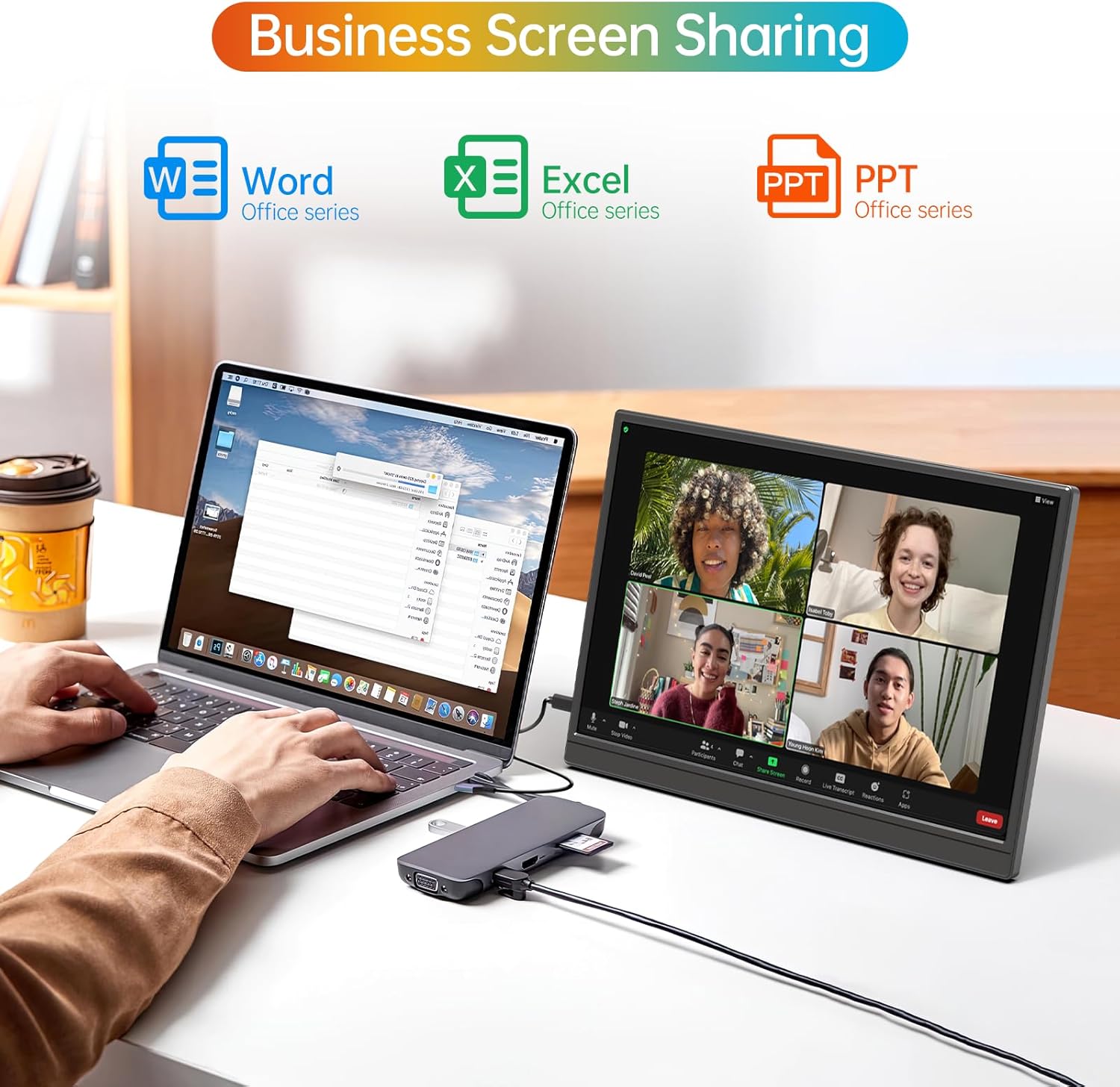
- Режим копирања: Duplicates your main screen, ideal for presentations or sharing content.
- Проширени режим: Extends your desktop space, allowing you to multitask efficiently with different applications open on each screen.
- Режим другог екрана: Користи само преносиви монитор као екран.
- Портретни режим: Rotates the display for vertical viewing, beneficial for coding, document review, or social media feeds.
5.2. Он-Сцреен Дисплаи (ОСД) мени
The OSD menu allows you to adjust various settings for optimal viewing. Use the buttons on the side of the monitor to navigate and select options.
- Power / Back Button: Turns the monitor on/off and navigates back in the OSD menu.
- Дугмад за осветљеност +/-: Подешава осветљеност екрана.
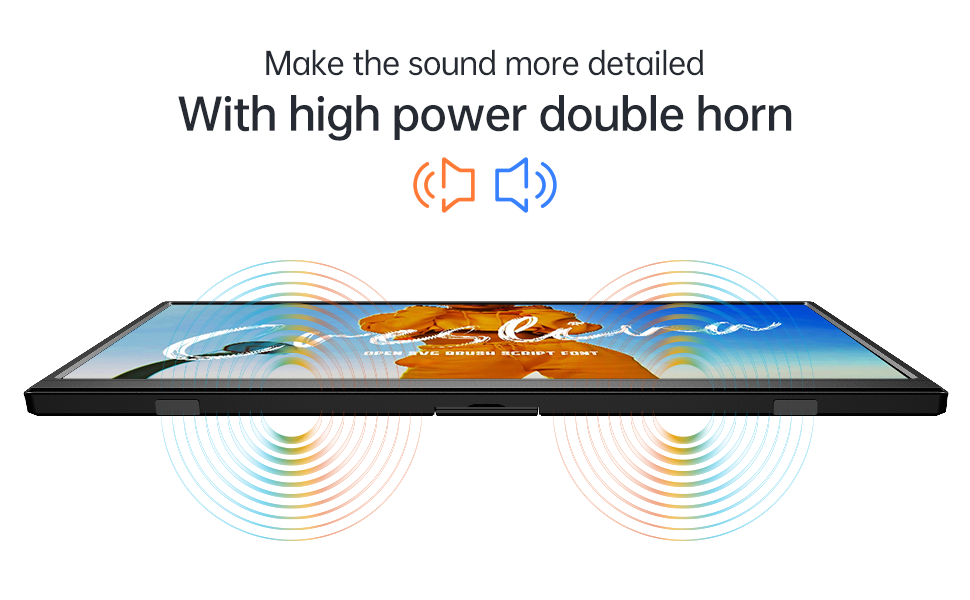
- Дугмад за јачину звука +/-: Controls the audio output from the built-in speakers or connected headphones.
- OSD Button: Отвара ОСД мени.
- 3.5 мм прикључак за слушалице: Connect external headphones for private audio.

6. Одржавање
To ensure the longevity and optimal performance of your MNN Portable Monitor, follow these maintenance guidelines:
- Чишћење екрана: Користите меку крпу која не оставља длачицеampводом или раствором за чишћење екрана. Избегавајте јаке хемикалије или абразивне материјале.
- Чишћење Цasing: Обришите ц монитораasinг меком, сувом крпом.
- Складиштење: When not in use, especially during travel, keep the monitor protected by its smart cover to prevent scratches and damage.
- Избегавајте екстремне услове: Do not expose the monitor to extreme temperatures, humidity, or direct sunlight for prolonged periods.
- Пажљиво рукујте: Although designed for portability, avoid dropping or subjecting the monitor to strong impacts.
КСНУМКС. Решавање проблема
If you encounter any issues with your MNN Portable Monitor, refer to the following common solutions:
| Проблем | Могуће решење |
|---|---|
| Нема дисплеја/Нема сигнала |
|
| Нема звука или је тиха |
|
| Треперење екрана или нестабилна слика |
|
| Монитор се не укључује |
|
| Poor picture quality/washed out colors |
|
8. Спецификације
| Феатуре | Детаљ |
|---|---|
| Бранд | МНН |
| Назив модела | М140Ф1 |
| Величина екрана | 14 инча |
| Нативе Ресолутион | 1920x1200 (FHD 1200P) |
| Аспецт Ратио | 16:10 |
| Опис површине екрана | Мат |
| Дисплаи Тецхнологи | ИПС ЛЦД |
| Viewинг Англе | 178 степени |
| Осветљеност | 400цд/м² |
| Однос контраста | Approximately 500:1 to 1000:1 |
| Рефресх Рате | 60 Хз |
| Време одговора | 5 милисекунди |
| Повезивање | 2x Full-function USB Type-C, 1x Mini HDMI |
| Аудио | Built-in Speakers, 3.5mm Headphone Jack |
| Посебне карактеристике | HDR, Low Blue Light, Flicker-Free, Built-in Stand |
| Димензије артикла (Д к Ш к В) | 17"Д к 2.3"Ш к 10.7"В |
| Тежина артикла | 1.35 килограма |
| Компатибилни уређаји | Laptop, PC, Phone, MacBook, PS5/PS4, Switch |
| УПЦ | 795847642673 |
9. Гаранција и подршка
MNN is committed to providing customer-centric quality service.
- гаранција: The MNN Portable Monitor comes with a Full Warranty, valid for 2 years from the date of purchase. This covers manufacturing defects and malfunctions under normal use.
- Корисничка подршка: For any questions, problems, or support needs, please feel free to contact MNN customer service.
Контакт информације:
Емаил: суппорт@мннтецх.цом