
Увод
Thank you for choosing the AODSK AA-05 Digital Guitar Amplifier. This compact and portable 5W amplifier is designed for electric guitar practice and features Bluetooth connectivity for audio playback. This manual provides essential information for safe and effective use of your ampлифиер.
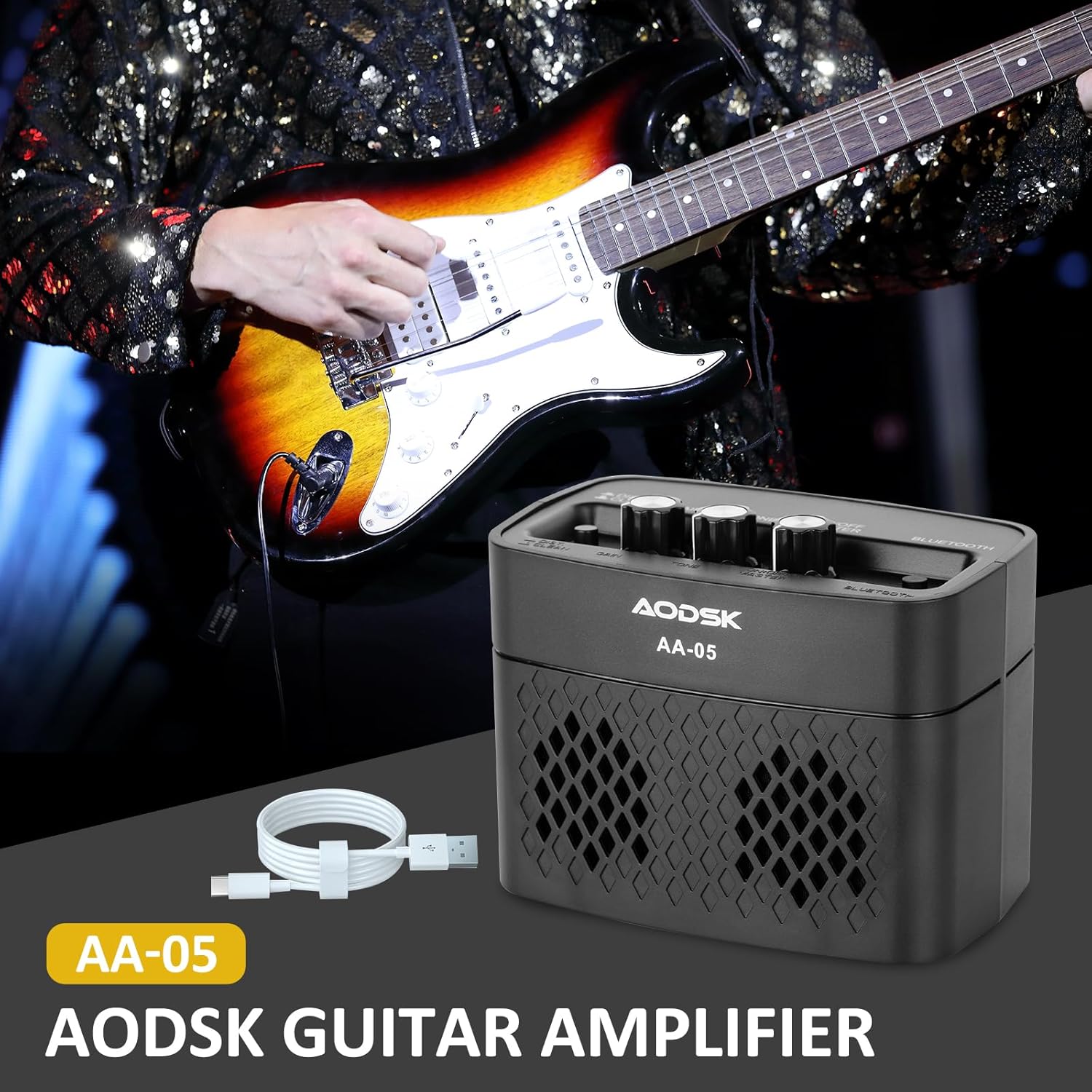
Image: The AODSK AA-05 Digital Guitar Amplifier, a compact black unit, shown with a Type-C charging cable. A guitar player is visible in the background, demonstrating its use.
Безбедносне информације
- Немојте излагати amplifier to water or excessive moisture.
- Избегавајте постављање ampу близини извора топлоте или на директној сунчевој светлости.
- Користите само приложени кабл за пуњење или сертификовани Type-C кабл за пуњење.
- Не покушавајте да растављате или модификујете amplifier. This will void the warranty and may cause damage.
- Чувати ван домашаја деце.
Садржај пакета
Проверите да ли су све ставке присутне у пакету:
- AODSK AA-05 Digital Guitar Ampлифиер
- Tip-C USB kabl za punjenje
- Упутство за употребу
Производ је завршенview
Familiarize yourself with the controls and ports of your AA-05 ampдизалица:

Image: A detailed diagram showing the top and rear panels of the AODSK AA-05 amplifier, labeling each button, knob, and port with corresponding numbers and descriptions.
- Effect Switch: Toggles between Clean and Distortion channels.
- Гумб за појачање: Adjusts the input signal level, affecting the amount of overdrive/distortion.
- Дугме за тон: Controls the tonal characteristics, from darker to brighter sounds.
- Дугме за напајање/јачину: Окреће amplifier on/off and adjusts the overall output volume.
- Индикатор напајања: Светли када се ampЛифиер је укључен.
- Блуетоотх дугме: Активира режим упаривања путем Bluetooth-а.
- Earphone Output Jack: For connecting headphones for silent practice.
- Улаз за гитару: Повежите своју електричну гитару овде.
- Индикатор пуњења: Приказује статус пуњења.
- Пуни Јацк: Type-C port for charging the ampлифиер.
Сетуп
1. Пуњење Ampлифиер
Пре прве употребе, потпуно напуните amplifier. Connect the supplied Type-C USB cable to the amplifier's Charge Jack (10) and the other end to a USB power adapter (not included) or a computer USB port. The Charge Indicator (9) will show the charging status.

Image: An illustration of the AODSK AA-05 amplifier highlighting its battery life, indicating up to 8 hours of use on a full charge.
2. Почетна веза
- Осигурајте ampлифиер се наплаћује.
- Turn the Power/Volume knob (4) clockwise to power on the amplifier. The Power Indicator (5) will light up.
- Connect your electric guitar to the Guitar Input Jack (8) using a standard 1/4-inch instrument cable.
Упутство за употребу
1. Adjusting Guitar Sound
- Волумен: Use the Power/Volume knob (4) to adjust the overall output volume.
- Канали: Press the Effect Switch (1) to toggle between Чисто и Дисторзија канала.
- Добитак: In Дисторзија mode, rotate the Gain knob (2) to control the amount of distortion.
- тон: Adjust the Tone knob (3) to shape the frequency response of your guitar sound.

Image: The AODSK AA-05 amplifier with visual cues indicating its two channels: Clean and Distortion, which can be switched with a single button. The image also mentions using all-analog audio processing.
2. Using Bluetooth Function
The AA-05 amplifier features integrated Bluetooth 5.0 for playing music from external devices.
- Укључите amplifier using the Power/Volume knob (4).
- Press the Bluetooth Button (6). The Bluetooth indicator will flash, indicating it's in pairing mode.
- On your Bluetooth-enabled device (phone, tablet, PC), search for "AODSK AA-05" in the Bluetooth settings.
- Select "AODSK AA-05" to pair. Once connected, the Bluetooth indicator will stop flashing and remain solid.
- You can now play music through the ampлифиер. Тхе amplifier can play both music and electric guitar sounds simultaneously.
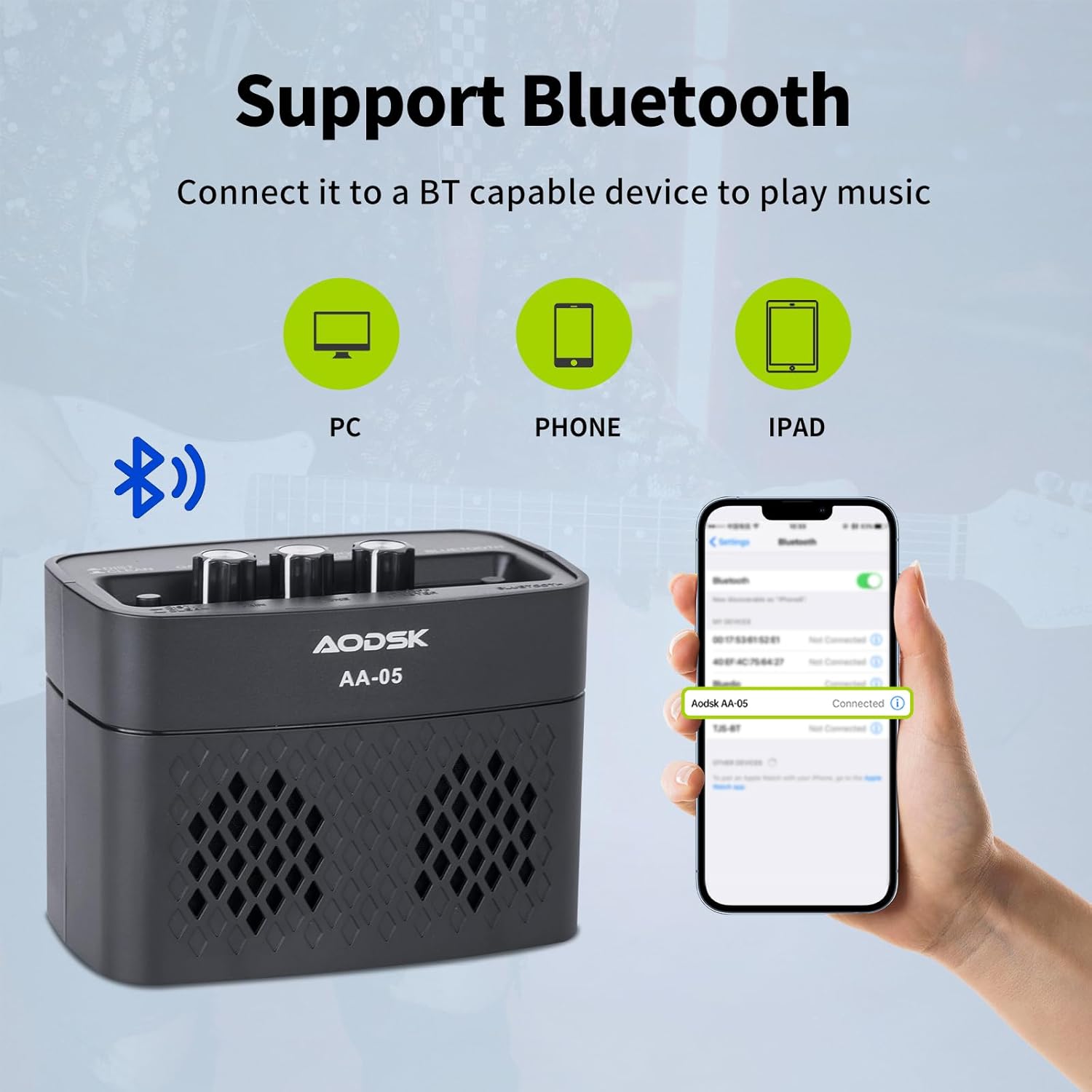
Image: An illustration demonstrating the AODSK AA-05 amplifier's Bluetooth connectivity, showing it can connect to PCs, phones, and iPads to play music.
3. Употреба слушалица
For private practice, connect standard 3.5mm headphones to the Earphone Output Jack (7). This will mute the main speaker output.
Одржавање
- Чишћење: Обришите amplifier with a soft, dry cloth. Do not use liquid cleaners or abrasive materials.
- Складиштење: Чувајте ampЧувати на хладном и сувом месту, даље од директне сунчеве светлости и екстремних температура.
- Одржавање батерије: For optimal battery life, avoid fully discharging the battery frequently. Charge the amplifier regularly, even if not in use for extended periods.
Решавање проблема
| Проблем | Могући узрок | Решење |
|---|---|---|
| Нема звука са гитаре | Amplifier not powered on; Volume too low; Guitar cable faulty; Guitar volume off. | Укључи amplifier and increase volume; Check guitar cable and guitar volume. |
| Нема звука са Блуетоотх-а | Bluetooth not paired; Device volume too low; Amplifier volume too low. | Ensure Bluetooth is paired (solid indicator); Increase volume on both device and ampлифиер. |
| Distorted sound (unexpected) | Gain too high; Effect switch in Distortion mode; Faulty cable. | Reduce Gain; Switch to Clean channel; Try a different guitar cable. |
| AmpЛајфер се не пуни | Charging cable faulty; Power adapter faulty; Charge port damaged. | Try a different Type-C cable and power adapter. If issue persists, contact support. |
Спецификације
| Феатуре | Детаљ |
|---|---|
| Назив модела | АА-05 |
| Бранд | АОДСК |
| Излазна снага | 5 Ваттс |
| Излазни канали | 2 (Clean, Distortion) |
| Извор напајања | Напајање батеријом (пуњива литијумска батерија) |
| Трајање батерије | До 8 сати (са пуним пуњењем) |
| Блуетоотх верзија | 5.0 |
| Компатибилни уређаји | Guitar, Bluetooth-enabled audio devices |
| Материјал | Plastic, Metal, Battery |
| Боја | Црно |
| Димензије производа | КСНУМКС к КСНУМКС к КСНУМКС цм (КСНУМКС к КСНУМКС к КСНУМКС инча) |
| Тежина артикла | 567 грама (1.25 лбс) |
Гаранција и подршка
AODSK is committed to customer satisfaction. We offer an unconditional refund for quality issues. You can purchase our products with confidence.
For any questions, concerns, or support needs, please refer to your purchase platform or contact AODSK customer service directly. Please have your model number (AA-05) and purchase details ready when contacting support.