
RAINPOINT HCS021FRF (Sensor) & HWG004WRF (WiFi Hub)
RAINPOINT Smart 3-in-1 Soil Moisture Meter & WiFi Hub User Manual
Model: HCS021FRF (Sensor) & HWG004WRF (WiFi Hub)
1. Увод
The RAINPOINT Smart 3-in-1 Soil Moisture Meter and WiFi Hub system provides comprehensive monitoring of soil moisture, temperature, and light intensity for your plants. This intelligent system allows you to access real-time data and manage your irrigation remotely via the HomGar APP, ensuring optimal growing conditions for your garden, lawn, farm, or indoor plants.
Видео: Готовоview of the RAINPOINT WiFi Soil Moisture Meter.
2. Шта је у кутији
Upon unboxing your RAINPOINT system, please verify that all components listed below are present:
- Soil Moisture Sensor (Model: HCS021FRF)
- Smart Irrigation Hub (Model: HWG004WRF)
- Водич за брзи почетак
- Упутство за употребу сензора
- Хуб Усер Мануал
- Гарантни лист
Video: Unboxing and contents of the WiFi Soil Moisture Sensor and Smart Socket Hub.
3. Производ је готовview
Familiarize yourself with the main components and their functions:
Smart Irrigation Hub
The Smart Irrigation Hub acts as the central communication point for your RAINPOINT devices.
- Контролно дугме: Used for pairing and resetting the hub.
- Паметна утичница: Allows the hub to be plugged into a standard power outlet.

Image: The RAINPOINT Soil Moisture Meter, WiFi Hub, and a smartphone displaying the app interface.
Сензор влаге у земљишту
The Soil Moisture Sensor measures key environmental parameters in the soil.
- Дугме за рад: Used for pairing and resetting the sensor.
- Поклопац батерије: Штити одељак за батерију.

Image: Close-up of the RAINPOINT Soil Moisture Sensor highlighting its modern design and intelligent sensor for surface temperature, soil moisture, and light intensity.
4. Подешавање
4.1 HomGar APP Download & Account Creation
- Преузмите HomGar APP from your device's app store (iOS or Android) or by scanning the QR code provided in the Quick Start Guide.
- Open the HomGar APP and register a new account or log in if you already have one. Follow the on-screen prompts to complete the registration/login process.
- Allow the HomGar APP to use your location to enable weather information and other location-based features.
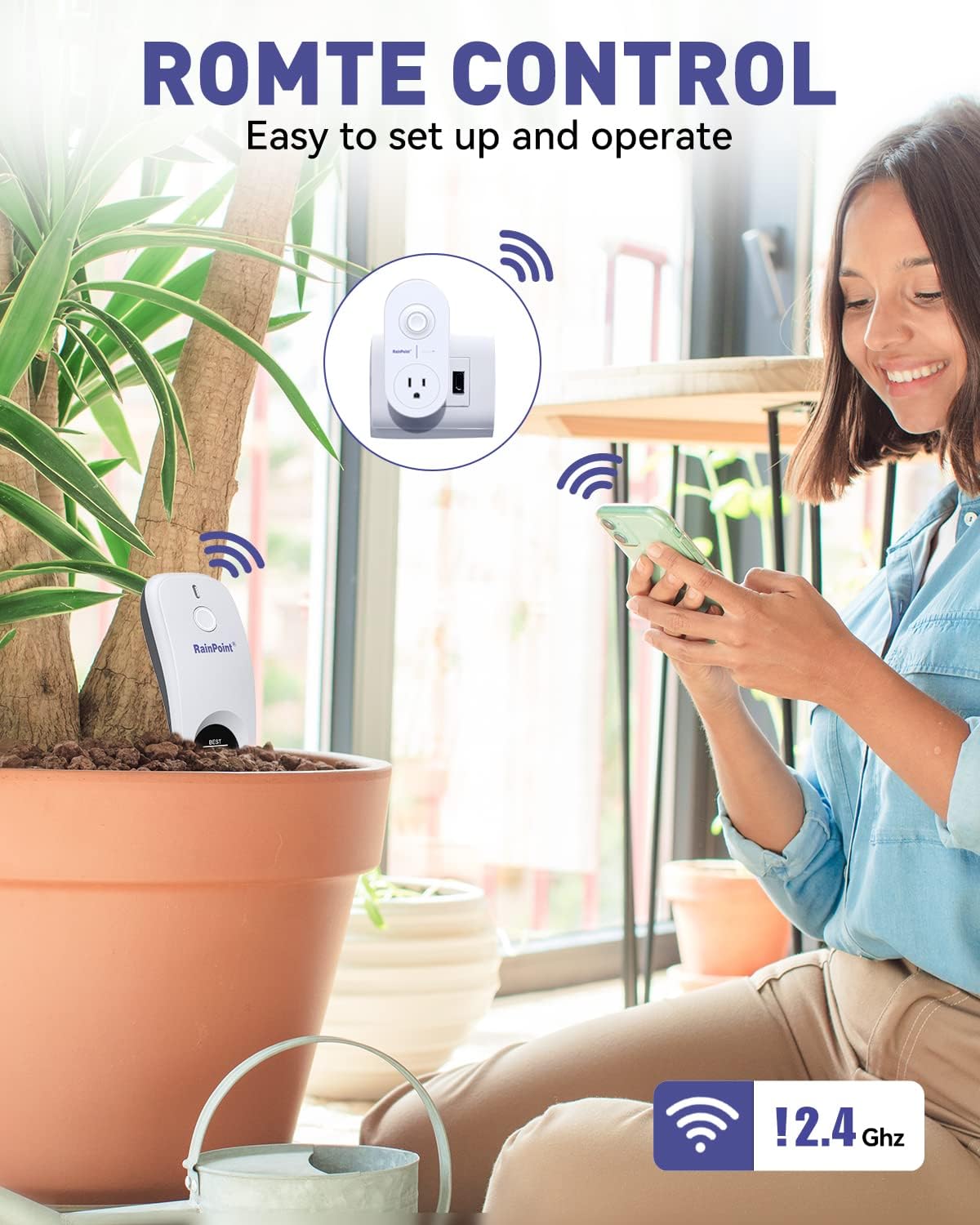
Image: A woman using the HomGar app on her smartphone to remotely control and monitor RAINPOINT devices, emphasizing the 2.4GHz WiFi connection.
4.2 Smart Irrigation Hub Connection
- Plug the Smart Irrigation Hub into a power outlet near your WiFi router.
- Open the HomGar APP. From the home page, tap the "+" button in the top right corner to add a device.
- Изаберите "Socket Hub" са листе уређаја.
- Унесите своје 2.4GHz WiFi network password. If your router is dual-band and you cannot identify the 2.4GHz network, please refer to your router's settings or tap the
Ask a question about this manual
Ask about setup, troubleshooting, compatibility, parts, safety, or missing instructions. Manuals+ will review the question and use this page’s manual context to help answer it.