
Увод
This manual provides essential information for the proper installation, operation, and maintenance of your Donner DHT-S300 Dolby Atmos Soundbar. Please read this manual thoroughly before using the product to ensure optimal performance and safety. Keep this manual for future reference.
Важне информације о безбедности
- Не излажите звучну траку киши, влази или екстремним температурама.
- Осигурајте одговарајућу вентилацију око јединице како бисте спречили прегревање.
- Користите само адаптер за напајање који сте добили уз уређај.
- Не отварајте цasinг; све сервисирање препустите квалификованом особљу.
- Држите саундбар даље од јаких магнетних поља.
Садржај пакета
Проверите да ли су све ставке присутне у пакету:
- Donner DHT-S300 Soundbar
- Ремоте Цонтрол
- ХДМИ кабл
- Повер Адаптер
- Упутство за употребу
Сетуп
КСНУМКС. Постављање
Place the soundbar on a stable, flat surface directly in front of your television. Ensure there is adequate space for sound projection and ventilation. The slim design of the DHT-S300 allows it to fit into narrow spaces, such as below a TV or on a shelf.
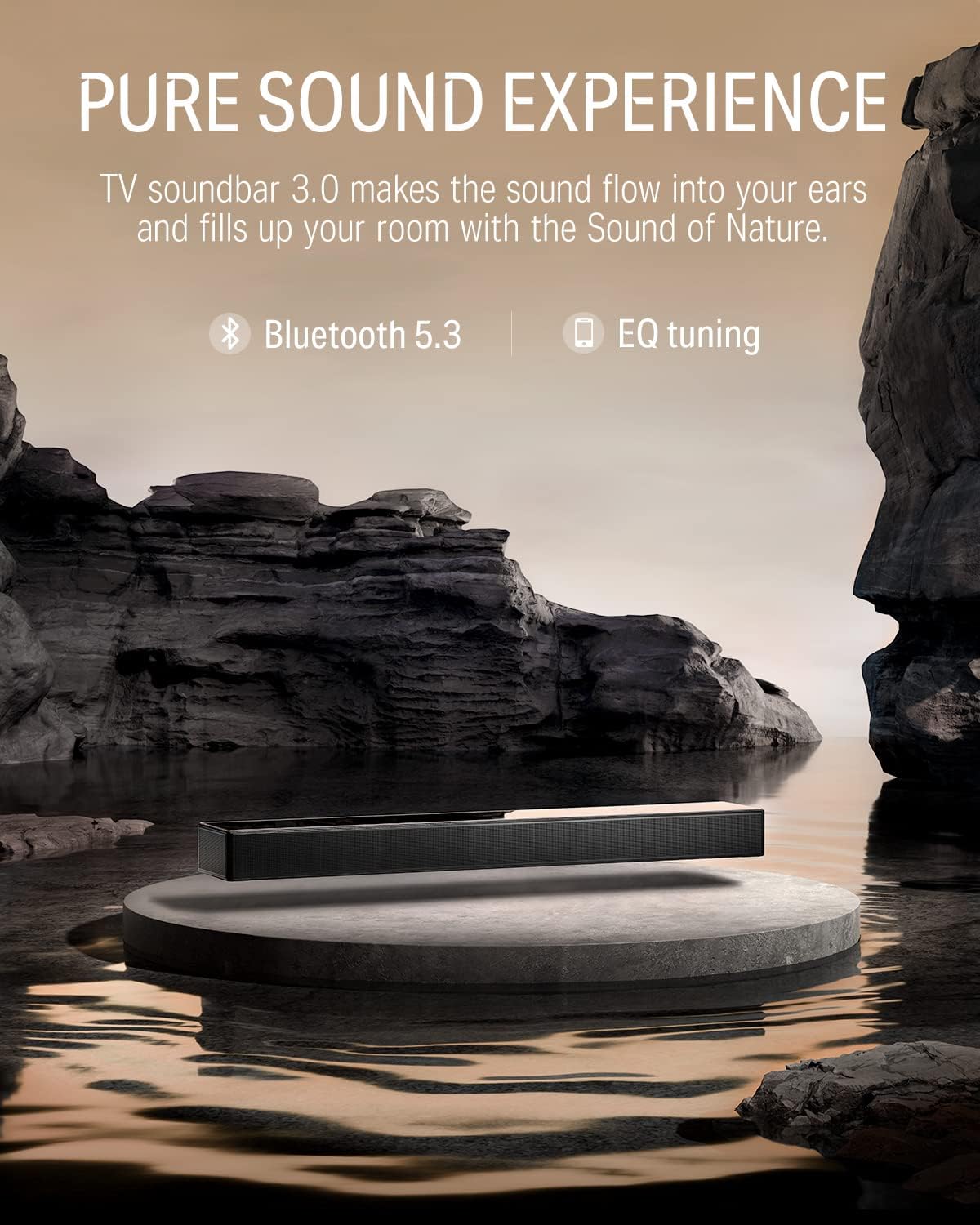
Image: The Donner DHT-S300 soundbar positioned beneath a television on a media console.
2. Везе
Повежите саундбар са телевизором или другим аудио изворима користећи једну од следећих метода:
- ХДМИ (еАРЦ): For optimal audio quality and control, connect the supplied HDMI cable from the soundbar's HDMI eARC port to your TV's HDMI eARC port. This allows for TV remote control of the soundbar volume.
- Оптички: Connect an optical cable (not included) from the soundbar's OPTICAL IN port to your TV's optical output.
- АУКС: Connect a 3.5mm audio cable (not included) from the soundbar's AUX IN port to your audio source's headphone or audio output.
- Блуетоотх: For wireless connection, enable Bluetooth on your device and pair with the 'Donner DHT-S300'.

Image: Close-up of the soundbar's rear panel, highlighting the HDMI eARC, Optical, and AUX input ports for various connection options.
3. Прикључак за напајање
Прикључите адаптер за напајање на улаз за напајање саундбара, а затим га укључите у зидну утичницу.
Операција
1. Укључивање/искључивање
Press the power button on the soundbar's touch panel or the remote control to turn the unit on or off.
2. Избор извора улаза
Use the 'Source' button on the remote or the touch panel to cycle through available inputs: HDMI (eARC), Optical, AUX, and Bluetooth.
3. Контрола јачине звука
Adjust the volume using the '+' and '-' buttons on the soundbar's touch panel or the remote control.
4. Using the Donner Connect App
The Donner Connect app (available for Android and iOS) allows for advanced control and sound customization.
- Преузми: Тражи 'Donner Connect' in your device's app store.
- Повежите се: Pair your mobile device with the soundbar via Bluetooth. Android users can also use NFC for quick pairing by tapping their device on the soundbar's NFC area.
- EQ Editor: Customize sound effects with adjustable bass and treble settings.
- Унапред подешени режими: Select from three optimized sound modes: Music, Movie, and Game.

Image: A smartphone displaying the Donner Connect app, illustrating the interface for soundbar control and equalizer adjustments.
5. Долби Атмос Аудио
The DHT-S300 supports Dolby Atmos technology, enhancing the stereo sense of sound for an immersive audio experience. Ensure your audio source and content support Dolby Atmos for full effect.
Video: An official demonstration of the Donner DHT-S300 TV Soundbar, showcasing its audio capabilities and design. This video illustrates the soundbar's features and how it integrates into a home entertainment setup.
Одржавање
1. Чишћење
Wipe the soundbar's surface with a soft, dry cloth. Do not use liquid cleaners or abrasive materials, as they may damage the finish or internal components. The hardened glass upper cover can be gently cleaned to maintain its elegant appearance.
2. Складиштење
If storing the soundbar for an extended period, disconnect it from power and store it in a cool, dry place, away from direct sunlight and extreme temperatures.
Решавање проблема
| Проблем | Могући узрок | Решење |
|---|---|---|
| Нема струје | Кабл за напајање није повезан; утичница је неисправна. | Уверите се да је кабл за напајање безбедно повезан. Покушајте са другом утичницом. |
| Нема звука | Incorrect input source; volume too low; cables loose. | Select correct input source. Increase volume. Check all audio cable connections. |
| Проблеми са Блуетоотх упаривањем | Soundbar not in pairing mode; device too far. | Ensure soundbar is in Bluetooth mode. Move device closer. Restart both devices. |
| Даљински управљач не ради | Батерије су празне; препрека између даљинског управљача и саундбара. | Replace remote batteries. Remove any obstructions. |
Спецификације
- Модел: ДХТ-С300
- Бренд: Доннер
- Технологија повезивања: Bluetooth 5.3, HDMI (eARC), Optical, AUX
- Режим аудио излаза: Surround (Dolby Atmos compatible)
- Тип звучника: Soundbar with 5 drivers (tweeter, midrange, woofer)
- Метод контроле: Touch panel, Remote, App Control (Donner Connect)
- Димензије артикла (Д к Ш к В): 27.55 cm x 4.33 cm x 2.3 cm
- Тежина артикла: 3.67 килограма
- Извор напајања: Електрични са каблом (120 В АЦ)
- Блуетоотх опсег: 10 метара
- Однос сигнала и шума: 95 дБ
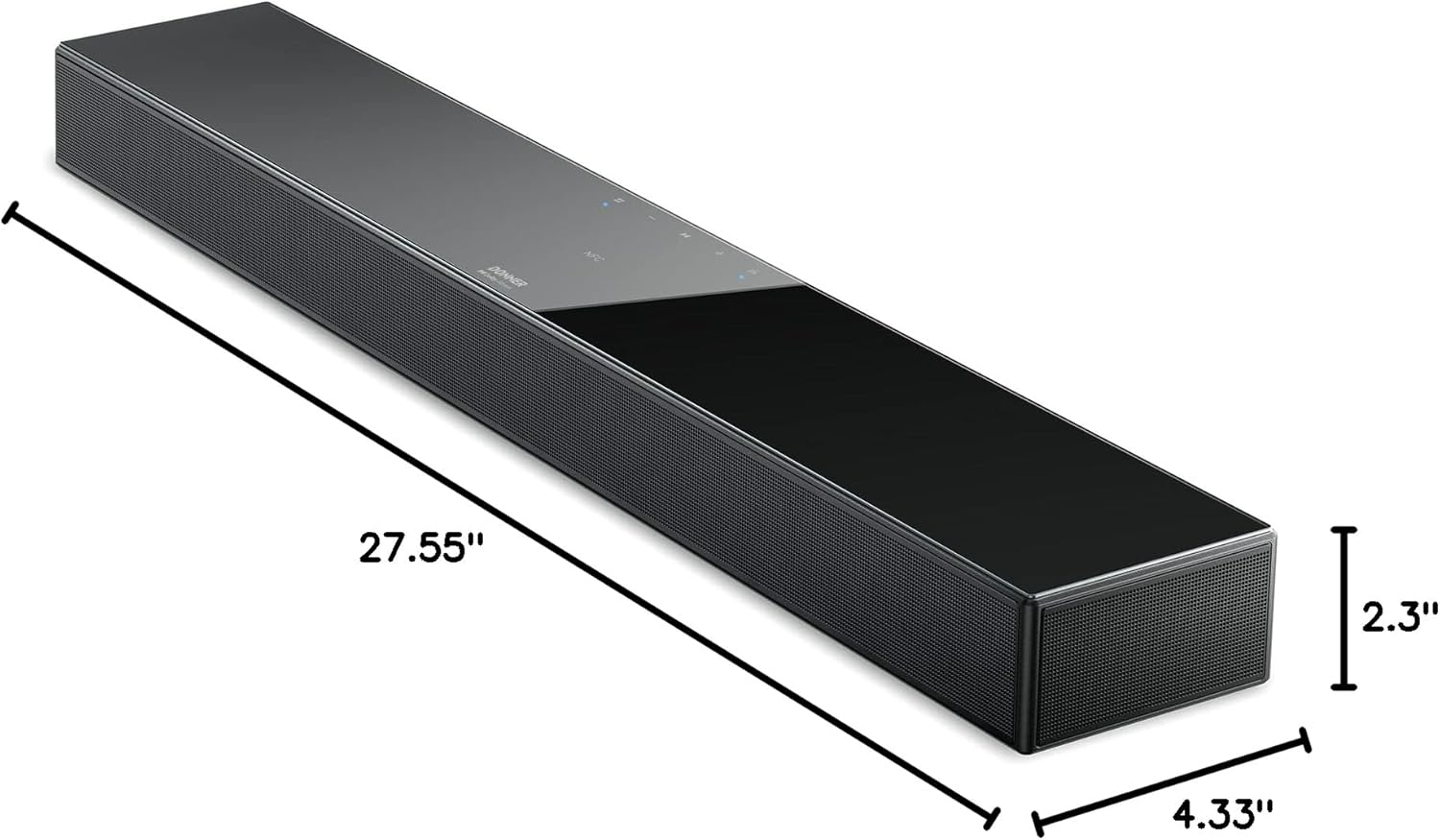
Image: A diagram illustrating the precise dimensions of the Donner DHT-S300 soundbar, including length, width, and height.
Гаранција и подршка
Donner provides a limited warranty for this product. For detailed warranty information, product registration, or technical support, please visit the official Donner website or contact customer service using the information provided in your product packaging. Please retain your proof of purchase for warranty claims.
Службено Webсајт: ввв.доннердеал.цом