
Jectse Jectseyk2xncfqmi-15
Jectse Voice Activated Watch with Digital Audio Recorder User Manual
Model: Jectseyk2xncfqmi-15
Увод
This manual provides comprehensive instructions for the Jectse Voice Activated Watch with Digital Audio Recorder. This device is designed for discreet audio and video recording, featuring noise reduction, automatic file saving, and OTG connectivity. Please read this manual thoroughly before using the product to ensure proper operation and to maximize its features.
Карактеристике производа
- Видео снимак: Supports HD video recording for capturing visual moments.
- Смањење буке: Built-in chip for stable recording in complex environments, reducing noise for clear sound.
- OTG Connection: Allows direct connection to a phone for file access without a computer.
- Аутоматско чување: Аутоматски чува files when the battery is low to prevent data loss.
- Издржљив дизајн: Shakeproof and sweat-proof for reliable use in various conditions.
Сетуп
1. Пуњење уређаја
Before first use, fully charge the recorder watch. Connect the provided charging cable to the USB Data socket on the device and to a power source (e.g., computer USB port or USB wall adapter). The indicator light will show charging status.
2. Укључивање/искључивање
To power on the device, long press the power button. To power off, long press the power button again. The device will indicate its status via the indicator light.
Упутство за употребу
1. Аудио снимање
To start audio recording, slide the Voice Activated Switch to the 'ON' position. The indicator light will flash to confirm recording has started. To stop and save the recording, slide the switch to the 'OFF' position.
2. Видео снимање
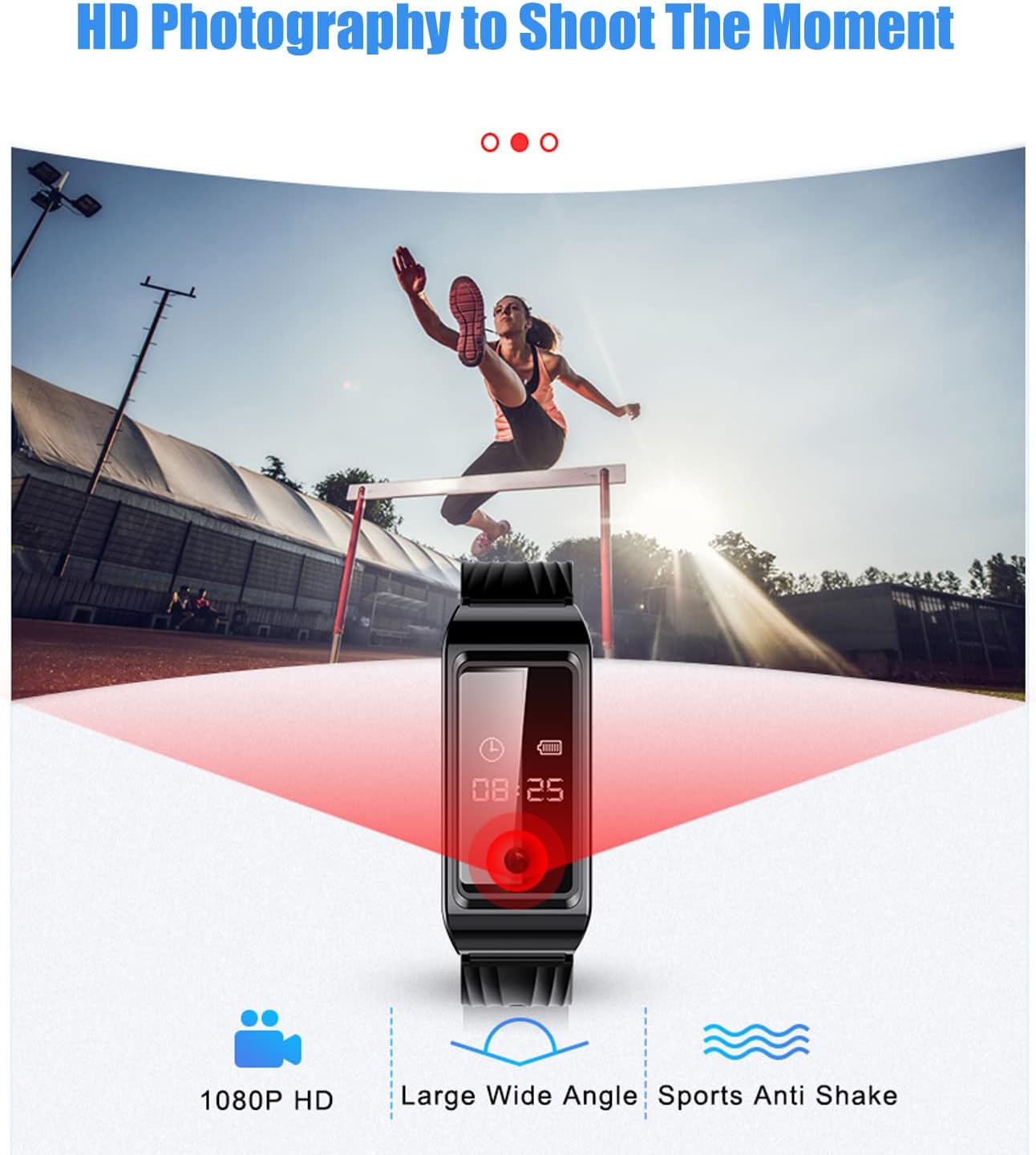
The device supports HD video recording. Refer to the detailed diagram for the 'Recording/Video Recording' button. Press this button to initiate video recording. The indicator light will change to signify video recording is active. Press again to stop recording and save the file.
3. Смањење буке
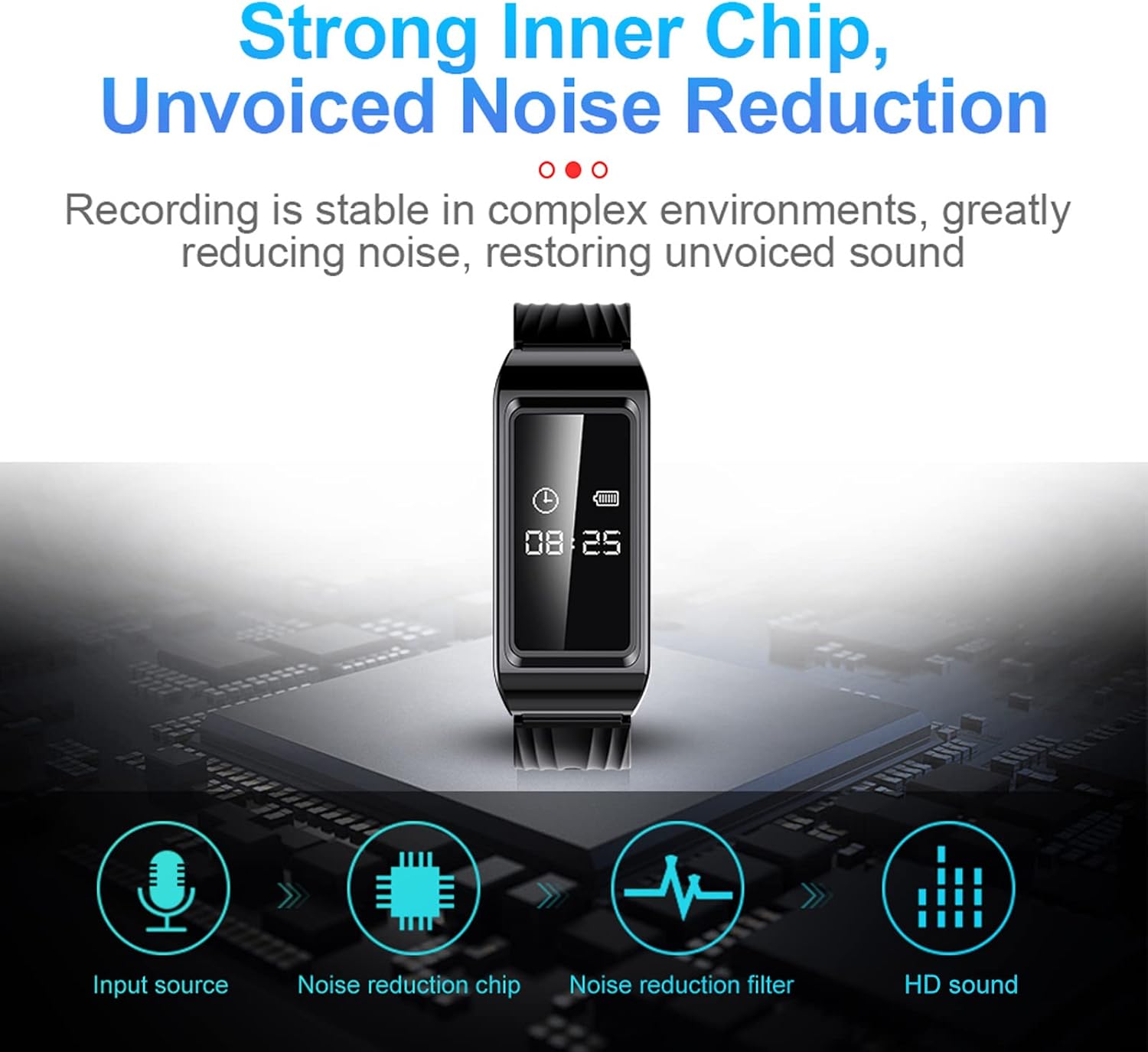
The built-in noise reduction chip automatically processes audio during recording to ensure high-quality, clear sound even in noisy environments.
4. OTG Connection Function
For urgent file access without a computer, use the OTG connection function. Connect the device to your phone using a compatible OTG cable to read and manage fileс директно.

5. Automatic Timestamp
Све снимљено files are automatically stamped with the current date and time, facilitating easy organization and retrieval of specific recordings.

6. Репродукција
To listen to recordings, connect the device to a computer or use the provided earphones. Navigate through the files to select and play your desired recordings.
Одржавање
- Уређај држите чистим и сувим. Избегавајте излагање екстремним температурама или директној сунчевој светлости.
- Do not attempt to disassemble the device, as this will void the warranty.
- Regularly back up your recordings to prevent data loss.
- The device is sweat-proof, but avoid prolonged submersion in water.

Решавање проблема
- Уређај се не укључује: Ensure the device is fully charged. If the issue persists, try resetting the device using the reset button (if available, refer to the product diagram).
- Recording not saving: Check battery level. The device automatically saves files when the battery is low. Ensure sufficient storage space.
- Лош квалитет звука: Ensure the microphone is not obstructed. Try recording in a quieter environment. The built-in noise reduction should help in most situations.
- Cannot connect to PC/Phone: Ensure the USB cable or OTG adapter is correctly connected. Try a different port or cable.

Спецификације
| Врста ставке | Recorder Watch |
| Материјал | АБС |
| Време пуњења | 2 сата |
| Формат слике | ЈПГ |
| Формат снимања | ВАВ |
| Видео Формат | АВИ |
| Ленс Параметерс | F NUMBER 2.25 |
| Резолуција слике | 1920 к 1080 |
| Уграђена батерија | 300мАх |
| Капацитет меморије | 128 ГБ |
| Време дигиталног снимања | 8 сата |
| Фактор форме микрофона | Уграђени |
| Режим рада микрофона | Стерео |
| Компатибилни уређаји | Персонал Цомпутер |
| Хардверски интерфејс | УСБ |
| Јацк за слушалице | Нема прикључка за слушалице |
| Димензије парцеле | КСНУМКС к КСНУМКС к КСНУМКС цм; КСНУМКС г |
| Земља порекла | Кина |


Гаранција и подршка
For warranty information or technical support, please refer to the official Jectse website or contact their customer service. Details can often be found on the product packaging or through the retailer where the product was purchased.
Ask a question about this manual
Ask about setup, troubleshooting, compatibility, parts, safety, or missing instructions. Manuals+ will review the question and use this page’s manual context to help answer it.