
Увод
This manual provides detailed instructions for the setup, operation, and maintenance of your Sharp SPC483 Digital Alarm Clock. Please read this guide thoroughly to ensure proper use and to maximize the clock's features. This battery-operated alarm clock features a tactile rubberized finish, a clear LCD display with an on-demand blue backlight, and an ascending alarm for a gentle wake-up.
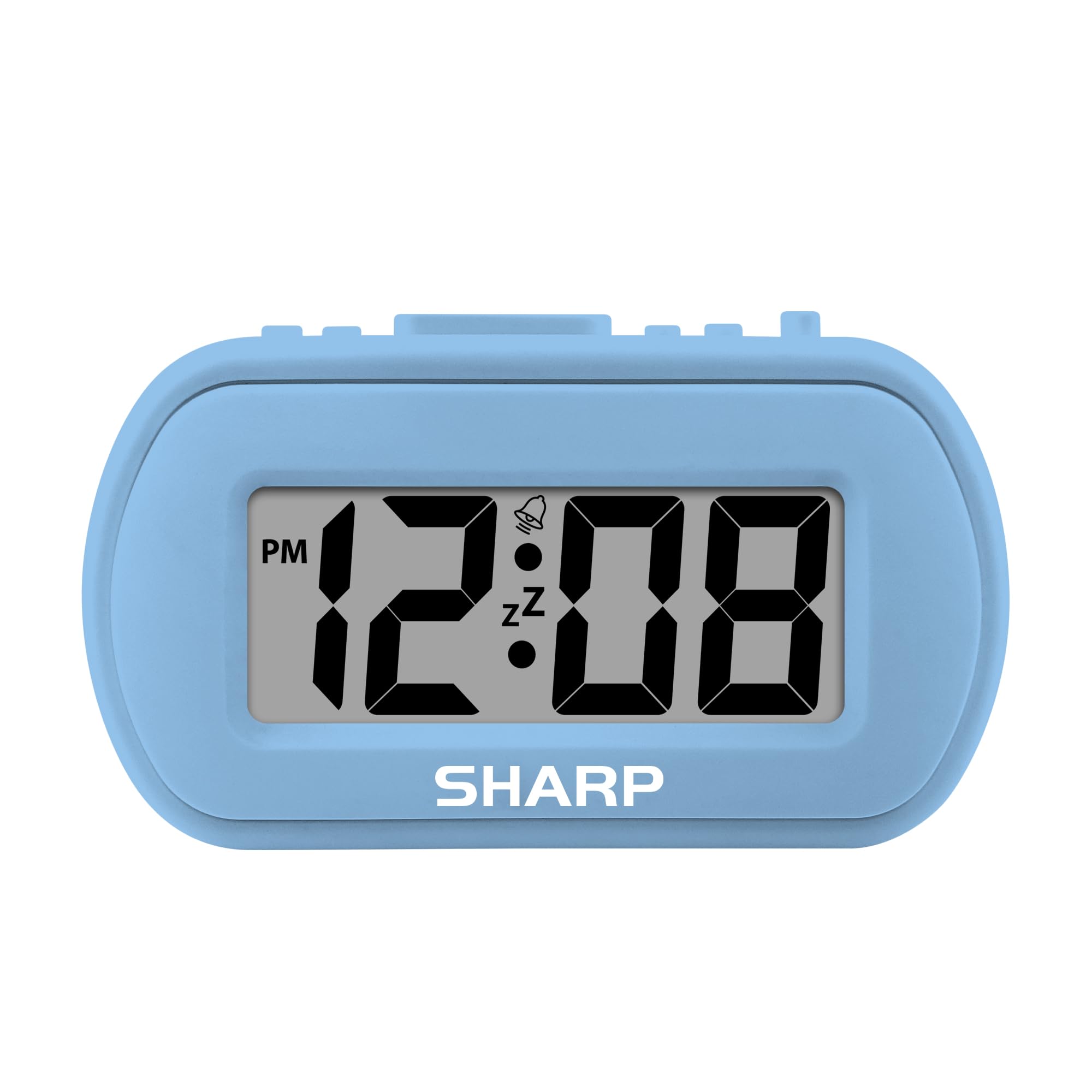
Image: The Sharp SPC483 Digital Alarm Clock, showcasing its compact design and clear digital display.
Производ је завршенview
The Sharp SPC483 Digital Alarm Clock is designed for simplicity and portability. Its key features include:
- Tactile Rubberized Case: Provides a comfortable grip and durable protection.
- Велики ЛЦД екран од 1 инча: Ensures easy readability from a distance.
- Ради на батерије: Requires 2 AAA batteries (not included), offering cordless convenience.
- On-Demand Blue Backlight: Illuminates the display for 5 seconds when activated, ideal for night viewинг.
- растући аларм: Starts softly and gradually increases in volume.
- Одлагање од 5 минута: Allows for additional rest before the alarm sounds again.
- Компактна величина: Measures approximately 4 inches (L) x 1.7 inches (W) x 2.3 inches (H), making it suitable for travel or small spaces.

Image: Key features of the Sharp SPC483 Digital Alarm Clock, including its display, finish, backlight, and alarm type.
Сетуп
1. Инсталација батерије
- Пронађите поклопац одељка за батерије на задњој страни сата.
- Скините поклопац.
- Insert two (2) new AAA batteries, ensuring correct polarity (+ and -) as indicated inside the compartment.
- Вратите поклопац одељка за батерије.

Image: Top controls of the Sharp SPC483 Digital Alarm Clock, indicating button functions for time and alarm settings.
2. Подешавање времена
- Притисните и држите ВРЕМЕНСКИ СКЛОП button (labeled 'AL. TIME' on the left side) until the hour digits begin to flash.
- Притисните тастер HR button to adjust the hour. Note the PM indicator for afternoon hours.
- Притисните тастер МИН тастер за подешавање минута.
- Притисните тастер ВРЕМЕНСКИ СКЛОП button again to confirm the time and exit time setting mode.
Упутство за употребу
1. Подешавање аларма
- Притисните и држите АЛАРМ СЕТ button (labeled 'AL. TIME' on the left side, same button as time set but a short press will show alarm time, long press for setting) until the alarm hour digits begin to flash.
- Притисните тастер HR dugme za podešavanje sata alarma.
- Притисните тастер МИН дугме за подешавање минута аларма.
- Притисните тастер АЛАРМ СЕТ поново притисните дугме да бисте потврдили време аларма.
- Да бисте активирали аларм, померите АЛАРМ УКЉУЧЕН / ИСКЉУЧЕН switch (on the right side) to the 'ON' position. An alarm icon will appear on the display.
- Да бисте искључили аларм, померите АЛАРМ УКЉУЧЕН / ИСКЉУЧЕН пребаците прекидач у положај „ИСКЉУЧЕНО“. Икона аларма ће нестати.
2. Функција одлагања
Када се огласи аларм, притисните велико ОДЛОГ/ПОЗАДИНСКО СВЕТЛО button located on the top center of the clock. The alarm will pause for approximately 5 minutes before sounding again. This can be repeated multiple times.
3. On-Demand Blue Backlight
Да бисте осветлили екран у условима слабог осветљења, притисните ОДЛОГ/ПОЗАДИНСКО СВЕТЛО button. The blue backlight will activate for 5 seconds and then automatically turn off to conserve battery life.
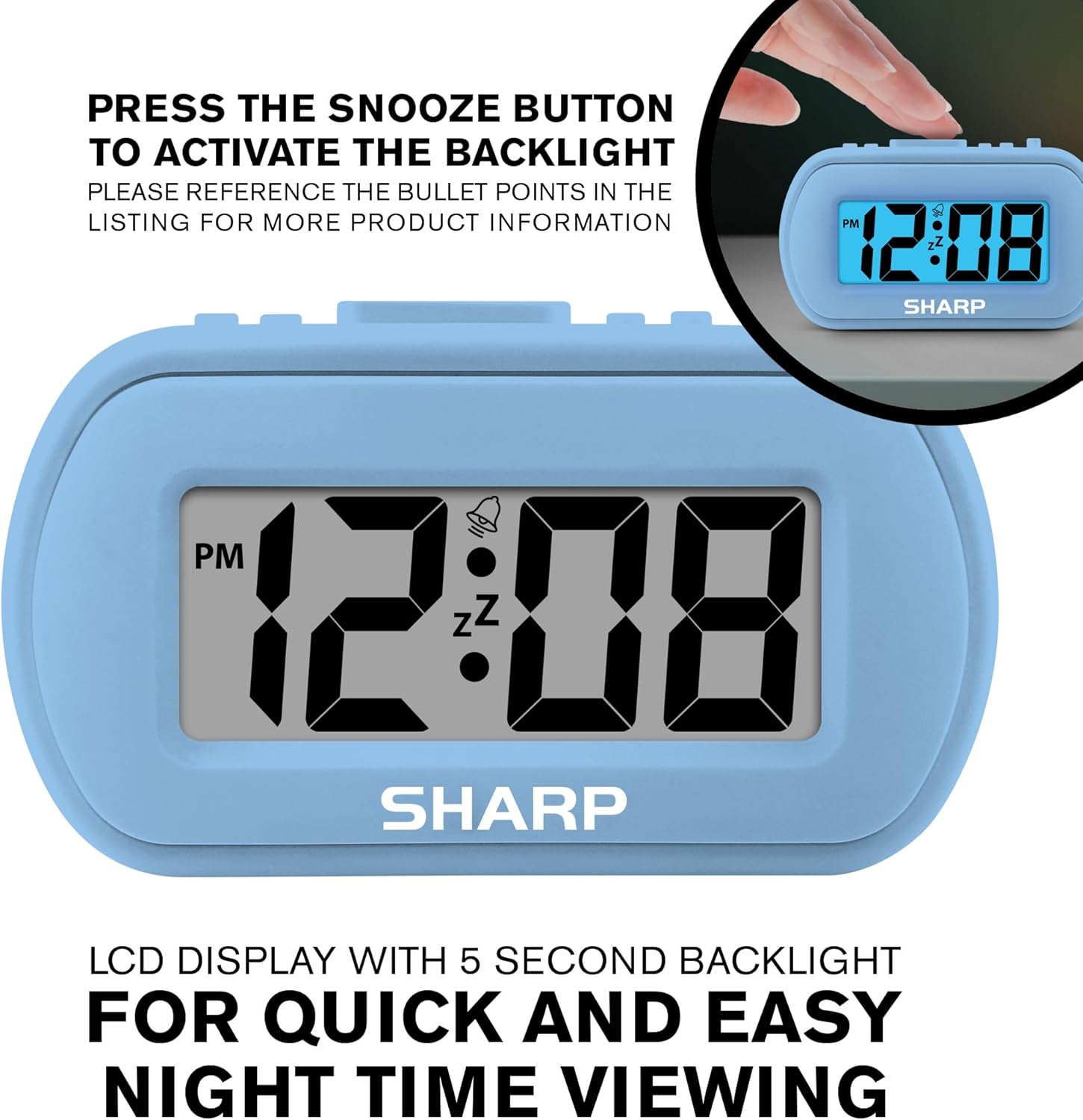
Image: The clock display illuminated by its blue backlight for easy viewинг у мраку.
4. Званични видео производа
Видео: Званична видео презентација производаasing the Sharp Digital Alarm Clock in Light Blue, demonstrating its features and ease of use.
Одржавање
To ensure the longevity and optimal performance of your Sharp SPC483 Digital Alarm Clock, follow these maintenance guidelines:
- Чишћење: Wipe the clock with a soft, dry cloth. Avoid using abrasive cleaners or solvents, as they may damage the finish or display.
- Замена батерије: Replace batteries when the display becomes dim or the clock stops functioning. Always replace both batteries at the same time with new AAA batteries.
- Складиштење: Ако складиштите сат дуже време, извадите батерије како бисте спречили цурење и потенцијално оштећење.
- Окружење: Држите сат даље од екстремних температура, директне сунчеве светлости и високе влажности.
Решавање проблема
| Проблем | Решење |
|---|---|
| Екран је празан или замагљен. | Check battery installation. Replace with new AAA batteries if necessary. Ensure correct polarity. |
| Аларм се не оглашава. | Ensure the ALARM ON/OFF switch is in the 'ON' position. Verify the alarm time is set correctly. |
| Време је погрешно. | Reset the time using the 'Setting the Time' instructions. Check battery strength. |
| Backlight does not activate. | Ensure batteries are fresh. The backlight is on-demand and only stays on for 5 seconds. |
Спецификације
- Број модела: СПЦ483
- Тип приказа: Дигитални ЛЦД
- Извор напајања: Battery Powered (2 x AAA batteries, not included)
- Димензије производа: 4 инча (Д) к 1.7 инча (Ш) к 2.3 инча (В)
- Посебне карактеристике: Ascending Alarm, 5-Minute Snooze, On-Demand Blue Backlight
- Материјал кућишта: Гумени
- Тип собе: Bedroom, Travel

Image: Dimensions of the Sharp SPC483 Digital Alarm Clock, illustrating its compact size.
Гаранција и подршка
For warranty information or technical support, please refer to the documentation included with your purchase or visit the official Sharp webсајт. Сачувајте доказ о куповини за евентуалне рекламације по гаранцији.