
1. Увод
This manual provides essential information for setting up, operating, maintaining, and troubleshooting your HP 15 Laptop. This device is equipped with an Intel Core i5 processor, 16GB RAM, and a 512GB SSD, running on Windows 11 Home. Please read this manual thoroughly to ensure proper use and to maximize the lifespan of your laptop.
2. Садржај пакета
Проверите да ли су све ставке присутне у кутији:
- HP 15 лаптоп
- 45В АЦ адаптер са каблом за напајање
- Кориснички приручник (овај документ)
- 1 Year Warranty information

3. Карактеристике производа
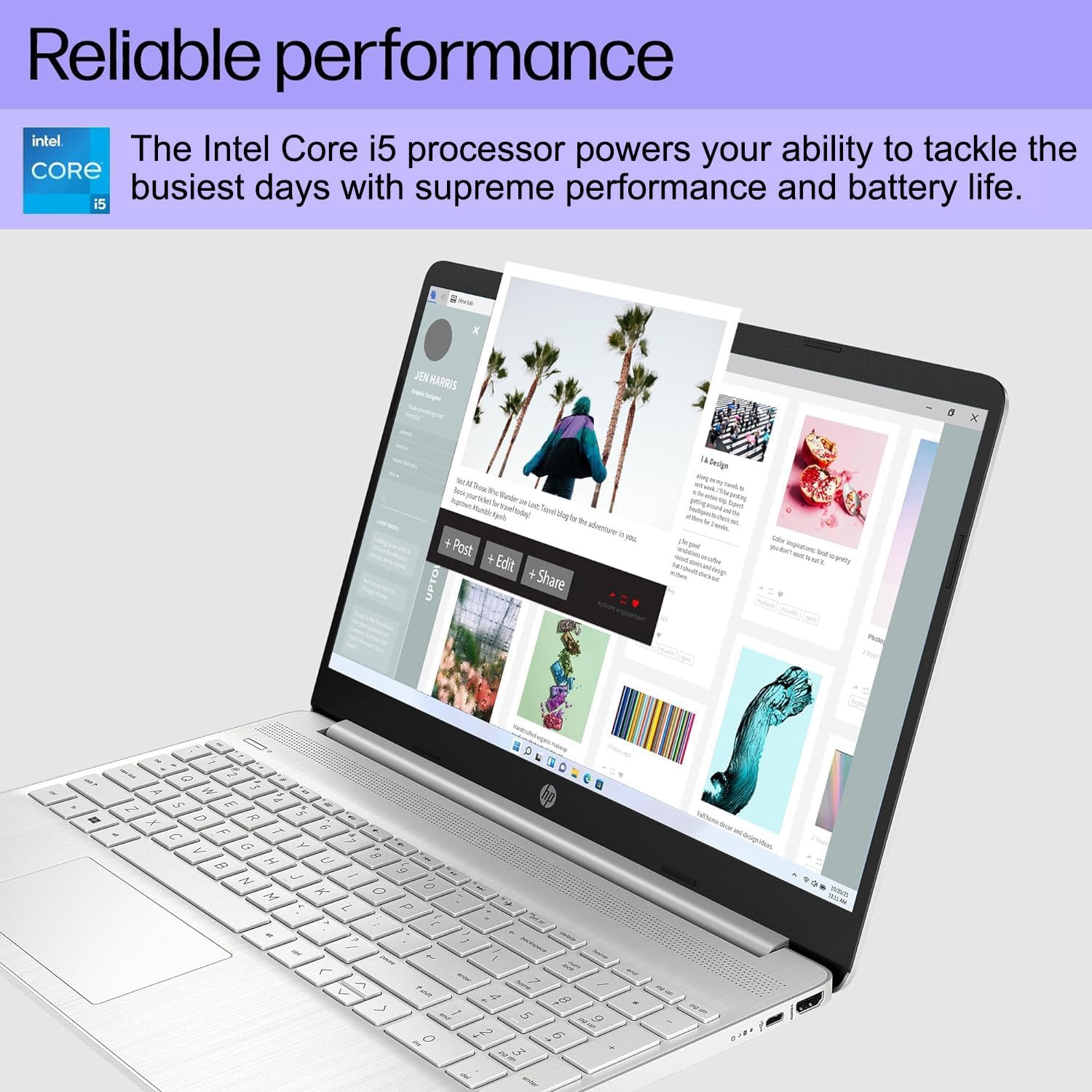
- Поуздане перформансе: Equipped with an Intel Core i5-1135G7 Processor, 16GB DDR4 RAM, and a 512GB PCIe NVMe M.2 SSD for efficient operation and fast storage.
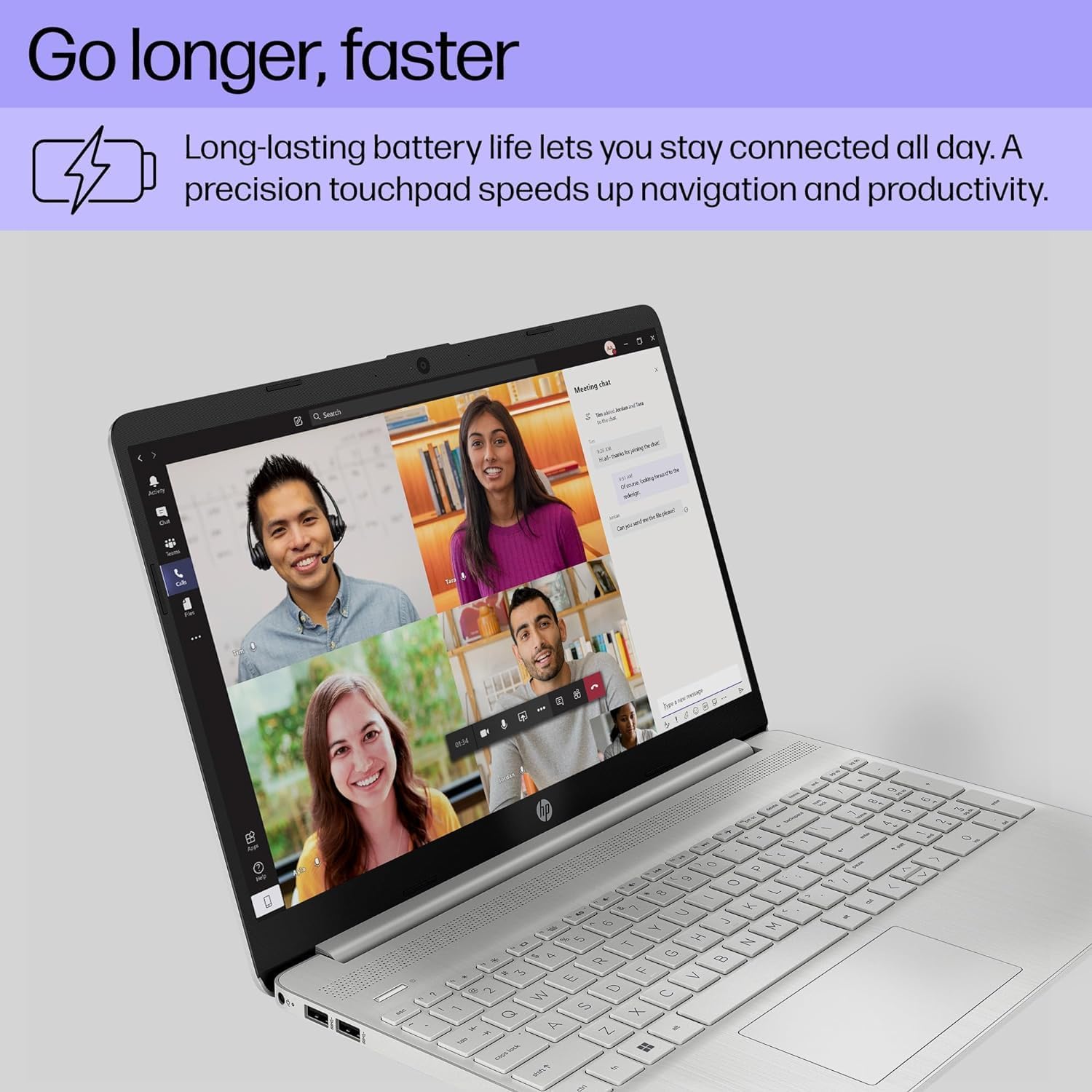
- Продужено трајање батерије: Designed for up to 10 hours of battery life, allowing for prolonged use without frequent recharging.
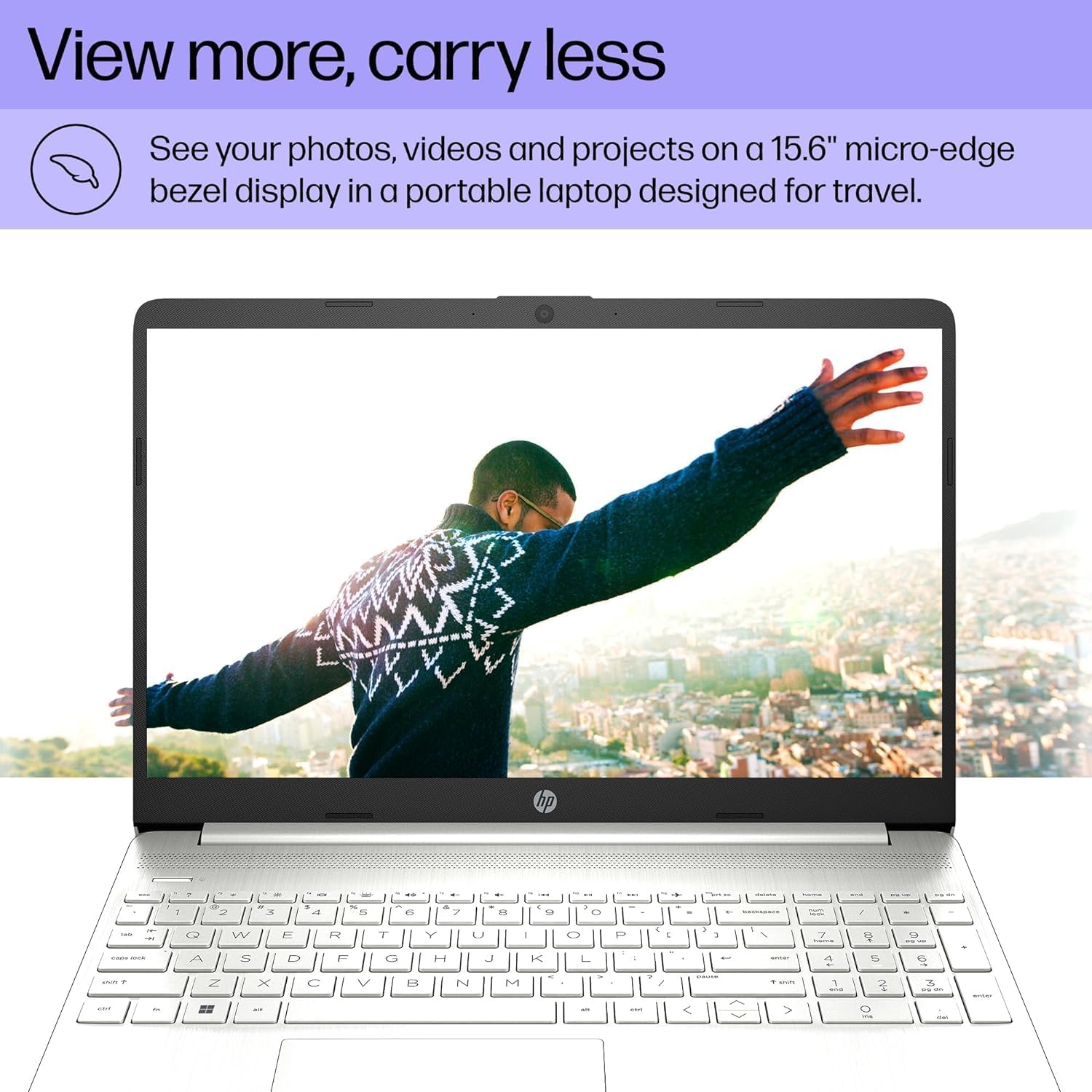
- Очисти екран: Features a 15.6" FHD (1920 x 1080) IPS micro-edge anti-glare BrightView Display with Intel Iris Xe graphics. Supports external monitors via HDMI at 4K (3840x2160) @60Hz.
- Интегрисано Webкамера: HD webcam with advanced noise reduction software and dual array digital microphone for clear video calls. Includes a physical privacy shutter.
- Свестрано повезивање: Includes USB 3.2 Type-C 5Gbps ports, USB 3.1 Type-A 5Gbps ports, HDMI 1.4b, SD media card reader, and an Audio combo jack.
- Бежичне могућности: Supports Wi-Fi 5 (802.11ac) and Bluetooth 5 for reliable wireless connections.
- Оперативни систем: Pre-installed with Windows 11 Home 64-bit, featuring AI-powered Copilot for enhanced productivity.

4. Водич за подешавање
4.1 Почетно укључивање
- Прикључите напајање: Прикључите АЦ адаптер у прикључак за напајање лаптопа, а затим у зидну утичницу.
- Отворите лаптоп: Пажљиво отворите поклопац лаптопа.
- Укључено: Press the power button, usually located on the top right of the keyboard.
- Почетна инсталација Windows-а: Пратите упутства на екрану да бисте завршили подешавање система Windows 11 Home, укључујући језик, регион, мрежну везу и креирање корисничког налога.
4.2 Повезивање периферних уређаја
Користите доступне портове за повезивање екстерних уређаја:
- УСБ уређаји: Connect mice, keyboards, external drives, or printers to the USB Type-A or USB Type-C ports.
- Спољашњи екран: Use an HDMI cable to connect to an external monitor or TV.
- Аудио уређаји: Plug headphones or external speakers into the audio combo jack.
- СД картице: Insert SD media cards into the multi-format SD media card reader.
5. Упутство за употребу
5.1 Основна навигација
- Тоуцхпад: Use the integrated touchpad for cursor control. Tap to click, use two fingers to scroll, and pinch to zoom.
- тастатура: The laptop features a full-size keyboard with a numeric keypad. Function keys (F1-F12) provide quick access to system settings when pressed with the Fn кључ.
- Виндовс 11: Familiarize yourself with the Windows 11 interface, including the Start Menu, Taskbar, and Action Center.
5.2 Коришћењем Webцам
Интегрисани ХД webcam is suitable for video calls and online meetings. Ensure the privacy shutter (if present) is open before use. Access webcam settings through Windows settings or your video conferencing application.
6. Одржавање
6.1 Чишћење
- Екран: Користите меку крпу која не оставља длачицеampводом или средством за чишћење екрана. Избегавајте јаке хемикалије.
- Тастатура и кућиште: Use a soft cloth to wipe surfaces. For dust, use compressed air.
- Портови: Keep ports free of dust and debris to ensure proper connectivity.
6.2 Ажурирања софтвера
Редовно проверавајте и инсталирајте ажурирања за Windows и ажурирања драјвера како бисте осигурали оптималне перформансе и безбедност. Идите на Подешавања > Windows Update.
6.3 Одржавање батерије
- Избегавајте екстремне температуре.
- Немојте често потпуно празнити батерију.
- За дуготрајно складиштење, напуните батерију на око 50-70%.
КСНУМКС. Решавање проблема
| Проблем | Могући узрок | Решење |
|---|---|---|
| Лаптоп се не укључује. | Нема струје, празна батерија, проблем са хардвером. | Ensure AC adapter is securely connected and outlet is working. Charge battery for at least 30 minutes. If issue persists, contact support. |
| Екран је празан. | Режим спавања, подешавања екрана, повезан спољни монитор. | Притисните било који тастер или померите миш да бисте пробудили рачунар из стања спавања. Притисните Fn + F4 (or equivalent display toggle key) to cycle display outputs. Disconnect external monitors. |
| Ви-Фи се не повезује. | Ви-Фи је онемогућен, лозинка је нетачна, проблем је са рутером. | Проверите подешавања за Wi-Fi у оперативном систему Windows да бисте се уверили да је омогућен. Проверите лозинку за Wi-Fi. Поново покрените рутер и модем. |
| Лаптоп ради споро. | Превише отворених програма, мало простора на диску, злонамерни софтвер. | Close unnecessary applications. Free up disk space. Run a virus scan. Check for and install system updates. |
8. Спецификације
| Феатуре | Детаљ |
|---|---|
| Бранд | ист компјутери |
| Назив модела | HP 15 лаптоп |
| Величина екрана | 15.6 инча |
| Боја | Сребро |
| ЦПУ модел | Intel Core i5-1135G7 (11. генерација) |
| Брзина процесора | 2.4 GHz (up to 4.2 GHz) |
| Величина инсталиране РАМ меморије | 16 GB DDR4 (3200 MHz) |
| Величина чврстог диска | SSD од 512 GB (PCIe NVMe M.2) |
| Оперативни систем | Виндовс 11 Хоме 64-бит |
| Грапхицс Цопроцессор | Intel Iris Xe графика (интегрисана) |
| Резолуција екрана | 1920x1080 пиксела (FHD) |
| Рефресх Рате | 60 Хз |
| Бежично повезивање | Wi-Fi 5 (802.11ac), Bluetooth 5 |
| УСБ портови | 1x USB 3.2 Type-C, 2x USB 3.1 Type-A |
| ХДМИ портови | 1к ХДМИ 1.4б |
| Друге луке | SD Media Card Reader, Audio Combo Jack |
| Webцам | HD Webcam (0.9 MP Front Photo Sensor Resolution) |
| Трајање батерије (просечно) | 10 сата |
| Тежина артикла | 3.8 фунти |
| Dimensions (L x W x Thickness) | 14.11 cm D x 9.53 cm Š x 0.71 cm Deb |

9. Гаранција и подршка
Your HP 15 Laptop comes with a 1-годишња ограничена гаранција from the manufacturer on remaining components. Additionally, the upgraded Memory/SSD components are covered by a three-year warranty from Issaquah Highlands Tech.
For technical support or warranty claims, please refer to the contact information provided with your purchase documentation or visit the manufacturer's official support webсајту.