
Увод
Welcome to the user manual for your SUNOL F08 Smart Glasses. These open-ear Bluetooth sunglasses combine audio technology with UV protection, designed for comfort and convenience during various activities. This manual provides essential information for setup, operation, maintenance, and troubleshooting to ensure optimal use of your device.
Карактеристике производа
- Open Ear Listening Design: Allows you to hear audio while remaining aware of your surroundings for safety.
- TWS 5.3 Bluetooth: Provides a fast, reliable connection and high-fidelity sound for calls, navigation, and music.
- Контроле на додир: Intuitive touch-sensitive controls for managing audio and calls without needing to access your paired device.
- UV Protection Lenses: Effectively filter light and protect your eyes from fatigue, especially during outdoor activities.
- Удобан и лаган: Designed for stable wear, suitable for various face shapes and strenuous exercise.
- Водоотпорни дизајн: Withstands rain, making it suitable for use in diverse environments.
Производ је завршенview

Слика: Предња страна view of the SUNOL F08 Smart Glasses, showcasing the sleek design and dark lenses.

Image: The SUNOL F08 Smart Glasses highlighted with key features: Bluetooth connectivity, UV resistance, and lightweight construction.
Геттинг Стартед
Пуњење уређаја
Before first use, fully charge your smart glasses. Connect the provided USB-C charging cable to the charging port on the glasses and to a compatible USB power source. The charging indicator light will show the charging status.
Укључивање/искључивање
- За укључивање: Press and hold the touch button area on the temple for 3 seconds. You will hear an audible confirmation.
- За искључивање: Press and hold the touch button area on the temple for 5 seconds. An audible confirmation will indicate the device is powering down.
Блуетоотх упаривање
- Ensure the smart glasses are powered off.
- Press and hold the touch button area for 3 seconds to power on the glasses. They will automatically enter pairing mode.
- На паметном телефону или уређају који подржава Bluetooth идите на подешавања Bluetooth-а.
- Тражи available devices and select 'TWS-F' from the list.
- Када се повежете, чућете звучну потврду.

Image: Illustration of the Bluetooth 5.3 chip, highlighting the advanced connectivity technology.
Операција
Додирните контроле
The smart glasses feature touch-sensitive controls on the temples for easy management of audio and calls.

Image: The touch control area on the temple of the smart glasses, indicated by a fingerprint icon.
- Пусти/паузирај музику: Single tap the touch area.
- Следећа нумера: Double tap the right touch area.
- Претходни запис: Double tap the left touch area.
- Одговори/заврши позив: Single tap the touch area during an incoming call.
- Одбиј позив: Press and hold the touch area for 2 seconds during an incoming call.
Гласовни асистент
Activate your device's voice assistant (e.g., Siri, Google Assistant) directly from your smart glasses.
- Активирање гласовног помоћника: Triple tap the touch area.
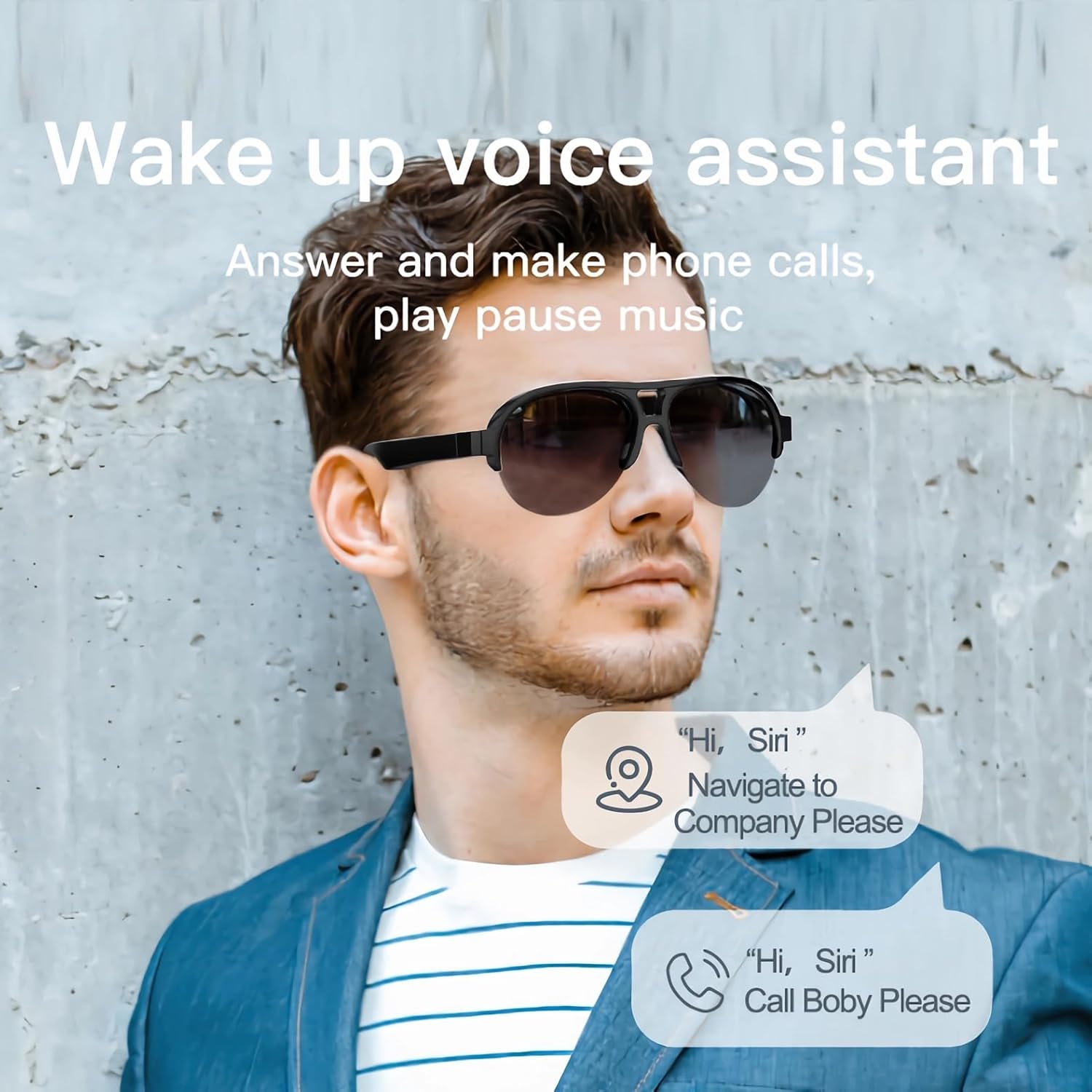
Image: A man wearing the smart glasses, with speech bubbles indicating interaction with a voice assistant for navigation and calls.
Open Ear Audio
The open-ear design allows for audio playback while maintaining situational awareness. Sound is directed towards your ears, minimizing leakage to others.

Image: A diagram illustrating the directional sound output from the smart glasses' speakers towards the ear, ensuring privacy and clear audio.
Одржавање
Чишћење
To clean your smart glasses, use the provided lens cloth or a soft, lint-free cloth. For lenses, a specialized lens cleaning solution can be used. Avoid harsh chemicals or abrasive materials that may damage the lenses or frame.
Водоотпоран дизајн
The SUNOL F08 Smart Glasses feature an IPX4 waterproof rating, meaning they are resistant to splashing water from any direction. This makes them suitable for use in light rain or during sweaty activities. Do not submerge the glasses in water or expose them to pressurized water streams.
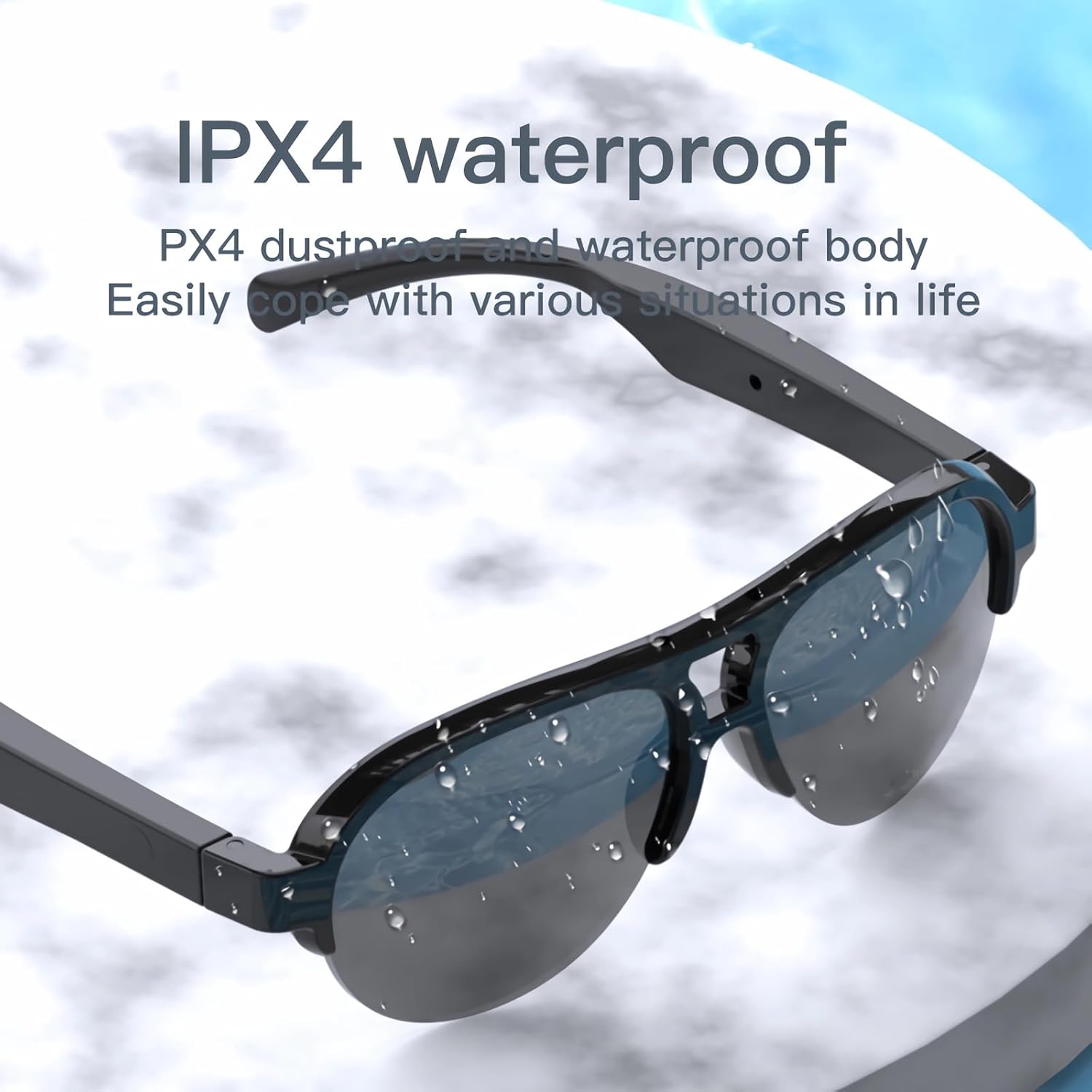
Image: The smart glasses with water droplets on the lenses and frame, demonstrating their IPX4 waterproof capability.
UV Protection Lenses
The lenses provide UV protection, blocking harmful ultraviolet rays. Keep lenses clean to maintain optimal clarity and protection.
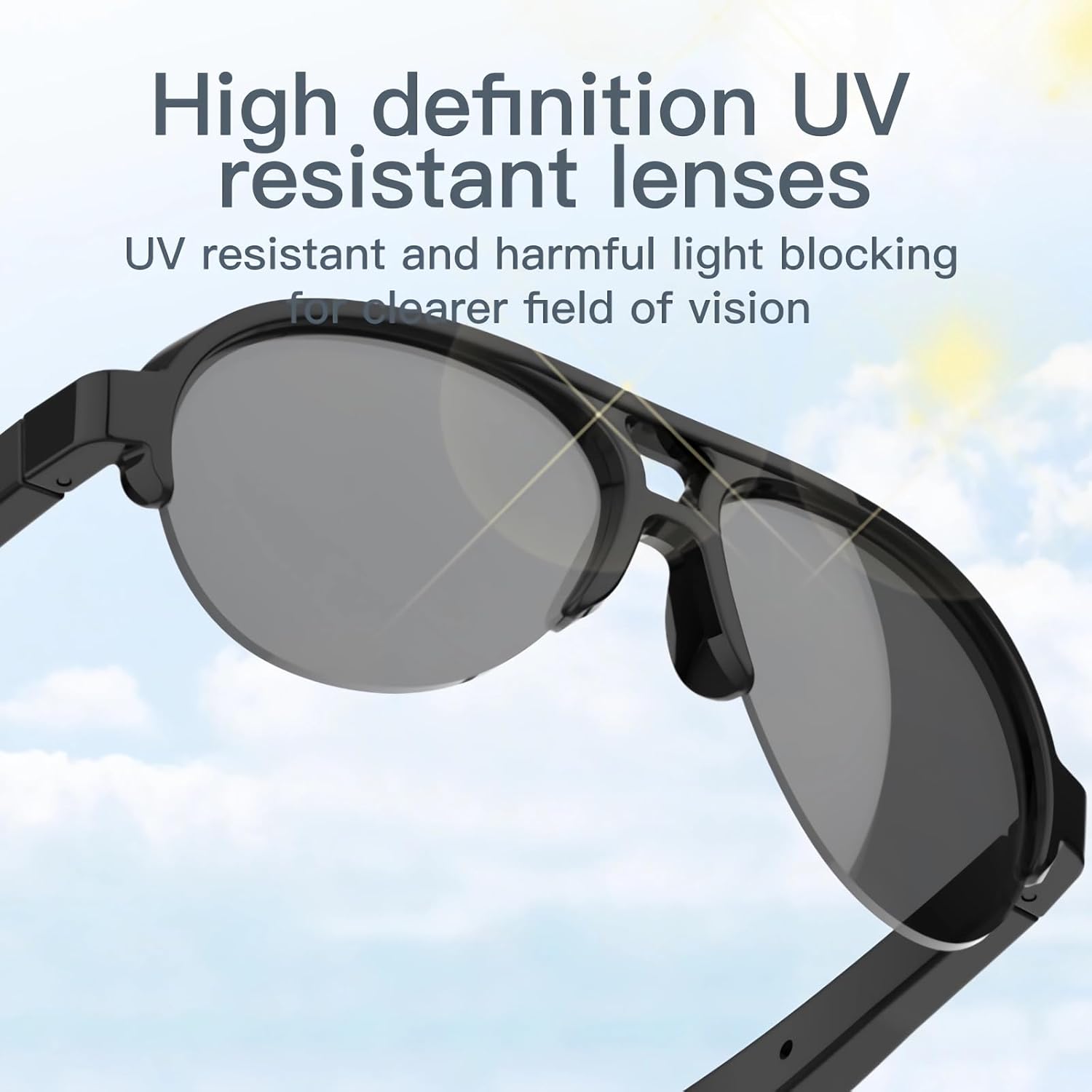
Image: The smart glasses with sun rays reflecting off the lenses, symbolizing their high-definition UV resistant properties.
Техничке спецификације
| Феатуре | Спецификација |
|---|---|
| Модел | Ф08 |
| Блуетоотх верзија | ТВС 5.3 |
| Тип батерије | Литхиум Полимер |
| Димензије производа | 5.12 к 2.76 к 2.05 инча |
| Тежина производа | 3.21 унци |
| Отпорност на воду | IPX4 (отпоран на прскање) |
| ASIN | B0C2Z1DG4M |

Image: The smart glasses with an overlay indicating approximately 2.5 hours of battery life.
Решавање проблема за
- Device will not power on: Ensure the glasses are fully charged. Connect to a power source and try again.
- Cannot pair with Bluetooth:
- Ensure the glasses are in pairing mode (power on, then check for 'TWS-F' in your device's Bluetooth list).
- Уверите се да је Блуетоотх омогућен на вашем уређају.
- Приближите наочаре свом уређају.
- Поново покрените и наочаре и уређај.
- Нема звука или је јачина звука ниска:
- Check the volume level on both the glasses and your paired device.
- Уверите се да су наочаре правилно повезане путем Блутут-а.
- Verify that the audio is playing from the correct output source on your device.
- Додирне контроле не реагују: Ensure your fingers are clean and dry. Try restarting the glasses.
Безбедносне информације
- Не покушавајте да раставите или модификујете уређај.
- Држите уређај даље од екстремних температура, директне сунчеве светлости и отвореног пламена.
- Avoid exposing the device to corrosive liquids.
- Користите само приложени кабл за пуњење или сертификовани еквивалент.
- Одложите батерије и електронске компоненте одговорно у складу са локалним прописима.
Гаранција и подршка
For warranty information or technical support, please refer to the documentation included with your purchase or contact the retailer. Specific warranty terms and conditions may vary.