
1. Увод
This manual provides comprehensive instructions for the LENVII D7800 Desktop Automatic 2D Barcode Scanner. Please read this manual carefully before using the product to ensure proper operation and to maximize its performance and lifespan. Keep this manual for future reference.
2. Безбедносне информације
- Не излажите скенер води или прекомерној влажности.
- Avoid dropping the scanner from heights exceeding 1.2 meters to prevent damage, despite its anti-shock design.
- Не покушавајте сами да растављате или поправљате скенер. Обратите се квалификованом сервисеру.
- Keep the scanning window clean to ensure optimal performance.
- Avoid direct eye exposure to the scanner's light source.
3. Садржај пакета
Проверите да ли су све ставке присутне у пакету:
- LENVII D7800 Desktop Automatic 2D Barcode Scanner
- USB кабл (интегрисан)
- Кориснички приручник (овај документ)

Слика 3.1: Package contents including the scanner, USB cable, and user manual.
4. Производ је готовview
4.1 Кључне карактеристике
- Хандс-фрее дизајн: Omnidirectional scanning for 1D, 2D, and QR codes.
- CCD Scanning Technology: Capable of reading barcodes from mobile phone and computer screens, as well as damaged, blurred, distorted, colorful, or reflective barcodes.
- Плуг анд Плаи: No driver installation required.
- Широка компатибилност: Works with Windows XP/7/8/10, Mac OS, and Linux operating systems.
- Подесива глава: Features a 15° adjustable head for flexible scanning angles.
- Anti-shock Design: Пројектован да издржи падове са висине до 1.2 метра.
4.2 Димензије
The scanner has compact dimensions suitable for desktop use.

Слика 4.1: Предња и бочна view of the LENVII D7800 scanner with dimensions indicated.
4.3 Anti-shock Design
The LENVII D7800 is designed for durability, capable of withstanding accidental drops from a height of 1.2 meters without affecting its functionality.

Слика 4.2: Illustration of the scanner's anti-shock capability.
5. Подешавање
5.1 Повезивање скенера
- Place the LENVII D7800 scanner on a stable, flat surface.
- Connect the integrated USB cable from the scanner to an available USB port on your computer (desktop or laptop).
- The scanner will power on automatically and initiate the "Plug and Play" process.

Слика 5.1: The scanner connected to various devices, demonstrating its plug-and-play functionality.
5.2 Инсталација драјвера
The LENVII D7800 is a plug-and-play device. No additional drivers or software installation is required for basic operation. Your operating system (Windows, Mac OS, Linux) will automatically recognize the device.
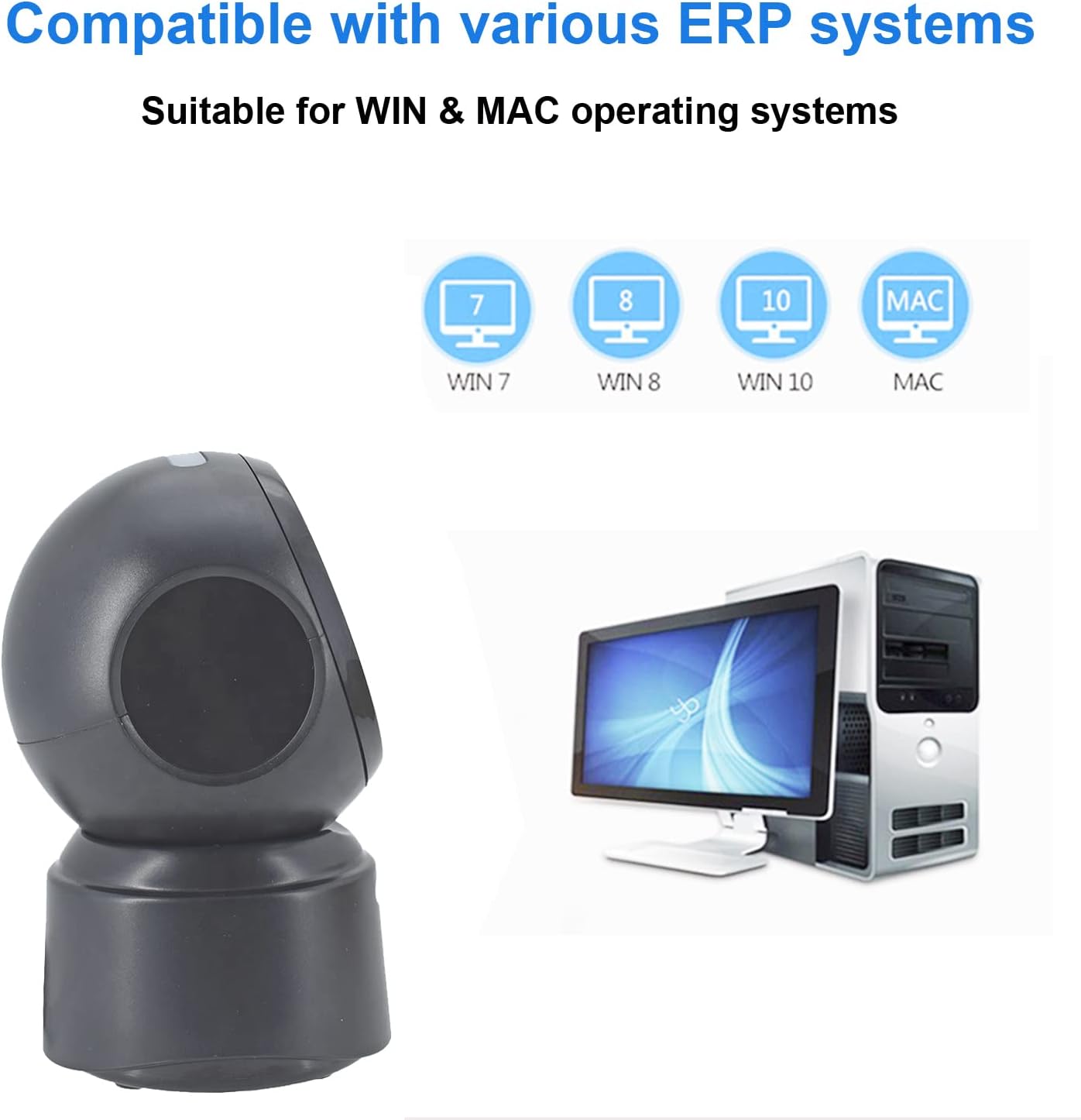
Слика 5.2: Compatibility with various operating systems.
6. Упутство за употребу
6.1 Основна процедура скенирања
The D7800 scanner operates in an automatic, hands-free mode. Once connected, it is ready to scan.
- Уверите се да је скенер повезан са рачунаром и да је укључен.
- Present the barcode to the scanning window. The scanner will automatically detect and read the barcode.
- A successful scan is typically indicated by an audible beep and/or a visual confirmation (e.g., LED indicator).
- The scanned data will be transmitted to your computer as keyboard input.
6.2 Scanning Barcode Types
The scanner supports a wide range of 1D, 2D, and QR codes, including those that are less than perfect.
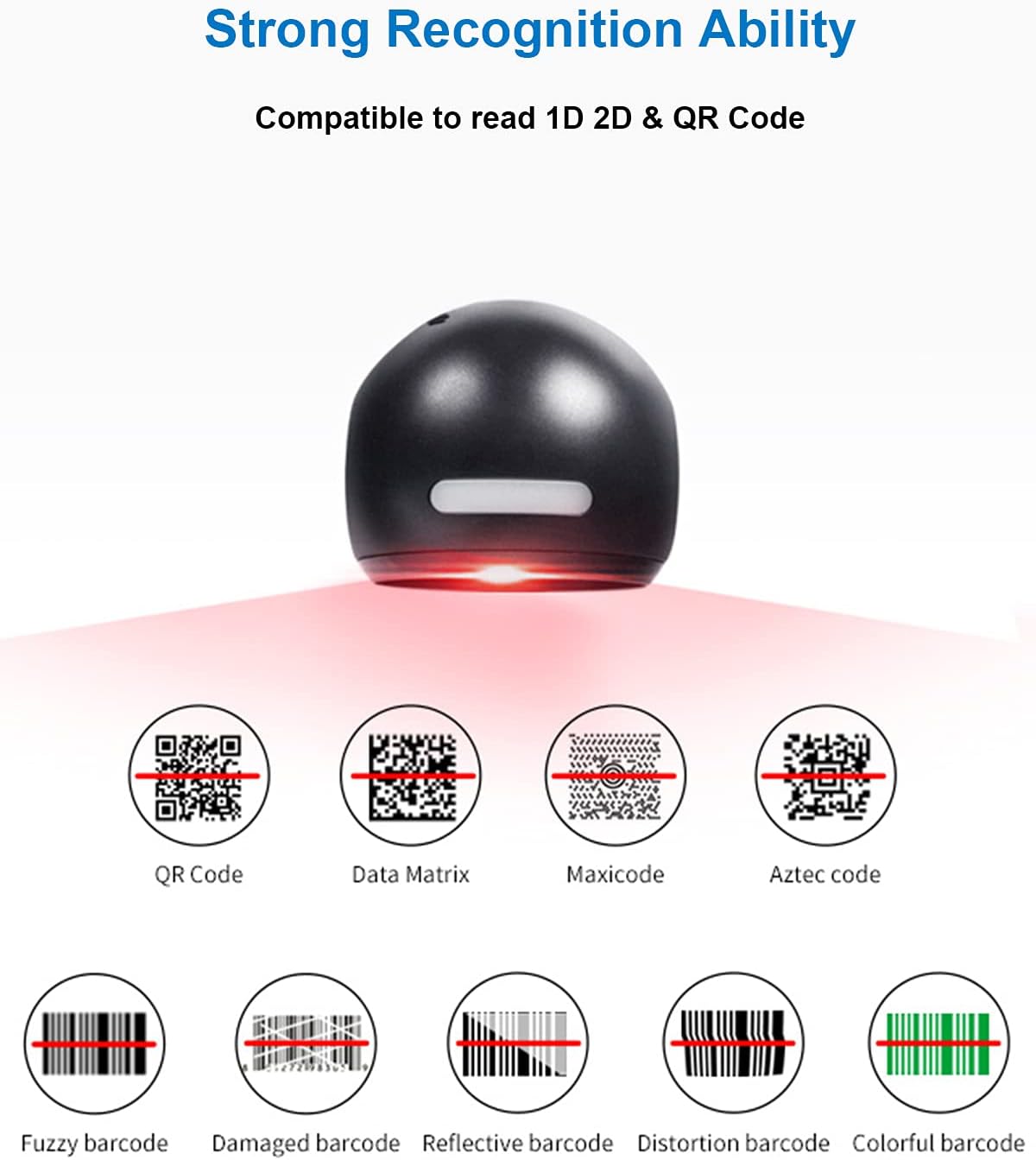
Слика 6.1: Examples of various barcode types and conditions the scanner can recognize.
6.3 On-Screen Barcode Scanning
The D7800 is capable of scanning barcodes directly from digital displays, such as smartphones, tablets, and computer monitors.

Слика 6.2: The scanner reading a barcode from a digital screen. Exampбар код: 1234567890
6.4 Сценарији примене
The LENVII D7800 is suitable for various environments requiring efficient barcode scanning.
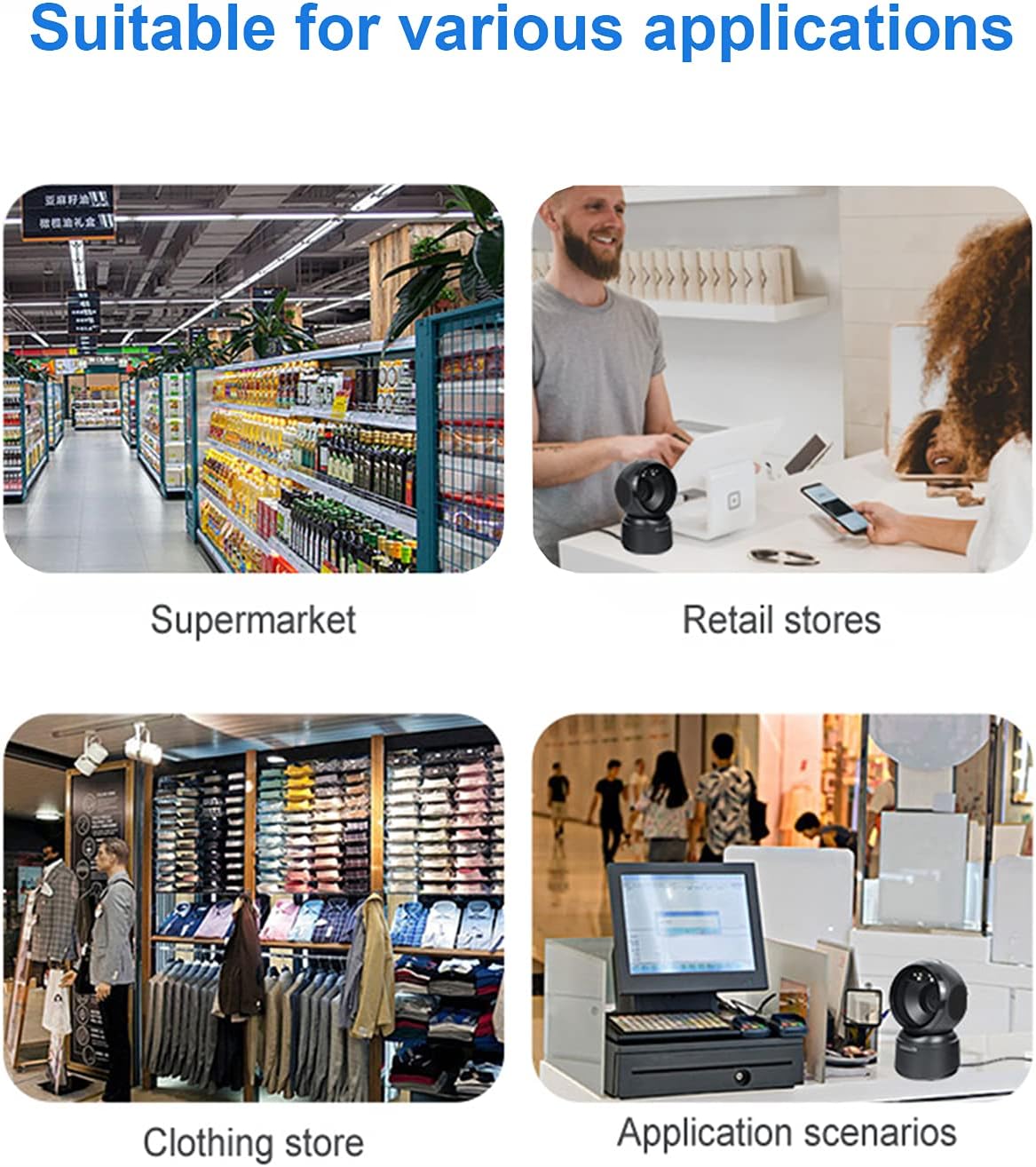
Слика 6.3: Common application environments for the scanner.
7. Одржавање
7.1 Чишћење скенера
- Ensure the scanner is disconnected from the power source before cleaning.
- Користите меку, суву крпу која не оставља влакна да обришете спољашњост скенера.
- За прозор за скенирање користите крпу за чишћење сочива или меку крпу лагано обришитеampened with a mild, non-abrasive cleaning solution. Avoid spraying cleaners directly onto the scanner.
- Do not use harsh chemicals, solvents, or abrasive materials, as these can damage the scanner's surface or scanning window.
7.2 Складиштење
When not in use, store the scanner in a cool, dry place, away from direct sunlight and extreme temperatures. The maximum storage temperature is 60°C (140°F).
КСНУМКС. Решавање проблема
| Проблем | Могући узрок | Решење |
|---|---|---|
| Скенер се не укључује. | USB кабл није правилно повезан или је USB порт неисправан. | Ensure the USB cable is securely connected. Try a different USB port on your computer. |
| Скенер не чита баркодове. |
|
|
| Скенирани подаци су нетачни или непотпуни. |
|
|
Ако проблем и даље постоји након покушаја ових решења, обратите се корисничкој подршци.
9. Спецификације
| Феатуре | Детаљ |
|---|---|
| Модел | Д7800 |
| Тип | 2D CMOS Wired Barcode Scanner |
| Начин повезивања | УСБ |
| Димензије (Ш к В к Д) | 84 мм x 140.2 мм x 90.1 мм (приближно 3.31 x 5.52 x 3.55 инча) |
| Тежина | 230 г (приближно 0.51 фунте) |
| Материјал | АБС |
| Боја | Црно |
| Извор светлости | 617nm LED (aimer); 6500K LEDs (illumination) |
| Сензор слике | 640*480 ЦМОС |
| Процесор | АРМ 32-бит |
| Брзина скенирања | 200 пута / с |
| Повер | ДЦ 5В |
| Цуррент | 400мА ±5% |
| Компатибилан ОС | Виндоус XP/7/8/10, Мак ОС, Линукс |
| 1D Code Support | EAN-8, EAN-13, Codabar, CODE 39, CODE 93, CODE 128, China Post, GS1-128, UPC-A, UPC-E, ISBN/ISSN, ISBT, Interleaved 2 of 5, Standard 2 of 5, Matrix 2 of 5, Industrial 2 of 5, MSI, RSS, ITF14, Telepen, etc. |
| 2D/QR Code Support | Micro QR Code, Data Matrix, PDF417, Micro PDF417, Maxicode, Aztec, Hanxin, etc. |
| Максимална температура складиштења | 60°Ц (140°Ф) |
10. Гаранција и подршка
10.1 Информације о гаранцији
LENVII products are covered by a limited warranty against defects in materials and workmanship. Please refer to the warranty card included with your product or contact LENVII customer support for specific warranty terms and conditions.
10.2 Корисничка подршка
For technical assistance, troubleshooting, or product inquiries, please contact LENVII customer support. Contact information can typically be found on the product packaging or the official LENVII webсајту.