
1. Увод
Thank you for choosing the Jectse Digital Voice Recorder Watch. This portable wristband device is designed for convenient audio recording in various settings, including lectures, meetings, and personal notes. It features advanced noise reduction, voice-activated recording, and a timestamp function for precise record-keeping. Its sleek design and long battery life make it an ideal companion for students, professionals, and anyone needing reliable audio capture.

The Jectse Digital Voice Recorder Watch is discreet and portable, suitable for various recording needs.
2. Садржај пакета
Молимо вас да проверите пакет за следеће ставке:
- Digital Voice Recorder Watch
- УСБ кабл за пуњење
- Earbuds (3.5mm jack)
- Упутство за употребу

The package includes the Digital Voice Recorder Watch, USB charging cables, and earbuds for playback.
3. Производ је готовview
Familiarize yourself with the components of your Jectse Digital Voice Recorder Watch:
- Дугме за снимање: Initiates and stops recording.
- Прекидач: Укључује или искључује уређај.
- УСБ порт: За пуњење и пренос података.
- микрофон: Built-in for audio capture.
- Слушалице: For connecting earbuds for private playback.
- Светло индикатора: Displays device status (recording, charging, low battery).
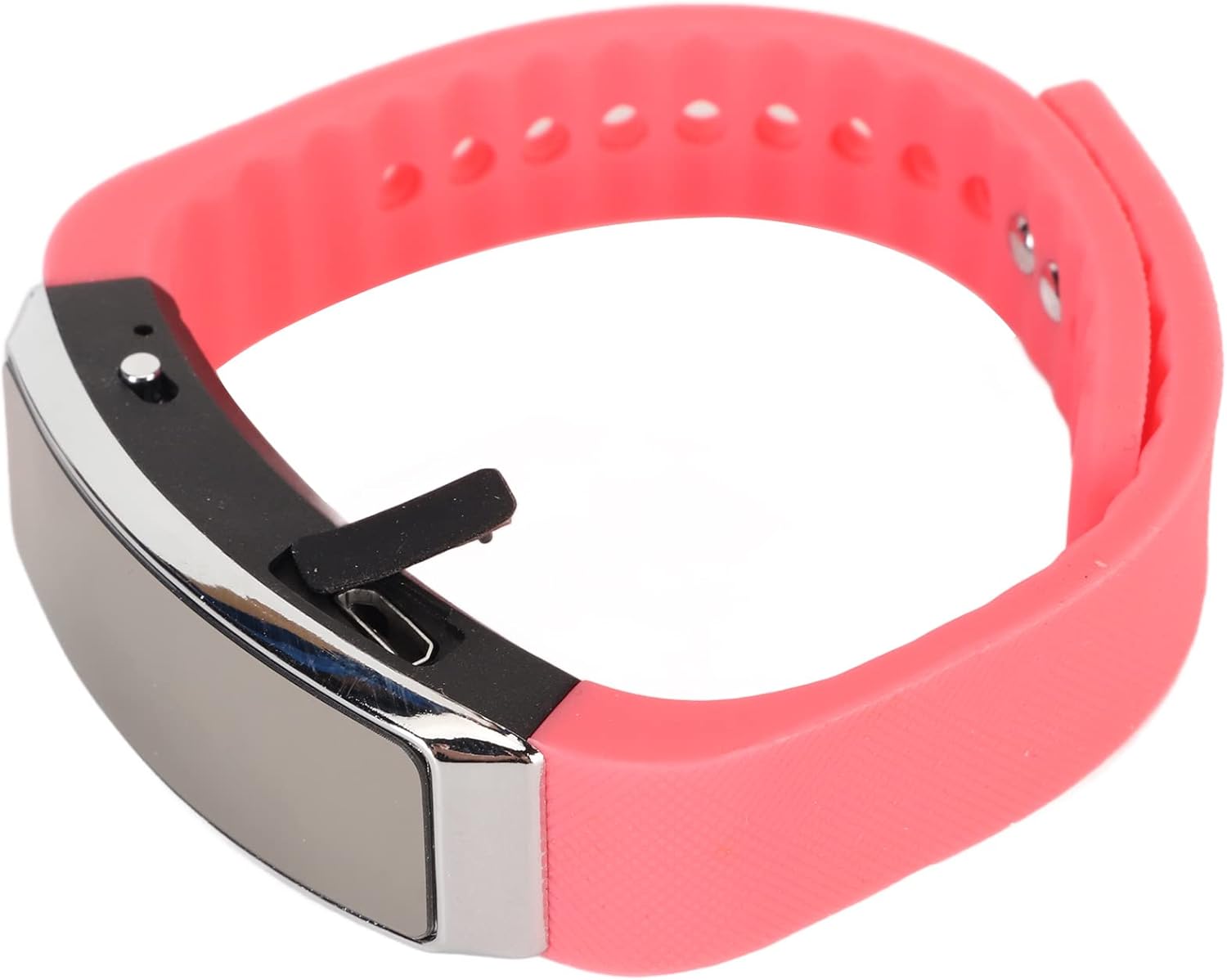
Сиде view of the recorder watch, highlighting its compact design and accessible controls.

Врх view of the recorder watch, showcasinг његову модерну естетику.
4. Подешавање
4.1. Пуњење уређаја
- Connect the small end of the USB charging cable to the USB port on the recorder watch.
- Connect the larger end of the USB cable to a USB power adapter (not included), computer USB port, or other compatible charging device.
- The indicator light will show the charging status. A full charge typically takes a few hours.

The USB port for charging and data transfer is located on the side of the device, protected by a small flap.
4.2. Setting Time and Date (Timestamp)
Да бисте осигурали тачно времеamps on your recordings, connect the device to a computer. The device will automatically synchronize its time and date with your computer's system time. No manual adjustment is typically required.
5. Упутство за употребу
5.1. Укључивање/искључивање
- To power on: Slide the power switch to the 'ON' position. The indicator light will briefly illuminate.
- To power off: Slide the power switch to the 'OFF' position. The device will save any active recording before shutting down.
5.2. Voice Activated Recording
The device supports voice-activated recording, which means it will automatically start recording when sound is detected and pause when there is silence, conserving battery and memory.
- Уверите се да је уређај укључен.
- The recorder will automatically enter voice-activated recording mode. The indicator light may flash or change color to indicate active recording.
- To stop recording, slide the power switch to the 'OFF' position. The recording will be saved automatically.
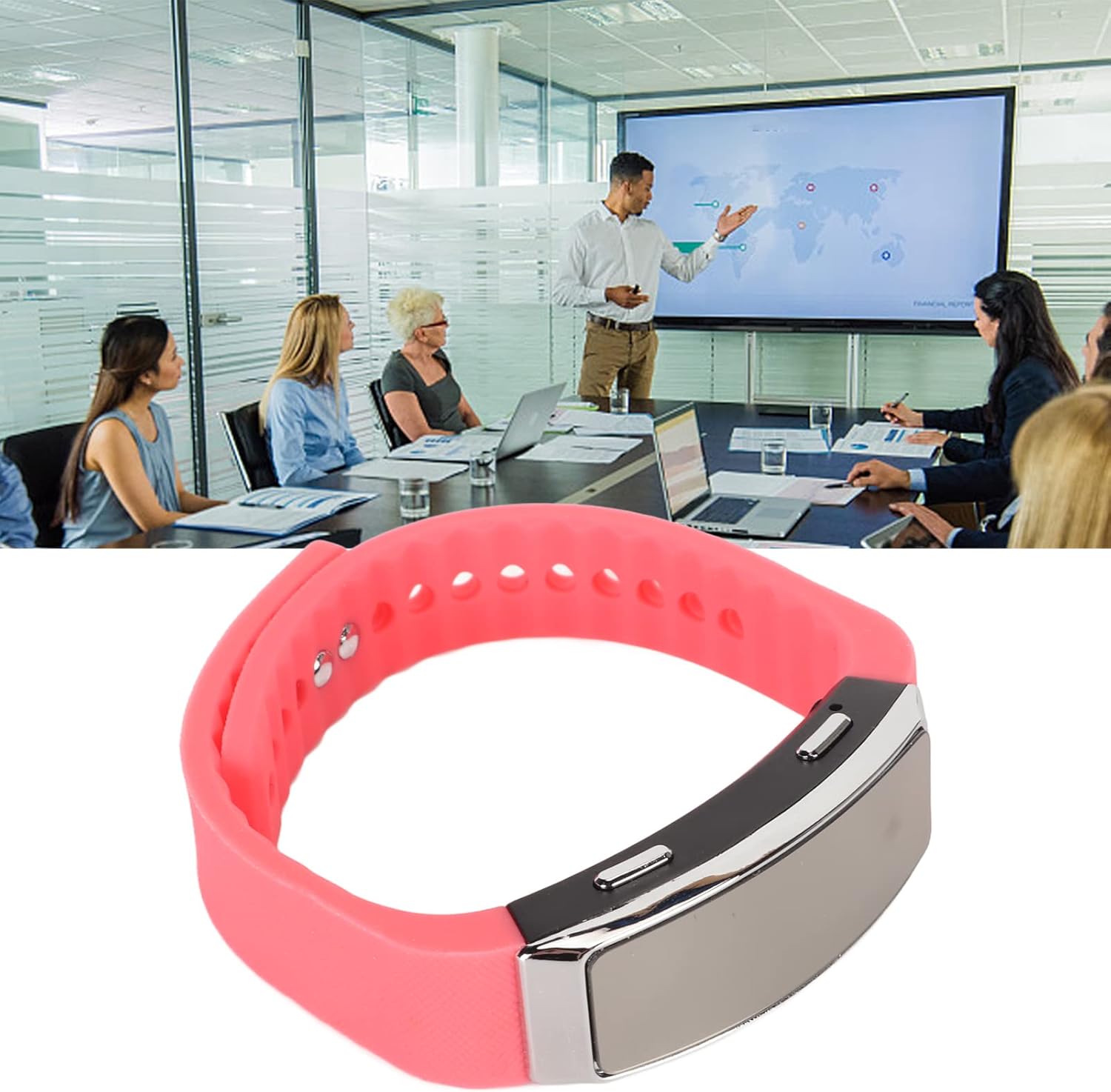
The voice recorder watch is ideal for capturing important discussions in meetings.
5.3. Репродукција
To listen to your recordings:
- Уверите се да је уређај искључен.
- Plug the included earbuds into the headphone jack on the recorder watch.
- Slide the power switch to the 'ON' position. The device will automatically enter playback mode.
- Use the control buttons (if available on the earbuds or device, refer to specific model instructions) to navigate through recordings, adjust volume, or pause/play.
5.4. Connecting to PC/Transferring Files
- Уверите се да је уређај искључен.
- Connect the recorder watch to your computer using the USB charging cable.
- The computer should recognize the device as a removable disk.
- Open the device folder to access your recorded audio files (typically in WAV format).
- Можете копирати, преместити или избрисати fileс по потреби.
6. Одржавање
- Чишћење: Користите меку, суву крпу за чишћење уређаја. Избегавајте употребу јаких хемикалија или абразивних материјала.
- Складиштење: Уређај чувајте на хладном и сувом месту, даље од директне сунчеве светлости и екстремних температура.
- Одржавање батерије: Да бисте продужили век трајања батерије, избегавајте често потпуно пражњење батерије. Редовно пуните уређај, чак и ако га не користите дуже време.
КСНУМКС. Решавање проблема
- Уређај се не укључује: Уверите се да је батерија напуњена. Прикључите се на извор напајања и покушајте поново.
- Не може се снимати: Check if the device has sufficient memory. Transfer fileна рачунар да бисте ослободили простор.
- Лош квалитет звука: Ensure the microphone is not obstructed. Record in a quieter environment or closer to the sound source. The built-in noise reduction feature helps, but extreme noise can still affect quality.
- Не могу да се повежем са рачунаром: Try a different USB port or cable. Ensure the device is powered off before connecting.
8. Спецификације
| Феатуре | Детаљ |
|---|---|
| Бранд | Јецтсе |
| Број модела | Jectsetqeg4s2wir-11 |
| Капацитет меморије | 8 ГБ |
| Battery Life (Continuous Recording) | 20 сата |
| Време приправности | До 30 дана |
| Фактор форме микрофона | Уграђени |
| Аудио формат | ВАВ |
| Хардверски интерфејс | УСБ |
| Јацк за слушалице | 3.5 милиметара |
| Компатибилни уређаји | Персонал Цомпутер |
| Посебне карактеристике | Voice Activated, Noise Reduction, Timestamp |
9. Гаранција и подршка
The Jectse Digital Voice Recorder Watch comes with a standard manufacturer's warranty. For specific warranty details, returns, or technical support, please refer to the product packaging or contact your retailer. Keep your purchase receipt as proof of purchase.
10. Важне информације о безбедности
- Не излажите уређај екстремним температурама, директној сунчевој светлости или високој влажности.
- Избегавајте испуштање или излагање уређаја јаким ударима.
- Чувати ван домашаја деце.
- Не покушавајте сами да растављате или поправљате уређај. То ће поништити гаранцију.
- Одложите уређај и његову батерију одговорно у складу са локалним прописима.