
ДОКАУС ЛИФЕ 4
DOQAUS LIFE 4 Over-Ear Bluetooth Headphones User Manual
Brand: DOQAUS | Model: LIFE 4
Увод
This manual provides comprehensive instructions for the DOQAUS LIFE 4 Over-Ear Bluetooth Headphones. It covers essential information regarding setup, operation, maintenance, and specifications to ensure optimal use of your device. The LIFE 4 headphones are designed for extended listening with a focus on comfort, sound quality, and versatile connectivity.
Кључне карактеристике
- Продужено време репродукције: До 90 сати трајања батерије са једним пуњењем.
- Прилагодљиви звук: Three professional EQ modes (Normal, Bass Boost, Vocal/Treble Boost) for tailored audio experiences.
- Јасна комуникација: Built-in HD microphone for crystal-clear calls.
- Дизајн усмерен на удобност: Plush memory foam ear cups and an adjustable, lightweight headband for prolonged wear.
- Двоструко повезивање: Seamless connection to two devices simultaneously via Bluetooth 5.3.
- Флексибилна употреба: Supports both wireless Bluetooth and wired 3.5mm audio connections.
- Преносиви дизајн: Foldable earcups for easy storage and transport.
Шта је у кутији
Upon opening your DOQAUS LIFE 4 headphones package, you will find the following items:
- 1 x DOQAUS LIFE 4 Over-Ear Headphone
- 1 к УСБ кабл за пуњење
- 1 x Aux Audio Cable (3.5mm)
- 1 к Упутство за употребу
- 1 x Exquisite Package (packaging material)

Image: Contents of the DOQAUS LIFE 4 headphone package, including the headphones, charging cable, AUX cable, and user manual.
Водич за подешавање
Видео: Оверview of unboxing, setting up, and key features of the DOQAUS LIFE 4 headphones.
1. Пуњење слушалица
Before initial use, fully charge your DOQAUS LIFE 4 headphones. A full charge takes approximately 2.5 hours and provides up to 90 hours of playtime. A quick 10-minute charge can provide 5 hours of music playback.
- Connect the provided USB charging cable to the USB-C port on the headphone.
- Повежите други крај USB кабла са компатибилним USB извором напајања (нпр. USB портом рачунара, зидним адаптером).
- The LED indicator on the headphone will show charging status (refer to the LED indicator section in the physical manual for specific light patterns).
- Када се потпуно напуни, искључите кабл за пуњење.

Image: DOQAUS LIFE 4 headphones in use, highlighting the extended 90-hour playtime.
Video: Demonstration of the DOQAUS LIFE 4 headphones' 90-hour battery life and charging process.
2. Блуетоотх упаривање
The LIFE 4 headphones utilize Bluetooth 5.3 for stable and fast wireless connections.
- Уверите се да су слушалице напуњене и искључене.
- Press and hold the Power button on the headphone until the LED indicator flashes blue and red, indicating pairing mode.
- На свом уређају (паметном телефону, таблету, рачунару) омогућите Блутут и потражите доступне уређаје.
- Select "DOQAUS LIFE 4" from the list of devices.
- Једном када се повеже, ЛЕД индикатор ће почети да светли плаво или полако трепери плаво.

Слика: Крупни план view of the DOQAUS LIFE 4 headphones, highlighting the Advanced Bluetooth 5.3 wireless technology.
Видео: Готовоview of Bluetooth 5.3 connectivity and stable connection features of the DOQAUS LIFE 4 headphones.
3. Dual Device Connectivity
The headphones can connect to two Bluetooth devices simultaneously.
- Упарите слушалице са првим уређајем као што је горе описано.
- Онемогућите Блутут на првом уређају. Слушалице ће поново ући у режим упаривања.
- Упарите слушалице са другим уређајем.
- Поново омогућите Bluetooth на првом уређају. Слушалице ће се аутоматски повезати са оба уређаја.
- Audio will play from the device that is actively playing media or receiving a call.

Image: A man enjoying music with DOQAUS LIFE 4 headphones connected wirelessly to his smartphone, illustrating stable Bluetooth connectivity.
Упутство за употребу
1. Контроле дугмета
The DOQAUS LIFE 4 headphones feature intuitive button controls located on the earcups for easy management of audio and calls.
- Дугме за напајање: Притисните и држите да бисте укључили/искључили уређај. Кратко притисните да бисте репродуковали/паузирали музику или одговорили/завршили позиве.
- Појачавање/следећа нумера: Кратак притисак за појачавање звука. Дуг притисак за следећу нумеру.
- Смањивање јачине звука/претходна нумера: Кратак притисак за смањивање јачине звука. Дуг притисак за претходну нумеру.
- ЕК тастер: Short press to cycle through the 3 EQ modes (Normal, Bass Boost, Vocal/Treble Boost).
2. Режими еквилајзера
Enhance your listening experience with three distinct equalizer modes:
- нормалан режим: Пружа уравнотежен аудио професионалацfile погодно за већину жанрова.
- Режим појачавања баса: Amplifies low frequencies for a deeper, more impactful bass, ideal for workouts or bass-heavy music.
- Vocal/Treble Boost Mode: Enhances vocal clarity and high frequencies, perfect for podcasts, audiobooks, or acoustic music.

Image: Visual representation of the three EQ music modes available on the headphones.
Video: Demonstration of the 3 EQ modes for sound customization on the DOQAUS LIFE 4 headphones.
3. Жична веза
For situations where Bluetooth is not available or preferred, use the included 3.5mm audio cable.
- Plug one end of the 3.5mm audio cable into the AUX port on the headphone.
- Укључите други крај у 3.5 мм аудио излаз вашег уређаја.
- The headphones will automatically switch to wired mode. Note that some controls may be limited in wired mode.

Image: DOQAUS LIFE 4 headphones demonstrating wireless and wired connection options.
4. Упућивање и примање позива
The built-in HD microphone ensures clear voice transmission during calls.
- Одговори/заврши позив: Кратко притисните дугме за напајање.
- Одбиј позив: Дуго притисните дугме за напајање.
- Активирање гласовног помоћника: Double-press the Power button (if supported by your connected device).
Удобност и дизајн
The DOQAUS LIFE 4 headphones are engineered for comfort and portability, featuring:
- Подесива трака за главу: Easily customize the fit for various head sizes.
- Plush Memory Foam Earcups: Soft, breathable earcups provide comfort during extended listening sessions.
- Foldable and Swivel Design: Earcups can swivel 90 degrees and the headphones fold compactly for convenient storage and travel.
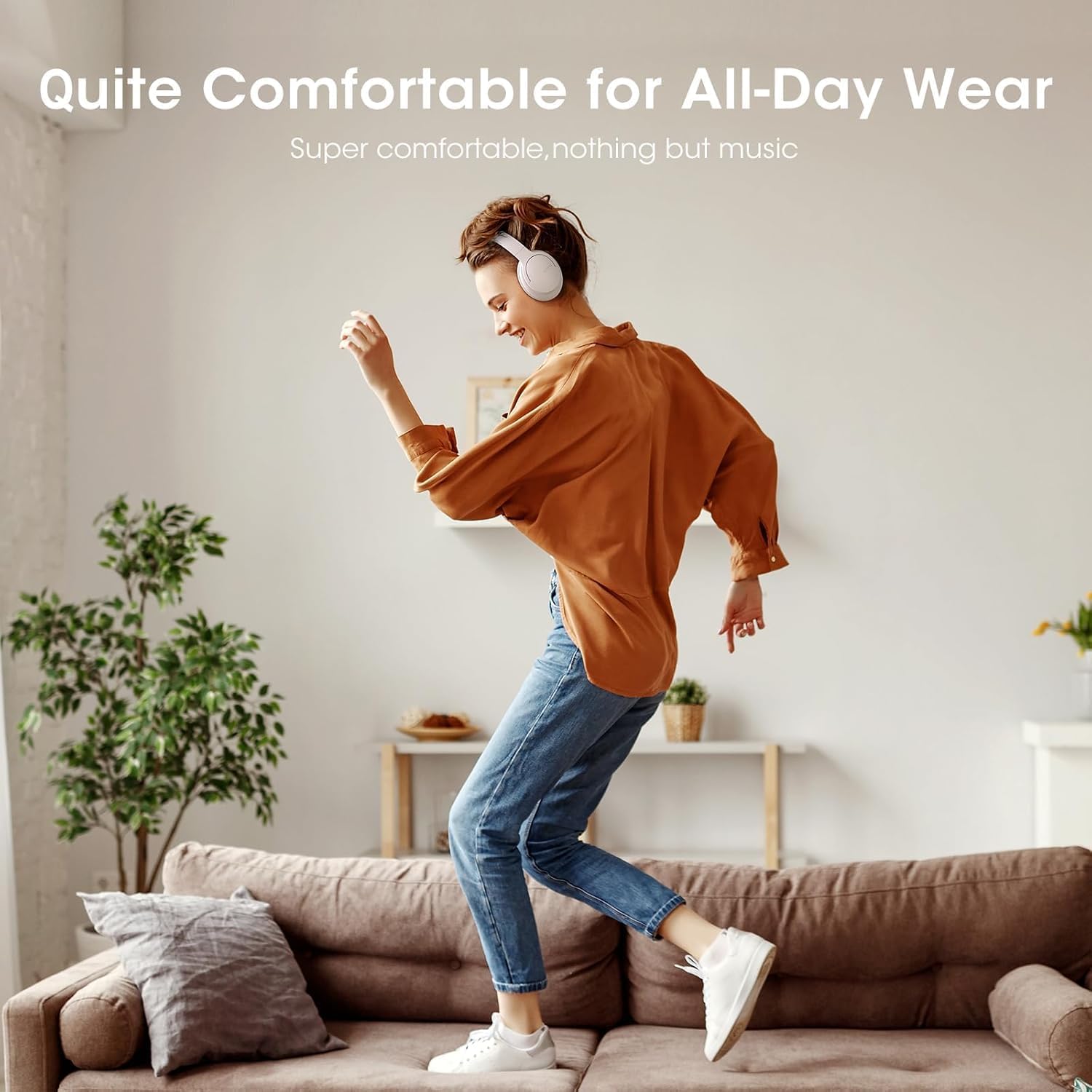
Image: Close-up of the plush memory foam earcups, highlighting the comfort-focused design.


Images: Details on adjustable headband, memory foam earcups, 90-degree swivel, and foldable design for enhanced comfort and portability.
Видео: Поновоview focusing on the passive noise isolation and comfortable fit of the DOQAUS LIFE 4 headphones.
Видео: Поновоview highlighting the all-day comfort and ergonomic design of the DOQAUS LIFE 4 headphones.
Одржавање и њега
To ensure the longevity and optimal performance of your DOQAUS LIFE 4 headphones, follow these care guidelines:
- Редовно чистите слушалице и траку за главу меком, сувом крпом.
- Избегавајте излагање слушалица екстремним температурама, влази или директној сунчевој светлости.
- Do not immerse the headphones in water. While water-resistant, they are not waterproof.
- Store the headphones in a cool, dry place when not in use, preferably folded to protect the earcups.
- Avoid using abrasive cleaners or solvents on the headphones.
Решавање проблема
If you encounter any issues with your DOQAUS LIFE 4 headphones, try the following steps:
- Нема напајања: Уверите се да су слушалице потпуно напуњене.
- Не може се упарити: Make sure the headphones are in pairing mode (flashing blue/red LED) and within range of your device. Try restarting both the headphones and your device.
- Нема звука: Проверите нивое јачине звука и на слушалицама и на повезаном уређају. Уверите се да је на уређају изабран исправан аудио излаз.
- Лош квалитет звука: Move closer to your connected device to improve Bluetooth signal. Try switching EQ modes.
- Интермитентна веза: Ensure no obstacles are between the headphones and your device. Avoid environments with high Wi-Fi or other wireless interference.
Спецификације
| Феатуре | Детаљ |
|---|---|
| Назив модела | ЖИВОТ 4 |
| Бранд | ДОКАУС |
| Технологија повезивања | Жично, бежично (Bluetooth 5.3) |
| Блуетоотх верзија | 5.3 |
| Блуетоотх домет | 32.8 стопа (приближно 10 метара) |
| Трајање батерије | 90 сата |
| Време пуњења | 2.5 сата |
| Величина аудио драјвера | 40 милиметара |
| ЕК Модес | 3 (Normal, Bass Boost, Vocal/Treble Boost) |
| Микрофон | Уграђени ХД микрофон |
| Контрола буке | Звучна изолација (пасивна) |
| Јацк за слушалице | 3.5 мм прикључак |
| Материјал | Plastic, Premium Memory Foam |
| Тежина артикла | 0.32 килограма (11.3 унци) |
| Ниво отпорности на воду | Отпоран на воду |
| Посебне карактеристике | Adjustable Headband, Lightweight, Foldable |
Гаранција и подршка
For warranty information, technical support, or customer service inquiries, please refer to the contact details provided in the original product packaging or visit the official DOQAUS webсајту.
Ask a question about this manual
Ask about setup, troubleshooting, compatibility, parts, safety, or missing instructions. Manuals+ will review the question and use this page’s manual context to help answer it.