
1. Увод
Thank you for choosing the EBTOOLS A9 Magnetic 1080P Mini Camera. This compact and versatile camera is designed for home, office, or courtyard monitoring, offering 1080P high-resolution video recording and Wi-Fi connectivity. This manual provides essential information for setting up, operating, and maintaining your camera to ensure optimal performance.
2. Безбедносне информације
Упозорење: Do not attempt to disassemble, modify, or repair the product yourself to avoid personal injury or equipment damage.
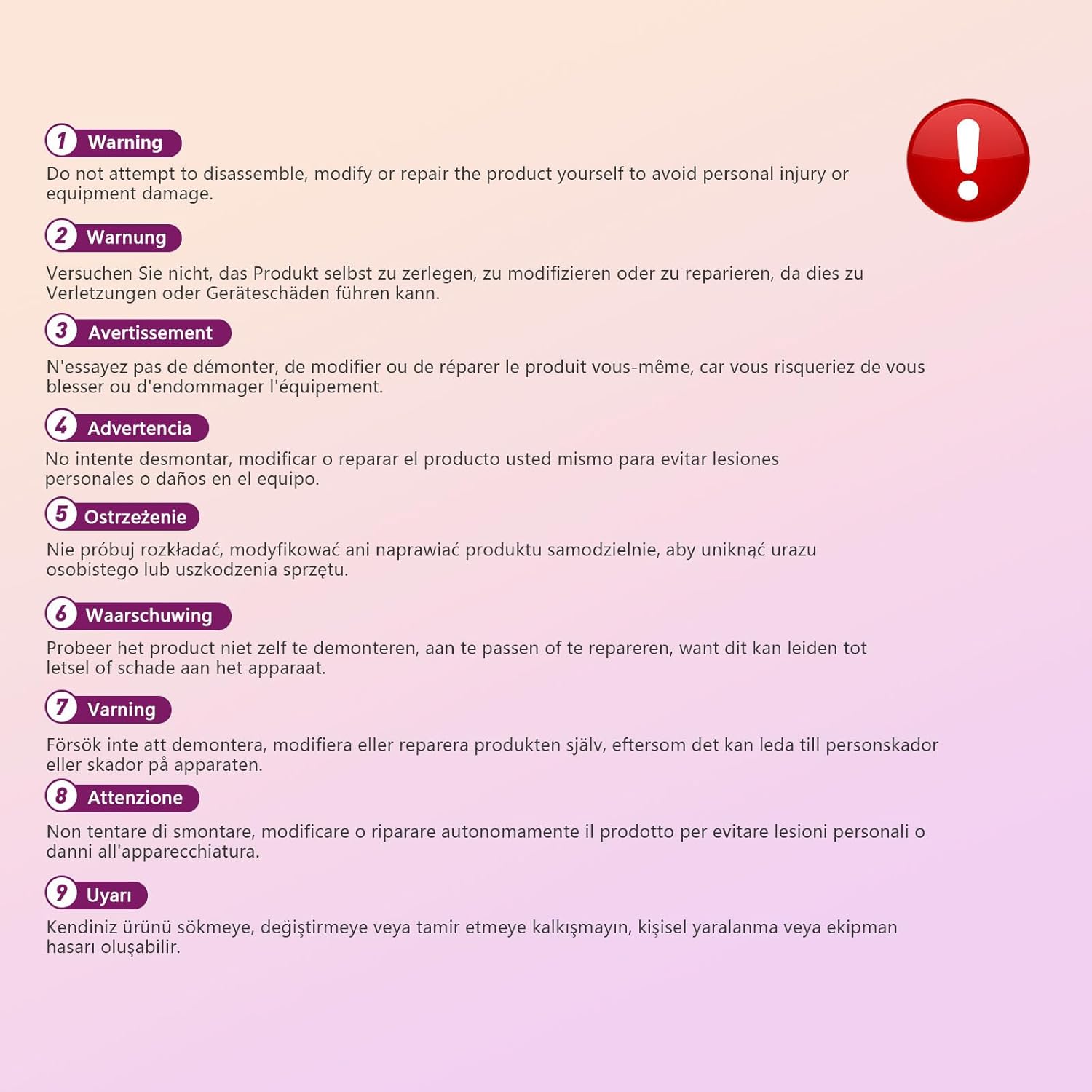
This image displays a warning message in multiple languages, advising users not to disassemble, modify, or repair the product themselves to prevent personal injury or damage to the device.
3. Садржај пакета
Молимо вас да проверите пакет за следеће ставке:
- EBTOOLS A9 Mini Camera
- Магнетиц Моунт
- УСБ кабл за пуњење
- Adhesive Pad (for mount)

This image shows the EBTOOLS A9 Mini Camera, a magnetic mount, and a USB charging cable, which are typically included in the product package.
4. Производ је готовview
Упознајте се са компонентама камере:

This image displays the front of the EBTOOLS A9 Mini Camera, highlighting the lens, the ON/OFF button, and the MODE button on the top surface.
- Објектив: The primary camera lens for video capture.
- Дугме за укључивање/искључивање: Укључује или искључује камеру.
- Дугме МОДЕ: Пребацује се између различитих режима рада.
- Светло индикатора: Provides status feedback (e.g., charging, recording, Wi-Fi status).

Ова слика приказује страну view of the camera, clearly indicating the Micro USB charging port.

This image displays another side view of the camera, highlighting the Micro SD card slot for local storage.
5. Подешавање
5.1 Пуњење камере
Before first use, fully charge the camera. Connect the supplied USB cable to the camera's Micro USB port and a 5V USB power adapter (not included). The indicator light will show charging status and turn off when fully charged. The built-in 240 mAh battery provides approximately 45 minutes of continuous operation.
5.2 Уметање Мицро СД картице
To store recordings, insert a Micro SD card (up to 128GB, not included) into the Micro SD card slot. Ensure the card is inserted correctly with the contacts facing the camera's front. The camera supports continuous recording and motion-activated recording to the card.

This image shows the EBTOOLS A9 Mini Camera with a Micro SD card partially inserted into its slot, alongside a Wi-Fi signal icon, indicating its storage and connectivity features.
5.3 Инсталација апликације и Wi-Fi веза
The camera connects via Wi-Fi and is controlled using a smartphone app (compatible with Android devices). Refer to the quick start guide or packaging for the specific app name and download instructions. Once the app is installed:
- Укључите камеру.
- Отворите апликацију и пратите упутства на екрану да бисте додали нови уређај.
- Connect the camera to your home Wi-Fi network.
- Када се повежете, можете view ливе фооtage, adjust settings, and access recordings remotely.
6. Упутство за употребу
6.1 Укључивање/искључивање
- За укључивање: Press and hold the ON/OFF button until the indicator light illuminates.
- За искључивање: Press and hold the ON/OFF button until the indicator light turns off.
6.2 Режими снимања
The camera typically supports two main recording modes:
- Континуирано снимање: Records video continuously to the Micro SD card.
- Снимање детекције покрета: Records only when motion is detected, saving storage space and battery life.
Use the MODE button or the smartphone app to switch between these modes. Refer to the app's instructions for detailed mode configuration.
6.3 Упозорења о детекцији покрета
When motion detection is enabled, the camera will send alerts to your smartphone via the app when movement is detected within its field of view. This feature is useful for security monitoring.
6.4 Контрола апликација
The dedicated app allows you to:
- View видео пренос уживо са камере.
- Приступ и репродукција снимљене хранеtage.
- Adjust camera settings (e.g., resolution, recording mode, motion detection sensitivity).
- Receive push notifications for motion alerts.
7. Одржавање
- Чишћење: Користите меку, суву крпу за чишћење објектива и кућишта камере. Избегавајте употребу течних средстава за чишћење или абразивних материјала.
- Складиштење: Када се камера не користи дуже време, чувајте је на хладном и сувом месту, даље од директне сунчеве светлости и екстремних температура.
- Одржавање батерије: Recharge the battery periodically if stored for a long time to maintain its lifespan.
КСНУМКС. Решавање проблема
If you encounter issues with your camera, refer to the following table:
| Проблем | Могући узрок | Решење |
|---|---|---|
| Камера се не укључује | Low battery; Faulty power button | Charge the camera fully; Contact support if issue persists |
| Повезивање на Ви-Фи није могуће | Incorrect Wi-Fi password; Camera too far from router; Router issues | Verify password; Move camera closer to router; Restart router |
| No recording to SD card | SD card not inserted; SD card full or corrupted; Incorrect recording mode | Insert SD card; Format or replace SD card; Check app settings for recording mode |
| Лош квалитет видеа | Dirty lens; Low light conditions; App resolution settings | Clean the lens; Ensure adequate lighting; Adjust resolution in app |
| App not receiving alerts | Motion detection off; App notifications disabled; Poor Wi-Fi connection | Enable motion detection in app; Check phone notification settings; Ensure stable Wi-Fi |
9. Спецификације
| Феатуре | Детаљ |
|---|---|
| Број модела | EBTOOLSzi9gg2t6c1-12 |
| Резолуција снимања видео записа | 1080п, 720п |
| Технологија повезивања | бежични (Ви-Фи) |
| Извор напајања | Battery Powered (Built-in 240 mAh) |
| Материјал | акрилонитрил бутадиен стирен (АБС) |
| Тип монтаже | Зидни носач (магнетни) |
| Контролни метод | Апп |
| Компатибилни уређаји | паметни телефон (Андроид) |
| Тип упозорења | Мотион Онли |
| Унутрашња/спољна употреба | Индоор |
| Тежина артикла | 2.08 унци |
10. Гаранција и подршка
For warranty information and technical support, please refer to the product packaging or contact EBTOOLS customer service directly. Keep your purchase receipt for warranty claims.