
Jectse Jectsehtin20gcvm-11
Jectse MP3 Player with Bluetooth User Manual
Model: Jectsehtin20gcvm-11
1. Увод
This manual provides detailed instructions for the operation and maintenance of your Jectse MP3 Player. This portable device features a 2.4-inch full-touch screen, 4GB internal storage, Bluetooth 5.0 connectivity, FM radio, E-book reader, and voice recording capabilities. Please read this manual thoroughly before using the device to ensure proper functionality and longevity.
2. Безбедносне информације
- Не излажите уређај екстремним температурама, директној сунчевој светлости или високој влажности.
- Избегавајте испуштање или излагање уређаја јаким ударима.
- Не растављајте и не покушавајте сами да поправите уређај. То ће поништити гаранцију.
- Use only the provided charging cable and certified power adapters.
- Слушајте на умереним нивоима јачине звука како бисте спречили оштећење слуха.
- Држите уређај даље од воде и других течности.
3. Садржај пакета
Проверите да ли су све ставке присутне у пакету:
- Jectse MP3 Player
- Жичане слушалице
- УСБ кабл за пуњење

Image: The Jectse MP3 Player, along with its included wired headphones and USB charging cable, laid out on a surface.
4. Производ је готовview
The Jectse MP3 Player features a compact design with a 2.4-inch touch screen for intuitive navigation. The device includes physical buttons on the side for power, volume control, and other functions. A built-in speaker is located on the back.

Слика: Фронт view of the Jectse MP3 Player displaying its colorful touch screen interface with icons for Music, Video, Dictionary, Recorder, Settings, Applications, Folder, Listening, FM Radio, and Ebook.
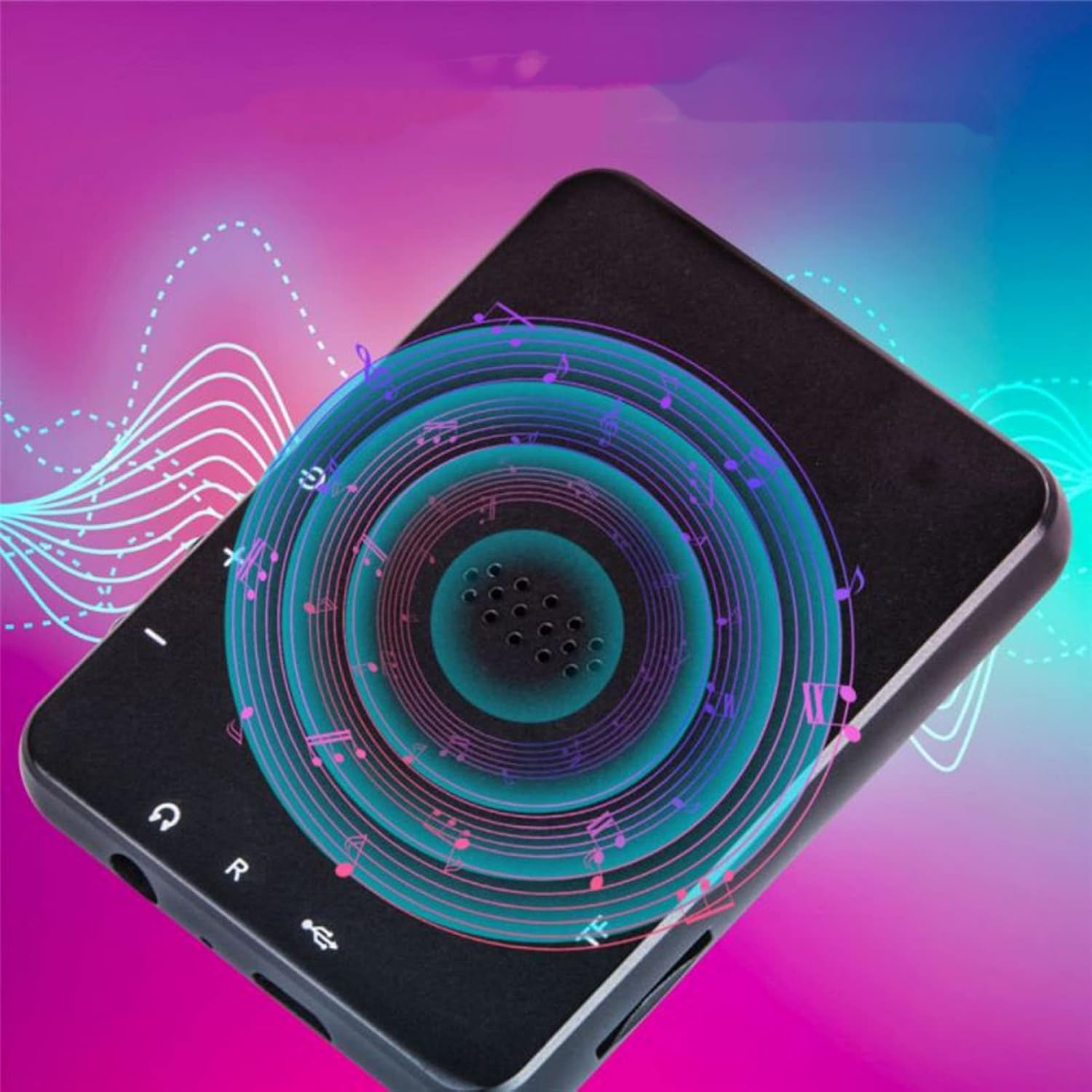
Слика: Леђа view of the Jectse MP3 Player, showing the speaker grille and side buttons for power and volume, with a visual representation of sound waves emanating from the speaker.
5. Подешавање
5.1. Пуњење уређаја
Before first use, fully charge the MP3 player. Connect the provided USB charging cable to the device's charging port and plug the other end into a USB power adapter (not included) or a computer's USB port. The battery indicator on the screen will show charging status.
5.2. Уметање меморијске картице (опционо)
The device has 4GB of internal storage. To expand storage, insert a microSD card (up to 256GB, not included) into the memory card slot. Ensure the card is inserted correctly until it clicks into place.
5.3. Повезивање слушалица
Plug the wired headphones into the 3.5mm audio jack on the device. Alternatively, you can connect Bluetooth headphones (see section 6.2).
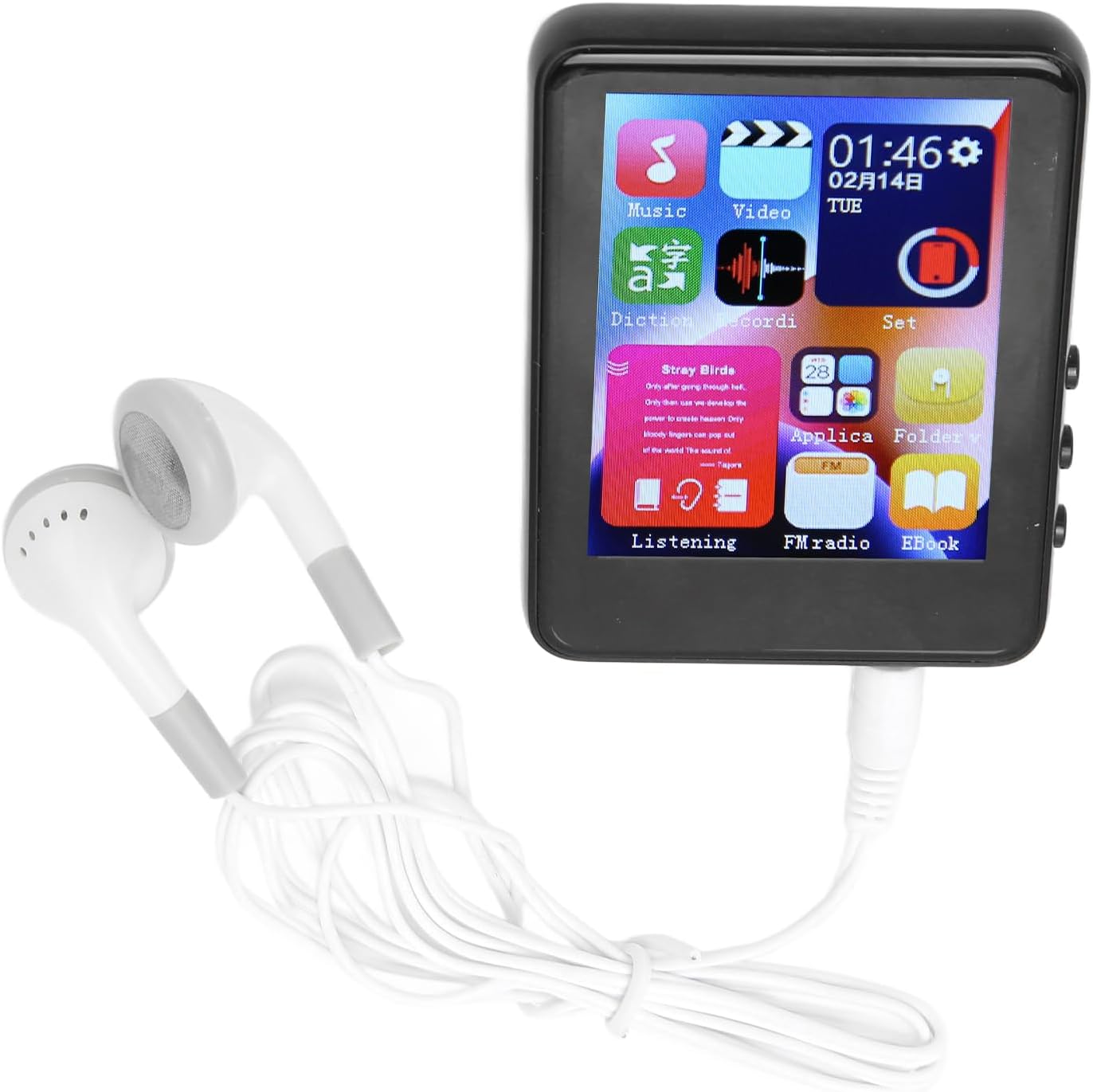
Image: The Jectse MP3 Player with white wired headphones plugged into its audio jack, ready for use.
5.4. Укључивање/искључивање
- За укључивање: Press and hold the power button on the side of the device until the screen lights up.
- За искључивање: Притисните и држите дугме за напајање док се на екрану не појави опција за искључивање, а затим потврдите.
6. Упутство за употребу
6.1. Навигација
The device features a full-touch screen. Swipe left/right or up/down to navigate through menus and applications. Tap an icon to open an application or select an option. Use the back arrow or swipe gestures (if available) to return to the previous screen.
6.2. Репродукција музике
The player supports MP3, APE, FLAC, WMA, WAV, and AAC audio formats. Transfer music files from your computer to the device's internal storage or an inserted memory card.
- Tap the 'Music' icon on the home screen.
- Browse your music library by artist, album, genre, or folder.
- Tap a song to begin playback.
- Use the on-screen controls for play/pause, skip tracks, and volume adjustment.

Image: The Jectse MP3 Player showing a music playback screen with album art and controls, while a person enjoys music with wireless earbuds.
6.3. Блуетоотх веза
Connect your MP3 player to Bluetooth headphones or speakers for wireless audio.
- Go to 'Settings' and select 'Bluetooth'.
- Укључите Блутут.
- Уверите се да је ваш Bluetooth аудио уређај у режиму упаривања.
- Изаберите свој уређај са листе доступних уређаја за упаривање.
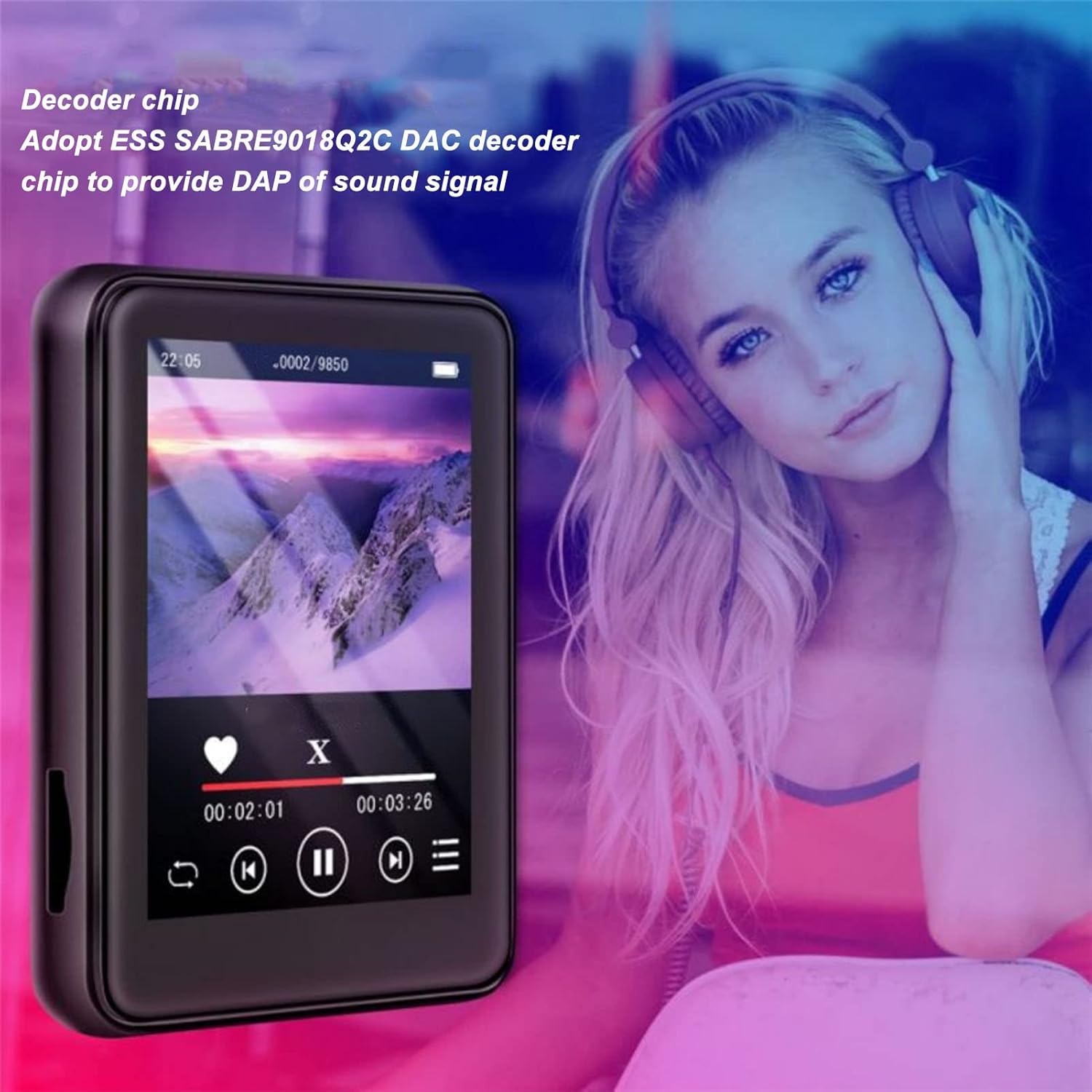
Image: The Jectse MP3 Player displaying a video or music interface, with text highlighting its ESS SABRE9018Q2C DAC decoder chip for high-quality sound. A person wearing over-ear headphones is visible in the background.
6.4. ФМ радио
Listen to FM radio stations using the built-in tuner. Wired headphones must be connected as they act as the antenna.
- Tap the 'FM Radio' icon.
- Perform an automatic scan to find available stations.
- Tune to your desired station using the on-screen controls.
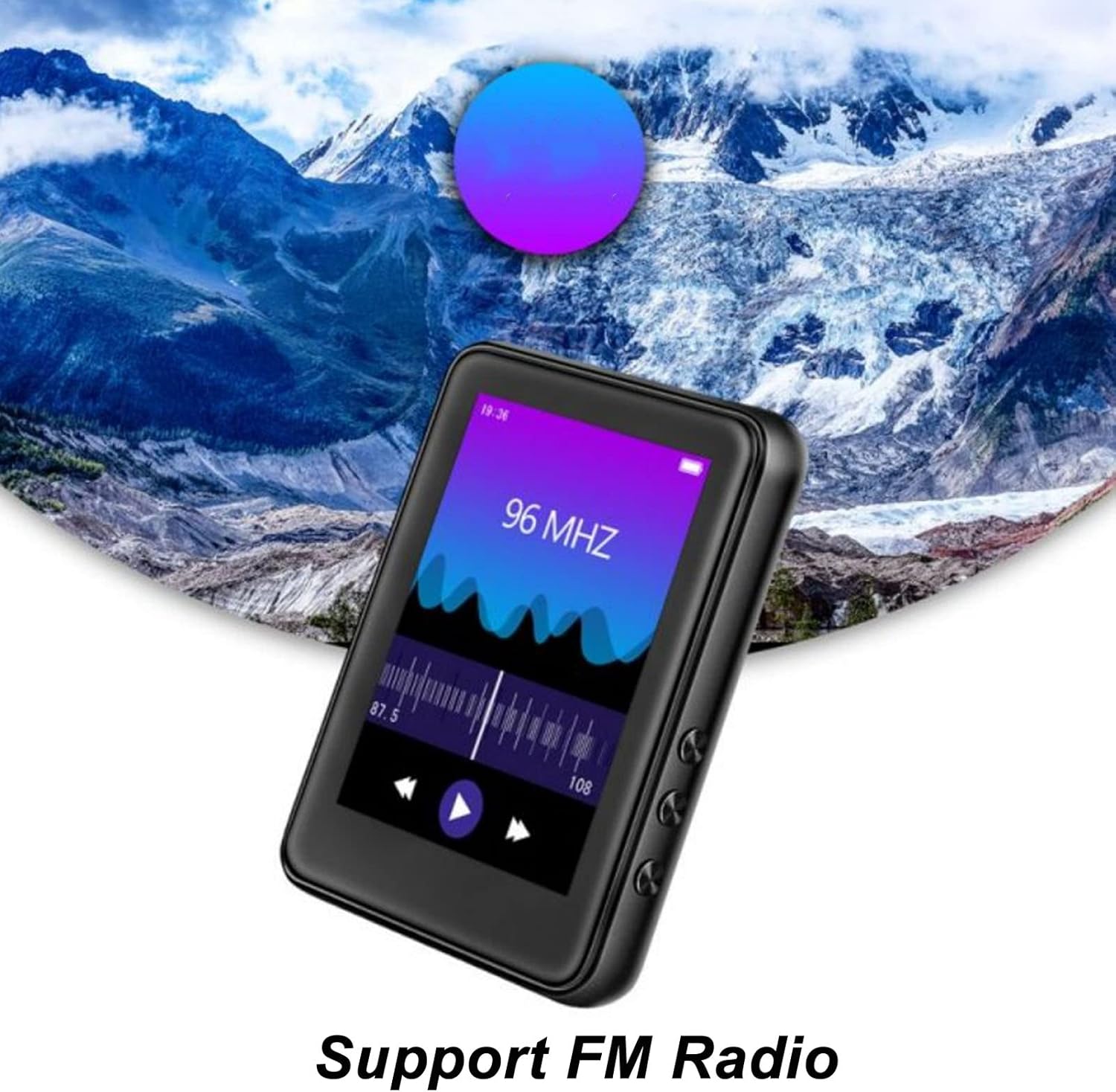
Image: The Jectse MP3 Player showing its FM Radio interface, tuned to 96 MHz, with a visual representation of radio waves and controls.
6.5. Е-књиге
Read TXT and LRC format e-books on your device.
- Tap the 'Ebook' icon.
- Select the e-book you wish to read.
- Swipe the screen to turn pages.
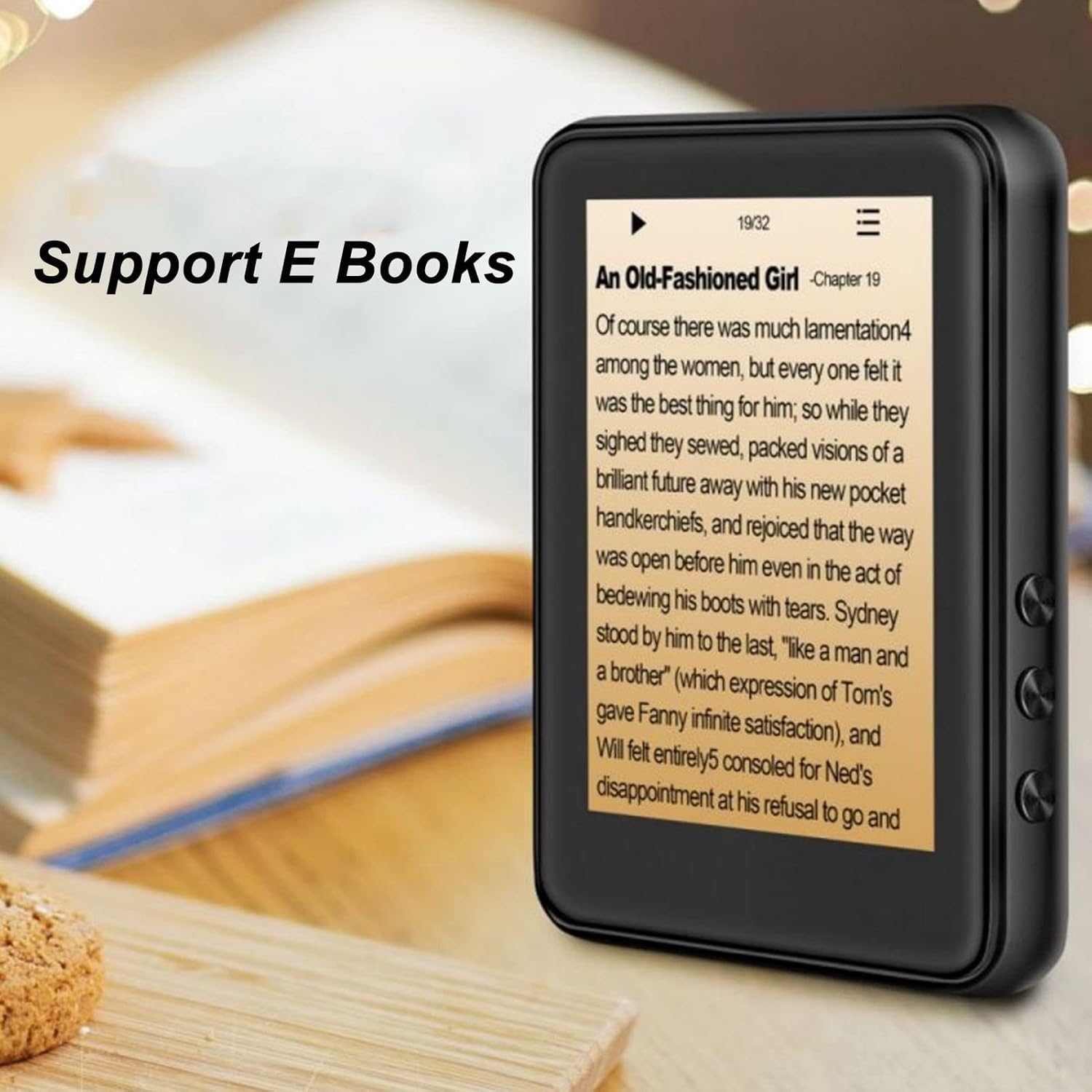
Image: The Jectse MP3 Player displaying an e-book titled 'An Old-Fashioned Girl - Chapter 19' on its screen, with text content visible.
6.6. Диктафон
Снимајте звук помоћу уграђеног микрофона.
- Tap the 'Recorder' icon.
- Tap the record button to start recording.
- Tap the stop button to end and save the recording.

Image: The Jectse MP3 Player showing its voice recorder interface with a red record button and a timer, positioned in a meeting room setting.
6.7. Видео репродукција
The device supports MP4 video playback. Transfer compatible video files to the device's storage.
- Tap the 'Video' icon.
- Изаберите видео file желите да играте.
- Use the on-screen controls for playback.
7. Одржавање
- Чишћење: Користите меку, суву крпу за чишћење уређаја. Не користите течна средства за чишћење или абразивне материјале.
- Складиштење: Чувајте уређај на хладном и сувом месту када се не користи.
- Одржавање батерије: Да бисте продужили век трајања батерије, избегавајте често потпуно пражњење батерије. Редовно пуните уређај, чак и ако га не користите дуже време.
- Ажурирања софтвера: Проверите произвођача webсајт за сва доступна ажурирања фирмвера како би се осигурале оптималне перформансе.
КСНУМКС. Решавање проблема
-
Уређај се не укључује:
Уверите се да је батерија напуњена. Повежите уређај са пуњачем најмање 30 минута пре него што покушате поново да га укључите.
-
Нема звука:
Check the volume level. Ensure headphones are properly connected or Bluetooth headphones are paired and connected. Test with different headphones if possible.
-
Не могу да се повежем на Блуетоотх:
Ensure Bluetooth is enabled on both the MP3 player and the target device. Make sure the target device is in pairing mode and within range. Try restarting both devices.
-
Уређај се замрзава или не реагује:
Притисните и држите дугме за напајање отприлике 10-15 секунди да бисте поново покренули рачунар.
-
Files not appearing on device:
Осигурати files are in supported formats. Verify that files were transferred correctly to the internal storage or memory card. Check if the memory card is properly inserted.
9. Спецификације
| Феатуре | Спецификација |
|---|---|
| Модел | Jectsehtin20gcvm-11 |
| Екран | 2.4 Inches TFT Screen |
| Онбоард Стораге | 4ГБ |
| Подршка за меморијску картицу | Up to 256GB (microSD, not included) |
| Блуетоотх верзија | Блуетоотх 5.0 |
| Подржани аудио формати | МП3, АПЕ, ФЛАЦ, ВМА, ВАВ, ААЦ |
| Подржани формати фотографија | ЈПЕГ, БМП |
| Supported E-Book Formats | TXT, LRC |
| ФМ радио фреквенција | 87Хз-108Хз |
| Однос сигнала и шума | ≥ 90дб |
| Тип батерије | Уграђена 500мАх полимер литијумска батерија |
| Компатибилност оперативног система | Windows 98/ME/2K/XP/Vista/Win7, OS X 10 |
| Тежина артикла | 4.5 унци |
| Димензије пакета | 5.12 к 3.15 к 1.18 инча |
10. Гаранција и подршка
For warranty information and technical support, please refer to the documentation provided with your purchase or visit the official Jectse webсајт. Сачувајте доказ о куповини за потребе гаранције.
Ask a question about this manual
Ask about setup, troubleshooting, compatibility, parts, safety, or missing instructions. Manuals+ will review the question and use this page’s manual context to help answer it.